Want more mods for Graveyard Keeper 2 Demo? Explore our entire collection!
Quick Step
"Less walking, more keeping."
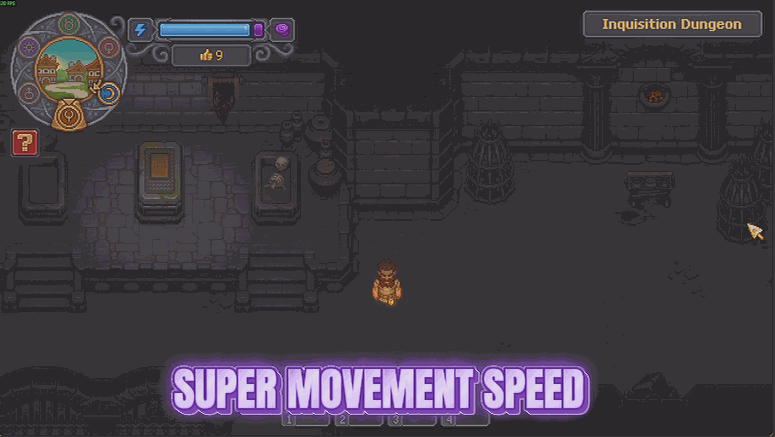
How do I install Quick Step?
Download the free ProjectMods desktop app, then install Quick Step for Graveyard Keeper 2 Demo in one click.
</>What does Quick Step do?
A lot of Graveyard Keeper 2 is walking. Out to the trees, back to the workbench, over to town, back to the graveyard, and then you realise you left something behind. None of it is difficult - it is just time you are not spending on the actual game. Quick Step hands you a slider so you decide how fast you get around. Leave it low for a small nudge that takes the edge off the back-and-forth, or push it up to four times quicker when you are ferrying materials across the map and just want to be there already. Nothing else about how you move changes - you still handle the same, you just cover ground faster. One switch turns it on and off, and the slider can be nudged while you play until it feels right. Turn it off and your keeper walks at exactly the speed the game intended.
</>What is Quick Step?
Quick Step hands you a slider for how fast you get around Graveyard Keeper 2 Demo. Leave it low to take the edge off the back-and-forth, or push it to four times normal when you are ferrying materials across the map. Turning it off restores the exact pace the game intended. Free-tier mod from ProjectMods, the community-first PC mod manager for 400+ games.
</>Common questions about Quick Step
What does Quick Step do in Graveyard Keeper 2 Demo?
Quick Step lets you pick your own walking pace in Graveyard Keeper 2 Demo. A lot of the game is walking - out to the trees, back to the workbench, over to town, back to the graveyard, and then you realise you left something behind. None of it is difficult, it is just time you are not spending on the actual game. Turn on Faster Movement and use the Speed slider to decide how quickly you cover ground, anywhere from the normal pace up to a proper sprint across the map.
How much faster can I actually go?
Up to four times the normal pace. The Speed slider in Quick Step runs from 1.0, which is exactly how Graveyard Keeper 2 Demo plays without the mod, to 4.0, which gets you across the map quickly enough that hauling materials stops feeling like a chore. It starts at 1.5, a small nudge that takes the edge off the back-and-forth without making the world feel small. You can move the slider while you play and feel the difference immediately, so finding your number takes a few seconds rather than a restart.
Does anything else about how I move change?
No. Quick Step only changes how much ground you cover, so you still handle exactly the same way in Graveyard Keeper 2 Demo - the same controls, the same feel, the same everything else about your keeper. It is deliberately narrow, which is what keeps it predictable at higher settings. Turning off the Faster Movement switch puts you back at precisely the speed the game intended, immediately and with nothing left behind in your save, so it is comfortable to leave off for a stretch and back on when you have a lot of ferrying to do.
Can I change the speed without turning the mod off?
Yes. The Speed slider can be nudged while you play until the pace feels right, and Faster Movement is a separate master switch for turning the whole thing on and off. Splitting them that way means you can settle on your preferred number once and then flip Quick Step off around the moments you want Graveyard Keeper 2 Demo at its normal pace, without having to remember and retype a value afterwards. Once your number feels right you can leave the slider alone and just use the switch.
When is Quick Step most worth using?
On the runs where the journey is the only cost left. Ferrying materials across the Graveyard Keeper 2 Demo map, chasing one forgotten item back to the workbench, or crossing to town and back for a single errand are all time rather than challenge, and Quick Step compresses them. It pairs especially well with Hoarder's Habit, since a bigger bag plus a faster walk turns three trips into one. If you would rather leave the ground entirely, Poltergeist does the same job with flight instead of pace.
What options does Quick Step include?
Speed
How much quicker you get around. 1.0 is the normal pace, 4.0 is a proper sprint across the map.
Faster Movement
Master switch for your new walking pace. Turn it off to go back to normal.
Quick Step is a free-tier ProjectMods mod for Graveyard Keeper 2 Demo that puts your walking pace on a slider from normal speed up to four times quicker, so the trek between graveyard, workbench and town stops eating your day.
System Requirements
What features does Quick Step include?
- Set your walking pace on a slider, anywhere from the normal 1.0 up to a map-crossing 4.0.
- Cut the trek between graveyard, workbench and town down to something that is not your whole day.
- Nudge the slider mid-session until the pace feels right, with no restart needed.
- Handle exactly as you always did, since only your ground speed changes and nothing else about moving.
- Flip the switch off and your keeper walks at the speed the game intended.
Best For
- Players ferrying materials back and forth who realise, again, that they left something behind.
- Anyone with a short demo session who wants it spent on the graveyard rather than the path to it.
- Explorers covering the map's far corners without the walk back taking longer than the visit.
- Players who like the world's pace but want a small nudge to take the edge off the back-and-forth.
More Mods for Graveyard Keeper 2 Demo
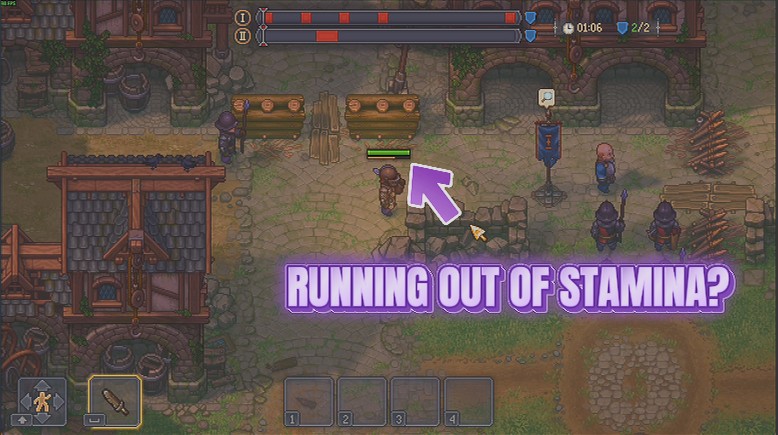
Endless Swing
Your stamina stays full, so sword, spear and bow keep going for as long as you hold the button. No more standing still mid-fight waiting for the bar to creep back up.
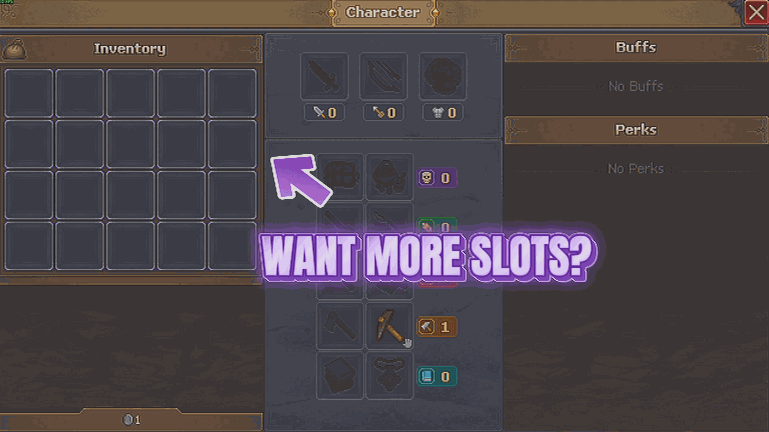
Hoarder's Habit
Gives your bag and your tool belt a lot more room, so a good gathering run does not end with you standing in a field deciding which logs to abandon. Pick how many slots you want on each.
/GraveyardKeeper2DemoGraveyardShift1.png)
Graveyard Shift (Endless Energy)
Your energy never runs dry, so chopping, mining, smithing and every other bit of graft can keep going as long as you want. No more trudging off to find food halfway through a job.







