Want more mods for Graveyard Keeper 2? Explore our entire collection!
Deep Shelves
"Five trips of hauling, done in one."
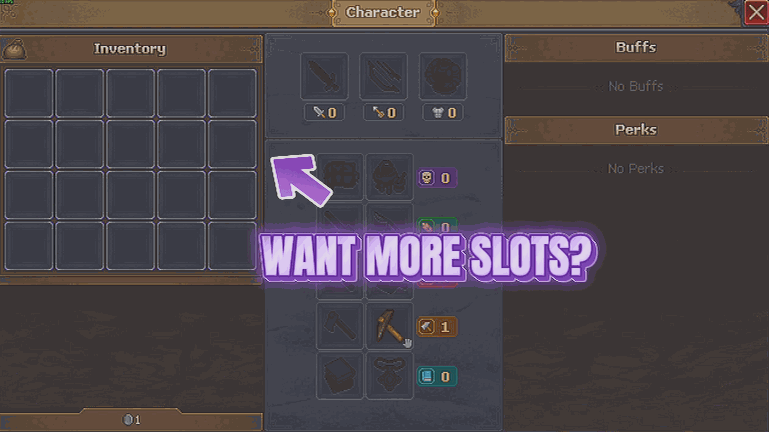
How do I install Deep Shelves?
Download the free ProjectMods desktop app, then install Deep Shelves for Graveyard Keeper 2 in one click.
</>What does Deep Shelves do?
Graveyard Keeper 2 hands you a graveyard to restore, a farm to keep alive and a town that wants everything at once. What it does not hand you is anywhere near enough room to carry it. Deep Shelves fixes the walking, not the game. Anything that already piles up in a slot simply piles up much deeper, so the wood, stone, clay, wheat, fish and fertiliser you were ferrying back and forth in five trips all come home in one. Your chests get roomier for free, because every slot inside them holds more too. Nothing else moves. Prices are the same, recipes are the same, and your zombie workers are exactly as motivated as they always were. Your slot count is untouched as well - what changes is how much fits in a slot, not how many slots you get. You just stop jogging. It is deliberately fussy about what it leaves alone. Tools, weapons, armour, bags and the one-of-a-kind things the game never lets you double up are skipped completely - forcing those into piles is how an inventory gets scrambled, so if the game says an item comes one at a time, Deep Shelves agrees with it. Pick how deep you want the piles and it takes hold straight away, even from the title screen, with no new save needed. Turn it off and every stack size goes right back to the number the game shipped with. The one thing that cannot un-happen is a pile you already built: if you are carrying two hundred of something when you switch off, you go on carrying it until you spend it down.
</>What is Deep Shelves?
Graveyard Keeper 2 gives you a graveyard, a farm and a town that all want materials at once, and nowhere near enough room to carry them. Deep Shelves multiplies every stack that already stacks, with a slider from 1 to 20 and a floor for the fiddly things that arrive a few at a time. Tools, gear and one-off items are deliberately left alone. Free-tier mod from ProjectMods.
</>Common questions about Deep Shelves
What does Deep Shelves do in Graveyard Keeper 2?
Deep Shelves makes anything that already piles up in a slot pile up much deeper in Graveyard Keeper 2. The wood, stone, clay, wheat, fish and fertiliser you were ferrying back and forth in five trips all come home in one, and your chests get roomier for free because every slot inside them holds more too. Nothing else moves: prices are the same, recipes are the same, and your zombie workers are exactly as motivated as they always were. You just stop jogging. It takes hold straight away, even from the title screen, with no new save needed.
What do the Stack Multiplier and Minimum Stack Size settings do?
Stack Multiplier is the main dial in Deep Shelves and decides how deep the piles go. At 5, anything that stacks in Graveyard Keeper 2 holds five times as much as usual, and you can slide it up to 20 for proper hoarding or back down to 1 to leave sizes exactly as they were. Minimum Stack Size is a separate idea: it gives small piles a floor to stand on, so the fiddly things that only ever arrive a few at a time end up worth picking up. It only ever raises a pile and never shrinks one, and leaving it at 0 skips it entirely and lets the multiplier do all the work.
Does Deep Shelves stack tools and one-off items too?
No, and it is deliberately fussy about that. Tools, weapons, armour, bags and the one-of-a-kind things Graveyard Keeper 2 never lets you double up are skipped completely. Forcing those into piles is exactly how an inventory gets scrambled, so the rule Deep Shelves follows is simple: if the game says an item comes one at a time, the mod agrees with it. Minimum Stack Size obeys the same rule and never touches an item the game hands you singly. What you get is deeper piles of the bulk materials you actually haul, with your gear left exactly as the game made it.
Do my chests hold more as well, or just my bag?
Both. Deep Shelves works on stack size rather than on a particular container, so every slot inside a chest in Graveyard Keeper 2 holds more in exactly the same way your bag does. That means storage across your yard quietly gets deeper without you building anything new. If you also want more slots rather than deeper ones, Hoarder's Habit raises your bag and tool belt counts, and the two mods stack neatly together: more slots from one, more in each slot from the other. Prices, recipes and worker behaviour are untouched by either.
What happens to a huge pile if I turn Deep Shelves off?
Stack sizes go straight back to the numbers Graveyard Keeper 2 shipped with, but a pile you already built cannot un-happen. If you are carrying two hundred of something when you switch off, you go on carrying it until you spend it down, and slots will not accept new items past the normal limit again. Deep Shelves will not shrink an over-sized pile, because the only way to do that would be to destroy the items sitting in it, and it will never throw your materials away. So turning the mod off tidies the limits immediately and your bag gradually, as you spend what you hauled.
What options does Deep Shelves include?
Stack Multiplier
How much deeper the piles go. At 5, anything that stacks holds five times as much as usual. Slide it up to 20 for proper hoarding, or back down to 1 to leave sizes exactly as they were.
Minimum Stack Size
Gives small piles a floor to stand on, so the fiddly things that only come a few at a time end up worth picking up. It only ever raises a pile, never shrinks one, and it never touches an item the game hands you one at a time. Leave it at 0 to skip this and let the multiplier do all the work.
Deeper Stacks
The master switch. Turn it on and everything that already stacks starts stacking much deeper. Turn it off and every stack size goes straight back to normal.
Deep Shelves is a free-tier Graveyard Keeper 2 mod from ProjectMods that makes everything which already stacks hold far more, turning five hauling trips into one and quietly making every chest roomier.
System Requirements
What features does Deep Shelves include?
- Everything that already stacks holds far more, from wood and stone to wheat, fish and fertiliser
- Your chests get roomier for free, because every slot inside them holds more as well
- Slide the multiplier from one to twenty and it takes hold straight away, even from the title screen
- Minimum Stack Size gives the fiddly little piles a floor to stand on, so they are worth picking up
- Tools, weapons, armour, bags and one-of-a-kind items are skipped on purpose, so nothing gets scrambled
Best For
- Big gathering runs where the walk home was always going to be the longest part of the job
- Players restoring a graveyard and a farm at once, with chests filling up with the same three materials
- Anyone who would like two hundred of something in a single slot and no apology for it
- Switching off is easy - sizes snap straight back, though a pile you already carried home stays until you spend it down
More Mods for Graveyard Keeper 2
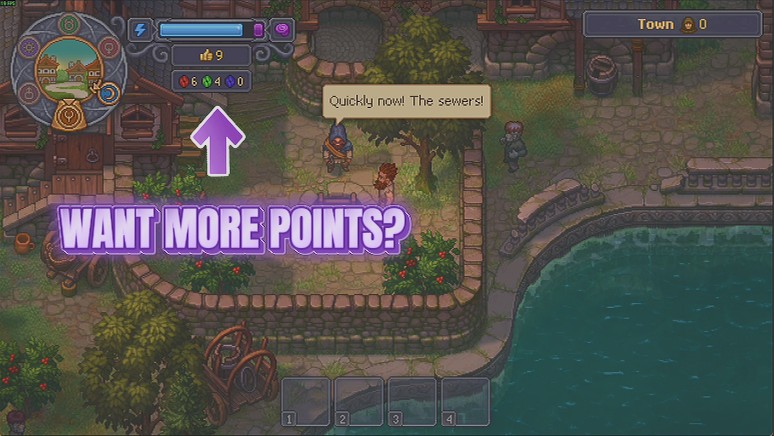
Flash of Genius
Tops up your red, green and blue Inspiration in whatever amount you pick, with your real new total reported back after every press.
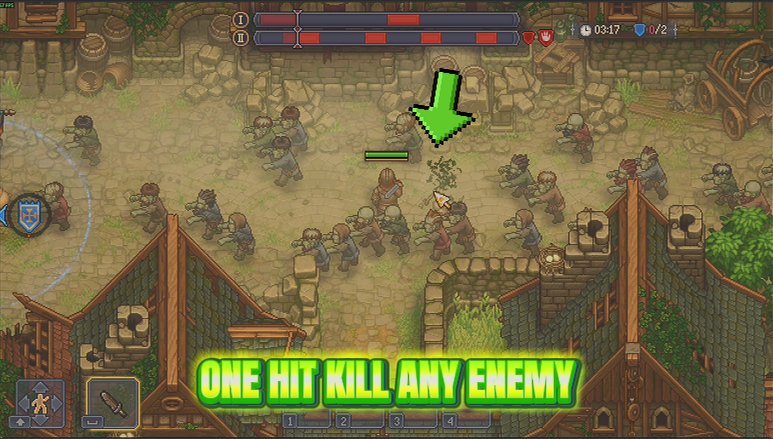
Heavy Hitter
Heavy Hitter puts real weight behind every sword swing, spear thrust and arrow you land. Slide it from a firm shove to an absolutely silly wallop, and nothing out there hits you any harder in return.
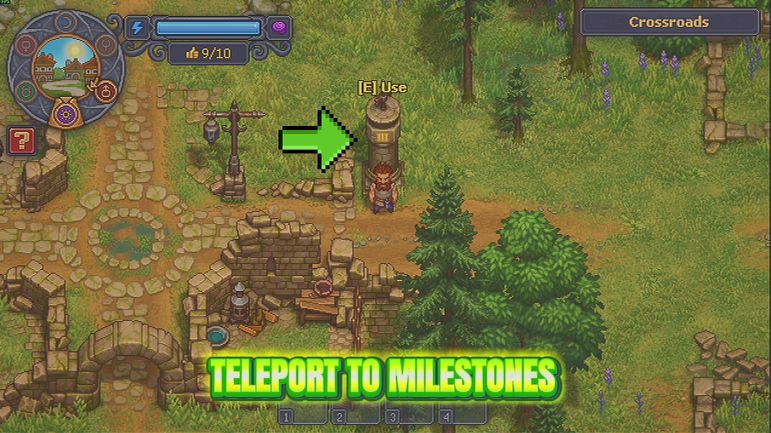
Milestone Pass
Opens every milestone on the map in one press, then hands you a destination picker so you can set off from wherever you happen to be standing.

















































































































































































