Want more mods for Graveyard Keeper 2? Explore our entire collection!
Quick Step
"Same map. A lot less of it."
How do I install Quick Step?
Download the free ProjectMods desktop app, then install Quick Step for Graveyard Keeper 2 in one click.
</>What does Quick Step do?
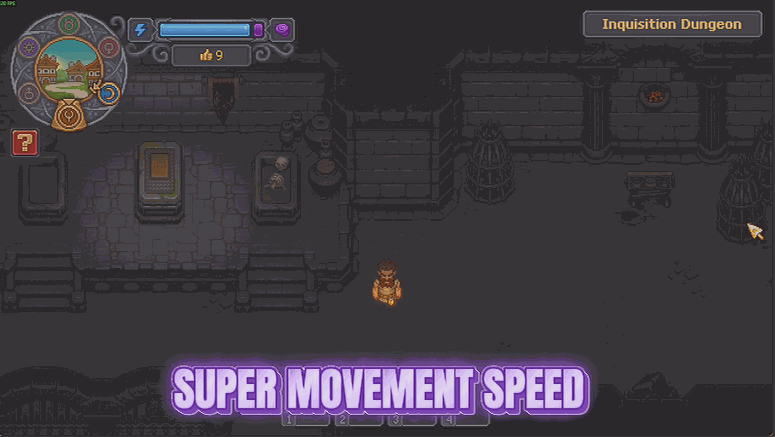
Add up how much of an evening in Graveyard Keeper 2 is actually spent walking. Church to graveyard, graveyard to farm, farm to town, town back to the bench you forgot something at. Quick Step gives you most of that time back. One slider, from 1.0 at the normal pace up to 4.0 at a proper sprint. Set it low if you only want the trudge trimmed, or push it up when you know exactly where you are going and resent every step of getting there. It takes hold straight away, with no reloading and nothing to tidy up. Everything else carries on as normal. Your Energy, your bag, the day and the night all behave exactly as they did - the only difference is how long the map takes to cross. Best on sprawling late-game saves where the farm, the workshop and the town all ended up nowhere near each other.
</>What is Quick Step?
A lot of Graveyard Keeper 2 is walking: the graveyard to the workshop, the workshop to town, town back to the farm. Quick Step puts your pace on a slider from 1.0, the normal speed, up to 4.0 for a proper sprint across the map. One master switch turns it off again and your pace goes straight back to normal. Free-tier mod from ProjectMods, the community-first PC modding platform for 400+ games.
</>Common questions about Quick Step
What does Quick Step do in Graveyard Keeper 2?
Quick Step lets you choose how fast you move in Graveyard Keeper 2. Faster Movement is the master switch and the Speed slider decides the rest, with 1.0 being the pace the game gives you normally and 4.0 being a proper sprint across the map. Because it is a slider rather than a fixed boost, you can settle on something that just takes the edge off the walking without making the world feel small, or push it right up when you are crossing the same ground for the fifth time. Turn the switch off and you are back to normal immediately.
How fast can I set the Speed slider?
The slider runs from 1.0 up to 4.0 in Quick Step, and the difference between those ends is significant in Graveyard Keeper 2. At 1.0 nothing changes at all, since that is the pace the game already gives you. Around 1.5 to 2.0 is where it starts to feel as though the game simply respects your time, keeping the world the same size while removing the dead stretches. At 4.0 you cross the map quickly enough that distances stop registering. It is worth trying a low number first and raising it until the walking stops annoying you.
Does Quick Step change anything other than my pace?
No. Quick Step only affects how fast you move in Graveyard Keeper 2, so the world around you keeps running at exactly its normal speed. Days pass at the usual rate, crafting takes the usual time, and nothing else is nudged along with you. If it is the world's speed you want to change rather than your own, Timekeeper is a separate free-tier mod in the ProjectMods catalogue with sliders for day length and overall game speed. Running the two together lets you pick your pace and the world's pace independently.
Does it speed up my zombie workers too?
No, Quick Step is your movement only. Your zombie workers in Graveyard Keeper 2 cross the graveyard at exactly the pace they always did. If the crew's trudge between jobs is what is eating your day, Union Rules is the premium mod in the ProjectMods catalogue that handles them, with separate settings for how briskly they work, how skilled they are and how fast they walk. Keeping the two separate means you can make yourself quick without quietly turning your whole graveyard into a factory floor, or do both deliberately.
Why would I use Quick Step?
Because the map in Graveyard Keeper 2 sprawls and the loop is built around trips: graveyard to workshop, workshop to town, town back to the farm, all day. Quick Step shortens every one of those without changing anything you do at either end. It works especially well alongside Milestone Pass, the free-tier fast travel mod in the ProjectMods catalogue, which handles the long hops while Quick Step handles everything in between. Leave the slider low for a gentle improvement, or turn the switch off entirely when you want the original pacing back.
What options does Quick Step include?
Speed
How much quicker you get around. 1.0 is the normal pace, 4.0 is a proper sprint across the map.
Faster Movement
Master switch for your new walking pace. Turn it off to go back to normal.
Quick Step is a free-tier Graveyard Keeper 2 mod from ProjectMods that puts your walking pace on a slider, from the normal speed up to roughly four times it.
System Requirements
What features does Quick Step include?
- One slider decides your pace, from the usual walk up to a proper sprint across the map
- Takes hold straight away, with no reloading and nothing written into your save
- Trims the church-to-farm-to-town trudge without touching anything else about the day
- Master switch off and you go straight back to the pace the game gave you
Best For
- Sprawling late-game saves where the farm, the workshop and the town ended up miles apart
- You forgot one ingredient at a bench on the other side of the map. Again.
- Players who like everything about the game except the amount of it spent just walking
- Nudge it to 1.5 if you only want the edge taken off rather than tearing about the place
More Mods for Graveyard Keeper 2
Dead Man Walking
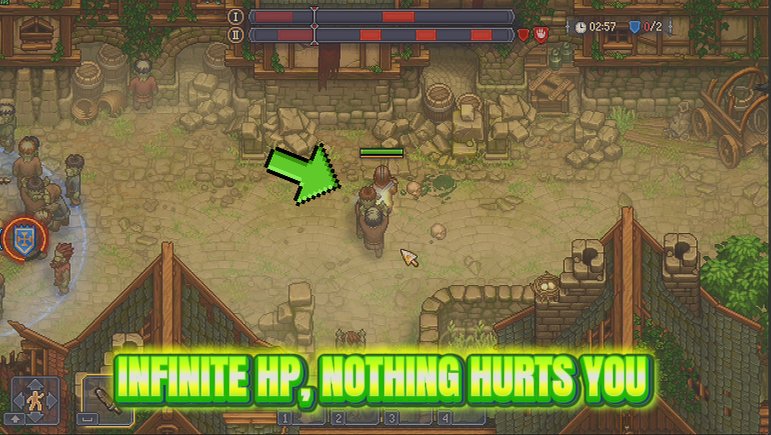
Your health stops going down. A fight that goes wrong, a corner of the map you are not ready for - none of it takes you down, and one switch puts everything straight back to normal.
Heavy Hitter
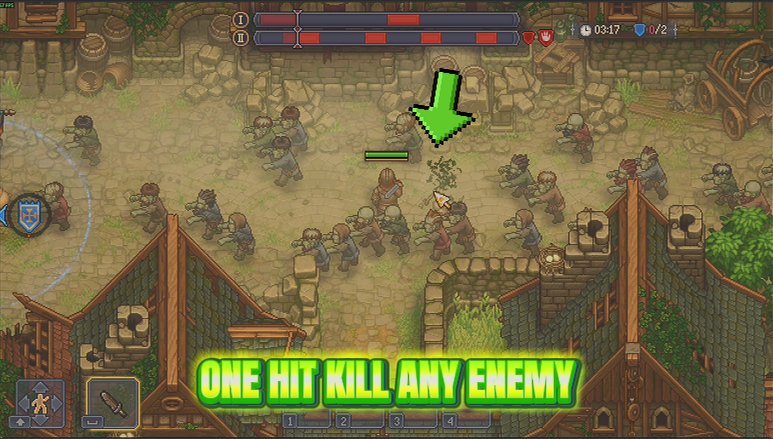
Heavy Hitter puts real weight behind every sword swing, spear thrust and arrow you land. Slide it from a firm shove to an absolutely silly wallop, and nothing out there hits you any harder in return.
Grave Goods
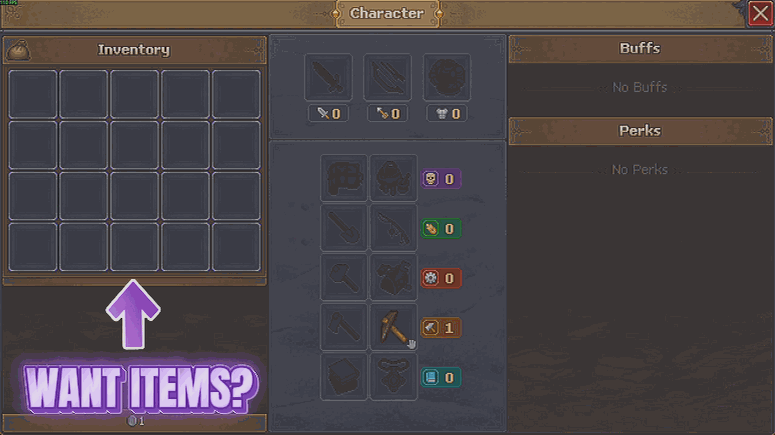
Lists every item the game has, grouped by family. Pick one, choose how many you want, and it goes straight into your bag.

















































































































































































