Want more mods for Graveyard Keeper 2? Explore our entire collection!
Thin Air
"Build it out of nothing. Literally nothing."
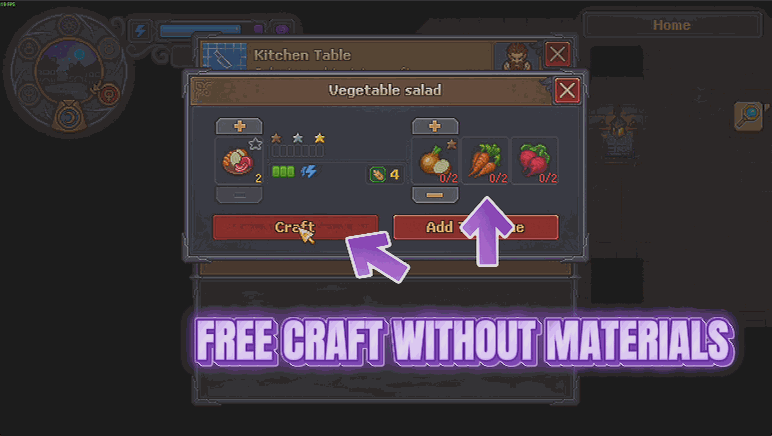
How do I install Thin Air?
Download the free ProjectMods desktop app, then install Thin Air for Graveyard Keeper 2 in one click.
</>What does Thin Air do?
There is a version of your graveyard in your head. It has the good workshop, the proper layout, the buildings in the right order. Between you and it sits the gathering. Trip after trip, in-game day after in-game day, before a single wall goes up. Thin Air removes the shopping list. Free Crafting means recipes stop asking for materials and stop taking them - the craft button works whether or not you have the parts, and your bags come out of it exactly as they went in. Free Construction does the same for buildings, around your graveyard and in town alike. The game's own limits on how many of a building you can have still apply, and mastery still decides which recipes you can work, so this is a materials shortcut rather than a rewrite of the rules. Both switches work on their own, so you can make crafting free and carry on paying for your buildings if that is the balance you want. Turn either one off and you start paying again from the very next one.
</>What is Thin Air?
Thin Air removes the material cost from Graveyard Keeper 2. Free Crafting means recipes stop asking for parts and stop taking them, so the craft button works whether or not you have them. Free Construction does the same for buildings around your graveyard and in town. Two separate switches, so you can drop one cost and keep the other. Premium mod from ProjectMods.
</>Common questions about Thin Air
What does Thin Air do in Graveyard Keeper 2?
Thin Air removes material costs in Graveyard Keeper 2 through two independent switches. Free Crafting means recipes stop asking for parts and stop taking them, so the craft button works whether or not you have the ingredients and your bags stay exactly as they were. Free Construction does the same for buildings, whether you put them up around your graveyard or in town. Turn either switch off and you start paying for that half again. It only clears the price, though: a recipe you have not reached the right mastery for stays out of reach, and a craft still needs somewhere to put what it makes. It is aimed at the run where you know what you want to build and gathering is repetition rather than progress.
Does it still take the materials out of my bag?
No. Your bags stay exactly as they were in Graveyard Keeper 2. Thin Air does not quietly take the ingredients while telling you the craft cost nothing, and it does not require you to be holding them either, since the craft button works whether or not you have the parts. That means you can craft something you have never gathered a single component for, and the materials you were saving for something else stay untouched in your bag. The same applies to Free Construction and buildings. Selling, quest hand-ins and everything else that takes items off you still work exactly as they always did.
Does Free Construction cover town buildings too?
Yes. Free Construction applies to buildings you put up around your graveyard and to the ones you put up in town in Graveyard Keeper 2, rather than only covering your own land. One thing it does not change is the usual limits on how many of a given building you are allowed to have, so Thin Air removes the cost rather than the rules. That keeps your town sensible instead of letting you carpet it with one structure. Turn the switch off and construction starts asking for materials again from that point onwards.
Can I turn one switch on without the other?
Yes, and that is why they are separate. You might want to build out a graveyard layout without paying for it in Graveyard Keeper 2 while keeping crafting meaningful, since gathering for a single recipe is a different kind of job from gathering for a whole building. You might want the reverse. Thin Air lets you pick, and you can change your mind mid-save: each switch only changes what you make from the moment you flip it, so anything you have already crafted or already put up is left alone. Run Free Construction on its own for a building session, then switch it off and carry on with a normal economy for everything else.
Why would I use Thin Air?
Because laying out a graveyard in Graveyard Keeper 2 is design work, and design work goes badly when every experiment costs a gathering trip. Thin Air lets you try a layout, look at it, and change your mind. It is also the obvious pick for a second run where you already know every recipe and the gathering is repetition. If you would rather keep costs but make mistakes cheap, Salvage Rights is the free-tier mod in the ProjectMods catalogue that refunds what a building actually cost when you pull it down.
What options does Thin Air include?
Free Crafting
Recipes stop asking for materials and stop taking them. The craft button works whether or not you have the parts, and your bags stay exactly as they were. Turn it off to start paying for your crafts again.
Free Construction
Buildings stop asking for materials too, whether you put them up around your graveyard or in town. The usual limits on how many of a building you can have still apply. Turn it off to start paying for buildings again.
Thin Air is a premium Graveyard Keeper 2 mod on ProjectMods with two switches: recipes stop asking for materials, and buildings do too, so your bags stay exactly as they were.
System Requirements
What features does Thin Air include?
- Recipes stop asking for materials and stop taking them, so your bags come out as they went in
- Buildings cost nothing either, around the graveyard and in town alike
- The craft button works whether or not you have the parts in hand
- Limits on how many of a building you can have still apply, and mastery still decides which recipes you can work
- Both switches work on their own - make crafting free and keep paying for buildings if you like
Best For
- You have a layout in your head and no interest in spending in-game days gathering to fund it
- Second playthroughs where you already did the honest gathering version once
- Trying a workshop arrangement out at full size before deciding whether it was the right idea
- Content creators building a set piece for a video without an evening of hauling first
More Mods for Graveyard Keeper 2
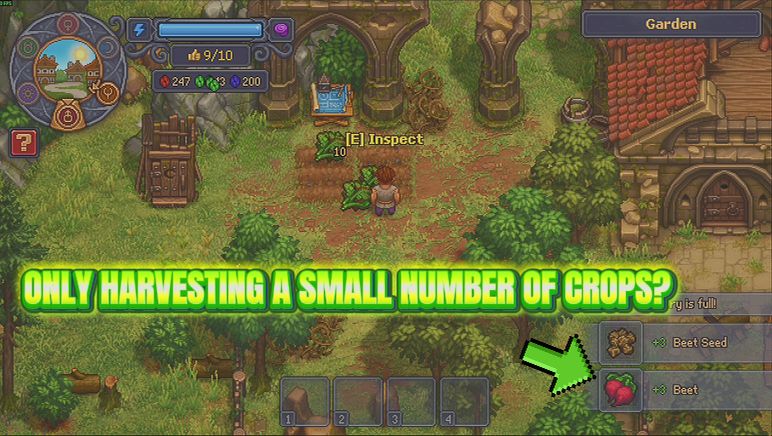
Green Thumb
Fewer squares come up empty while you work a bed, more of your crop lands at silver and gold, and a slider decides how big the pile is when you pick it.
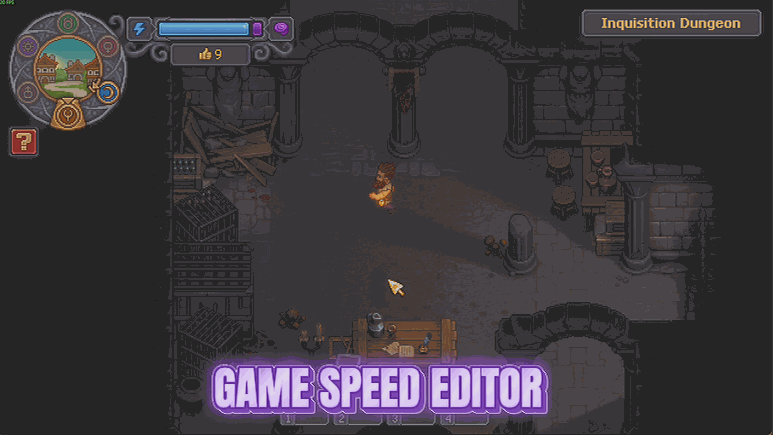
Timekeeper
Two sliders: how many real minutes a day lasts, and how fast the world runs. Stretch the daylight out, or hurry the quiet bits along.
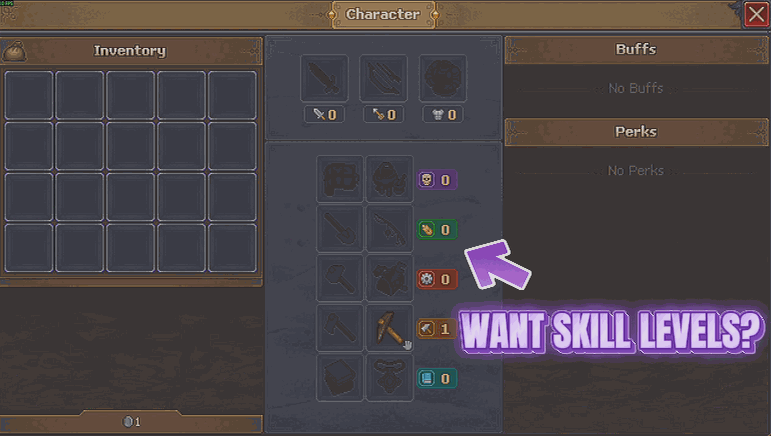
Natural Talent
Brings all five skill lines up to whatever level you pick, so the harder recipes stop sitting behind a week of practice.

















































































































































































