Want more mods for Graveyard Keeper 2? Explore our entire collection!
Poltergeist
"Walls are a suggestion. So is the ground."
How do I install Poltergeist?
Download the free ProjectMods desktop app, then install Poltergeist for Graveyard Keeper 2 in one click.
</>What does Poltergeist do?
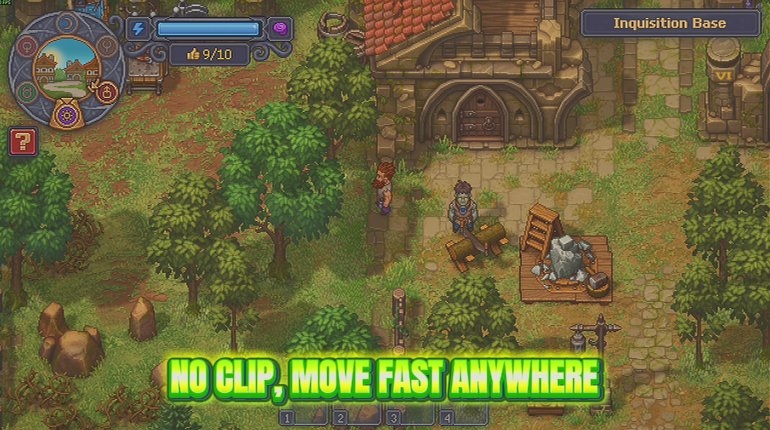
There is a lot of map in Graveyard Keeper 2, and a lot of walking between the interesting bits of it. Poltergeist lifts you off the ground entirely. Switch on Fly Enabled and you drift. WASD moves you, E takes you up, Left Ctrl brings you down, and holding Left Shift swaps to your second, much faster speed. Two sliders set both paces, so you can do a slow float over your own graveyard to see how the layout is coming along, or cross the entire map in one unbroken go. Turn on Noclip as well and fences, walls and locked doors stop being a factor. It only does anything while you are floating, and switching it off always sets you down on solid ground rather than leaving you stuck inside the scenery. Good for screenshots, for finding out what is over that ridge, and for looking at a building from an angle the game never planned for.
</>What is Poltergeist?
Poltergeist lifts you off the ground in Graveyard Keeper 2 and lets you drift wherever you want on WASD, with E to rise and Left Ctrl to sink. Two sliders set your normal drift and your hold-Shift crossing speed, and an optional noclip takes you through walls, fences and locked doors while you are flying. Switch noclip off and you are set down on solid ground. Free-tier mod from ProjectMods.
</>Common questions about Poltergeist
What does Poltergeist do in Graveyard Keeper 2?
Poltergeist lifts you off the ground in Graveyard Keeper 2 so you can drift anywhere instead of walking. Turn on Fly Enabled and you float, with two speed sliders deciding how fast you move. A second switch, Noclip, lets you drift straight through walls, fences and locked doors. Turn flying off and you settle back onto your feet. It turns a sprawling map into something you can survey in a minute, which is as useful for planning where a building goes as it is for getting somewhere without the walk.
What are the controls for flying?
Once Fly Enabled is on in Graveyard Keeper 2, you move with WASD exactly as you would on foot, press E to rise, hold Left Ctrl to sink, and hold Left Shift to switch to your faster speed. That is the whole control scheme, with nothing to rebind or memorise beyond the two vertical keys. The two speeds are set by sliders rather than being fixed, so Poltergeist can be a gentle hover for looking at something closely or a fast crossing for getting across the map, depending on where you leave them.
Does Noclip work while I am walking on the ground?
No, Noclip only does anything while you are floating, so Fly Enabled has to be on for it to matter in Graveyard Keeper 2. That pairing is deliberate. The other half of it is what happens when you switch Noclip off: Poltergeist sets you down on solid ground rather than leaving you stuck inside the scenery, which is the thing that usually ruins this kind of movement. So you can pass through a wall, turn the switch off on the other side, and land somewhere sensible rather than inside a rock.
What is the difference between Fly Speed and Shift Speed?
They are two separate speeds you set yourself in Poltergeist. Fly Speed is how fast you drift around normally, and keeping it low is right for a slow look at something or lining up a shot. Shift Speed is your second gear, used only while you hold Left Shift, and pushing it up means you can cross the whole Graveyard Keeper 2 map in one go. Having both means you do not have to keep dragging one slider back and forth: pick a comfortable browsing speed, a fast travelling speed, and switch between them with a key.
Why would I use Poltergeist?
Because Graveyard Keeper 2 sprawls, and a lot of a session is spent crossing ground you have already crossed. Poltergeist turns that into a few seconds. It is also genuinely useful for planning, since floating above your land is by far the easiest way to see where a building will actually sit before you commit to it, and it is the obvious pick for lining up a shot when you are recording video. Pair it with Milestone Pass, the free-tier fast travel mod in the ProjectMods catalogue, and the walking largely disappears.
What options does Poltergeist include?
Shift Speed
Your second speed, used while you hold Left Shift. Great for crossing the whole map in one go.
Fly Speed
How fast you drift around normally. Keep it low for a slow look around, push it up to get places.
Noclip
Lets you drift straight through walls, fences and locked doors. Only does anything while you are floating. Switch it off and you get set down on solid ground, never left stuck inside the scenery.
Fly Enabled
Lifts you off the ground so you can drift anywhere. WASD to move, E to rise, Left Ctrl to sink, Left Shift to speed up. Turn it off and you settle back onto your feet.
Poltergeist is a free-tier Graveyard Keeper 2 mod from ProjectMods that lets you leave the ground and drift anywhere you like, with a second switch that takes that drift straight through walls while you fly.
System Requirements
What features does Poltergeist include?
- Lifts you off the ground to drift anywhere, with WASD to move and E or Left Ctrl for height
- Two speed sliders - a slow one for looking around, and a Left Shift sprint for crossing the map
- Noclip takes you straight through walls, fences and locked doors while you are floating
- Switching noclip off always sets you down on solid ground, never stuck inside the scenery
Best For
- Getting a proper look at your own graveyard from above to see how the layout is coming along
- Content creators lining up a shot of a building from an angle the game never planned for
- Crossing the map in one go when the walk is the only thing between you and the next job
- Curious players who want to know what is over that ridge and behind that locked door
More Mods for Graveyard Keeper 2
Flash of Genius
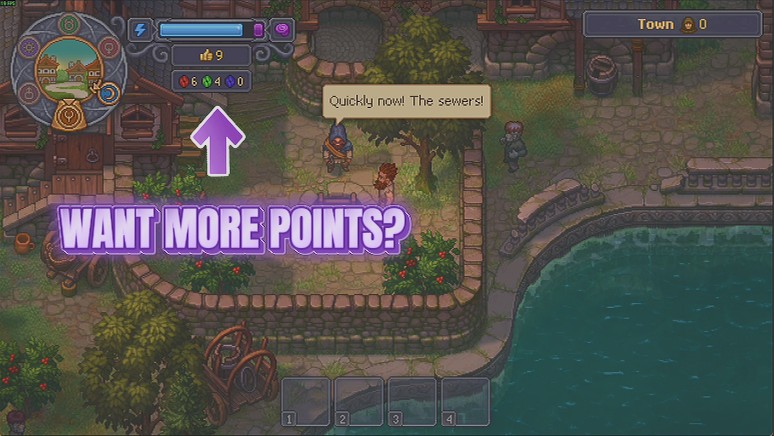
Tops up your red, green and blue Inspiration in whatever amount you pick, with your real new total reported back after every press.
Second Thoughts
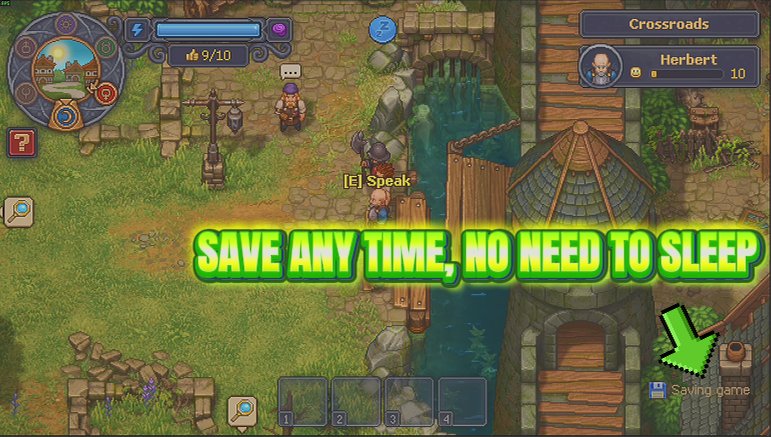
A Save Now button you can press whenever you like, plus an optional timer that saves for you, instead of only writing your progress when you sleep.
Carved in Stone
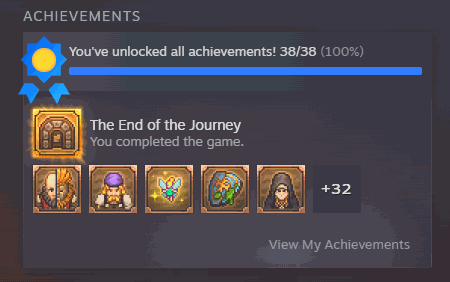
Lists every achievement in the launcher so you can unlock the one you want, or the whole set at once.

















































































































































































