Want more mods for Graveyard Keeper 2? Explore our entire collection!
Five Star Cemetery
"Your graveyard is exactly as good as you say it is."
How do I install Five Star Cemetery?
Download the free ProjectMods desktop app, then install Five Star Cemetery for Graveyard Keeper 2 in one click.
</>What does Five Star Cemetery do?
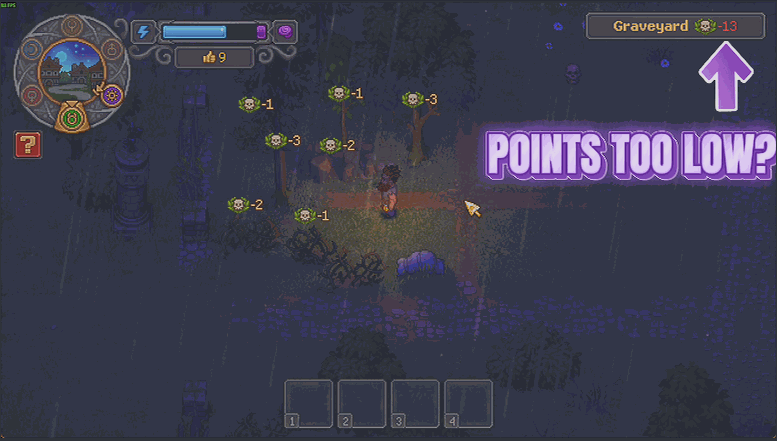
Cemetery quality is a number the game quietly keeps score with, and raising it the honest way means a long stretch of building, upgrading and shuffling graves around. Five Star Cemetery lets you name the number instead. Pick a Target Quality, load into your save, and press Boost Graveyard. The rating comes up to meet it. Press it again next week and it lands on the same number, because it always works out the gap rather than piling more on top - and if an area already earns more than your target on its own, it gets left where it is rather than pulled down. Boost Every Zone does the same for every area that keeps a rating of its own, which is the one to reach for when the whole estate is dragging its feet. Reset Boost hands every area back the rating it had before you pressed anything, so you can try a high number, see what it changes, and put it all back. Do that before you close the game, though - the game keeps whatever rating an area was on when it last saved, and the mod only holds your original numbers for as long as you are playing. Good for finding out what your best possible graveyard actually gets you, and good for skipping the build-up when you would rather be burying people.
</>What is Five Star Cemetery?
Raising an area's rating in Graveyard Keeper 2 is slow, fiddly work. Five Star Cemetery lets you set a target quality score and bring the graveyard up to it in one press, or every zone that keeps a rating at once. Press it as often as you like and it lands on the same number, and Reset Boost hands each area back the rating it had before - as long as you press it before you quit. Premium mod from ProjectMods.
</>Common questions about Five Star Cemetery
What does Five Star Cemetery do in Graveyard Keeper 2?
Five Star Cemetery sets the quality score of your areas in Graveyard Keeper 2 to a number you choose. You put that number in Target Quality, then press Boost Graveyard to bring the graveyard up to it, or Boost Every Zone to do the same for every area you own. Reset Boost hands each area back the rating it had before you pressed anything. Load into your save before you press any of them - the buttons need a world around them to work on, and they will tell you to load in first if you jump the gun. It exists because lifting a rating by hand is a long stretch of building, upgrading and tidying, and that stretch is a lot easier to skip the second time round.
What is the difference between Boost Graveyard and Boost Every Zone?
Boost Graveyard only touches the graveyard itself and leaves the rest of your land exactly where it is. Boost Every Zone applies the same target score to every area that keeps a rating of its own, so nothing is left behind at a lower number - areas that do not track a quality score are simply skipped, and the town is handled through its own rating. Having both means you can lift the graveyard while leaving everything else to be earned normally, or bring the whole lot up in one press when you want a clean slate. Both read the same Target Quality number, so set that first and then choose how wide you want Five Star Cemetery to reach.
What happens if I press the boost buttons more than once?
Nothing surprising. Five Star Cemetery works out the gap between your target and what an area already earns on its own, so pressing Boost Graveyard again leaves you on the same score rather than stacking it higher. That makes it safe to press when you are not sure whether the first one took. If you want a different rating, change Target Quality and press again, and the area moves to the new number. One thing worth knowing: it only ever raises. An area that already earns more than your target is left alone rather than pulled down to meet it. The button that behaves differently is Reset Boost, which restores the original ratings instead.
Can I put the old ratings back?
Yes, with Reset Boost - but press it before you close the game. Five Star Cemetery remembers the rating each area had the moment you first boosted it and hands those numbers straight back, so you can try a high score, see how Graveyard Keeper 2 feels with a finished-looking graveyard, and go back to earning it if you preferred the climb. Switching the mod off does the same thing. What it cannot do is reach back into an earlier session: the game keeps whatever rating an area was on when it last saved, and the mod only holds your original numbers for as long as you are playing. Press it while you are still in there and it is a clean undo.
Why would I use Five Star Cemetery?
Because cemetery quality is the score Graveyard Keeper 2 keeps asking you to push upwards, and pushing it upwards is slow, repetitive building work. Five Star Cemetery lets you decide how much of that you want to do yourself. On a second run it skips a stretch you have already played, and on a first run it is a way to see what a properly finished graveyard looks like before deciding whether to earn it. It pairs sensibly with Thin Air, which stops buildings and recipes asking for materials, and Salvage Rights, which hands your materials back when you knock something down so rearranging what you built stops being expensive.
What options does Five Star Cemetery include?
Reset Boost
Hands every area back the rating it had before you pressed anything.
Target Quality
The quality score you want an area to reach once you press one of the buttons below.
Boost Graveyard
Brings your graveyard up to the rating above. Press it again any time you want and it lands on the same number.
Boost Every Zone
Does the same for every area you own, not just the graveyard.
Five Star Cemetery is a premium Graveyard Keeper 2 mod on ProjectMods that raises your graveyard, or every area you own, to a quality score you pick, with a reset that puts the old ratings back while you are still playing.
System Requirements
What features does Five Star Cemetery include?
- Name the quality rating you want and bring your graveyard straight up to it
- Boost Every Zone applies the same rating to every area that keeps a rating of its own
- Press it as often as you like - it lands on your target rather than stacking up, and never pulls an area down
- Reset Boost hands every area back the rating it had before you touched it, any time before you close the game
Best For
- You want to see what a top-rated graveyard actually changes before spending a week building one
- Players who enjoy the burials, the crafting and the story but not the slow climb of the quality score
- Returning keepers who already built a five-star graveyard the long way once and have nothing left to prove
- Working out which area is holding your numbers back by raising them all and watching what shifts
More Mods for Graveyard Keeper 2
Flash of Genius
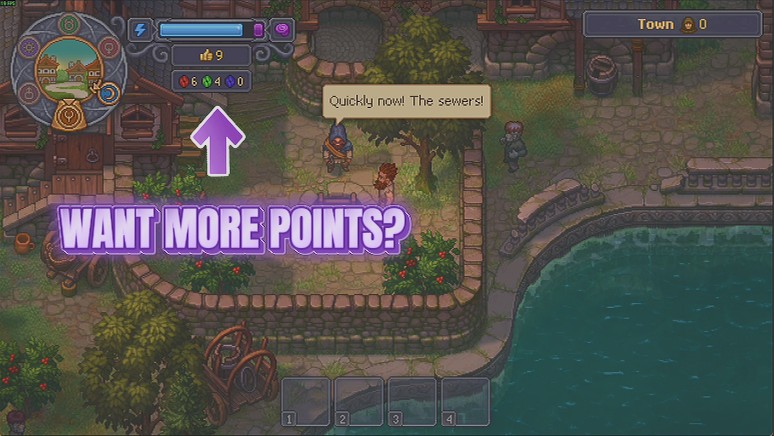
Tops up your red, green and blue Inspiration in whatever amount you pick, with your real new total reported back after every press.
Green Thumb
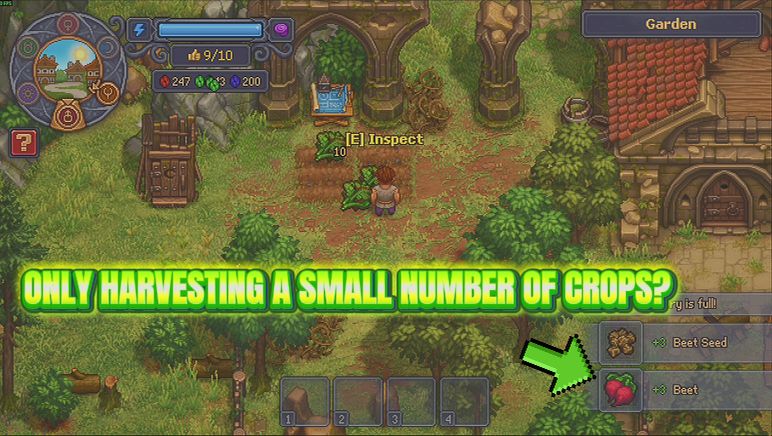
Fewer squares come up empty while you work a bed, more of your crop lands at silver and gold, and a slider decides how big the pile is when you pick it.
Clear Head
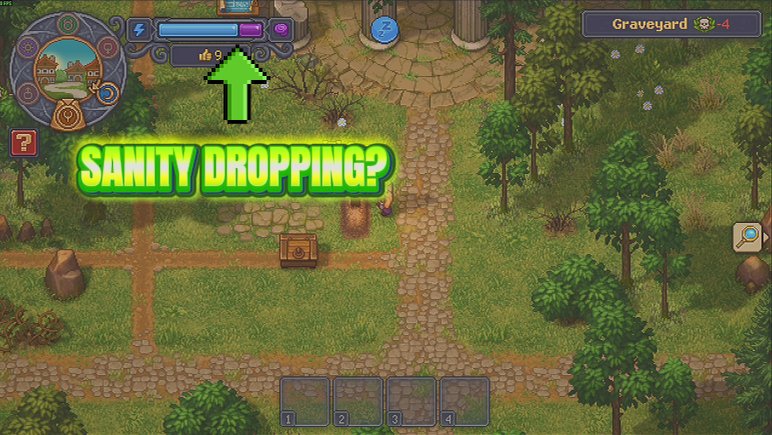
Work all day without Insanity creeping up and squeezing your Energy ceiling. One press also clears whatever you have already built up.

















































































































































































