Want more mods for Graveyard Keeper 2? Explore our entire collection!
Grave Goods
"Pick a thing. It is in your bag."
How do I install Grave Goods?
Download the free ProjectMods desktop app, then install Grave Goods for Graveyard Keeper 2 in one click.
</>What does Grave Goods do?
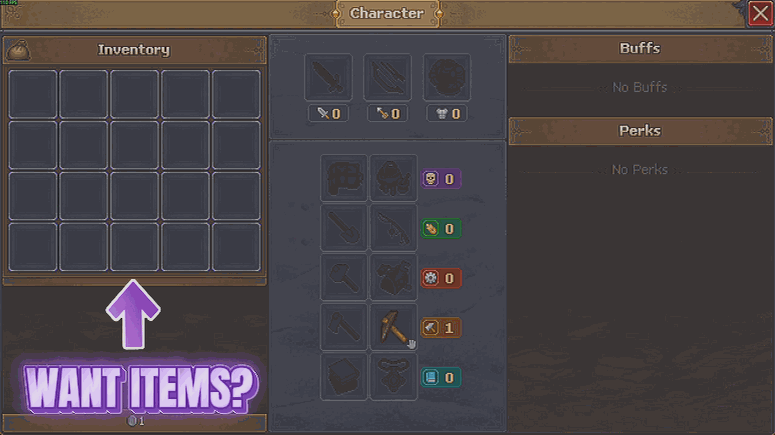
Somewhere between the mine, the farm and the workshop there is always one ingredient you do not have, and it is always the one thing standing between you and finishing. Grave Goods hands it over. Press Refresh List once you are in your save and the picker fills with everything the game has, grouped by family so related things sit together. Type a few letters to narrow it down, choose how many you want, and press Give Item. It tells you how many actually fit, so a nearly full bag never leaves you wondering where the rest went. Use it to top up the one material a build is short of, to try a recipe before committing a whole day to gathering for it, or to put back something you sold to the wrong person at the wrong moment. If you plan on asking for large amounts, Hoarder's Habit and Deep Shelves make an obvious pairing.
</>What is Grave Goods?
Grave Goods puts every item in Graveyard Keeper 2 into one searchable picker inside the ProjectMods launcher. Press Refresh List once you are in your save, type to narrow it down, set an amount and press Give Item. Entries are grouped by family so related things sit together, and the mod tells you how many actually fit in your bag. Premium mod, one-click install from the ProjectMods desktop app.
</>Common questions about Grave Goods
What does Grave Goods do in Graveyard Keeper 2?
Grave Goods loads every item Graveyard Keeper 2 has into a picker in the ProjectMods launcher and hands you whichever one you choose. Press Refresh List to fill the picker, pick your item, set how many you want in the Amount field, then press Give Item and it goes into your bag. The picker is searchable, so you type a few letters rather than scrolling, and entries are grouped by family so related things sit together. Give Item also tells you how many actually fit, which matters when your bag is close to full.
Why is the item picker empty when I first load in?
Because at the main menu the game has not loaded its item list yet, so Grave Goods leaves the picker alone until you tell it to fill. Get into your Graveyard Keeper 2 save first, then press Refresh List once and the whole catalogue drops into the picker underneath. An empty list before that is not a fault and nothing is broken, it is the mod waiting for a real list rather than showing you a half-built one. Press Refresh List again at any point if you want it rebuilt, and it will pick up anything that changed in the meantime.
How do I find the item I want in the list?
Type into the picker. Grave Goods fills the dropdown with every item in Graveyard Keeper 2, which is far too many to scroll through comfortably, so it narrows as you type. Entries are also grouped by family, which means related things sit next to each other and you can browse a whole category once you have found one member of it. That is especially useful when you know roughly what you want but not its exact name. Press Refresh List first if the picker is still empty, since the list only fills once you are inside your save.
What happens if my bag is full when I press Give Item?
Grave Goods tells you how many actually fit rather than pretending the whole amount landed. So if you ask for fifty of something in Graveyard Keeper 2 and there is only room for twelve, you get twelve and a message saying so, which means you always know your real total. If you find yourself hitting that ceiling often, two other mods in the ProjectMods catalogue help: Deep Shelves makes anything that already stacks hold far more, and Hoarder's Habit adds slots to your bag and tool belt. Either one gives Give Item a lot more room to work with.
Why would I use Grave Goods?
Because a Graveyard Keeper 2 project usually stalls for the dullest possible reason: one missing ingredient. You have the recipe, the bench and the time, and the only thing standing in the way is a component that means another twenty minutes of walking. Grave Goods closes that gap directly. It is equally useful for setting up a specific scenario you want to record, restocking after a long stretch out at the mine, or just seeing what an item actually is before committing to producing it. Pair it with Coffin Coffers when the shortage is money rather than materials.
What options does Grave Goods include?
Item
The item you want. Press Refresh List first to fill this in, then type to narrow it down - entries are grouped by family, so related things sit together.
Refresh List
Loads every item the game has into the picker below. Press this once after you are in your save.
Give Item
Puts the picked item in your bag and tells you how many actually fit.
Amount
How many of the picked item you get each time you press Give Item.
Grave Goods is a premium Graveyard Keeper 2 mod on ProjectMods that loads every item in the game into a searchable picker, so you can put any of them straight into your bag in the amount you want.
System Requirements
What features does Grave Goods include?
- Lists every item in the game, grouped by family so related things sit next to each other
- Type a few letters to narrow the picker down instead of scrolling the whole catalogue
- Choose how many you want, then Give Item puts them straight into your bag
- Tells you how many actually fit, so a nearly full bag never leaves you guessing
- Press Refresh List once you are in your save - the picker has nothing to show at the main menu
Best For
- A build is short one material and you would rather not walk the whole map to find it
- Trying a recipe out before committing a day of gathering to discover it was not worth it
- You sold something to the wrong person at the wrong moment and want it back
- Content creators showing off a late-game craft without an hour of setup beforehand
More Mods for Graveyard Keeper 2
Green Thumb
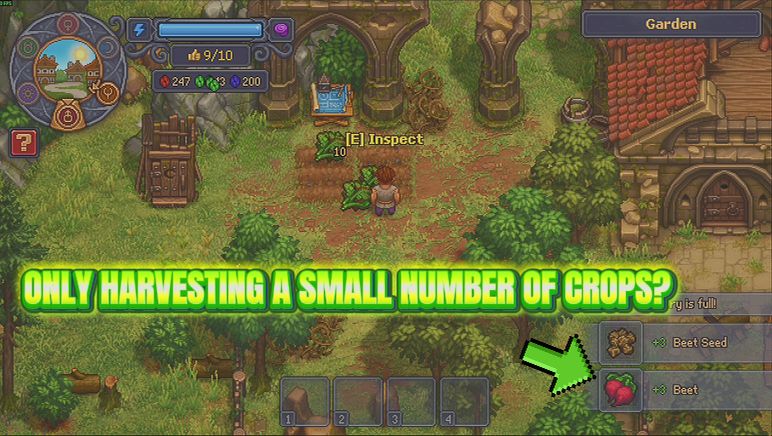
Fewer squares come up empty while you work a bed, more of your crop lands at silver and gold, and a slider decides how big the pile is when you pick it.
Heavy Hitter
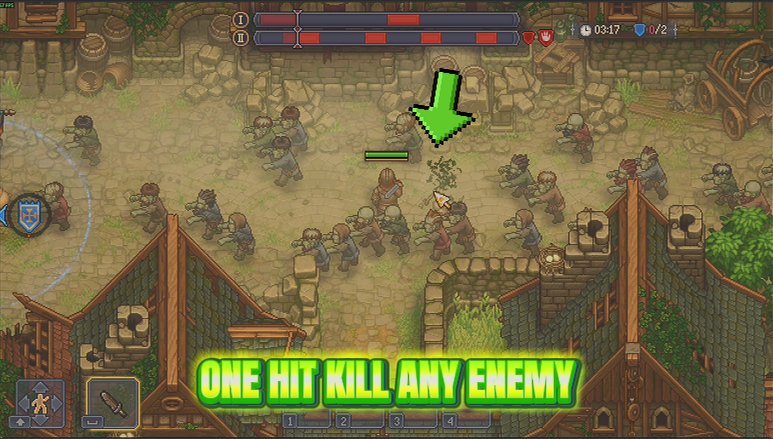
Heavy Hitter puts real weight behind every sword swing, spear thrust and arrow you land. Slide it from a firm shove to an absolutely silly wallop, and nothing out there hits you any harder in return.
Second Thoughts
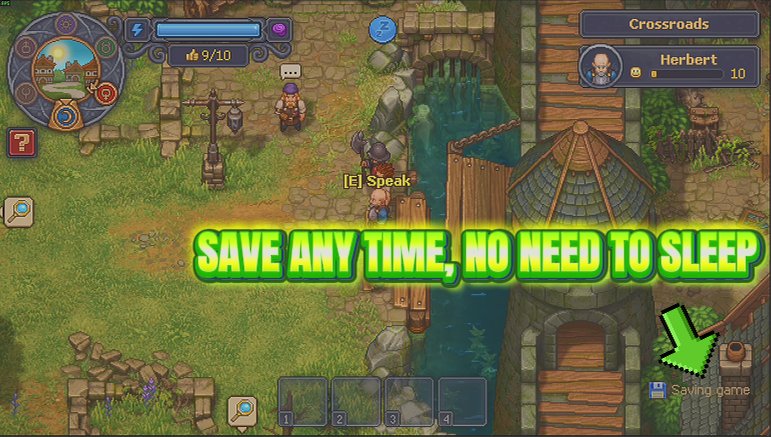
A Save Now button you can press whenever you like, plus an optional timer that saves for you, instead of only writing your progress when you sleep.

















































































































































































