Want more mods for Graveyard Keeper 2? Explore our entire collection!
Second Thoughts
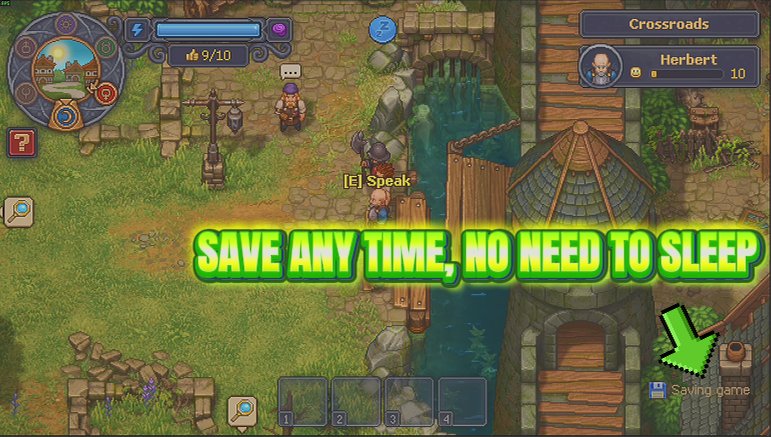
"Save whenever you like, not just when you sleep."
How do I install Second Thoughts?
Download the free ProjectMods desktop app, then install Second Thoughts for Graveyard Keeper 2 in one click.
</>What does Second Thoughts do?
Sleep is the only thing that writes your progress in Graveyard Keeper 2. That is fine right up until you have brought a full harvest in from the garden beds, finished a fiddly autopsy, or finally got your zombie workers lined up on the conveyors exactly how you wanted them - and the sun is still high. Second Thoughts puts a Save Now button in your hands. Press it and the game writes your progress there and then, the same way it does when you wake up. You get a message back saying whether it landed, and on the rare occasion the game finishes without saying either way, it tells you that rather than pretending it worked. If the moment is a bad one - a cutscene, a loading screen, a save already running - it turns you down and says why, so you just press it again a second later. Switch on Autosave and it does it for you on a timer you choose, anywhere from one minute to a full hour. It waits for a sensible moment: nothing is written during a cutscene, a scripted scene, a loading screen, while you are travelling between areas, while you are asleep, or while the game is already busy writing. If the moment is not right it simply waits for the next one and saves then. Worth knowing before you use it: this writes over the game you are already playing, exactly like sleeping does. It is a faster save, not a spare copy, so it will not rescue you from a decision you regret. It also only works once you are in a loaded game - there is nothing to write from the main menu.
</>What is Second Thoughts?
Graveyard Keeper 2 only writes your progress when you go to bed, which is fine right up until you have brought a full harvest in from the garden beds and the sun is still high. Second Thoughts adds a Save Now button you can press any time, plus a timer from one minute to a full hour that saves for you while you play. It writes over the game you are already playing rather than making a spare copy. Free-tier mod from ProjectMods.
</>Common questions about Second Thoughts
What does Second Thoughts do in Graveyard Keeper 2?
Second Thoughts lets you save whenever you like rather than only when you sleep, which is normally the one thing that writes your progress in Graveyard Keeper 2. Press Save Now and the game writes there and then, exactly the way it does when you wake up, and you get a message back saying whether it landed. There is also an Autosave switch with a timer you choose, so you never have to remember. It is the answer to finishing a long harvest or a fiddly autopsy with hours of daylight still left.
What does the Autosave timer do?
Autosave writes your Graveyard Keeper 2 progress on a timer you set, anywhere from one minute for a nervy stretch to sixty for a relaxed one. It waits for a sensible moment rather than interrupting: nothing is written during a cutscene, a scripted scene, a loading screen, while you are travelling between areas, while you are asleep, or while the game is already busy saving. If the moment is not right it simply waits for the next one and saves then. That means Second Thoughts stays out of the way instead of firing at exactly the moment you did not want it to.
Is this a separate backup save?
No, and this is the most important thing to know before using it. Second Thoughts writes over the Graveyard Keeper 2 game you are already playing, exactly like sleeping does. It is a faster save, not a spare copy, so it will not rescue you from a decision you regret, and pressing Save Now straight after something has gone wrong will lock that in rather than undo it. Used for what it is, which is protecting a hard-won haul before you go and do something ambitious, it is exactly right. Treat it as convenience rather than insurance.
How do I know a save actually landed?
Second Thoughts reports back rather than firing silently. When Save Now works it tells you, right down to the day it wrote. When it fails it says so, and your last save is left untouched. And when the game finishes without saying either way, which does happen, it tells you that too instead of claiming success, so you can check before you rely on it. If the moment is wrong it turns you down and gives you the reason, so a cutscene, a loading screen or a save already in progress gets a plain nudge to try again in a second rather than silence. It also only works once you are in a loaded game, since there is nothing to write from the main menu.
Why would I use Second Thoughts?
Because Graveyard Keeper 2 ties saving to sleeping, and the moments worth protecting rarely arrive at bedtime. You come back from the garden beds with a full bag, you finish a fiddly autopsy, you finally get your zombie workers lined up on the conveyors exactly how you wanted them, and the sun is still high. Second Thoughts lets you lock that in and carry on. The autosave timer covers the times you forget, which is most of them. It pairs neatly with Graveyard Shift, because once your energy never runs out you have no reason to go to bed, and going to bed is the only thing that would have saved for you.
What options does Second Thoughts include?
Autosave
Saves for you on a timer while you play, so you never have to remember. It skips cutscenes, loading screens, area changes and any moment the game is already saving, then catches up as soon as things are calm.
Save Now
Saves your game on the spot, no sleeping required. If a loading screen, a cutscene or another save is in the way it says so and does nothing, so try again once you have control back.
Autosave Every (Minutes)
How long to wait between automatic saves. Pick one minute for a nervy stretch, sixty for a relaxed one.
Second Thoughts is a free-tier Graveyard Keeper 2 mod from ProjectMods that adds a Save Now button plus an optional autosave timer, so your progress is written without waiting for bedtime.
System Requirements
What features does Second Thoughts include?
- Save Now writes your progress on the spot, the same way waking up from a night's sleep does
- Tells you whether the save landed, and says so plainly when the game does not report either way
- Autosave runs on a timer you choose, anywhere from one minute to a full hour
- Autosave waits for a sensible moment - nothing is written during cutscenes, loading screens or area changes
- Writes over the game you are already playing, so it is a faster save rather than a spare copy
Best For
- You brought a full harvest in from the garden beds and the sun is still high in the sky
- About to try something ambitious with a spear and you would rather lock in the last hour first
- Players who finally got the zombie workers lined up exactly right and refuse to risk it
- Set the timer to a minute for a nervy stretch, or an hour for a relaxed building evening
More Mods for Graveyard Keeper 2
Snap Craft
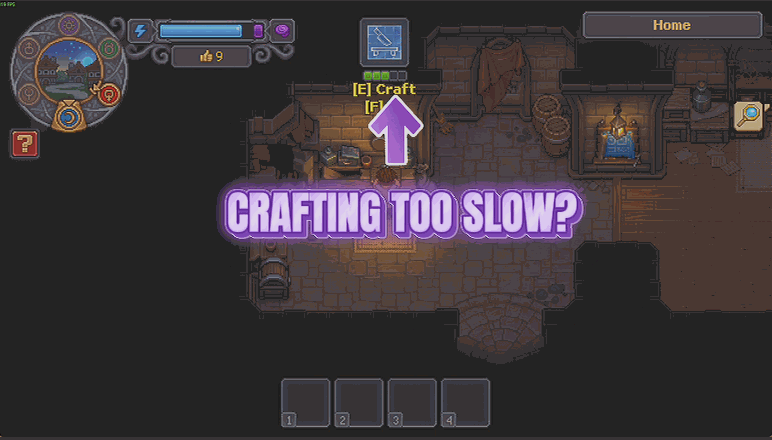
Crafts race to the finish instead of making you stand and wait, planted crops ripen on fast-forward, and one slider decides how quick quick actually is.
Storm Season
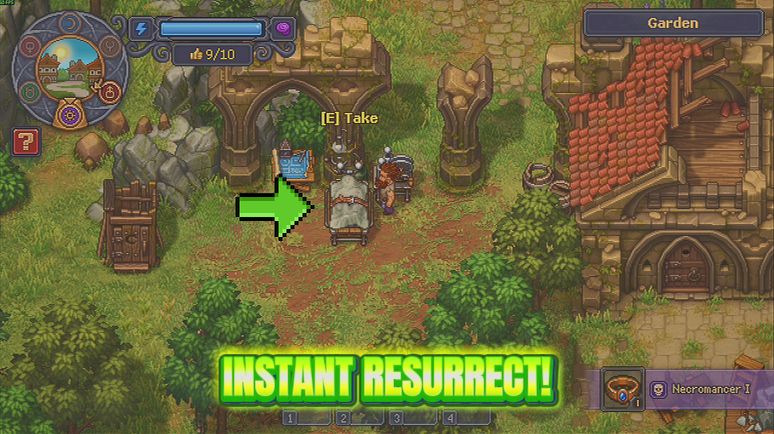
Wake every body you have already prepared right now instead of waiting on the weekly storm. Two optional switches sit alongside it: keep the lab charged, and ignore the overcrowding penalty.
Milestone Pass
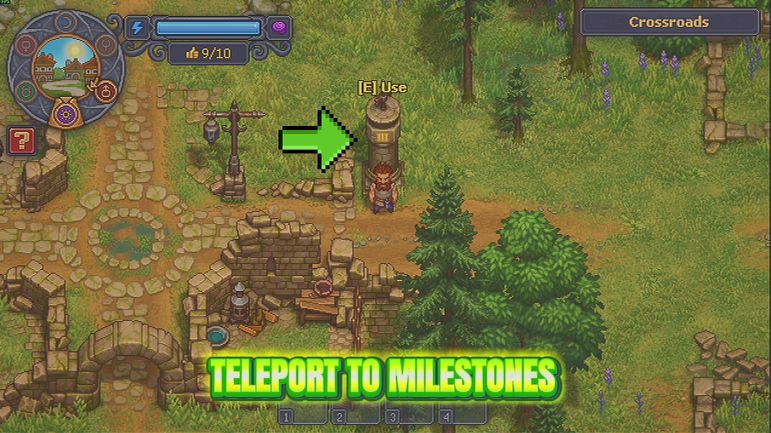
Opens every milestone on the map in one press, then hands you a destination picker so you can set off from wherever you happen to be standing.

















































































































































































