Want more mods for Hollow Knight: Silksong? Explore our entire collection!
Shard Stash (Give Shell Shards)
"Fill your pockets with Shell Shards on demand."
How do I install Shard Stash (Give Shell Shards)?
Download the free ProjectMods desktop app, then install Shard Stash (Give Shell Shards) for Hollow Knight: Silksong in one click.
</>What does Shard Stash (Give Shell Shards) do?
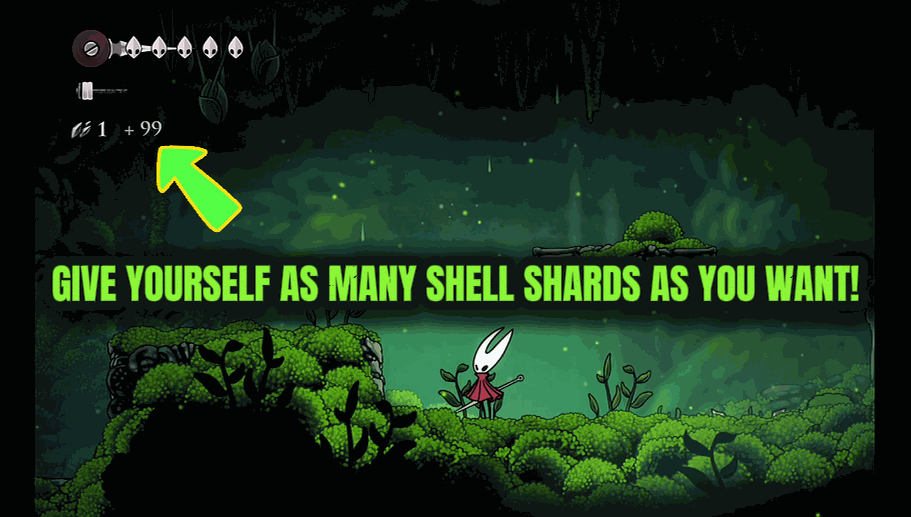
Shard Stash puts your Shell Shard balance in your own hands. Choose how many shards you want, hit Give, and they drop straight into your stash with the counter ticking up on screen just like a normal pickup. Use it to buy the tools, crests, and shop goods you have your eye on without farming enemies and breakables for hours. Grab a big pile before a shopping trip, or keep a steady top-up going so you never come up short at a vendor. Want a clean slate? Reset empties your Shell Shards back to zero in an instant, perfect for testing a build or starting a run fresh. Add or reset as often as you like.
</>What is Shard Stash (Give Shell Shards)?
Shard Stash puts your Shell Shard balance in your own hands in Hollow Knight: Silksong — choose an amount, hit Give, and they drop into your stash with the counter ticking up like a normal pickup. Buy the tools, crests, and shop goods you want without farming for hours, or hit Reset to wipe back to zero for a clean build test. A free mod from ProjectMods.
</>Common questions about Shard Stash (Give Shell Shards)
What does Shard Stash do in Hollow Knight: Silksong?
Shard Stash puts your Shell Shard balance entirely in your own hands in Hollow Knight: Silksong. Choose how many shards you want, hit Give, and they drop straight into your stash — with the on-screen counter ticking up just like a normal pickup. Use this ProjectMods mod to buy the tools, crests, and shop goods you've had your eye on without farming enemies and breakables for hours. There's also a Reset that empties your Shell Shards back to zero in an instant, which is handy for testing a build or starting a run fresh. Add or reset as often as you like — your shard count is yours to set.
How do the Give and Reset controls in Shard Stash work?
Shard Stash has two controls in Hollow Knight: Silksong. Give lets you pick a number of Shell Shards and drop them into your stash on demand, with the counter climbing on screen exactly as it would from a regular pickup. Reset does the reverse, wiping your Shell Shard balance back to zero in a single tap. You can use them in any order and as many times as you want, so you might Give a big pile before a shopping trip, spend it, and later Reset to zero to see how a stretch feels with nothing banked. Between the two, you control your entire shard economy instead of leaving it to farming.
Does the shard counter update on screen when Shard Stash gives shards?
Yes. When you use Give in Shard Stash, your Shell Shards drop into your stash and the on-screen counter ticks up just like it does when you collect shards normally in Hollow Knight: Silksong. There's no jarring jump or hidden change — it reads as a genuine pickup, so the amount you set is exactly what you see land. That visual feedback makes it easy to confirm you've added what you intended before heading to a vendor. The same clarity applies to Reset: your balance visibly returns to zero. Because it behaves like normal shard gains and losses, buying with the shards afterward works exactly as it always does at a shop.
Can I pick exactly how many Shell Shards to add with Shard Stash?
Yes. Shard Stash lets you choose the amount each time you use Give in Hollow Knight: Silksong, so you're never stuck with a fixed lump sum. Grab a big pile before a major shopping trip, or add a small, precise top-up so you never come up short at a vendor without overflowing your stash. The Reset control is separate and always takes you straight to zero. Being able to set the exact number is what makes Shard Stash useful for testing: you can start a build experiment with a specific budget, play it out, then reset and try again with a different amount. It's full manual control over your Shell Shard total.
Why would I use Shard Stash instead of grinding for shards?
Shard Stash is for players who'd rather play than farm in Hollow Knight: Silksong. Grinding enemies and breakables for enough Shell Shards to afford the good tools, crests, and shop goods can take hours; this mod lets you top up in seconds and get back to exploring Pharloom. It's great for keeping a steady balance so you're never short at a vendor, or for grabbing a big pile right before a shopping spree. The Reset makes it a build-testing tool too — wipe to zero and start a run fresh whenever you want. Pair it with other ProjectMods mods for a fully custom playthrough, or leave it off for the vanilla grind.
What options does Shard Stash (Give Shell Shards) include?
Reset Shell Shards
Empties your Shell Shards back to zero.
Give Shell Shards
Drops the chosen amount of Shell Shards into your stash.
Shards to Add
How many Shell Shards to hand over each time you use Give Shell Shards.
Shard Stash is a ProjectMods mod for Hollow Knight: Silksong that lets you top up your Shell Shards to any amount on demand and reset them to zero with one tap, so you can buy what you want without grinding.
System Requirements
What features does Shard Stash (Give Shell Shards) include?
- Choose how many Shell Shards you want and they drop into your stash on the spot
- Counter ticks up on screen just like a normal pickup, so it feels natural
- Reset empties your Shell Shards back to zero in an instant for a fresh start
- Buy the tools, crests, and shop goods you want without hours of farming breakables
- Top up as often as you like, big pile or steady trickle, your call
Best For
- Players heading on a shopping trip who want a big pile of shards before they hit the vendor
- Build testers who want a clean zero balance to try a setup from scratch
- Anyone tired of smashing breakables and farming enemies just to afford one item
- Players starting a run fresh who want to skip the early money crunch and get exploring
More Mods for Hollow Knight: Silksong
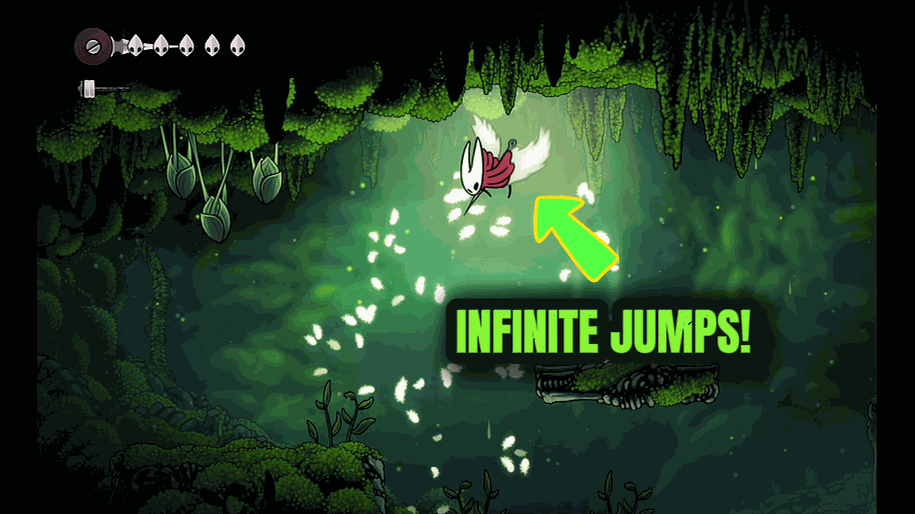
Sky Dancer (Endless Air Jumps)
Give Hornet an air jump that never runs out. Keep tapping jump to climb, hover, and float across any gap. Turn it off whenever you want normal movement back.
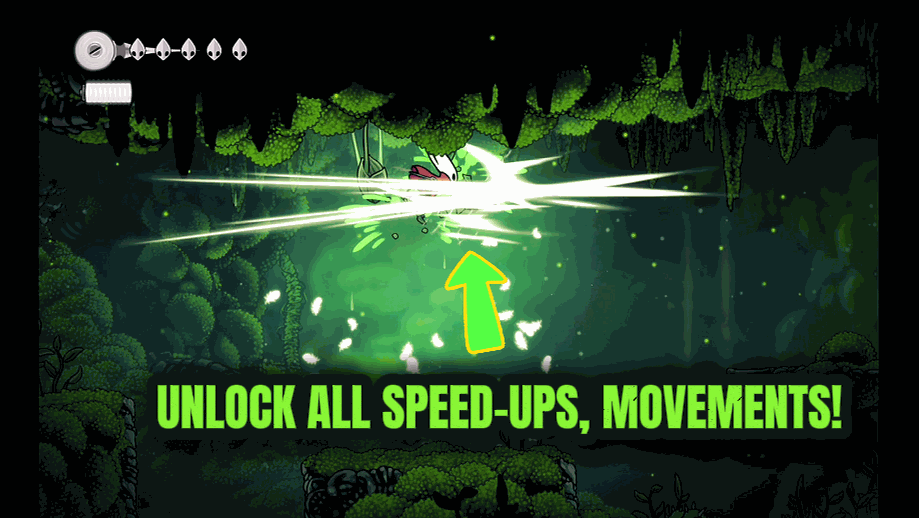
Full Arsenal (All Tools & Crests)
Instantly unlocks every Tool and Crest in the game, so you can mix, match, and experiment with any loadout without hunting them all down first.

One-Hit Hornet (Instant Kills)
Turn Hornet's nail into a one-hit finisher. Any enemy you land a real hit on goes down instantly. Flip it off anytime to go back to a fair fight.







