Want more mods for IRON NEST: Heavy Turret Simulator? Explore our entire collection!
Ghost Walker
"Slip your boots off the deck and drift anywhere on the battlefield."
How do I install Ghost Walker?
Download the free ProjectMods desktop app, then install Ghost Walker for IRON NEST: Heavy Turret Simulator in one click.
</>What does Ghost Walker do?
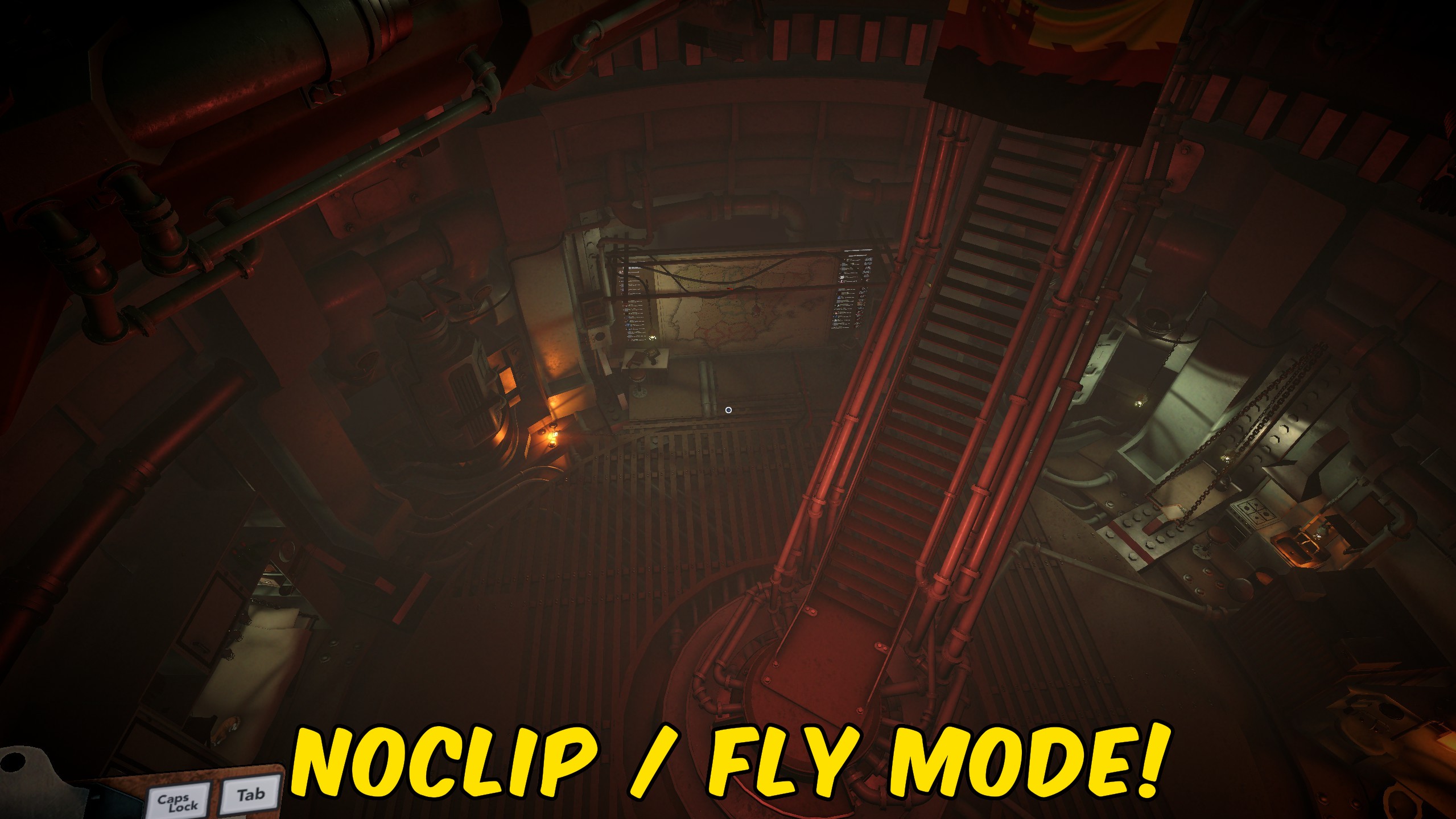
The gun is bolted in place, but you don't have to be. Ghost Walker lets you leave the ground and fly wherever you like - up over the emplacement for a look at the battlefield, out past the walls to explore, or into a spot no normal path would let you reach. With Noclip on you drift straight through solid geometry; turn it off and you'll fly but still bump into the world. Set your cruise and boost speeds to taste. Controls: WASD to move, Space to rise, Ctrl to drop, hold Shift to boost. Turn it off and you drop right back into your boots.
</>What is Ghost Walker?
The gun is bolted in place, but you don't have to be. Ghost Walker lets you leave the ground in IRON NEST to fly the battlefield, phase through walls, and reach vantage points no normal path allows - great for scouting the emplacement or exploring. Tune your cruise and boost speeds, then drop back into your boots any time. From ProjectMods, the community-first PC mod manager for 400+ games.
</>Common questions about Ghost Walker
What does Ghost Walker do in IRON NEST: Heavy Turret Simulator?
Ghost Walker lifts you off the ground in IRON NEST: Heavy Turret Simulator so you can fly freely and phase through walls. The gun is bolted in place, but with Ghost Walker you don't have to be - leave the deck and fly up over the emplacement for a look at the battlefield, out past the walls to explore, or into a spot no normal path would let you reach. With phasing on you drift straight through solid geometry; turn it off and you'll fly but still bump into the world. Move with WASD, Space to rise, Ctrl to drop, hold Shift to boost. It's one of the mods available through ProjectMods, the community-first PC mod manager for 400+ games.
What's the difference between Fly Enabled and Noclip in Ghost Walker?
Ghost Walker splits its flight into two separate toggles in IRON NEST. Fly Enabled is the master switch: turn it on and you lift off the ground, turn it off and you drop back into your boots. Noclip controls whether you collide with the world while flying - with it on, you drift straight through walls and terrain; with it off, you still fly but bump into solid geometry like normal. Keeping them separate means you can fly around inside the level with collision intact for a grounded look, or switch phasing on to slip through a wall and see what's behind it. Most players leave Fly Enabled on and toggle Noclip depending on whether they want to pass through things.
Does Ghost Walker move the camera or my actual position?
Ghost Walker moves you - your actual position in IRON NEST: Heavy Turret Simulator - not just the camera. That's what lets you physically travel out past the walls, up over the emplacement, or into places the level normally keeps you out of, and with phasing on you can pass through solid geometry to get there. It's the key difference from Director's Cut, which frees only the camera and leaves you standing at the gun. Ghost Walker is the one to reach for when you want to explore or scout the map on foot, so to speak; Director's Cut is the one for framing a shot without leaving your post. Turn Ghost Walker off and you drop right back where you started.
Can I tune the flight speed in Ghost Walker?
Yes - Ghost Walker gives you two speed settings in IRON NEST. Fly Speed sets your normal cruising pace as you move around, and Shift Speed sets the faster pace you get while holding Shift to boost. Set a gentle cruise for careful, close-up scouting around the emplacement, then hold Shift to cover open ground quickly when you want to reach the far side of the map. Because they're separate values, you can dial in a slow, precise drift for lining things up and still have a fast burst on tap. The controls stay the same throughout: WASD to move, Space to rise, Ctrl to drop, and Shift for that boosted speed.
Why would I use Ghost Walker in IRON NEST?
Ghost Walker is for curious players, streamers, and anyone who wants to see IRON NEST: Heavy Turret Simulator from angles the fixed gun never allows. Fly up for a bird's-eye read of the battlefield before a mission, drift out past the walls to explore how a map is built, or slip through geometry to reach a vantage point and understand where your shells are actually going. Content creators use it to scout locations for clips, and the plain curious use it to poke around the emplacement and the world beyond it. Because phasing and flight are optional and reversible, you can explore to your heart's content and then drop straight back into your boots at the gun.
What options does Ghost Walker include?
Shift Speed
Your boosted speed while holding Shift.
Fly Speed
Your normal cruising speed while flying.
Noclip
When on, you drift straight through walls and terrain. When off, you fly but still collide.
Fly Enabled
Master switch for flight. Turn on to lift off, off to drop back down.
Ghost Walker, from ProjectMods, lets you leave the ground in IRON NEST: Heavy Turret Simulator to fly freely and phase through walls, so you can scout the emplacement, find a vantage point, or just explore off the beaten path.
System Requirements
What features does Ghost Walker include?
- Lifts you out of the gunner's seat to fly freely anywhere across the battlefield.
- Flip Noclip on to drift straight through walls and terrain, or off to fly but still bump into the world.
- Set your normal cruising speed and a separate boosted speed for when you hold Shift.
- Controls stay simple: WASD to move, Space to rise, Ctrl to drop, Shift to pour on the speed.
- Scout the emplacement from above or slip past the walls to see parts of the map you normally can't.
- Master flight toggle lifts you off the deck; turn it off and you drop right back into your boots.
- Reach vantage points and hidden corners no normal path around the gun would ever let you get to.
- One-tap self-check confirms flight's live and ready before you lift off.
Best For
- Curious players who want to fly up over the emplacement and finally see the whole battlefield laid out.
- Content creators scouting a map for the best camera spots before setting up a shot.
- You want to explore past the walls and poke around corners the fixed gun position keeps you away from.
- Streamers giving chat a guided tour of the level from angles the gunner's seat never allows.
- You spotted something odd downrange and want to fly out for a close look at what it actually is.
- Finding a perfect vantage point to watch a fire mission play out from somewhere other than the gun.
- Building your mental map of an emplacement by flying its layout before you settle in to fire.
- You just want to mess around and drift through the world with no walls in your way.
More Mods for IRON NEST: Heavy Turret Simulator
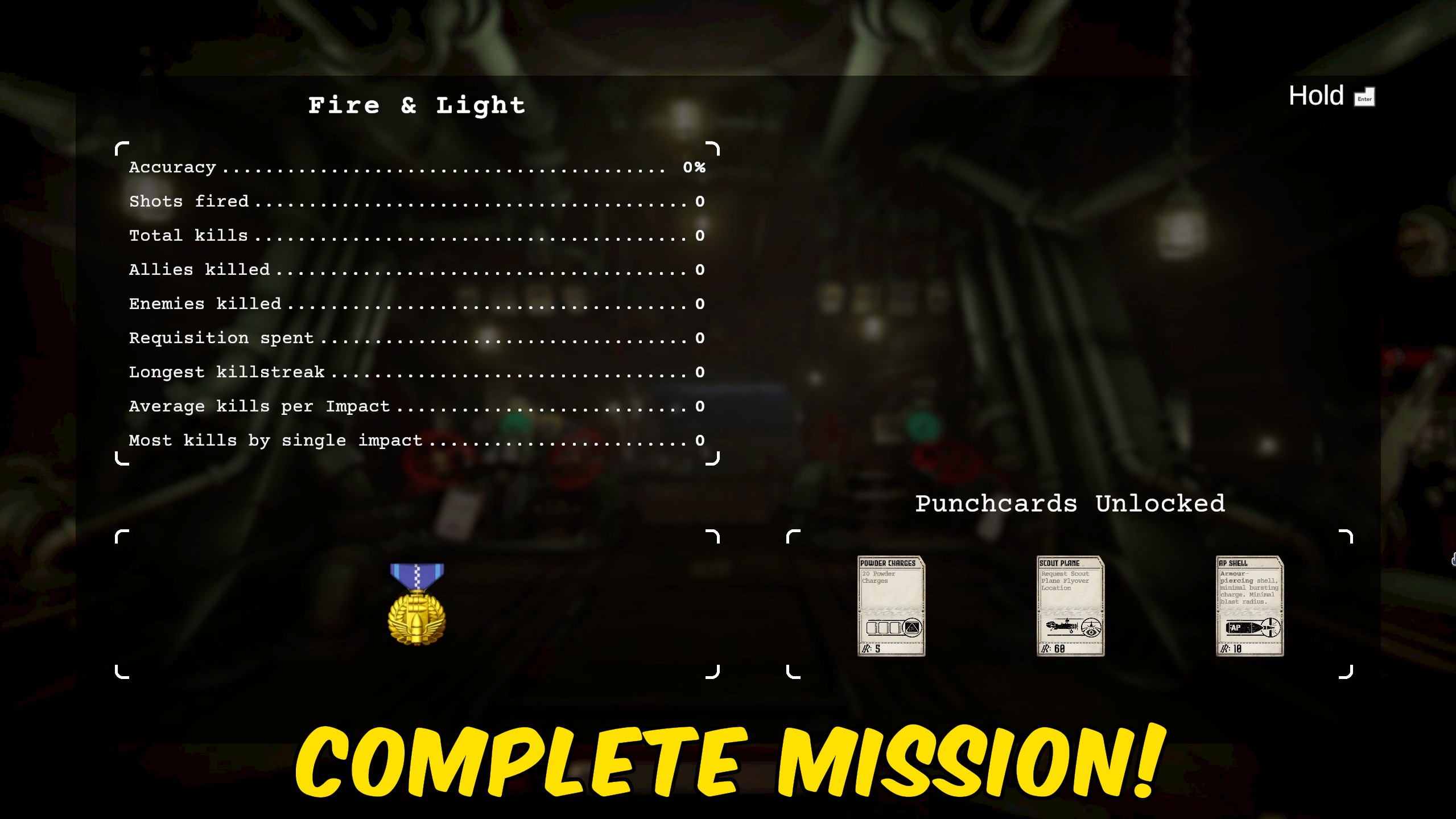
Call It In
Marks the mission you're on as complete on demand, so a fiddly objective or one stubborn last target never traps you on a single map.
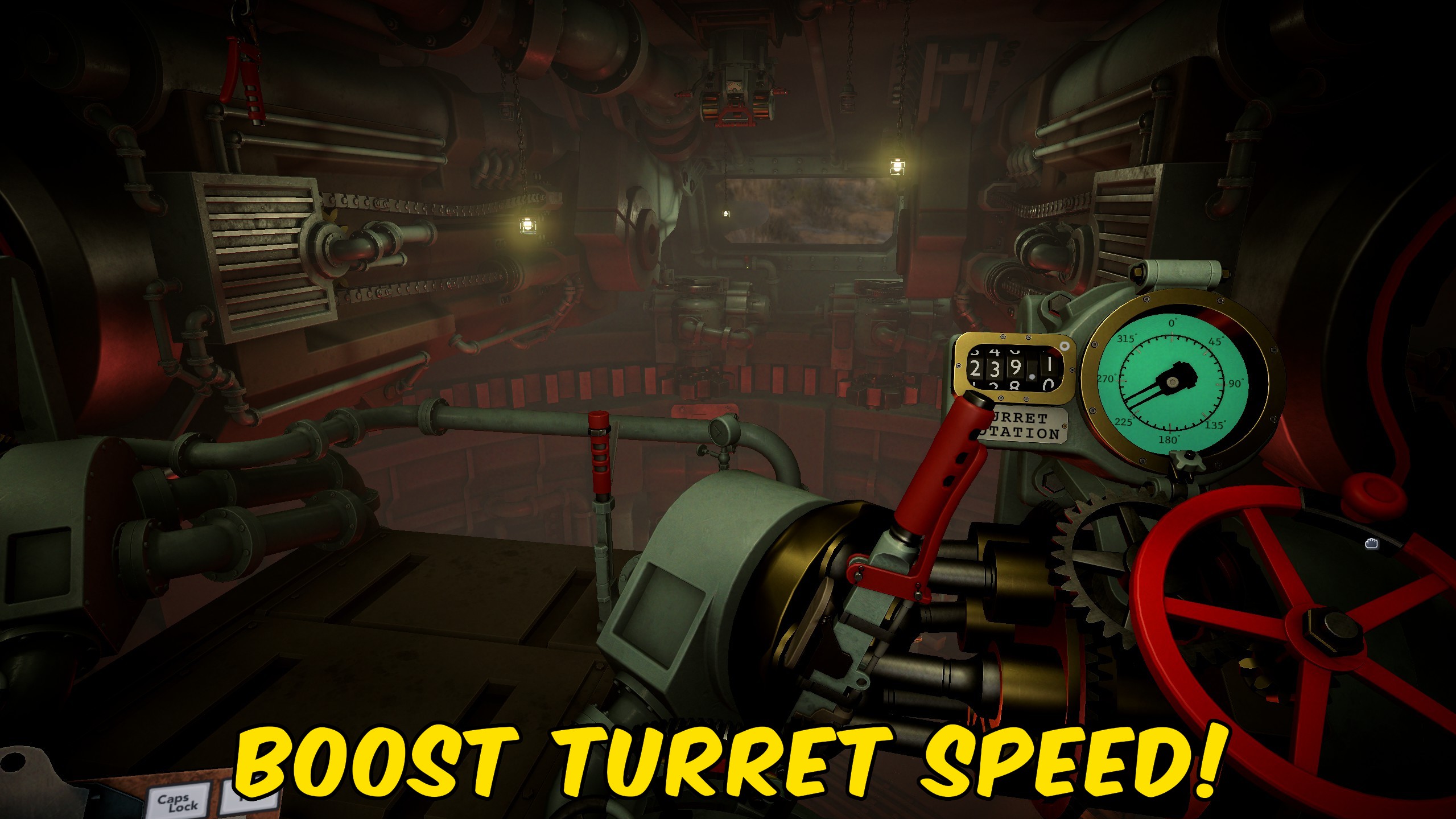
Hair Trigger
Crank up how fast your turret traverses and raises the barrels, so you can lay the gun on target in seconds instead of grinding the dials.
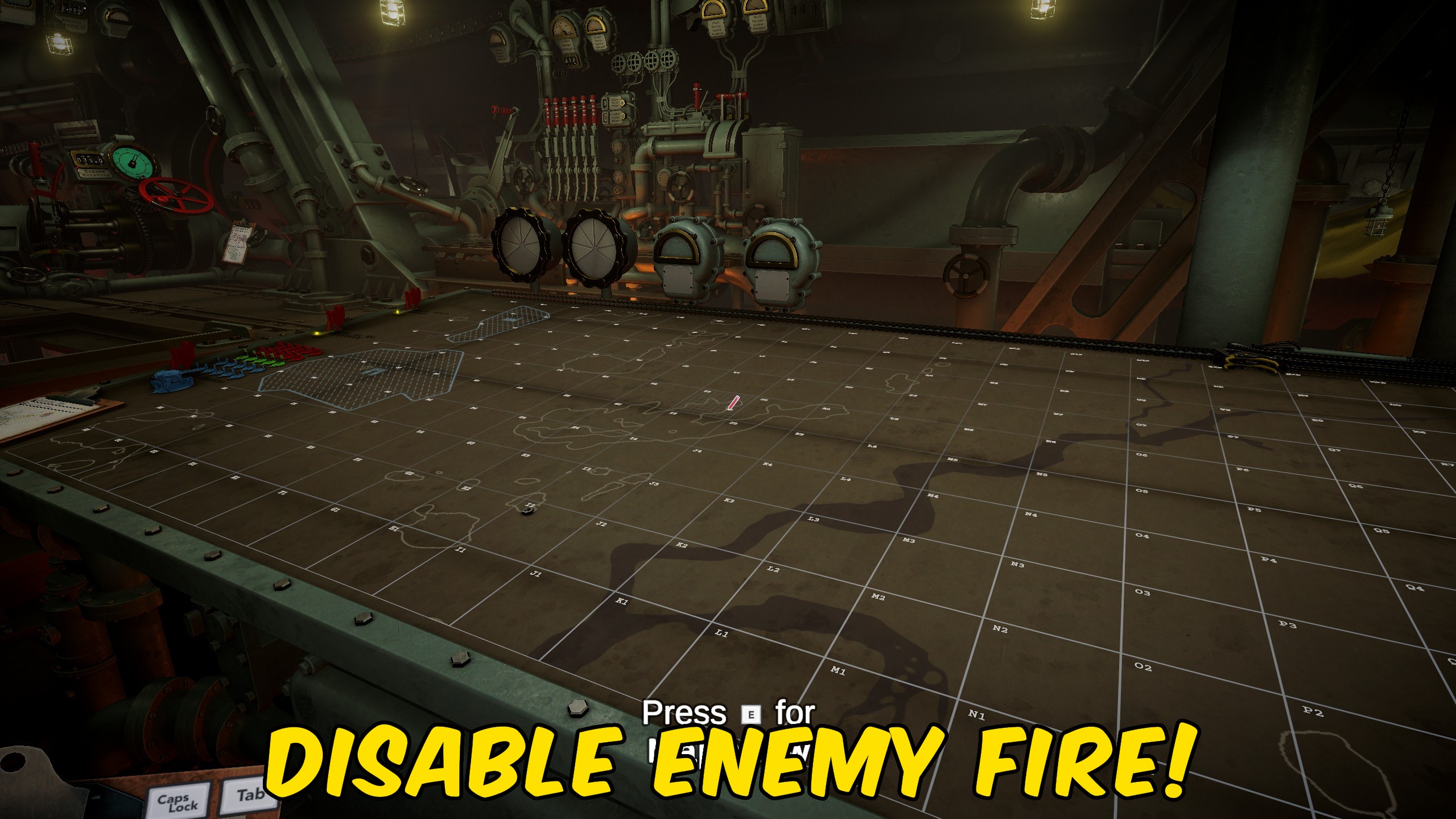
Ghost Battery
Keeps the enemy's counter-battery clock pinned high so their return fire never lands. Reposition when you feel like it, not because a timer is chasing you off the gun.



























































































































































































