Want more mods for IRON NEST: Heavy Turret Simulator? Explore our entire collection!
Director's Cut
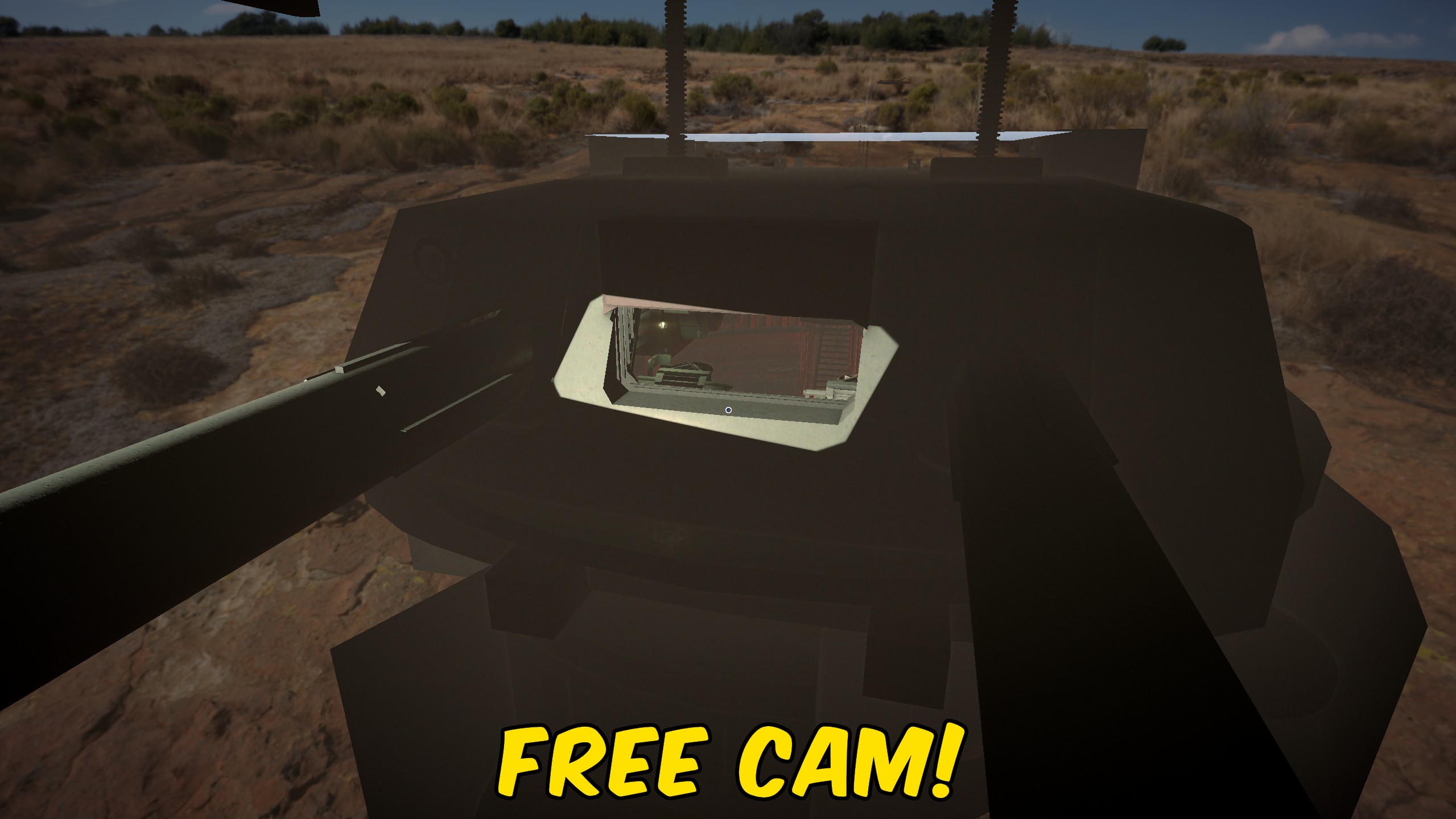
"Cut to a free camera and watch your shells come down like a war film."
How do I install Director's Cut?
Download the free ProjectMods desktop app, then install Director's Cut for IRON NEST: Heavy Turret Simulator in one click.
</>What does Director's Cut do?
Some of the best moments in IRON NEST happen downrange, where you can't normally see them. Director's Cut sets the camera free so you can fly it out to the impact zone, orbit the gun, or find a cinematic angle no fixed view would give you. It's built for screenshots and clips - line up the shot, take it, and pull the camera back to gameplay when you're done. Move with WASD, rise and drop with Q and E. Turn it off to snap straight back to the normal gunner's view.
</>What is Director's Cut?
The best moments in IRON NEST happen downrange, where the fixed gunner's view can't follow. Director's Cut sets the camera free so you can fly it to the impact zone, orbit the gun, and line up cinematic screenshots and clips, then snap back to gameplay. It's one of hundreds of mods in the ProjectMods catalog, the community-first PC mod manager and desktop app for 400+ games.
</>Common questions about Director's Cut
What does Director's Cut do in IRON NEST: Heavy Turret Simulator?
Director's Cut detaches the camera in IRON NEST: Heavy Turret Simulator so you can fly it anywhere and frame the perfect shot. The normal gunner's view is fixed, which means the best moments - a round landing downrange, the gun mid-recoil - happen where you can't see them. Flip Director's Cut on and the camera lifts free: fly it out to the impact zone, orbit the emplacement, or find a cinematic angle no fixed view would give you. Move with WASD, rise and drop with Q and E. It's built for screenshots and clips, and it's one of the mods available through ProjectMods, the community-first PC mod manager for 400+ games.
How do I control the camera in Director's Cut?
Once Director's Cut is enabled in IRON NEST, the camera flies on a simple keyboard scheme: WASD moves it around the scene, Q lifts it up, and E drops it down. That gives you full freedom to push out toward the target, pull back for a wide establishing angle, or hover low next to the barrel for a dramatic muzzle shot. There's no rig to set up and no path to plot - you just fly to the framing you want and take the shot. When you're done capturing, turn Director's Cut off and the view snaps straight back to the normal gunner's perspective so you can carry on firing.
Does Director's Cut move my gun or just the camera?
Director's Cut moves only the camera - your gun stays exactly where it is. This is a pure spectator tool: the emplacement, the barrels, and your current lay don't change while you fly the view around IRON NEST: Heavy Turret Simulator. That's the key difference from a free-flight mod like Ghost Walker, which actually relocates you and can pass through walls. Director's Cut keeps you firmly at the controls and simply frees the lens, so a shot you've already sent keeps arcing to its target while you chase it with the camera. When you drop back to the fixed view, nothing about your gun or mission has shifted.
What does the Enabled toggle in Director's Cut do?
The Enabled toggle is the master switch for Director's Cut in IRON NEST. Turn it on and the camera detaches from the fixed gunner's view so you can fly it freely; turn it off and the view returns to normal gameplay instantly. Because it's a simple toggle rather than a hold-to-use control, you can leave the free camera running while you compose several shots, then flip it off the moment you want to fire again. That makes it easy to bounce between capturing a cinematic angle and getting back on the gun. The mod also includes a Diagnose action that self-checks and confirms it's live if a shot ever looks off.
Why would I use Director's Cut for clips and screenshots?
Director's Cut exists for the moments IRON NEST: Heavy Turret Simulator won't normally let you see. A heavy shell spends real seconds in the air, and the payoff - the impact, the smoke, the shockwave - lands far downrange, out of the fixed view. Content creators and streamers use Director's Cut to fly the camera to the impact zone and capture that payoff, orbit the gun for a hero shot, or set up a slow cinematic push for a video intro. Pair it with Time Lord to slow the moment right down as the round comes in, and you can catch frames the standard camera simply can't reach.
What options does Director's Cut include?
Enabled
Turn on to detach the camera and fly it freely. Turn off to return to the normal view.
Director's Cut, from ProjectMods, hands you a detached fly-camera in IRON NEST: Heavy Turret Simulator so you can move it anywhere with WASD and Q/E, orbit the gun, and frame cinematic shots of your rounds landing downrange.
System Requirements
What features does Director's Cut include?
- Detaches the camera from the gunner's seat so you can fly it anywhere across the battlefield.
- Fly out to the impact zone and watch your shells land from angles the fixed view never shows.
- Move with WASD, rise and drop with Q and E - simple free-flight controls for framing any shot.
- Orbit your own gun for hero shots of the emplacement or catch the barrel's recoil up close.
- Built for screenshots and clips: line up the frame, grab it, then flip back to gameplay.
- Toggle off and the camera snaps straight back to the normal gunner's view - no fuss.
- Find cinematic angles no in-game view would ever give you, from ground level to high overhead.
- A quick self-check tells you the free camera's ready before you start shooting your clip.
Best For
- Content creators framing a cinematic shot of a shell arcing onto target for a highlight reel.
- Streamers who want to swing out over the battlefield to show chat exactly where a round landed.
- Screenshot hunters chasing that perfect war-film frame of the gun firing at dusk.
- You just landed an incredible long-range hit and want to fly downrange to see the impact yourself.
- Building a montage of your best fire missions and need clean, moving camera angles between shots.
- Curious players who want to fly out past the emplacement and get a proper look at the whole map.
- Capturing B-roll of the turret from angles the locked gunner view simply can't reach.
- Reviewing a tricky mission from above to understand the layout before you settle back in to fire.
More Mods for IRON NEST: Heavy Turret Simulator
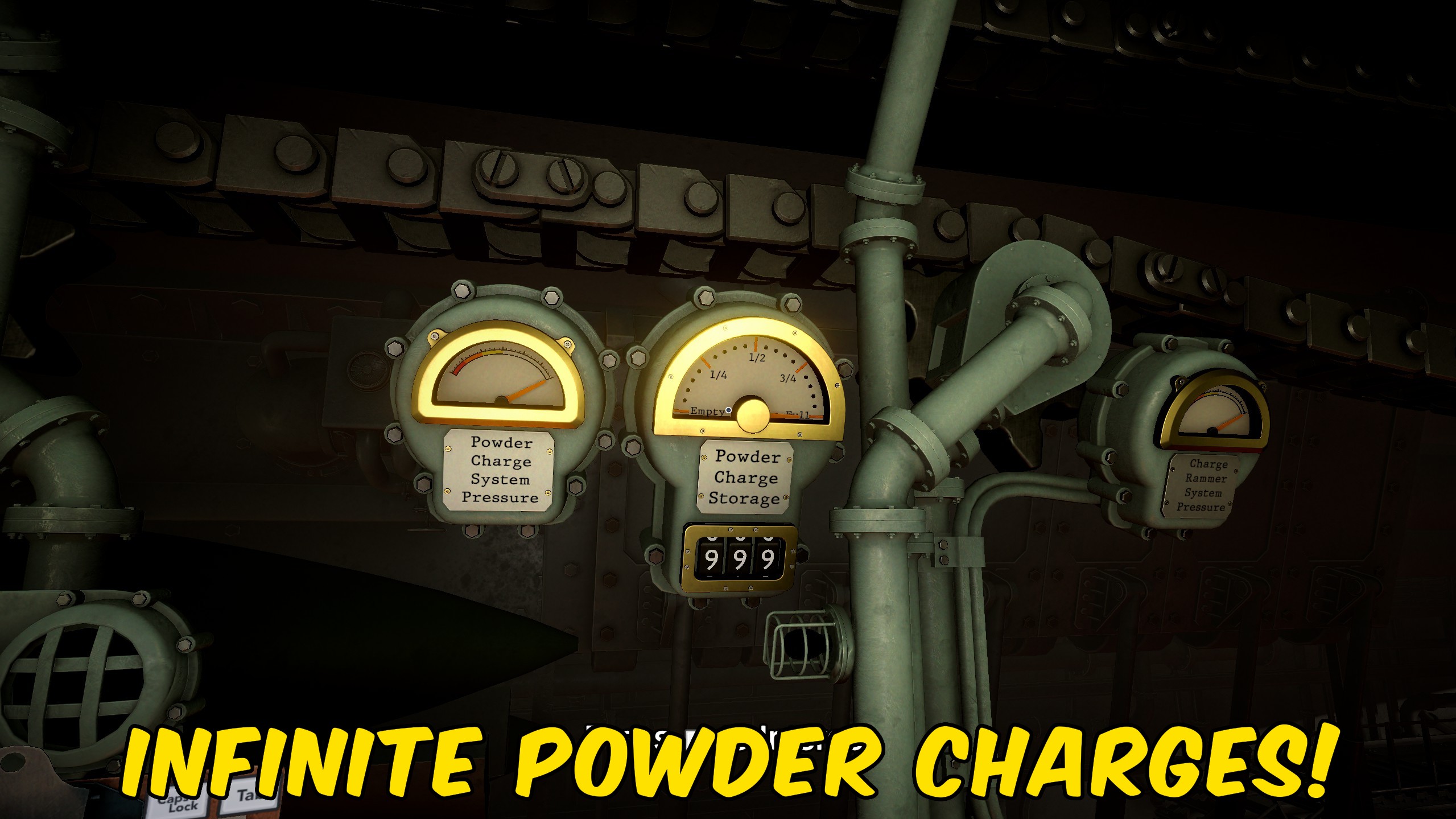
Full Caisson
Keeps your powder charge supply topped up so you're never stuck mid-mission unable to load. Set the level you want and it refills itself whenever it runs low.
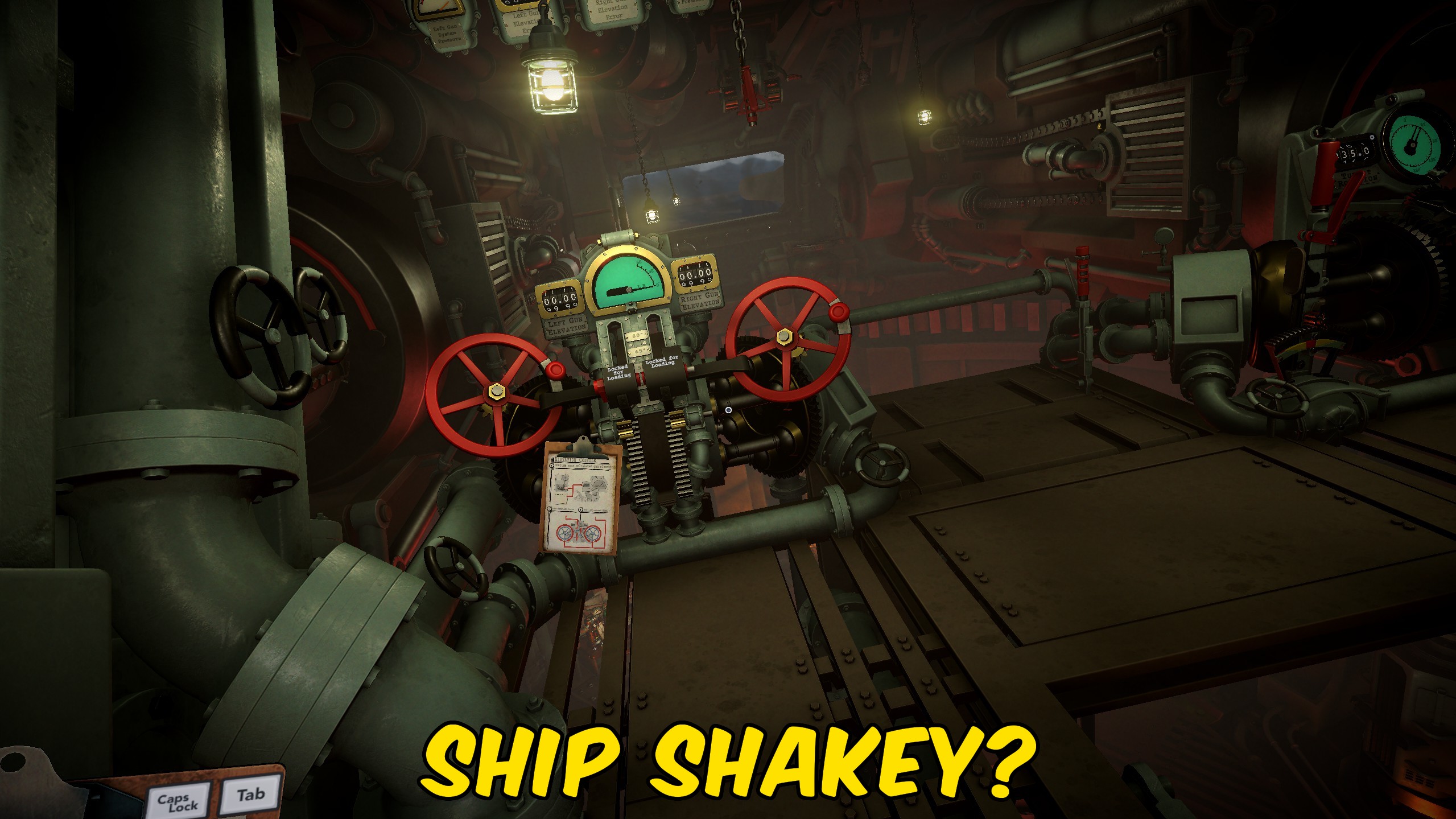
Steady Aim
Stops the mech's rocking sway from nudging your view, so the optics stay rock-steady while you dial in elevation and bearing.
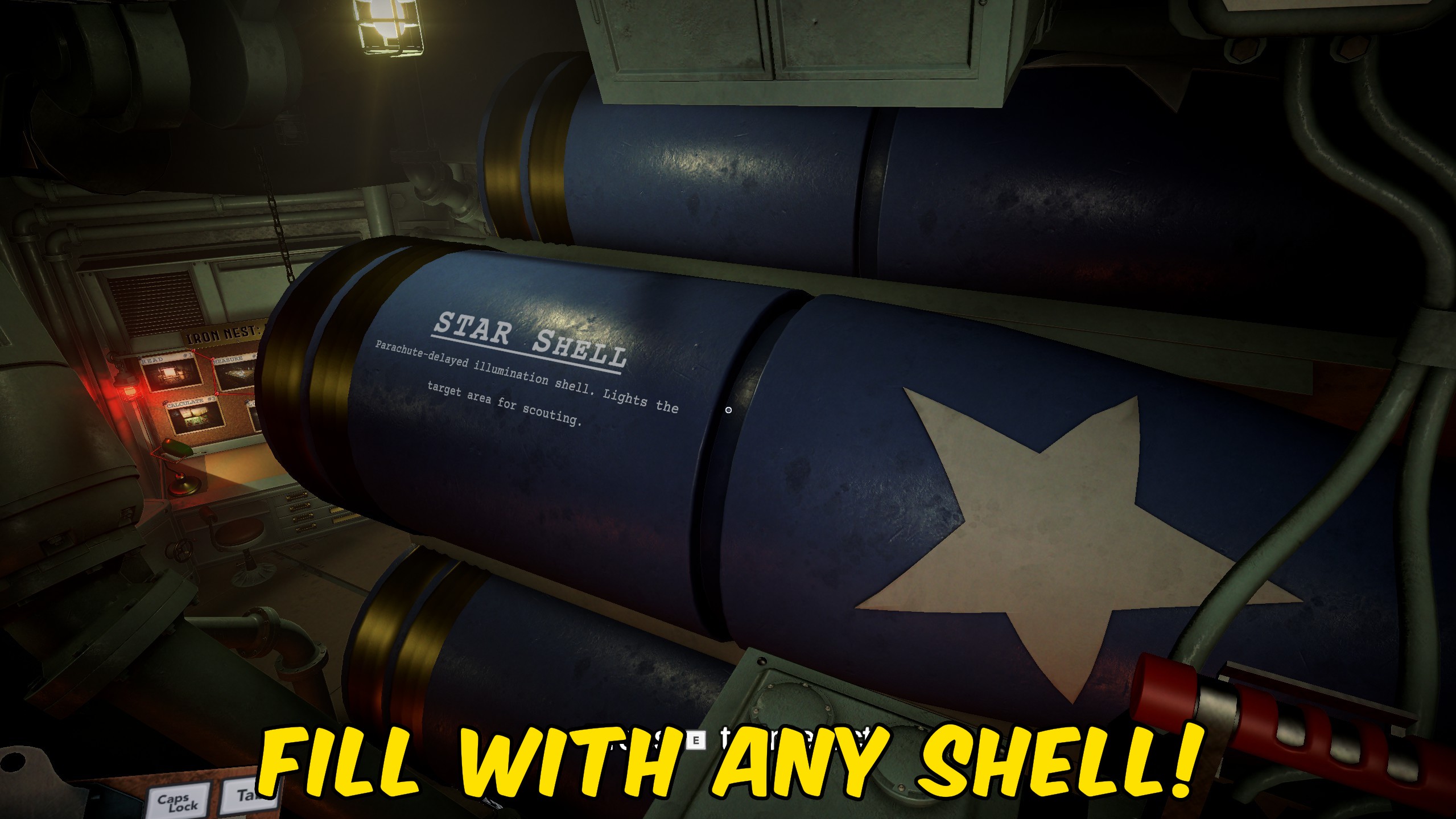
Full Cylinder
Choose a shell type from the dropdown and turn Enabled on to fill your cylinders with that ammo and keep every chamber topped up as you fire.



























































































































































































