Want more mods for IRON NEST: Heavy Turret Simulator? Explore our entire collection!
Call It In
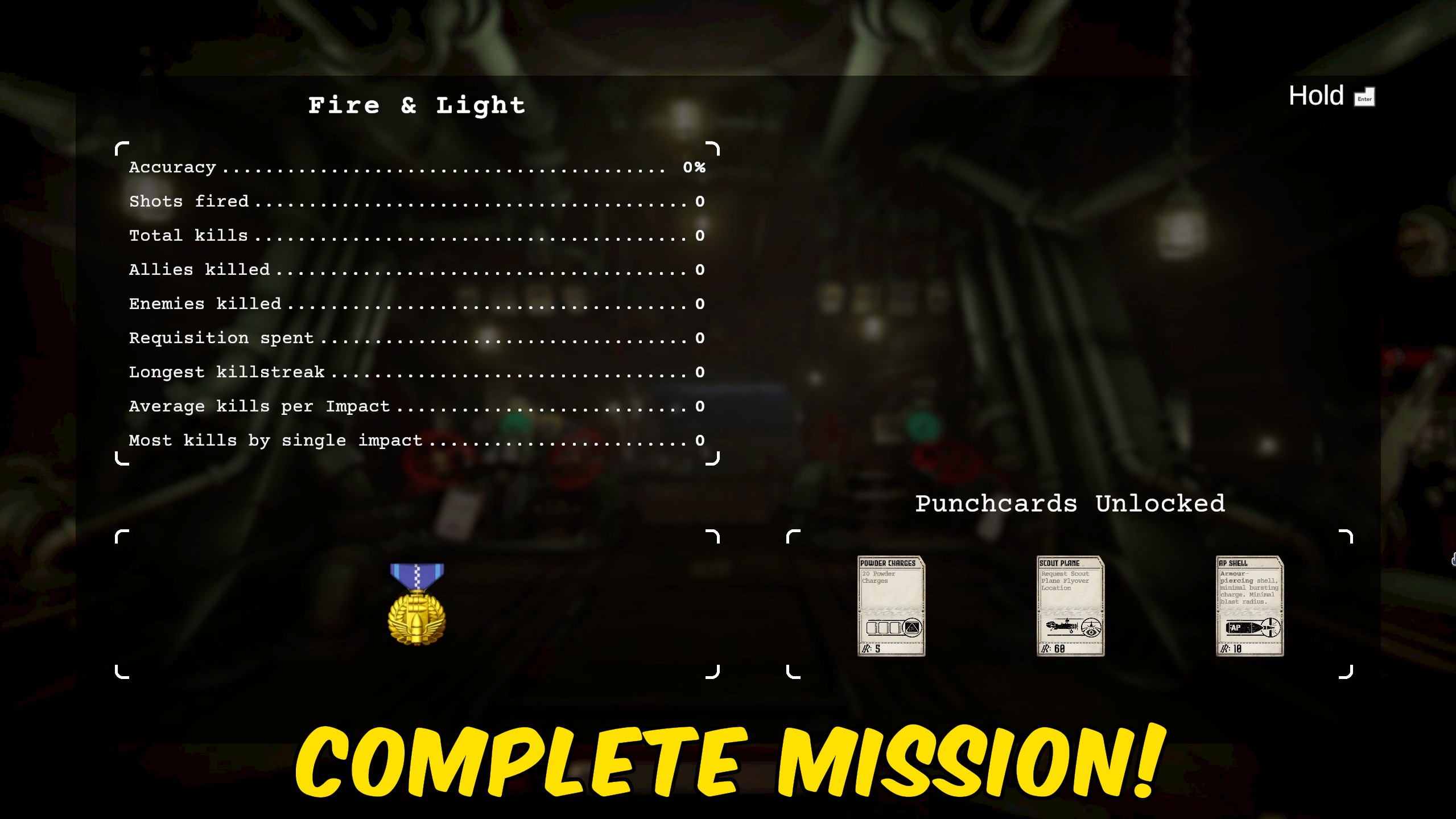
"Radio it in - the current fire mission counts as a win, right now."
How do I install Call It In?
Download the free ProjectMods desktop app, then install Call It In for IRON NEST: Heavy Turret Simulator in one click.
</>What does Call It In do?
Some missions come down to one awkward target or a finicky final objective that costs far more time than it's worth. Call It In lets you wrap the current fire mission on the spot and move on. Use it to push past a mission you've effectively already won, to skip a section you've seen before on a replay, or just to keep your campaign moving at your own pace. It affects the mission you're currently in - the rest of your progress carries on as normal.
</>What is Call It In?
Some IRON NEST missions come down to one awkward target or a finicky final objective that eats more time than it's worth. Call It In lets you wrap the current fire mission on the spot - great for pushing past a mission you've already won or skipping a section on a replay. Install it in one click through ProjectMods, the community-first PC mod manager for 400+ games.
</>Common questions about Call It In
What does Call It In do in IRON NEST: Heavy Turret Simulator?
Call It In marks the fire mission you're currently on as complete the instant you press it. Some IRON NEST: Heavy Turret Simulator missions come down to one awkward target or a finicky final objective that costs far more time than it's worth, and this mod lets you wrap that mission on the spot and move straight on. It's built for pushing past a mission you've effectively already won, skipping a section you've seen before on a replay, or just keeping your campaign moving at your own pace. Call It In is a premium mod available through ProjectMods, the community-first PC mod manager for 400+ games. Only the current mission is affected - the rest of your progress carries on as normal.
How does Call It In decide which mission to complete?
Call It In always targets the fire mission you're actively in - the one currently loaded on screen. When you press Complete Mission, it marks that specific mission as finished, so there's no menu of missions to pick from and no risk of accidentally clearing the wrong one. This matters in IRON NEST because progress is mission-by-mission: you fire, you hit objectives, you complete the map. The mod simply jumps you to the completed state for the map you're on right now. If you're between missions or sitting in a menu, there's nothing active to complete, so you'll want to be inside the mission you mean to wrap before you press it.
Does Call It In skip ahead or affect the rest of my IRON NEST campaign?
No - Call It In only touches the mission you're currently in. It marks that single fire mission as complete and leaves the rest of your IRON NEST: Heavy Turret Simulator campaign exactly as it was. Missions you've already finished stay finished, and missions you haven't reached yet still wait for you in order. Think of it as a clean way to close out the map in front of you rather than a fast-forward through the whole game. That makes it safe to use on a one-off stubborn objective without worrying that you've blown past content you actually wanted to play. Turn it on only when a particular mission is dragging, and leave the rest of the run untouched.
What does the Diagnose action in Call It In do?
Diagnose runs a quick self-check and reports back whether Call It In is live and ready to wrap the mission you're currently in inside IRON NEST: Heavy Turret Simulator. It's there for the moments when something looks off - you press Complete Mission and nothing seems to happen, or you're not sure the mod loaded with your session. Instead of guessing, you hit Diagnose and get a plain answer about the mod's state. Most of the time you'll never need it; it's a reassurance button for when a mission won't wrap the way you expect. If Diagnose says everything is in place and active, the issue is usually that you're not currently inside a live mission.
When should I actually use Call It In during a replay?
Call It In shines on replays and on missions you've effectively already won. If you're going back through IRON NEST: Heavy Turret Simulator and you've seen a particular map before, there's little reason to grind its final objective again - press the button and move to the next one. It's equally handy when a mission comes down to a single stubborn target that's costing you far more time than it's worth. Instead of chasing one last hit, you wrap the mission and keep your session moving. Players who like to progress at their own pace use it to stay in the parts of the campaign they enjoy, rather than getting stuck on the parts they don't.
What options does Call It In include?
Complete Mission
Press to mark the mission you're currently in as complete.
Call It In is a ProjectMods mod for IRON NEST: Heavy Turret Simulator that marks the fire mission you're currently on as complete the instant you press it, so a finicky final objective or one stubborn target never traps you on a single map.
System Requirements
What features does Call It In include?
- Wraps the fire mission you're currently in the instant you press Complete Mission - no chasing that last target.
- Rescues you from missions that hinge on one finicky objective or a single enemy tucked away on the map.
- Only acts when you choose to press it, so missions you want to earn the hard way play out untouched.
- Leaves the rest of your campaign standing - just the current map counts as a win and you roll on.
- Perfect for replays: skip a section you've already cleared and jump straight to the next engagement.
- Puts the pace of your run in your hands instead of a fussy objective that overstays its welcome.
- Built-in self-check tells you the mod's live and ready to wrap your current mission, so you're never guessing if it'll work.
- One clean button - no menus to dig through, no timing to nail, just press and move on.
Best For
- You've effectively won a mission but one last target is hiding somewhere off-screen - call it in and move on.
- Replaying the campaign and you already know a mid-map section cold; skip it and get to the parts you want.
- A finicky objective is eating more time than it deserves - wrap the map and keep your momentum going.
- You've got twenty minutes to play and want real campaign progress, not a grind against one stubborn map.
- Content creators recording a campaign walkthrough who need to jump between missions without dead air.
- Streamers keeping a session moving when chat's getting restless during a slow, fiddly objective.
- Completionists mopping up the last few missions who won't redo an entire map for one straggler.
- You hit a mission that just isn't clicking tonight and you'd rather progress than fight the same objective again.
More Mods for IRON NEST: Heavy Turret Simulator
Steady Aim
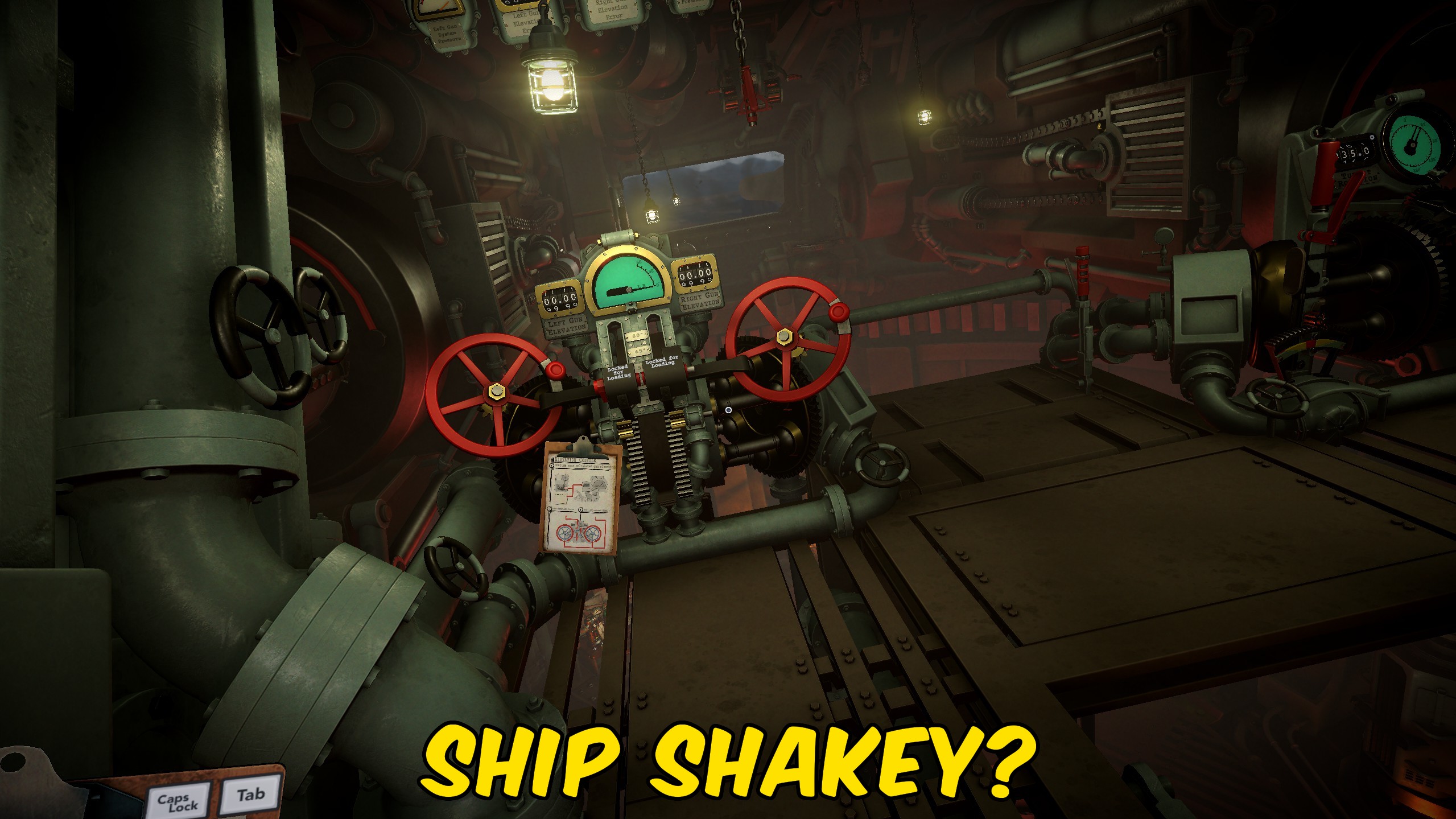
Stops the mech's rocking sway from nudging your view, so the optics stay rock-steady while you dial in elevation and bearing.
Ghost Battery
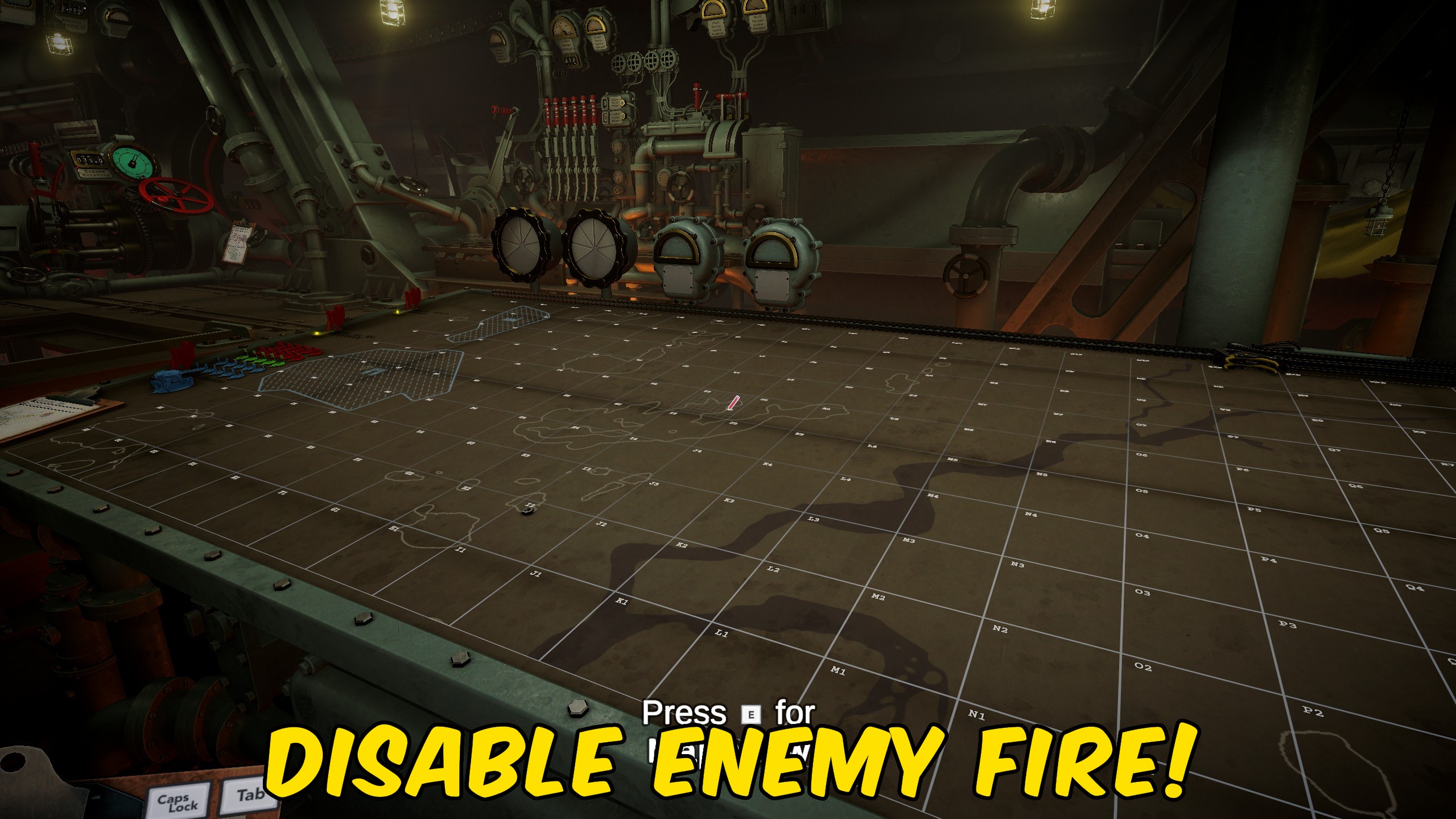
Keeps the enemy's counter-battery clock pinned high so their return fire never lands. Reposition when you feel like it, not because a timer is chasing you off the gun.
Hair Trigger
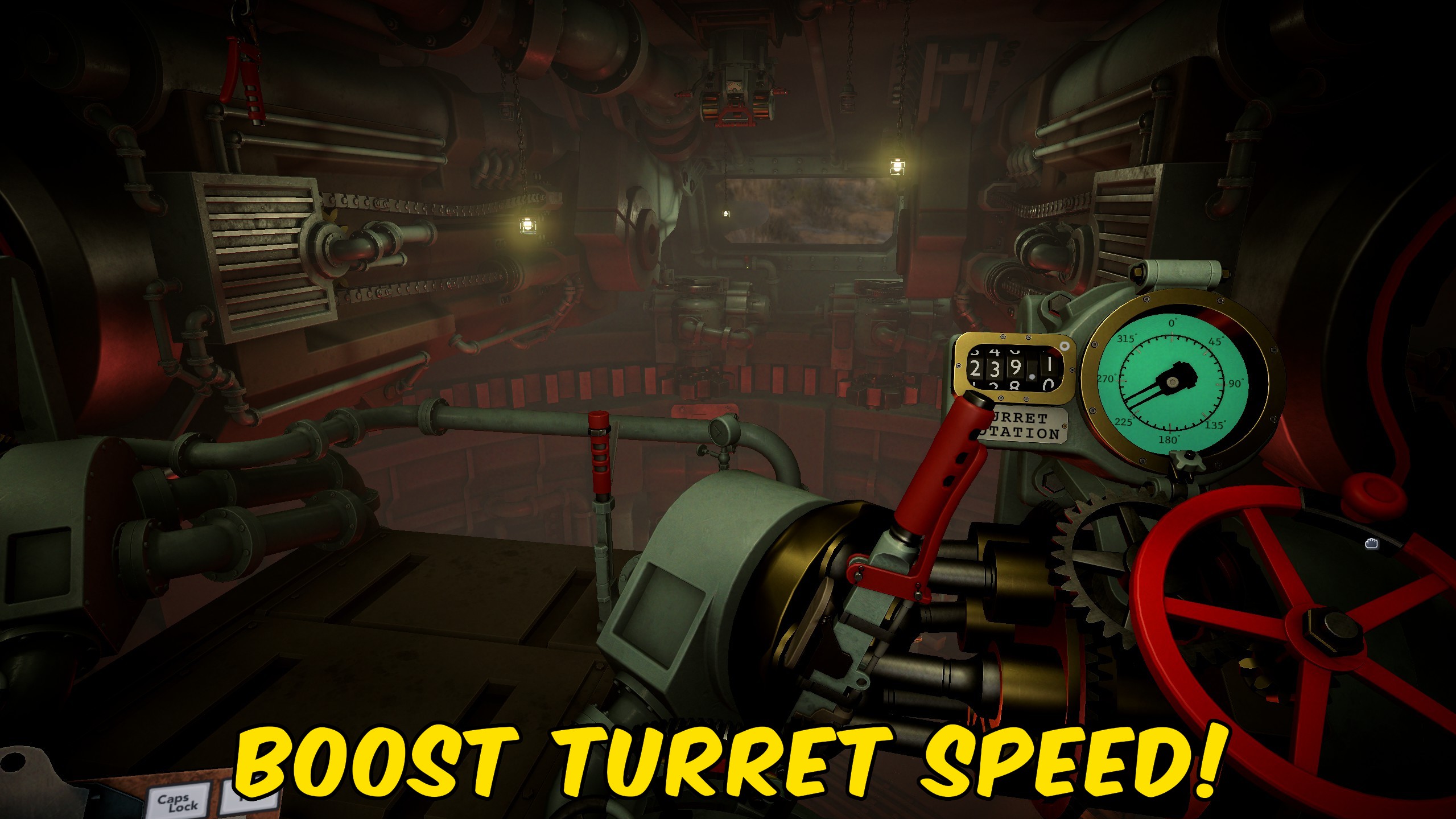
Crank up how fast your turret traverses and raises the barrels, so you can lay the gun on target in seconds instead of grinding the dials.



























































































































































































