Want more mods for IRON NEST: Heavy Turret Simulator? Explore our entire collection!
Time Lord
"Bend the clock - bullet-time a shell's arc or fast-forward the lulls."
How do I install Time Lord?
Download the free ProjectMods desktop app, then install Time Lord for IRON NEST: Heavy Turret Simulator in one click.
</>What does Time Lord do?
A heavy shell spends real seconds in the air, and there are quiet stretches between missions where nothing much is happening. Time Lord puts the pace of the whole game on a slider so you decide. Drop it to a crawl to follow a round all the way onto the target in glorious slow motion, or push it well past normal to fast-forward the downtime. Anywhere from a tenth of normal speed up to eight times faster. Set your speed, flip it on, and change it any time. Turn it off to return to normal pace.
</>What is Time Lord?
A heavy shell in IRON NEST spends real seconds in the air, and there are quiet stretches between fire missions where little happens. Time Lord puts the whole game's pace on a slider - drop it to a tenth speed to follow a round onto the target in slow motion, or push it to eight times faster to skip the downtime. From ProjectMods, the community-first PC mod manager for 400+ games.
</>Common questions about Time Lord
What does Time Lord do in IRON NEST: Heavy Turret Simulator?
Time Lord puts the pace of IRON NEST: Heavy Turret Simulator on a slider. A heavy shell spends real seconds in the air, and there are quiet stretches between fire missions where little happens - Time Lord lets you decide how fast all of it runs. Drop it to a crawl to follow a round all the way onto the target in glorious slow motion, or push it well past normal to fast-forward the downtime, anywhere from a tenth of normal speed up to eight times faster. Set your speed, flip it on, and change it any time. It's available through ProjectMods, the community-first PC mod manager for 400+ games.
What's the range of speeds Time Lord can set in IRON NEST?
Time Lord runs from a tenth of normal speed all the way up to eight times faster in IRON NEST. At the slow end, you can follow a shell's entire arc onto its target in dramatic slow motion, watching the flight and impact play out frame by frame. At the fast end, you can blow through the quiet stretches between fire missions in a fraction of the time. A value of 1 is normal pace, anything below 1 is slow motion, and anything above 1 is fast forward. Because you can change the speed on the fly, it's easy to slow right down for a big moment and then speed back up the instant the interesting part is over.
Does Time Lord speed up or slow down the whole game?
Time Lord adjusts the pace of the whole game in IRON NEST: Heavy Turret Simulator, not just your gun - the shell's flight, the world, and the general flow of time all move at your chosen speed. That's what makes the slow end so satisfying: everything decelerates together, so a round arcing toward its target plays out as one smooth, cinematic moment rather than a stutter. At the fast end, the entire mission compresses, which is why it's ideal for skipping lulls. If you only want to speed up the gun's own movement rather than time itself, that's a different job - reach for Hair Trigger instead - but for bending the clock across the whole game, Time Lord is the one.
How do I set the speed in Time Lord?
Time Lord uses a single Speed value to set the pace in IRON NEST, where 1 is normal, anything below 1 is slow motion, and anything above 1 is fast forward - down to a tenth of normal speed and up to eight times faster. Set the number you want, flip the Enabled toggle on to apply it, and switch it off any time to snap back to normal pace. Because the value takes effect as soon as you change it, you can nudge it lower to savour a shell's arc, then push it higher to race through the downtime, all within the same mission. A Diagnose action is also on hand to confirm the mod is live if the pace ever seems stuck.
When should I use Time Lord in IRON NEST?
Time Lord earns its place in two very different moments in IRON NEST: Heavy Turret Simulator. Slow it right down when a shot matters and you want to watch the round arc all the way onto its target - it turns a single impact into a cinematic beat, which is why content creators pair it with Director's Cut to capture slow, downrange footage the fixed view can't reach. Speed it up when you're between fire missions and just want to skip the quiet stretches without sitting through them. Because you can change the speed at any time, one dial covers both jobs: savour the moments worth savouring, and fast-forward the ones that aren't.
What options does Time Lord include?
Speed
Game speed. 1 is normal, below 1 is slow motion, above 1 is fast forward.
Enabled
Turn on to apply your chosen game speed. Turn off for normal pace.
Time Lord, a ProjectMods mod for IRON NEST: Heavy Turret Simulator, puts the whole game's pace on a slider from a tenth of normal speed up to eight times faster, so you can watch a shell arc in slow motion or fast-forward the lulls.
System Requirements
What features does Time Lord include?
- Puts the pace of the whole game on a dial - slow it right down or speed it right up.
- Drop it to a crawl to follow a heavy shell all the way onto its target in slow motion.
- Push it well past normal to fast-forward the quiet stretches between fire missions.
- Ranges anywhere from a tenth of normal speed up to eight times faster.
- Set your speed, flip it on, and change it any time you like during play.
- Turn it off to snap the game straight back to its normal pace.
- Bullet-time a round's arc for a dramatic shot, or blitz the downtime you'd rather skip.
- A quick self-check confirms the speed dial's responding before you rely on it for a slow-motion clip.
Best For
- You want to watch a shell's full arc land in glorious slow motion instead of blinking and missing it.
- Content creators capturing a dramatic slow-mo impact shot for a highlight or intro.
- You're bored of the quiet lulls between missions and want to fast-forward straight to the action.
- Streamers who want to slow a big moment down so chat can actually see the round come down.
- Studying your own shots in slow motion to work out exactly where a miss went wrong.
- Speeding through a stretch you've played before to get back to the parts you actually enjoy.
- Setting up a cinematic clip where a shell drifts down onto target at a tenth of normal speed.
- You want full control over pacing - crawl for the drama, sprint through the boring bits.
More Mods for IRON NEST: Heavy Turret Simulator
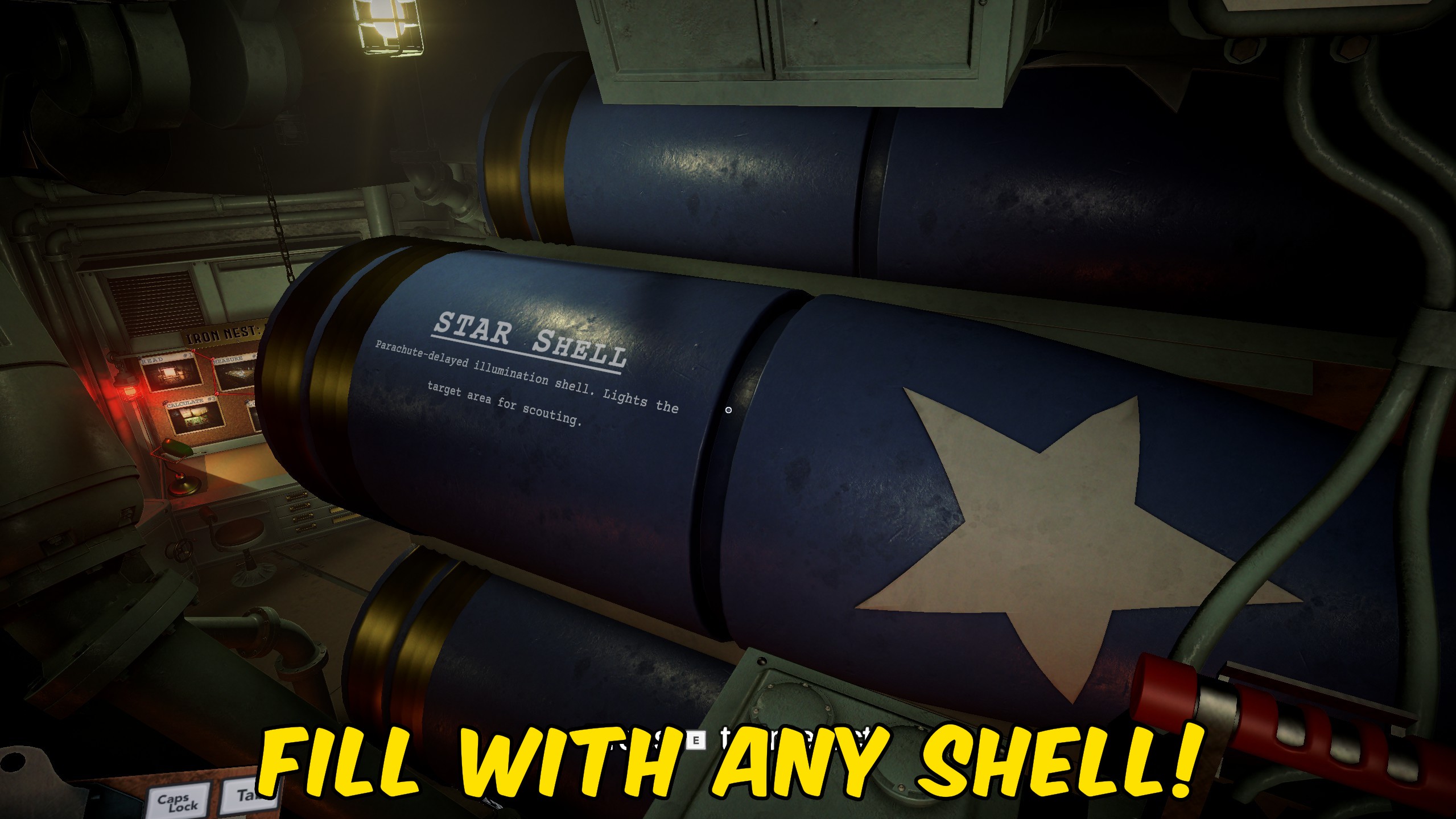
Full Cylinder
Choose a shell type from the dropdown and turn Enabled on to fill your cylinders with that ammo and keep every chamber topped up as you fire.
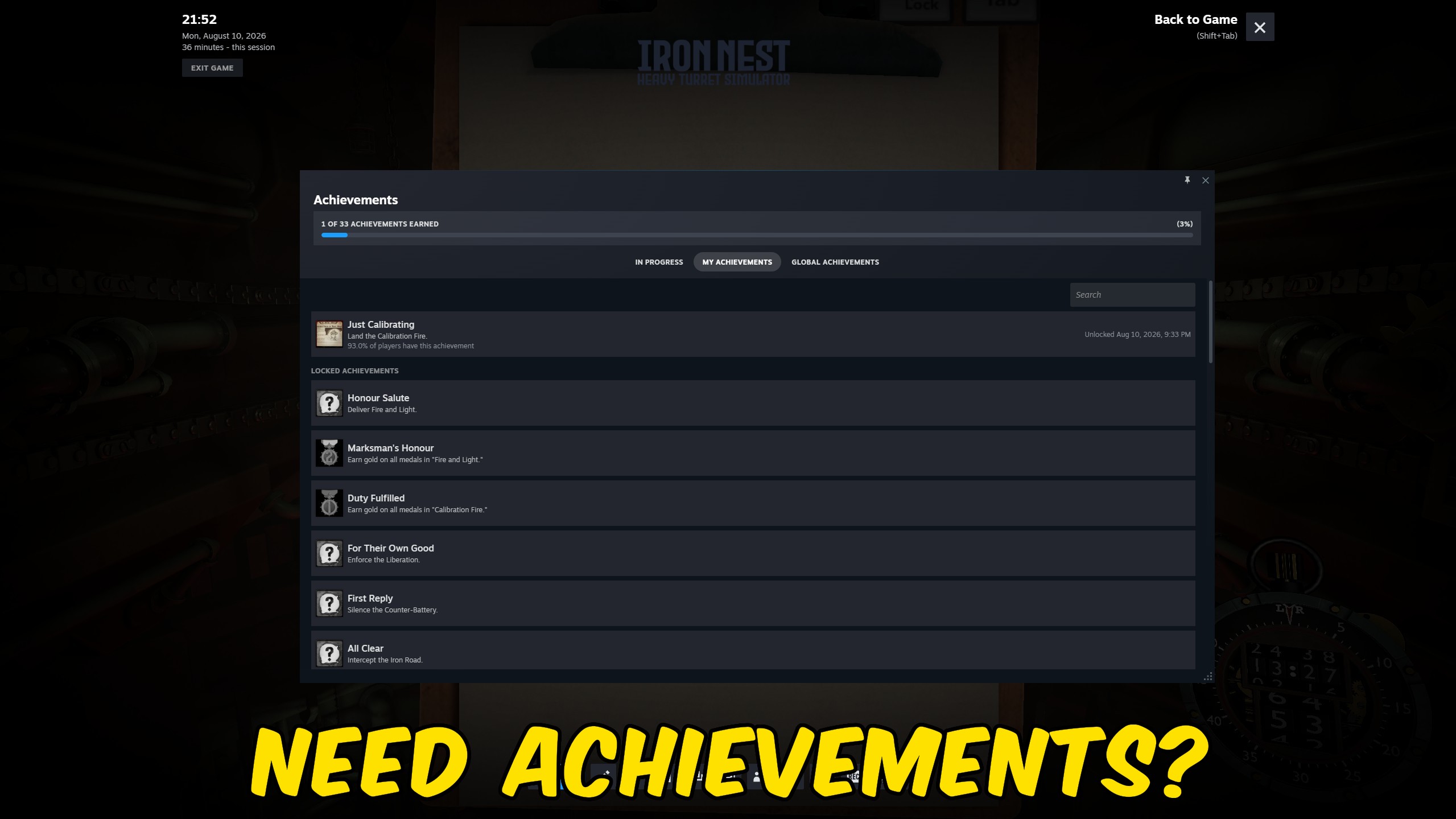
Full Salute
Unlocks all 33 of the game's achievements at once and reports back exactly how many landed, so your profile shows the full set without the grind.
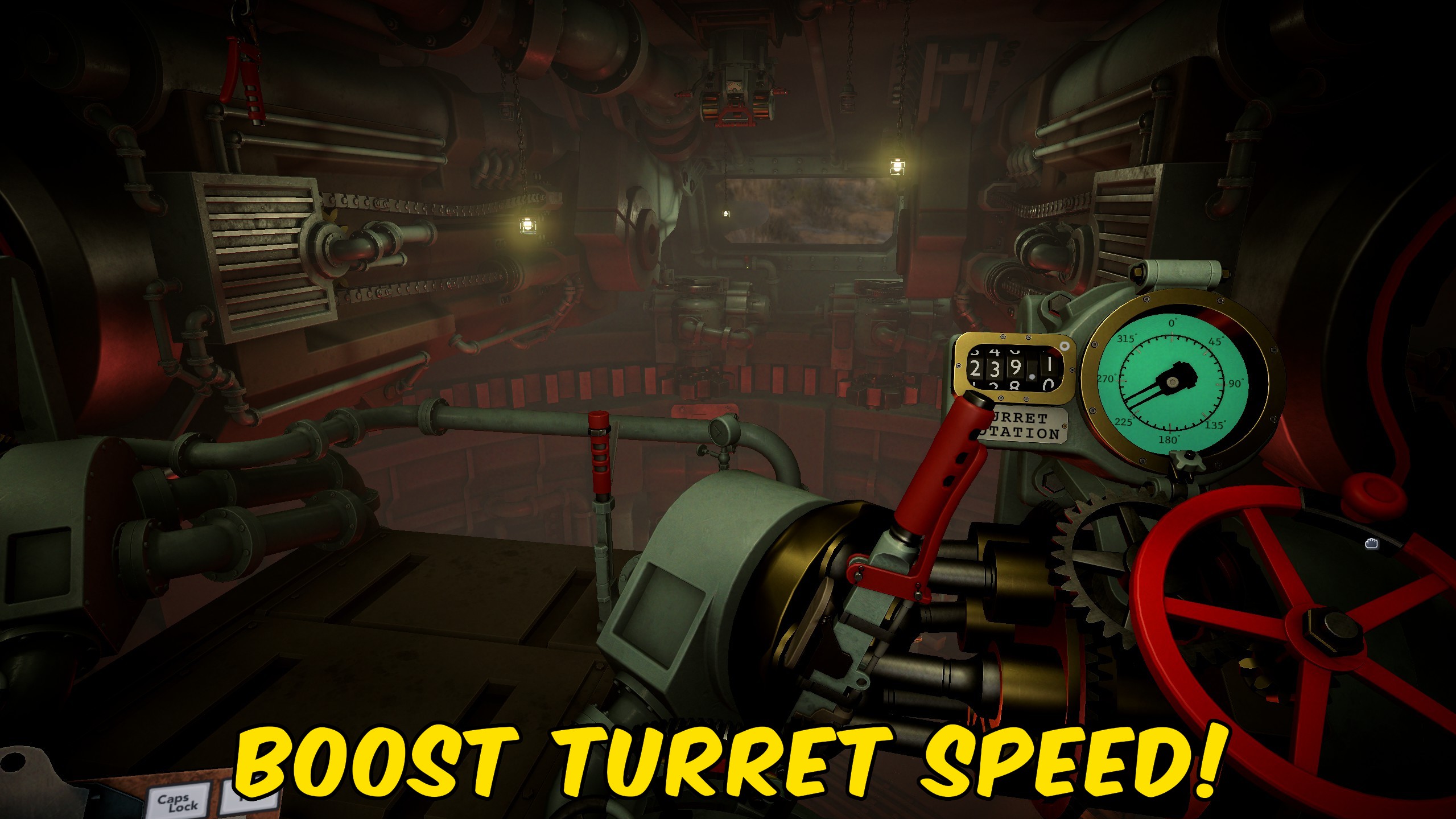
Hair Trigger
Crank up how fast your turret traverses and raises the barrels, so you can lay the gun on target in seconds instead of grinding the dials.



























































































































































































