Want more mods for Kindergarten 2? Explore our entire collection!
Get Rich
"Lunch money problems? Never again."
How do I install Get Rich?
Download the free ProjectMods desktop app, then install Get Rich for Kindergarten 2 in one click.
</>What does Get Rich do?
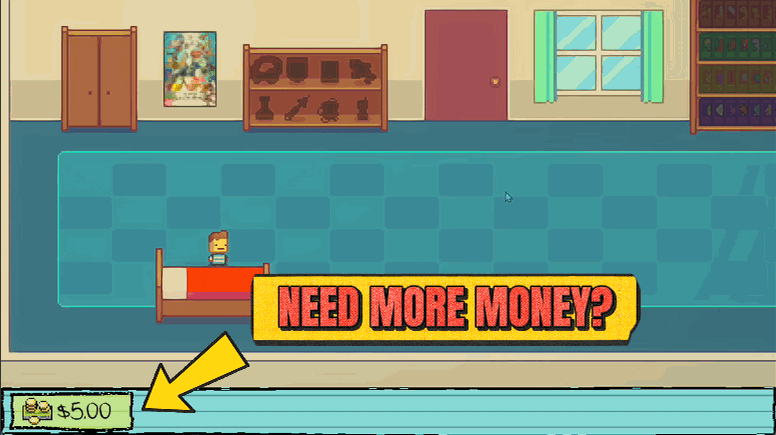
Kindergarten 2 makes you scrounge for every coin. Get Rich hands you as much cash as you want, whenever you want. Punch in an amount, hit Give Money, and your wallet fills instantly with the counter updating right away. Need a fresh start for a challenge run? Reset Money drops you back to zero. Perfect for buying every item, opening every path, and breezing past the moments the game normally gates behind money.
</>What is Get Rich?
Get Rich hands you as much cash as you want in Kindergarten 2, whenever you want it. Punch in an amount, hit Give Money, and your wallet fills instantly; need a clean slate for a challenge run and Reset Money drops you back to zero. It's built for buying every item, greasing every palm, and breezing past the moments the game gates behind money.
</>Common questions about Get Rich
What does Get Rich do in Kindergarten 2?
Get Rich lets you set your wallet in Kindergarten 2 to whatever amount you like, instantly. Kindergarten 2 normally makes you scrounge for every coin, and a lot of its missions and shortcuts are gated behind having enough cash on hand. Get Rich removes that friction: type in a number, add it to your wallet, and the counter updates right away so you can spend as you please. You can also wipe your money back to zero whenever you want a reset. It's the straightforward answer to the game's constant lunch-money squeeze, letting you focus on the schemes and missions instead of the coin-hunting.
How do the Give Money and Reset Money options work?
Get Rich gives you three controls in Kindergarten 2. First, set Money Amount to however much cash you want to hand over in one go. Then press Give Money, and that amount drops straight into your wallet with the on-screen counter updating immediately. Want more? Press it again — each tap adds another batch, so you can stack up as high as you like. Reset Money does the opposite: one press empties your wallet back to zero. Together they let you top up for a spending spree or wipe the slate clean for a self-imposed challenge, all without touching the game's normal earning grind at any point.
What can I actually spend the money on in Kindergarten 2?
Everything Kindergarten 2 normally charges you for. With a full wallet from Get Rich, you can buy out the vending machines, pay off the various characters who only cooperate for cash, and pick up every purchasable item a mission might call for. Plenty of the game's paths and outcomes are quietly locked behind having enough money at the right moment, so a topped-up wallet opens those up without the usual back-and-forth of earning first. Whether you're completing missions, testing different routes, or just enjoying the schemes without budgeting, Get Rich makes sure money is never the thing standing between you and the next step.
How much money can I give myself with Get Rich?
As much as you want. Get Rich's Money Amount setting is a number you choose, so you decide how big each Give Money drop is in Kindergarten 2 — a modest top-up for a single purchase, or a huge pile to cover everything at once. Because each press of Give Money adds another batch on top of what you already have, you can keep tapping to climb as high as you need. If you overshoot or want to start over, Reset Money clears the wallet back to zero in one press. The control is entirely in your hands: set the amount, add it as many times as you like, reset whenever.
Why would I use Get Rich in Kindergarten 2?
Use Get Rich when you don't want Kindergarten 2's money grind dictating your play. It's perfect for buying every item and opening every cash-gated path in a single session, for replays where re-earning coins feels like busywork, or for experimenting with routes that need a specific purchase you'd otherwise have to save up for. The Reset Money option adds a second use: wipe yourself back to zero for a deliberate no-money challenge run, then top up again the moment you're done. Content creators also like it for demoing the game's purchasable content without spending screen time scrounging for change on camera.
What options does Get Rich include?
Reset Money
Empty your wallet back to zero.
Money Amount
How much cash to hand over each time you press Give Money.
Give Money
Add the amount above straight to your wallet.
Get Rich, a ProjectMods mod for Kindergarten 2, tops up your wallet to any amount you choose or resets it to zero, so you never come up short on lunch money again.
System Requirements
What features does Get Rich include?
- Hands you any amount of cash you type in, added straight to your wallet with the counter updating right away
- Empties your wallet back to zero whenever you want a clean slate for a challenge run
- Set the amount once and top up again with a single tap whenever you're running low
- Covers vending machines, bribes, and every money-gated moment so you never come up short
Best For
- Buying out every vending machine and item in a single day instead of scrounging coins for each one
- Greasing palms across the schoolyard when a mission wants you to pay someone off
- Setting your wallet to a specific number for a self-imposed budget challenge, then resetting between attempts
- Skipping straight past the money gates the game normally makes you grind through
More Mods for Kindergarten 2
Monstermon Collector
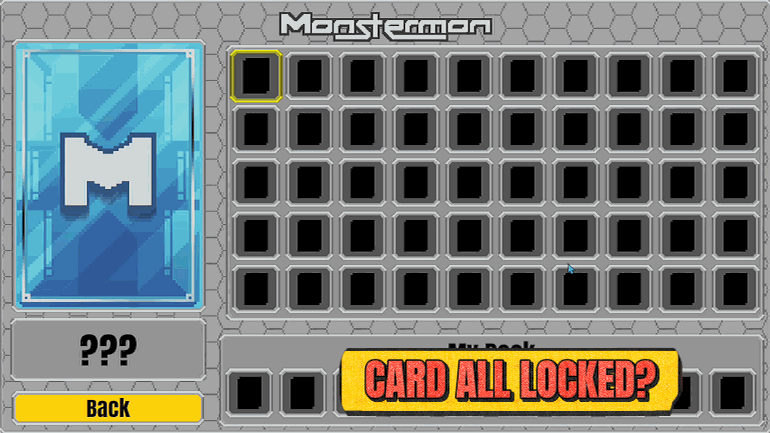
Fill your Monstermon binder instantly. All 50 cards unlocked, ready to build any deck you want.
Fashionista
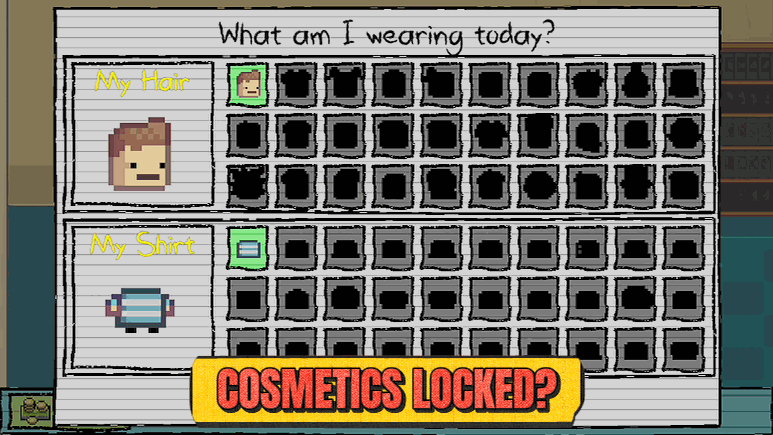
Unlock every outfit and hairstyle instantly. Dress your kid however you like without grinding for cosmetics.
Sticky Fingers
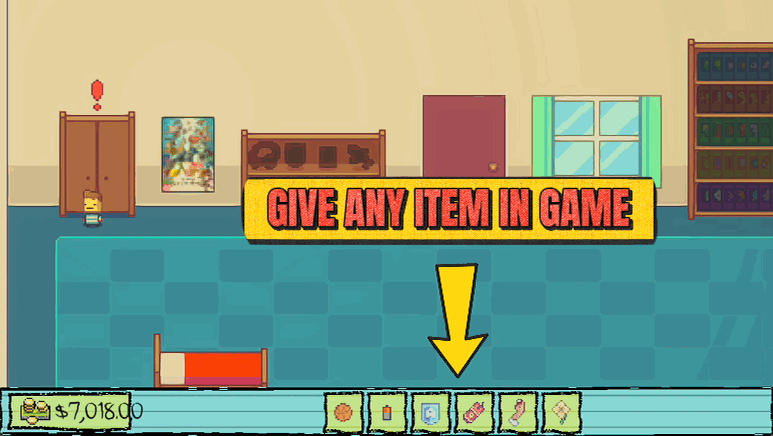
Pick any item from a searchable list and drop it right into your backpack, so you never have to hunt the whole school for that one thing a mission needs.







