Want more mods for Kindergarten 2? Explore our entire collection!
Wall of Fame
"Put every trophy on your shelf."
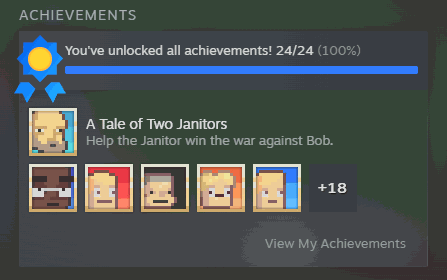
How do I install Wall of Fame?
Download the free ProjectMods desktop app, then install Wall of Fame for Kindergarten 2 in one click.
</>What does Wall of Fame do?
Chasing every Kindergarten 2 achievement means replaying grim deaths and fiddly missions over and over. Wall of Fame lets you award them on your terms: press Refresh List to load the full set, pick one to grant, or award everything in a single tap. Changed your mind? Clear Everything and start over. They're real Steam achievements, so your profile stays in sync.
</>What is Wall of Fame?
Wall of Fame puts your Kindergarten 2 achievements on your terms. Load the full list, award a single one, or grant every achievement in one tap — then Clear Everything whenever you want to start over. They're real Steam achievements, so your profile stays in sync no matter which way you go.
</>Common questions about Wall of Fame
What does Wall of Fame do in Kindergarten 2?
Wall of Fame lets you award Kindergarten 2's Steam achievements on your own terms — one at a time, or all of them at once — and clear them back whenever you like. Chasing every achievement in Kindergarten 2 normally means replaying grim deaths and fiddly missions over and over. Wall of Fame skips that grind: load the full achievement list, pick one to grant, or award the whole set in a single tap. Changed your mind, or want a clean slate for a fresh run? Clear Everything removes them again. And because these are real Steam achievements, your profile stays perfectly in sync throughout.
How do I award achievements with Wall of Fame?
Wall of Fame gives you a small set of controls in Kindergarten 2. Start by pressing Refresh List once you're in-game, which loads the full achievement list into the picker. From there you have options: use Select Achievement to choose a specific one, then Award Selected to grant just that; or press Award Everything to unlock the entire set in a single tap. If you want to undo it all, Clear Everything wipes every achievement back off. So you can be surgical — granting the one trophy you're missing — or sweeping, unlocking or clearing the whole list at once, depending on exactly what you're after.
Does Wall of Fame keep my Steam profile in sync?
Yes. Whatever you award or clear shows up on your Steam profile just as if you'd earned it in normal play. Award a single achievement and it appears on your profile; award everything and the whole set does; clear everything and they come back off. These are real Steam achievements, not just a display inside the mod, so there's no mismatch between what you see in Wall of Fame and what Steam has on record. That real two-way sync is what makes Clear Everything genuinely useful — it doesn't just hide achievements, it resets them so you can chase or re-grant them cleanly.
Why do I need to press Refresh List first?
Because Wall of Fame loads the achievement list fresh when you ask for it. Steam isn't always ready the instant Kindergarten 2 starts, so rather than risk an incomplete list, the mod waits for you to press Refresh List once you're actually in-game. That press gathers the full set of achievements and fills the picker. It's not a fault — it's there to make sure the list is complete and current before you start awarding anything. So the routine is simple: load into the game, press Refresh List, and the Select Achievement dropdown fills up. After that, Award Selected, Award Everything, and Clear Everything all work as expected for the rest of your session.
Why would I use Wall of Fame in Kindergarten 2?
Use Wall of Fame when Kindergarten 2's achievement list is standing between you and a finished profile. Some of its achievements ask you to replay bleak deaths and fiddly missions repeatedly, which not everyone wants to grind out. Wall of Fame lets you grant the ones you're missing and call the set complete. The Clear Everything option opens a second use: wipe your achievements for a genuine fresh-start run, then re-award them as you go or all at once when you're done. It's also handy for content creators who want a specific achievement on screen, or completionists tidying up the last few trophies without the repetition.
What options does Wall of Fame include?
Award Everything
Give yourself every achievement at once.
Clear Everything
Remove every achievement for a fresh start.
Award Selected
Give yourself the selected achievement.
Refresh List
Load the full achievement list into the picker. Do this once in-game first.
Select Achievement
Pick which achievement to award.
Wall of Fame is a ProjectMods mod for Kindergarten 2 that lets you award any Steam achievement — or all of them at once — and clear them back whenever you want a fresh slate.
System Requirements
What features does Wall of Fame include?
- Awards any single Steam achievement you pick from the full in-game list
- Grants every achievement at once with a single tap when you want the whole set
- Clears them all back for a fresh slate whenever you change your mind
- Real Steam achievements that sync to your profile, just like ones you earned yourself
Best For
- Completionists who already earned the tough ones and don't want to grind the fiddly missable ones
- Skipping the grim, repetitive deaths some achievements normally ask you to replay
- Resetting your achievement slate to re-experience unlocking them naturally on a fresh run
- Grabbing that last stubborn achievement standing between you and 100 percent
More Mods for Kindergarten 2
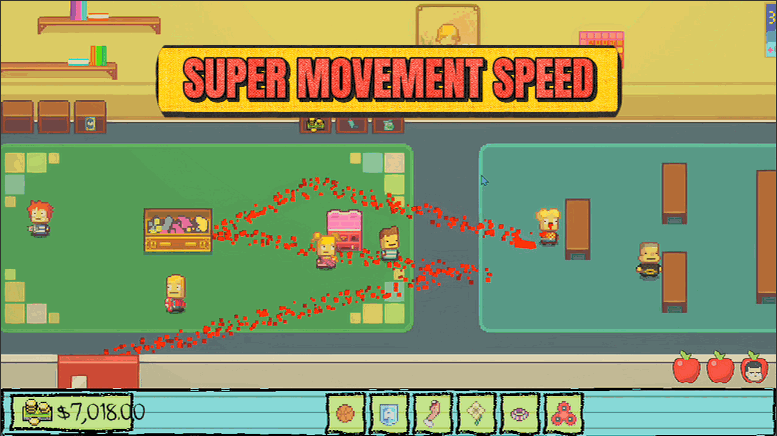
Sugar Rush
Crank up your walk speed with a simple slider. Skip the slow trudge between rooms and get where you're going, fast.
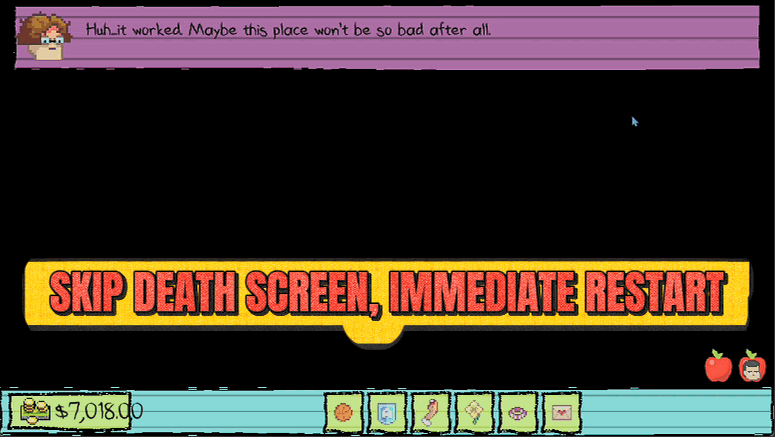
Do-Over
Skip the death screen entirely. The instant things go wrong, you pop straight back to the start of the block to try again.
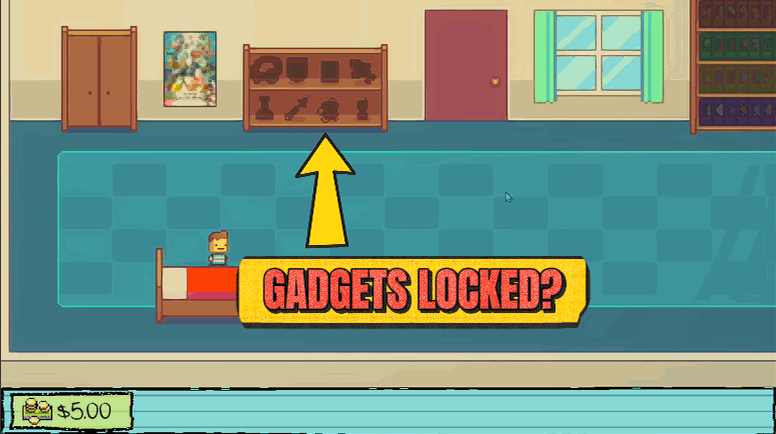
Mad Scientist
Unlock all eight buildable gadgets at once, so the science lab is open for business from the start.







