Want more mods for Liquor Store Simulator? Explore our entire collection!
Money Manager
"Add cash to your store wallet or wipe the balance clean."
How do I install Money Manager?
Download the free ProjectMods desktop app, then install Money Manager for Liquor Store Simulator in one click.
</>What does Money Manager do?
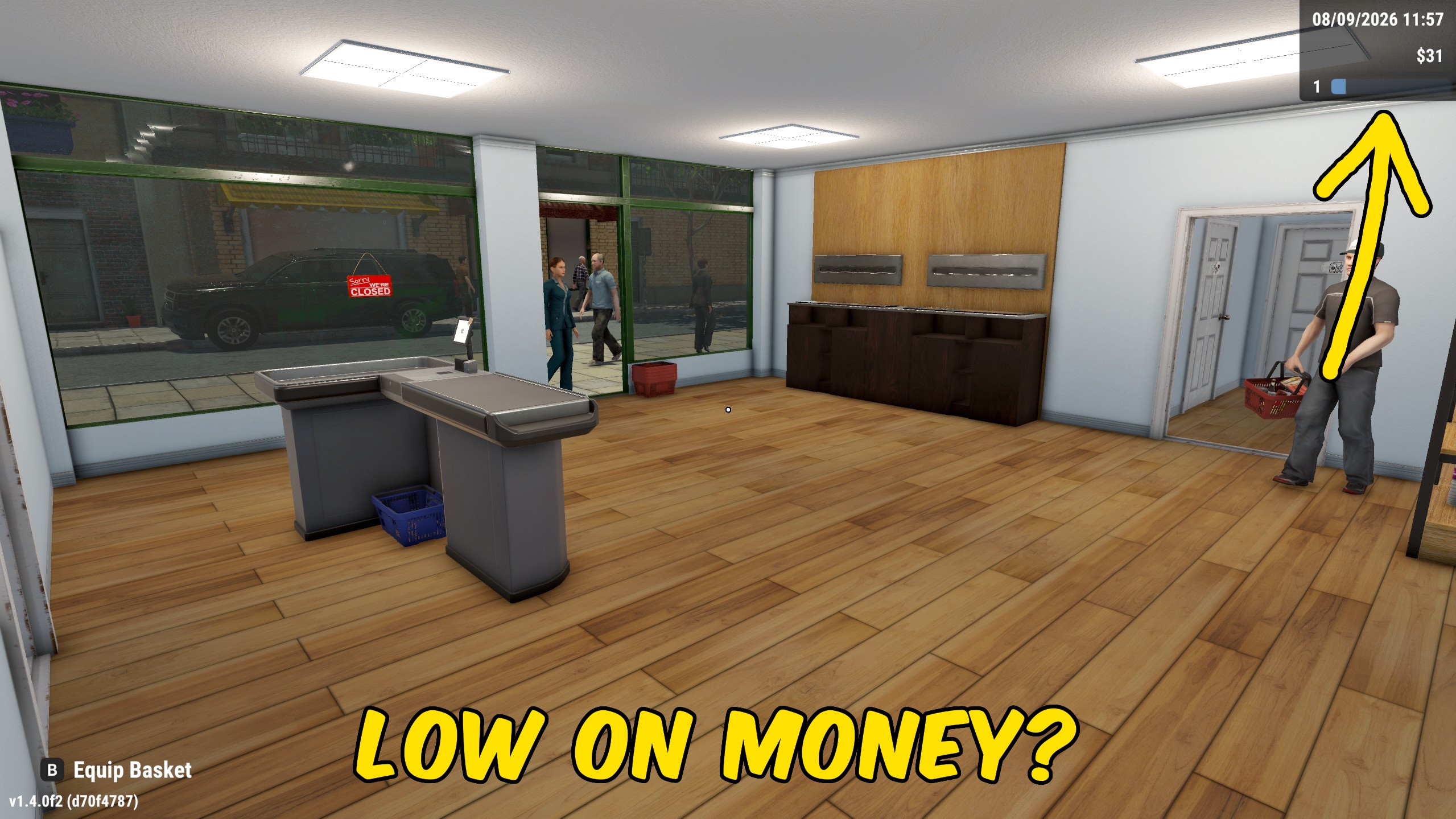
Money Manager gives you direct control over the cash in your Liquor Store Simulator wallet. Choose any amount from $1 to $100,000,000, then add it when you are ready to fund renovations, stock orders, or a bigger expansion plan. Give Money only runs when you press it, so nothing changes until you decide. Reset Money clears the active store wallet to exactly zero if you overshoot, start a challenge, or want to rebuild from a tight budget. Load into a store before using either action. The amount field stays ready for the next grant, so you can top up again without reopening menus.
</>What is Money Manager?
Money Manager is a Liquor Store Simulator cash mod for players who want instant control over store funds. Set an amount, add it to the active wallet, or reset the balance to zero. It is useful when you need capital for shelves, licenses, staffing, or a redesign without waiting for another busy sales day.
</>Common questions about Money Manager
Does Give Money add cash right away?
Yes. Once you are in a loaded store, Give Money adds the selected amount to the active wallet immediately.
What does Reset Money do?
It sets the active store wallet to exactly zero. It does not change stock, licenses, or upgrade progress.
Do I need to be inside a store?
Yes. Load into an active store save before using Give Money or Reset Money.
Can I change the amount between grants?
Yes. Edit Money Amount whenever you want, then press Give Money again with the new value.
What options does Money Manager include?
Reset Money
Set your active store wallet to exactly zero.
Money Amount
Set how much cash Give Money will add to your store wallet.
Give Money
Add the Money Amount to your active store wallet.
Enter an amount, press Give Money to add it to your store wallet, or press Reset Money to set the balance to zero.
System Requirements
What features does Money Manager include?
- Add any amount from $1 to $100,000,000 to the active store wallet.
- Reset the store wallet to exactly zero with a dedicated action.
- Changes only apply when you press Give Money or Reset Money.
Best For
- Fund a store remodel, new licenses, or a large wholesale order without grinding another week of sales.
- Clear an accidental top-up or start a low-cash challenge by resetting the wallet to zero.
More Mods for Liquor Store Simulator

Achievement Unlocker
Unlock every achievement in Liquor Store Simulator and complete your collection instantly.
Store Automation: Prices, Stock & Checkouts
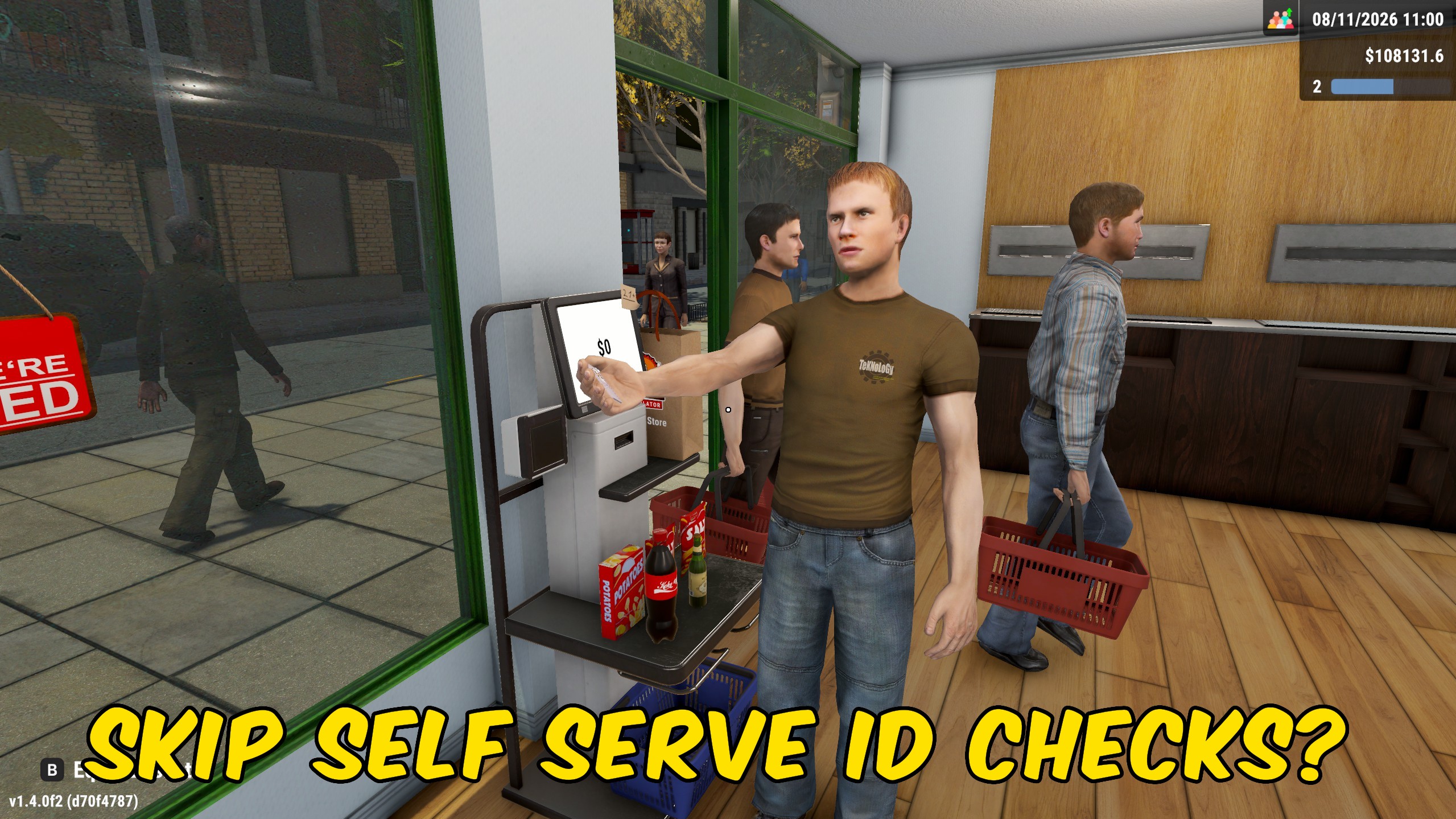
Toggle separate automations for pricing, shelf restocking, self-checkouts, returned stock, and rested staff, with a shared work-per-pass limit.
Give Upgrade Points
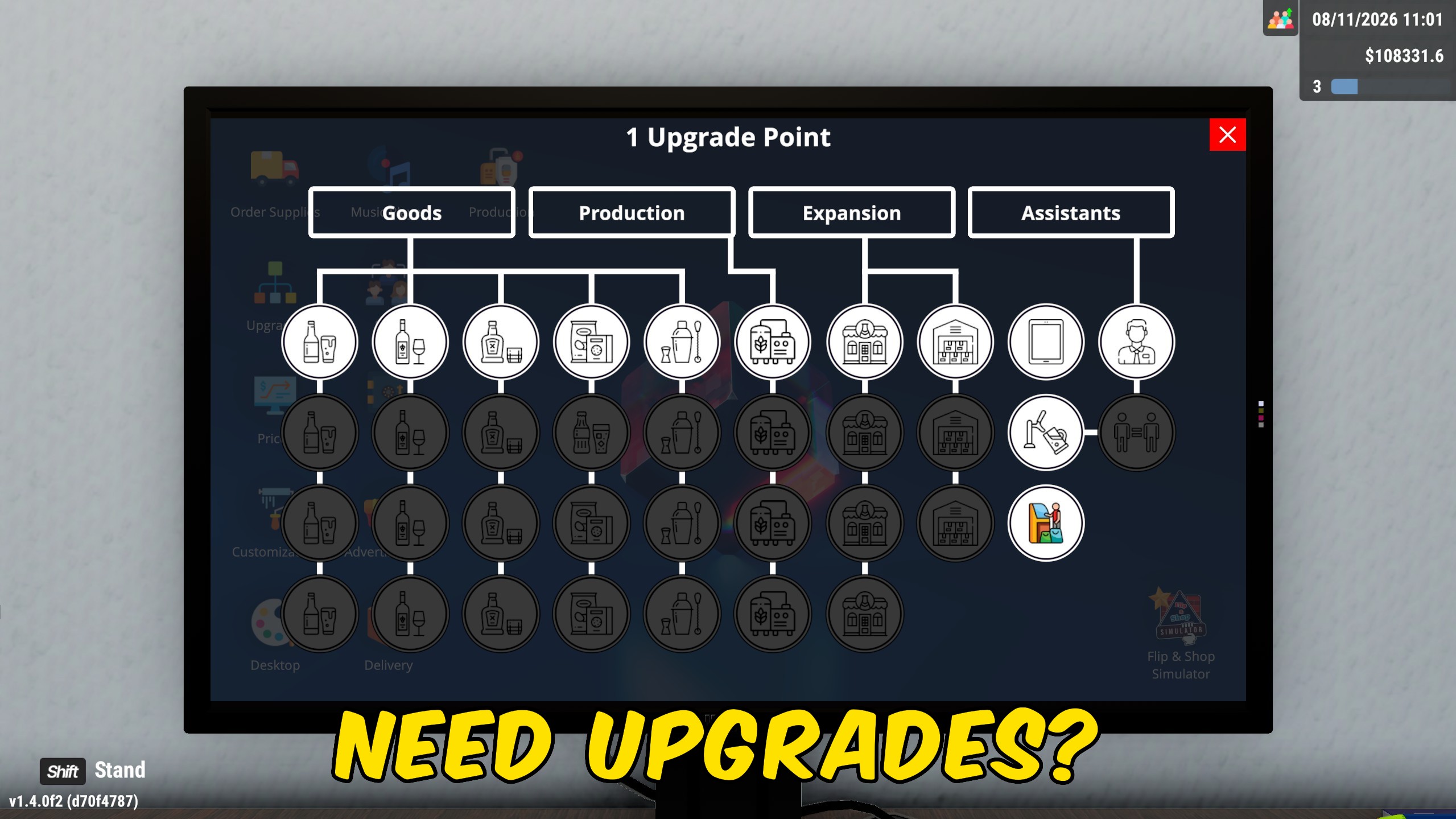
Add the exact number of upgrade points you want, or reset your available points to zero with a separate action.