Want more mods for Liquor Store Simulator? Explore our entire collection!
Store Automation: Prices, Stock & Checkouts
"Automate pricing, restocking, self-checkouts, returned stock, and staff rest."
How do I install Store Automation: Prices, Stock & Checkouts?
Download the free ProjectMods desktop app, then install Store Automation: Prices, Stock & Checkouts for Liquor Store Simulator in one click.
</>What does Store Automation: Prices, Stock & Checkouts do?
Store Automation: Prices, Stock & Checkouts gathers the repetitive Liquor Store Simulator chores into one control panel. Automatic Pricing keeps unlocked products on recommended market prices, Automatic Restocking moves boxed products onto matching shelves, and Automatic Self-Checkouts handles IDs and scanning at self-checkout lanes. Automatic Returned Stock sends rejected items back to compatible displays, while Always Rested Staff keeps employees clear of fatigue. Work Per Pass limits how many items each automated stock or checkout pass processes so large stores stay responsive. Enable only the areas you care about, or press Run Automation Now to execute every enabled task immediately.
</>What is Store Automation: Prices, Stock & Checkouts?
Store Automation: Prices, Stock & Checkouts is a Liquor Store Simulator management suite for pricing, restocking, self-checkouts, returned stock, and staff rest. Each area has its own toggle, plus a shared work-per-pass limit and a run-now action. It is designed for late-game stores where the player wants to manage instead of repeating the same floor chores.
</>Common questions about Store Automation: Prices, Stock & Checkouts
Do I have to enable every automation?
No. Each area is optional. Only the toggles you turn on will run.
What does Work Per Pass affect?
It limits how many items restocking, returned stock, and self-checkout processing handle in a pass.
Does Automatic Pricing use custom markups?
No. This automation keeps prices at the recommended market value.
What does Run Automation Now do?
It runs every currently enabled automation task immediately and reports how many stock moves finished.
What options does Store Automation: Prices, Stock & Checkouts include?
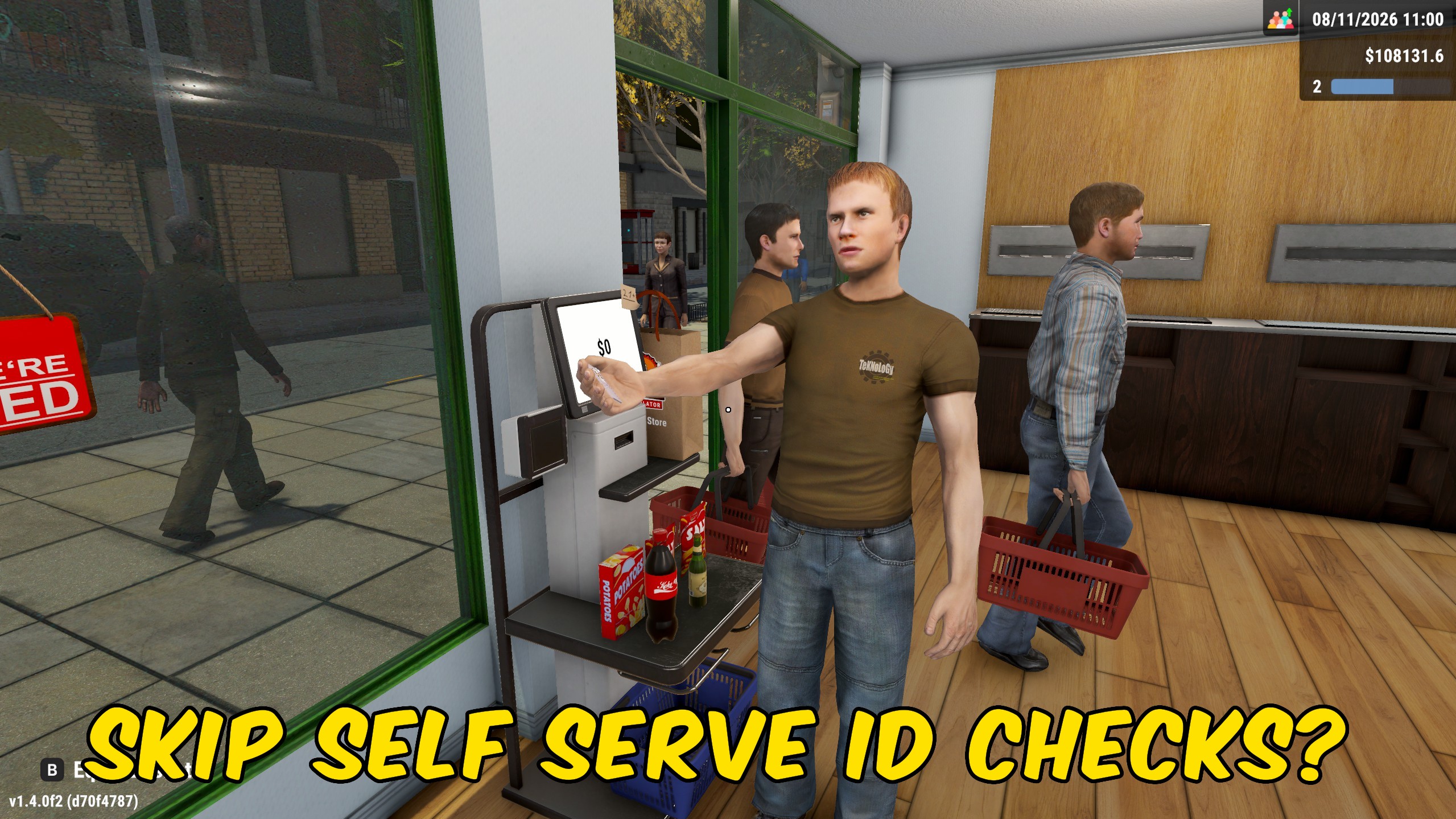
Automatic Self-Checkouts
Handle IDs and scan products at self-checkouts automatically.
Automatic Pricing
Keep unlocked product prices at the recommended market value while this is on.
Automatic Restocking
Move boxed products onto matching shelves automatically.
Work Per Pass
Choose how many items each automated restock, return, or self-checkout pass can process.
Always Rested Staff
Keep every employee rested while this is on.
Automatic Returned Stock
Return rejected items to matching displays automatically.
Enable the automation areas you want, set Work Per Pass, and leave them running or press Run Automation Now for an immediate sweep.
System Requirements
What features does Store Automation: Prices, Stock & Checkouts include?
- Toggle pricing, restocking, self-checkouts, returned stock, and rested staff separately.
- Limit how many items each automated pass processes.
- Run every enabled automation immediately with Run Automation Now.
Best For
- Operate a late-game store as a manager while automation handles repetitive floor work.
- Enable only restocking and returned stock during a remodel day, then add checkout help for the rush.
More Mods for Liquor Store Simulator
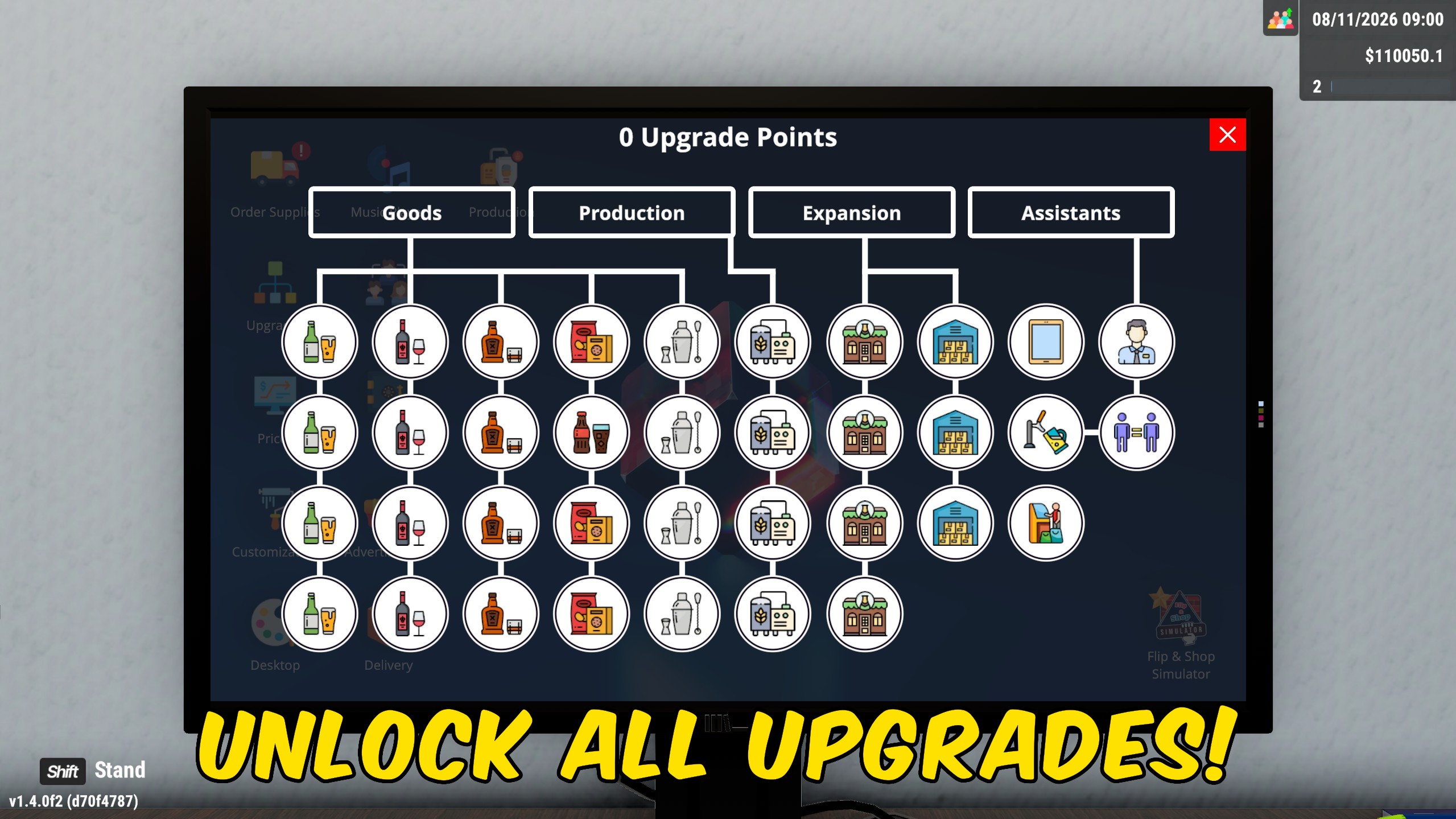
Unlock All Licenses & Upgrades
Unlock all available product licenses and skill-tree upgrades without paying for each one separately, with combined or separate actions.
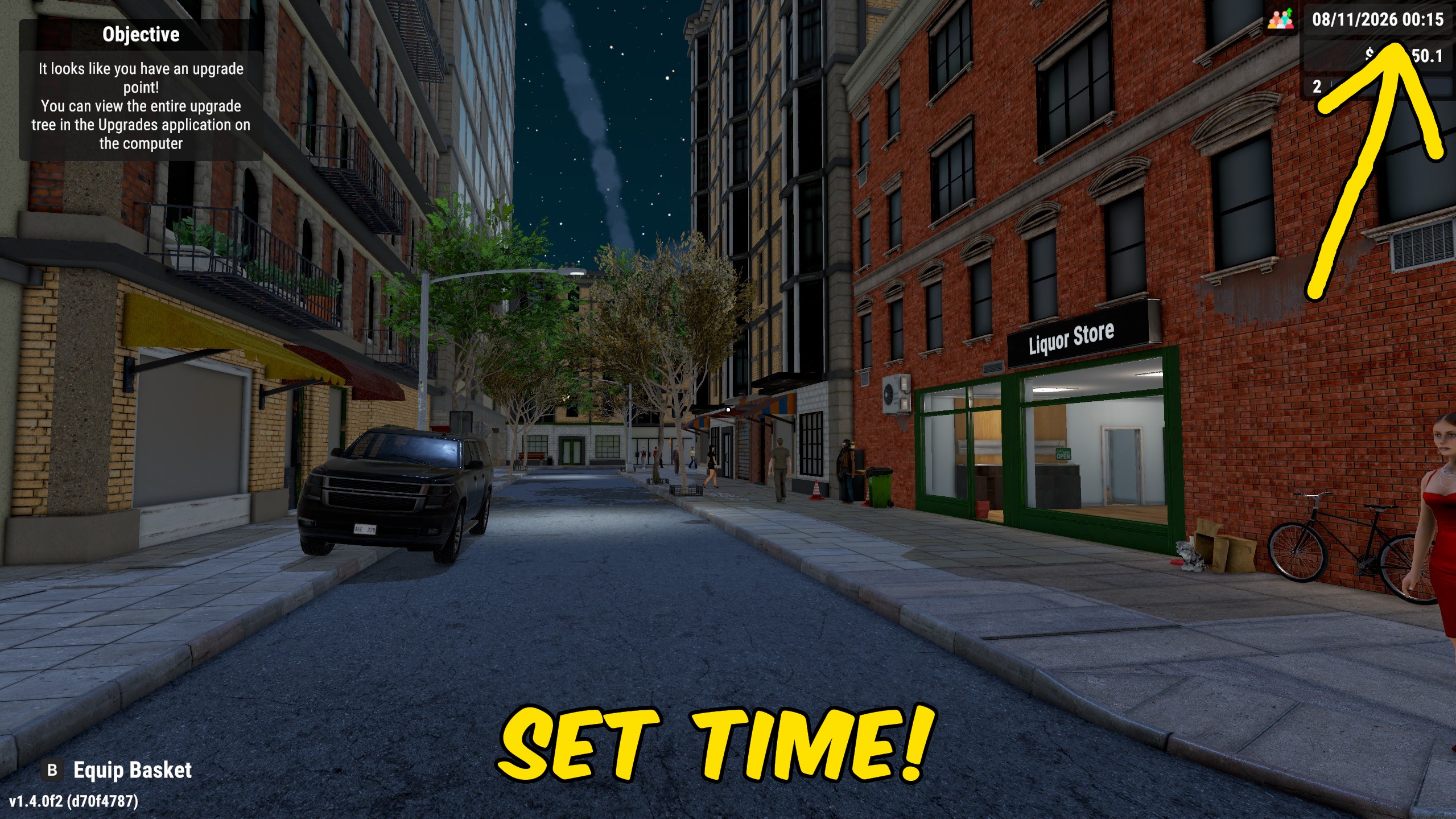
Time & Day Speed Controls
Pause store time, jump to a chosen hour and minute, or speed up and slow down the day while you manage the shop.
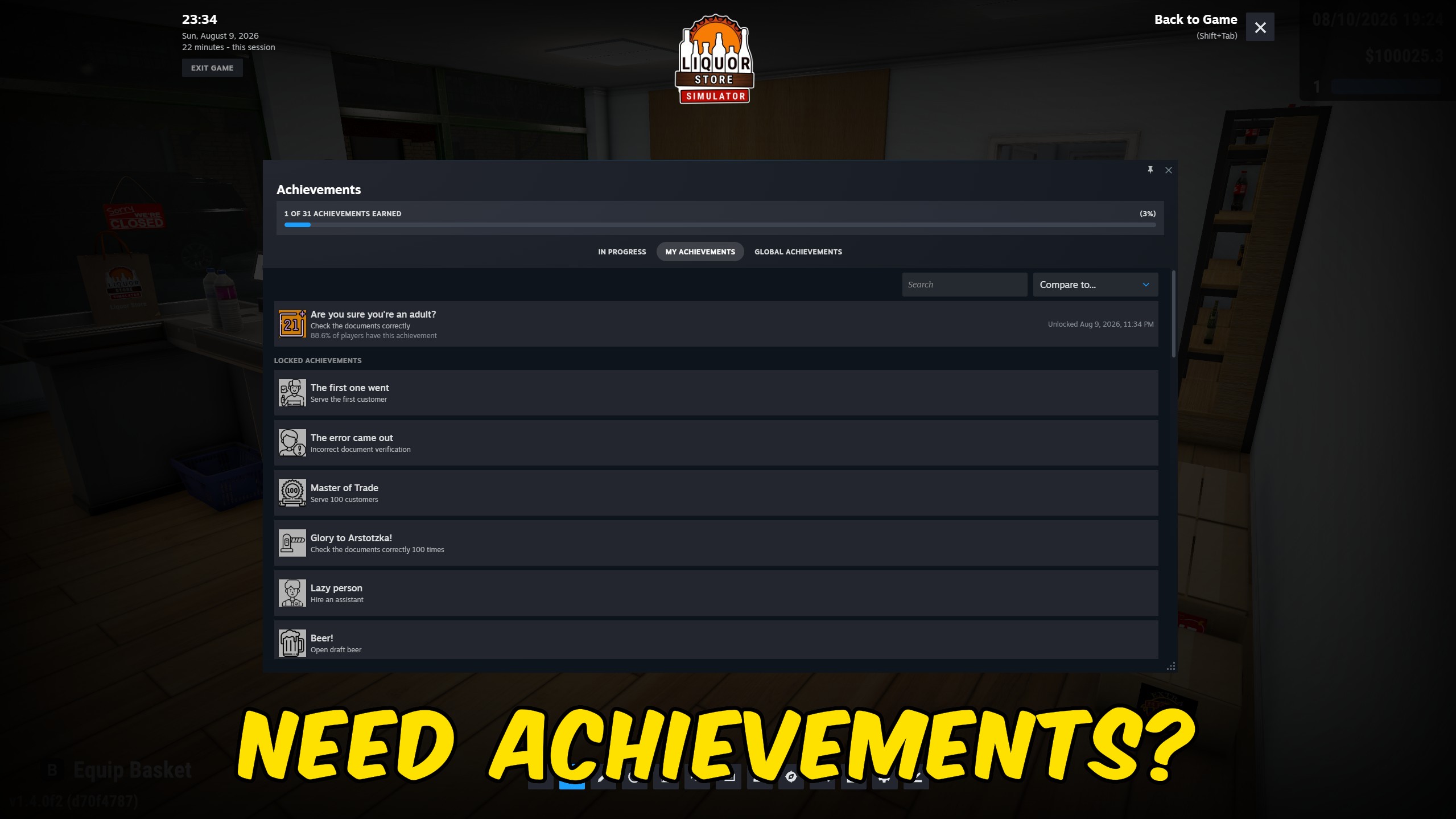
Achievement Unlocker
Unlock every achievement in Liquor Store Simulator and complete your collection instantly.