Want more mods for Liquor Store Simulator? Explore our entire collection!
Time & Day Speed Controls
"Pause the day, set the clock, or change how fast time passes."
How do I install Time & Day Speed Controls?
Download the free ProjectMods desktop app, then install Time & Day Speed Controls for Liquor Store Simulator in one click.
</>What does Time & Day Speed Controls do?
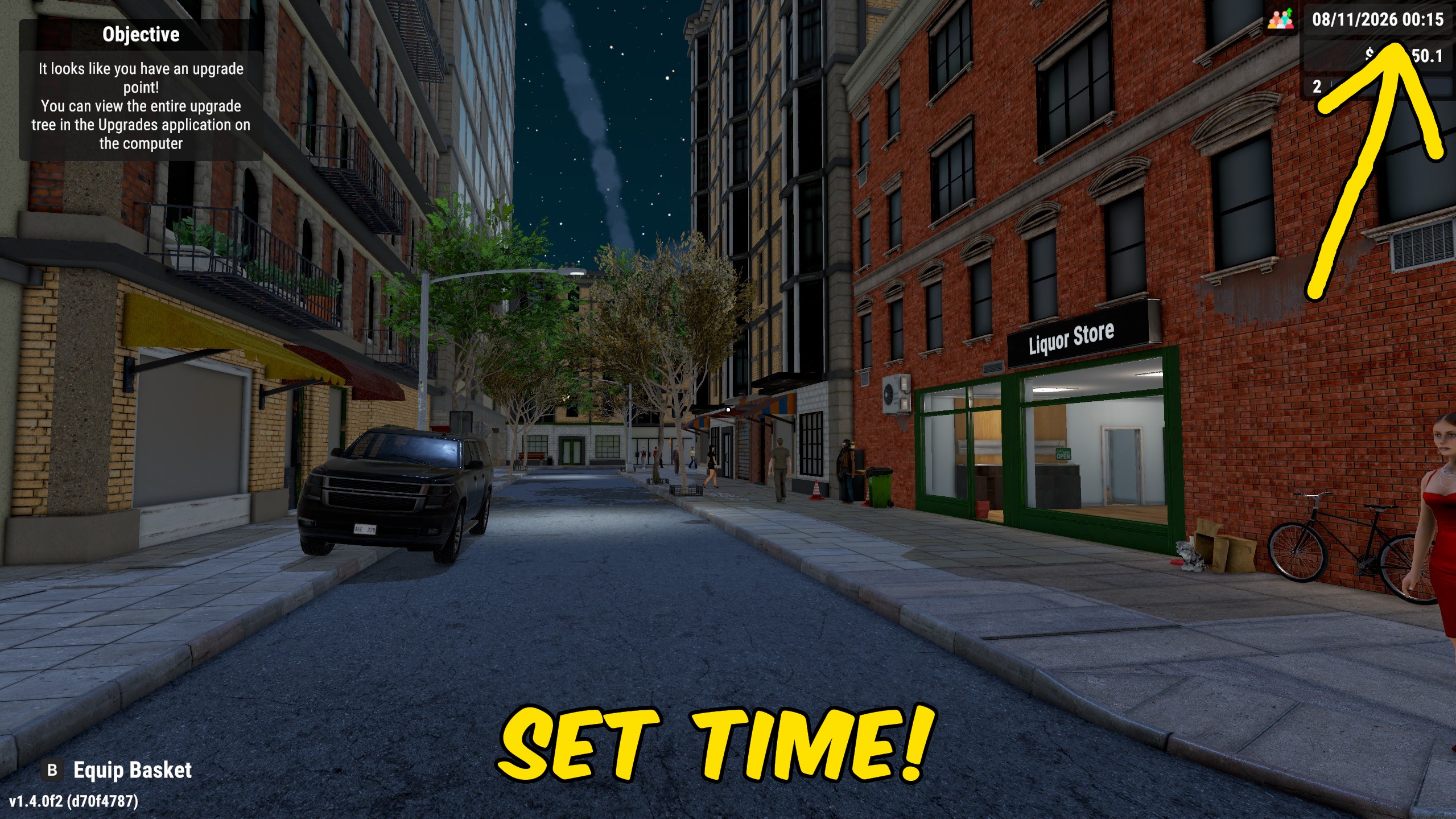
Time & Day Speed Controls puts the Liquor Store Simulator day on your schedule. Pause Time freezes the store clock until you turn it off, which is ideal for stocking, decorating, or sorting deliveries without the day racing ahead. Day Speed scales how quickly game time moves, from a relaxed pace for careful layout work to a faster day when you want to push through quiet hours. Selected Time plus Set Current Time jumps the clock to an exact hour and minute. Disable Pause Time and return Day Speed to 1 whenever you want the normal day cycle back.
</>What is Time & Day Speed Controls?
Time & Day Speed Controls is a Liquor Store Simulator time-of-day mod with pause, day-speed, and exact clock jump options. Players use it for longer stocking windows, quicker quiet stretches, or jumping straight to opening, rush hour, or closing. It restores normal pacing when pause is cleared and day speed is set back to the default.
</>Common questions about Time & Day Speed Controls
Does Pause Time stay on until I turn it off?
Yes. The store clock stays paused while Pause Time is enabled, then resumes when you disable it.
What does Day Speed of 1 mean?
1 is the normal day pace. Lower values slow the day down; higher values speed it up.
How do I jump to a specific time?
Set Selected Time to the hour and minute you want, then press Set Current Time.
Will this change my save date permanently?
It changes the current in-store clock while you play. Save afterward if you want that time kept.
What options does Time & Day Speed Controls include?
Day Speed
Choose how quickly game time passes. 1 is normal pace; lower is slower and higher is faster.
Selected Time
Pick the hour and minute used by Set Current Time.
Pause Time
Freeze the store clock until you turn this off.
Set Current Time
Move the store clock to the Selected Time.
Toggle Pause Time, adjust Day Speed, pick a Selected Time, then press Set Current Time to jump the store clock.
System Requirements
What features does Time & Day Speed Controls include?
- Pause the store clock until you turn Pause Time off.
- Scale day speed from slower than normal to much faster.
- Jump the clock to an exact hour and minute with Set Current Time.
Best For
- Freeze time while restocking shelves, pouring draft beer, or rebuilding a floor layout.
- Skip ahead to opening, evening rush, or closing without waiting through empty hours.
More Mods for Liquor Store Simulator
Liquor Store Chaos
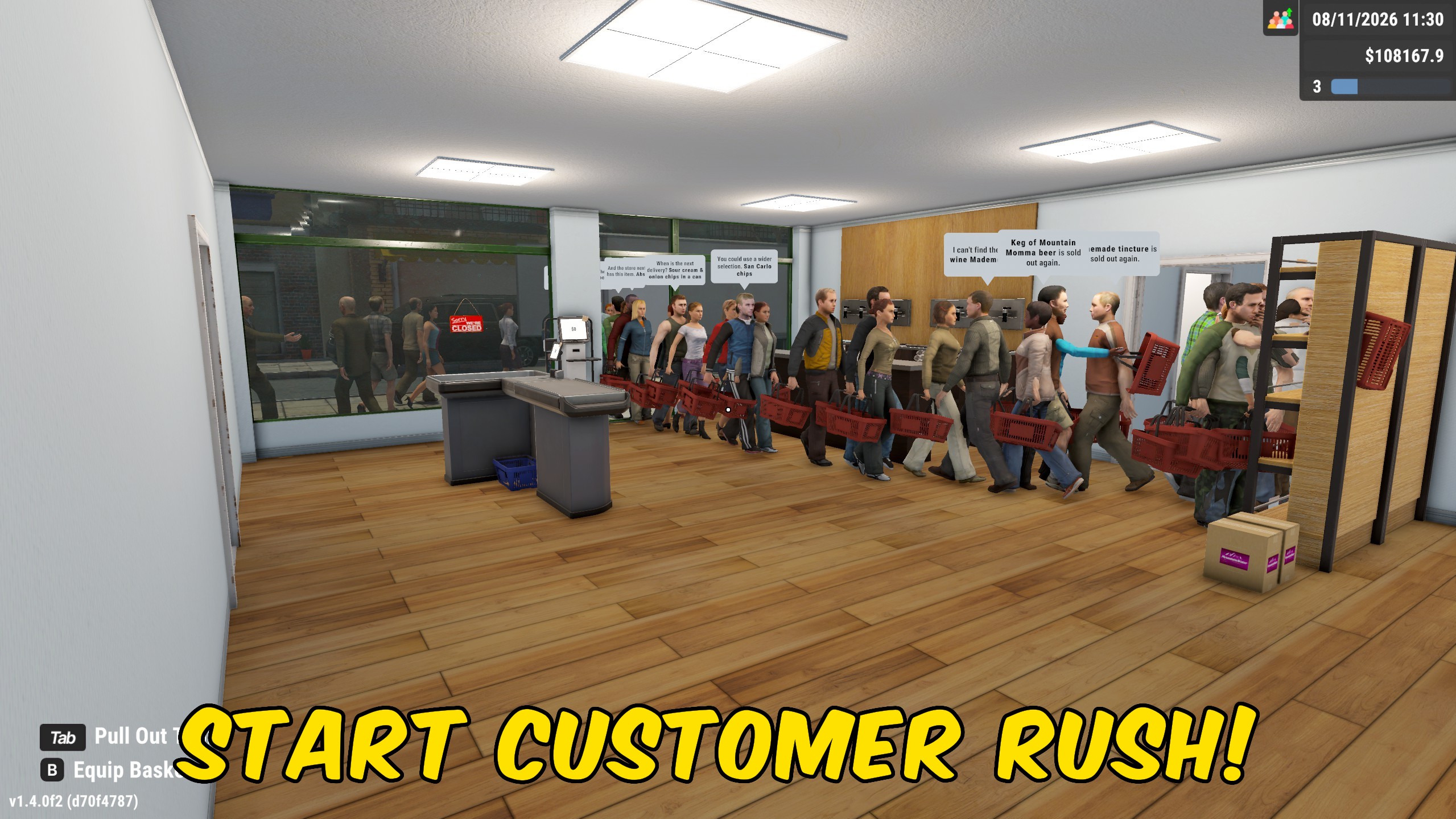
Turn on chaos mode to force drunk customers, raise crowd limits, control invalid-ID frequency, and trigger an extra customer rush on demand.
Achievement Unlocker
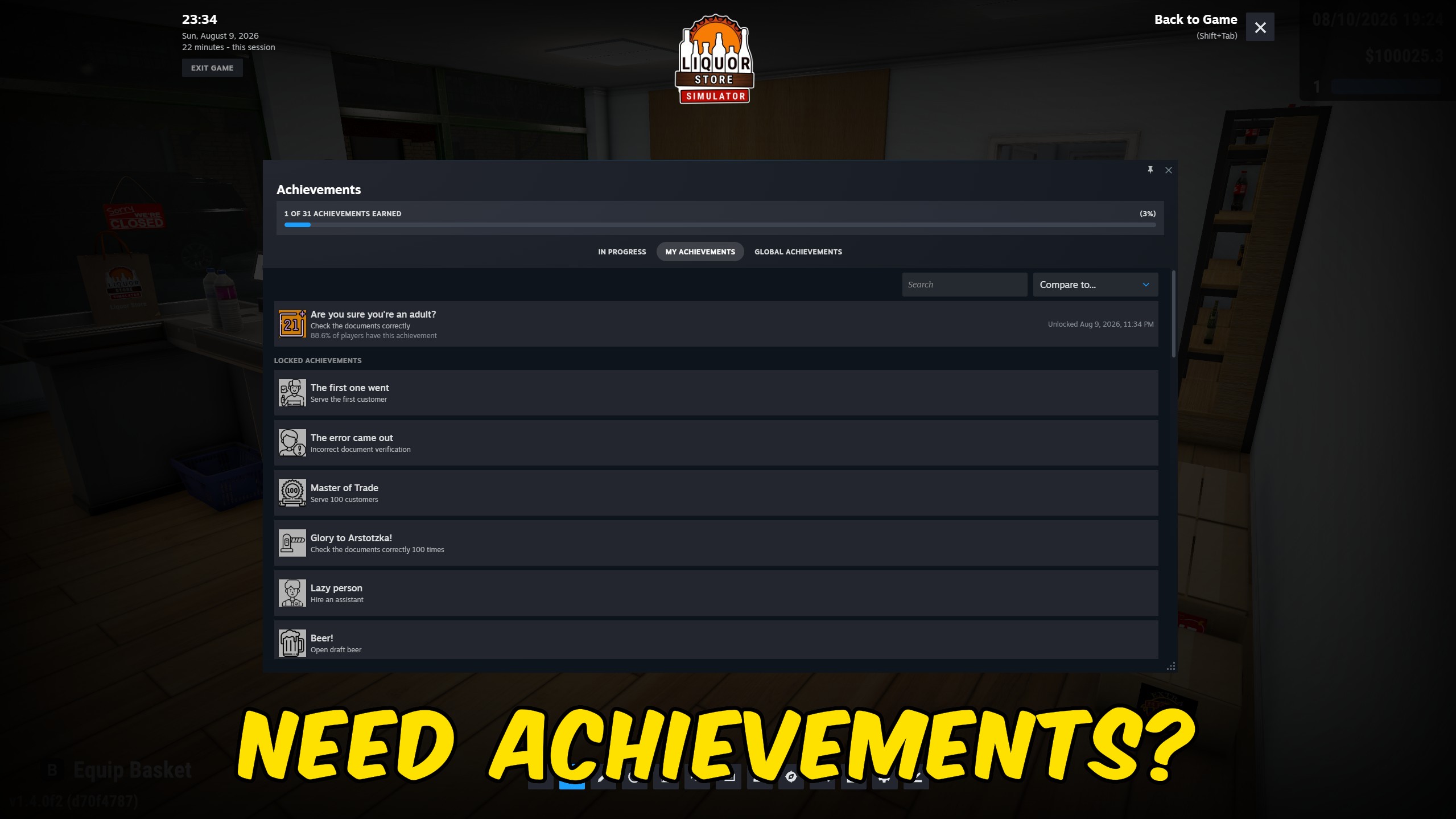
Unlock every achievement in Liquor Store Simulator and complete your collection instantly.
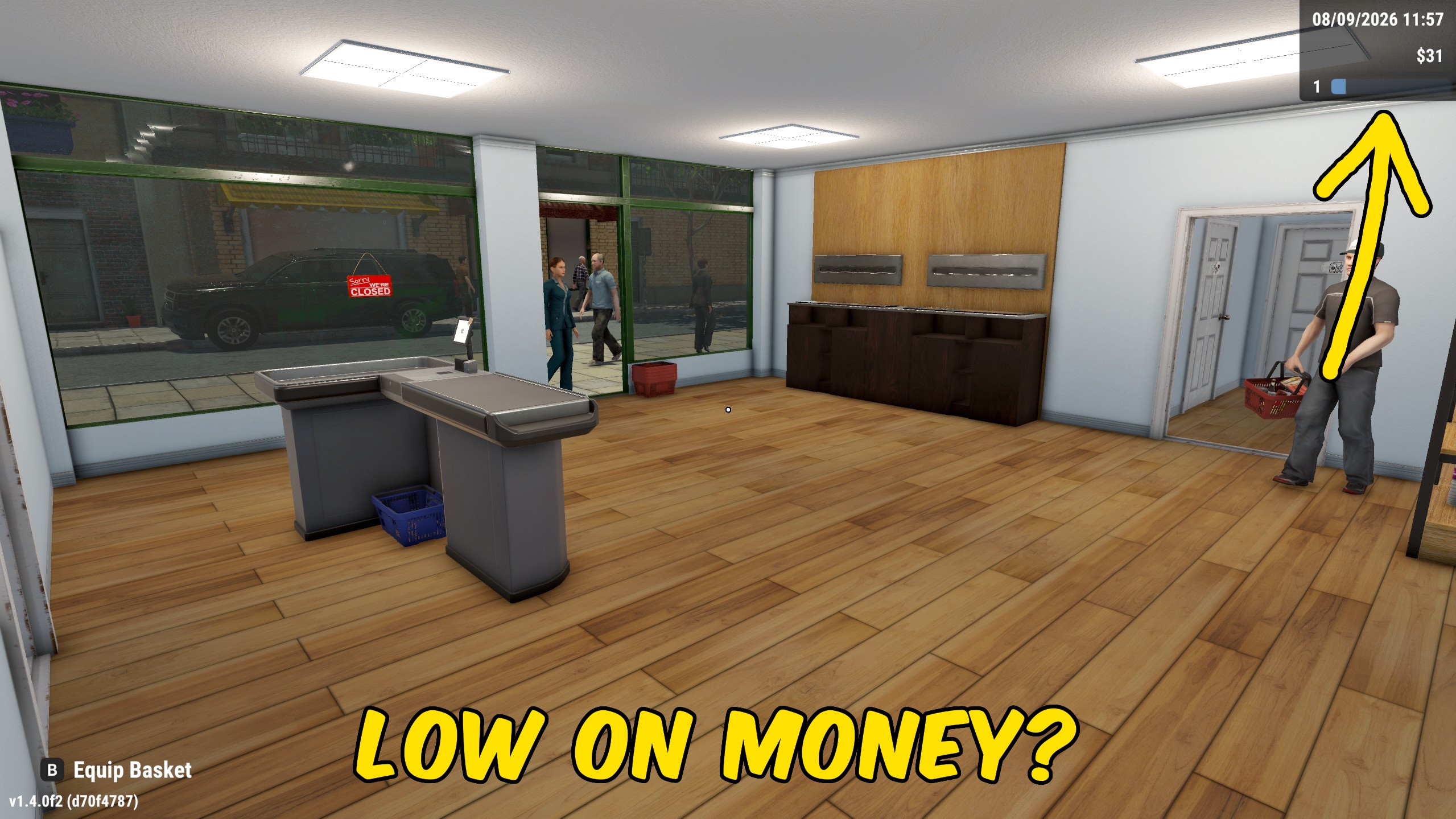
Money Manager
Add a chosen amount of money to your active store wallet, or reset the balance to zero when you want a clean slate.