Want more mods for Low-Budget Repairs? Explore our entire collection!
Bottomless Bucket
"The bucket never quite empties."
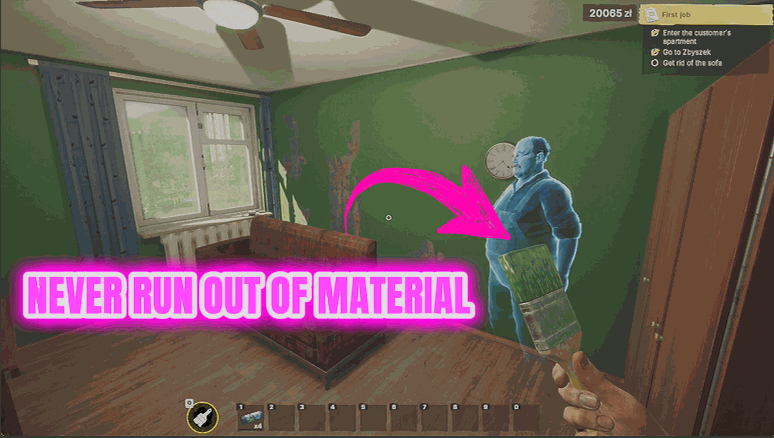
How do I install Bottomless Bucket?
Download the free ProjectMods desktop app, then install Bottomless Bucket for Low-Budget Repairs in one click.
</>What does Bottomless Bucket do?
Running dry two thirds of the way up a wall is the single most annoying thing this game does to you. You break the rhythm, walk back to the bucket, reload, find your place again, and the finish never quite matches. Bottomless Bucket keeps your tools loaded. Paint, plaster, glue, bricks and tiles all stay topped up, so you can do a whole room in one pass and actually get an even finish. Levels sit at a normal full rather than some silly made-up number, so nothing on your gauges ever looks odd. It does not skip any of the work - you still paint the wall. It just stops the interruption. Combine with Magic Roller if you want the whole surface done in one go instead.
</>What is Bottomless Bucket?
Bottomless Bucket keeps your surfacing tools loaded in Low-Budget Repairs. Paint, plaster, glue, bricks and tiles all stay topped up, so you can finish a whole room in one pass and get an even coat instead of a patchy one. Your gauges still read the way they always have, so nothing on screen ever looks odd.
</>Common questions about Bottomless Bucket
What does Bottomless Bucket do in Low-Budget Repairs?
Bottomless Bucket keeps your painting and surfacing tools loaded in Low-Budget Repairs, so a wall never stops you two thirds of the way up for a reload. Paint, plaster and glue stay topped up as you work, and your bricks and tiles are refilled as well. The work itself is untouched: you still roll the wall, you still lay the tile. What goes is the interruption, and the finish that never quite matches after you find your place again.
Will my supply gauges look strange with Bottomless Bucket switched on?
No. Bottomless Bucket keeps your paint, plaster and glue sitting at a normal full level rather than some silly made-up number, so every gauge and counter in Low-Budget Repairs reads exactly the way it always has. You will not see odd figures on screen or a bar that runs off the end of itself. The only difference you should notice is that the level stops falling away to nothing while you work. Everything else about the display stays familiar, which is the point: the mod is there to remove the trip back to the bucket, not to make your screen look wrong.
Does Bottomless Bucket cover bricks and tiles too?
Yes. As well as the paint, plaster and glue, Bottomless Bucket tops your bricks and tiles back up in Low-Budget Repairs, so they do not run out halfway through a bathroom either. That is the difference between finishing a room in one pass and doing it across three sittings with a shopping trip in the middle. It does not hand you items you have not got: it keeps what you are working with loaded. For new items, that is Supply Run.
What is the Diagnose button on Bottomless Bucket for?
Diagnose is the button you press if something is not behaving as expected. It writes a short status note you can send us, describing what the mod could see at the time rather than leaving you to recall a problem from memory. You never need it during normal play in Low-Budget Repairs, since the mod is a single Enabled toggle otherwise. Think of it as the support button rather than a gameplay control, there for the rare occasion something looks wrong.
Does Bottomless Bucket paint the wall for me?
No, and that is deliberate. Bottomless Bucket keeps your supplies loaded in Low-Budget Repairs, but you still do every stroke yourself. The painting, plastering and tiling are untouched. It removes the reload, not the craft, which is why it suits people who genuinely enjoy the surfacing and just resent the trips back to the bucket. If you want the surface itself done in one pass instead, that is Magic Roller. The two sit happily together: faster tools, supplies that never run dry.
What options does Bottomless Bucket include?
Enabled
Keeps your paint, plaster and supplies topped up while it is on.
Diagnose
Press to write a short status file if something is not behaving.
From ProjectMods, Bottomless Bucket keeps your paint, plaster, glue, bricks and tiles topped up in Low-Budget Repairs, so a wall never stops you part-way through for a reload.
System Requirements
What features does Bottomless Bucket include?
- Keeps paint, plaster and glue loaded so a wall never dries up two thirds of the way to the ceiling
- Tops your bricks and tiles back up too, so a run of tiling never stops halfway across the row
- Keeps levels sitting at a normal full, so nothing ever looks odd on your gauges
- Leaves the actual work alone - you still paint every wall, you just stop walking back to reload
Best For
- Painting a full bedroom in one continuous pass so the finish comes out even instead of patchy
- Long tiling stretches in a cramped bathroom where stopping to reload wrecks your alignment
- The moment a wall runs dry two thirds of the way up and you lose your place
- Recording a clean before-and-after of a finished room with no reload breaking the shot
More Mods for Low-Budget Repairs
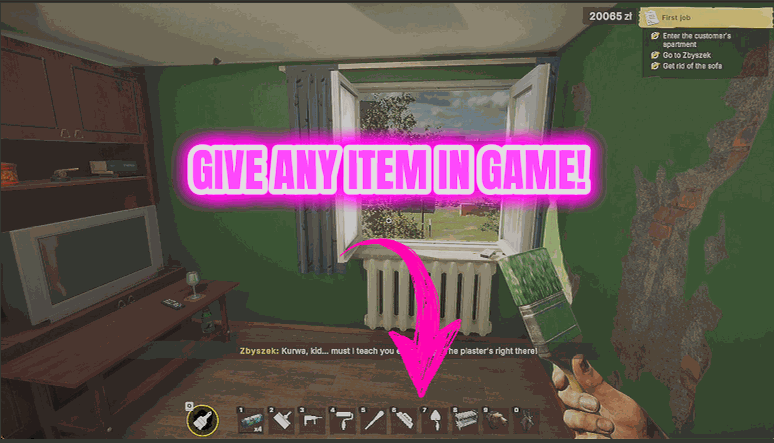
Supply Run
Hands you any item in the game directly, so you never have to drive back for one missing thing.
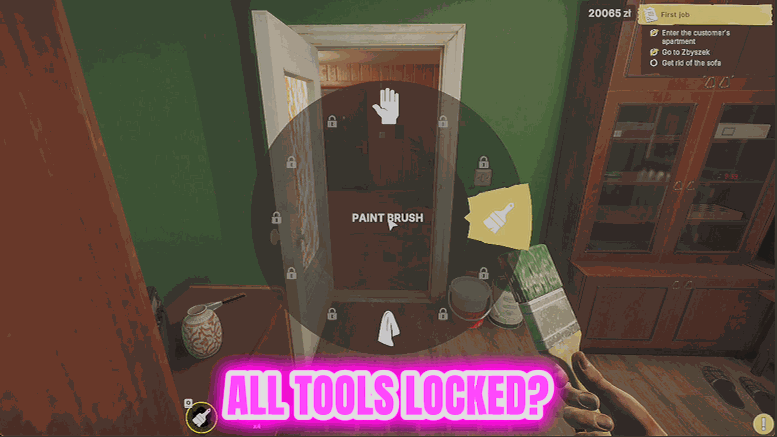
Toolbox Deluxe
Takes every tool you own straight to its best version, so the work is faster and cleaner from the start.
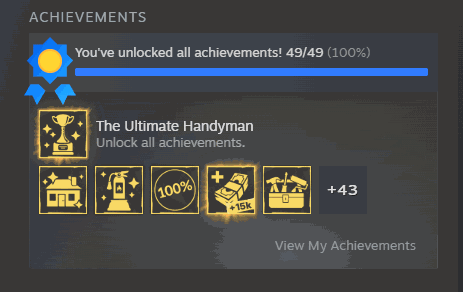
Certified Tradesman
Unlocks the game's full achievement list in one press and tells you exactly how many actually landed.







