Want more mods for Low-Budget Repairs? Explore our entire collection!
Supply Run
"The shop, delivered to your pocket."
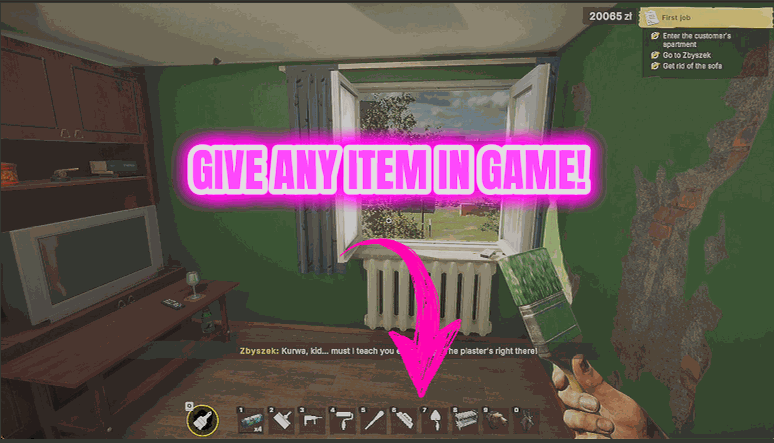
How do I install Supply Run?
Download the free ProjectMods desktop app, then install Supply Run for Low-Budget Repairs in one click.
</>What does Supply Run do?
There is always one more thing. You get to the flat, start work, and realise you are a bag of mortar short - and now it is a trip to the shop and back before you can carry on. Supply Run puts the catalogue in your pocket. Press Refresh Item List and the dropdown fills with every item in the game, each one named properly. Pick what you need, set how many, and press Deliver Item. The message that comes back tells you exactly what landed, so you never have to dig through your bags to check. The same list is saved as a text file in your ProjectMods folder when you refresh, so you can browse the whole lot properly. If your hands are full, Bigger Van will make room.
</>What is Supply Run?
There is always one more thing you are short of. Supply Run puts the Low-Budget Repairs catalogue in your pocket: press Refresh Item List, pick what you need from the dropdown, set a quantity and press Deliver Item. The message that comes back tells you exactly what landed, so you are never left guessing whether the mortar you asked for is actually in your hands.
</>Common questions about Supply Run
What does Supply Run do in Low-Budget Repairs?
Supply Run hands you any item from the Low-Budget Repairs catalogue, in whatever quantity you ask for. Press Refresh Item List and the dropdown fills with every item in the game, each one labelled by name. Pick what you need, set a quantity and press Deliver Item. The message that comes back tells you exactly what landed in your hands, so you are never left wondering whether the mortar you asked for actually turned up. No drive to the shop, no hunting through your bags to check. You ask for it, it turns up, and you get straight back to the wall you were halfway through plastering.
How does Refresh Item List work?
One press and the dropdown fills with every item in Low-Budget Repairs, each one labelled by name, so you can scroll straight to the plaster or the paint tin you are after. The same list is also saved as a text file in your ProjectMods folder, which is the nicer way to browse it. A renovation game has a lot of materials and fittings, and reading them all in one place beats guessing at names or scrolling a long dropdown. Give it a press at the start of a session and the whole catalogue is yours for the rest of it.
What happens if my inventory is full when I press Deliver Item?
Nothing arrives, and Supply Run says so plainly instead of pretending it worked. You get told straight away that there was no room for it, which saves you digging through your bags looking for a bag of mortar that never turned up. Drop something you are not using, or split the order into smaller batches, and try again. If you keep running into the ceiling, that is usually your carry weight rather than the delivery, and Bigger Van takes that limit off entirely so a whole flat's worth of materials fits in one trip.
What is the Item ID Fallback box for?
It is the backup route for the rare case where the dropdown does not fill. Every item in Low-Budget Repairs has its own number, and those numbers sit next to the names in the catalogue text file that Supply Run saves to your ProjectMods folder. So if the list ever comes up empty, open that file, find the thing you want, type its number into the Item ID Fallback box and press Deliver Item exactly as you normally would. Most people go their whole time with the mod never touching it, but it is there so a stubborn dropdown never leaves you stuck without your supplies.
Why is the Item dropdown empty when I first load in?
Because the list has not been filled in yet. Press Refresh Item List and the dropdown loads with everything Low-Budget Repairs has, in one go. It starts empty on purpose. The list is built from the game you are actually playing, so it always matches your version instead of a fixed list that goes stale the moment the game gets patched. In practice that means one button press at the start of a session and you are set for the rest of it. Refresh Item List first, then pick your item, set a quantity, and press Deliver Item as often as you need.
What options does Supply Run include?
Item
Which item to hand you. The list holds every item in the game, grouped by type - type a few letters to filter it.
Refresh Item List
Press to read every item in the game and fill the list above.
Deliver Item
Press to hand yourself the chosen item and report what actually arrived.
Quantity
How many of the chosen item to hand you at once.
Item ID Fallback
Optional safety net. If the list above ever goes out of date after a game update, press Refresh Item List and take a number from the saved catalogue file.
Supply Run, a ProjectMods mod for Low-Budget Repairs, fills a dropdown with every item in the game, hands you any of it in the quantity you choose, and tells you exactly what arrived.
System Requirements
What features does Supply Run include?
- Hands you any item in the game directly, in whatever quantity you set
- Fills the list with every item in the game at one press, each one named properly
- Tells you exactly what arrived - and says plainly when there is no room left for it
- Saves the full catalogue to a text file in your ProjectMods folder so you can browse it properly
Best For
- Realising you are one bag of mortar short with the dust sheets already down
- Kitting out a full flat in one go instead of driving back for the single thing you missed
- Grabbing a specific fitting for a room you have already designed in your head
- Browsing the saved catalogue to find out what this game actually has hiding in it
More Mods for Low-Budget Repairs
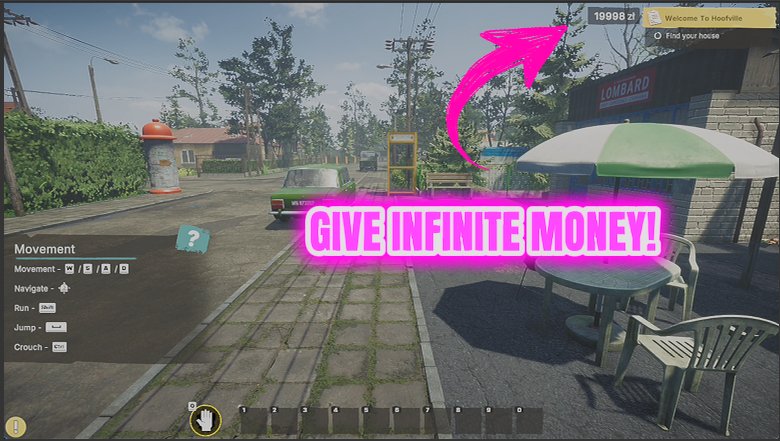
Cash Advance
Drops money straight into your wallet whenever you want it, and can keep topping you up so you never stall halfway through a renovation.
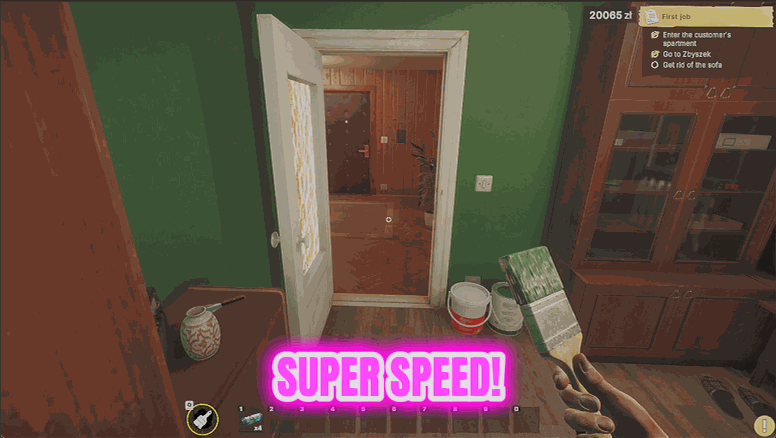
Site Sprinter
Dials up your walking speed, your jump and how heavy you feel, so crossing a job site stops eating your session.
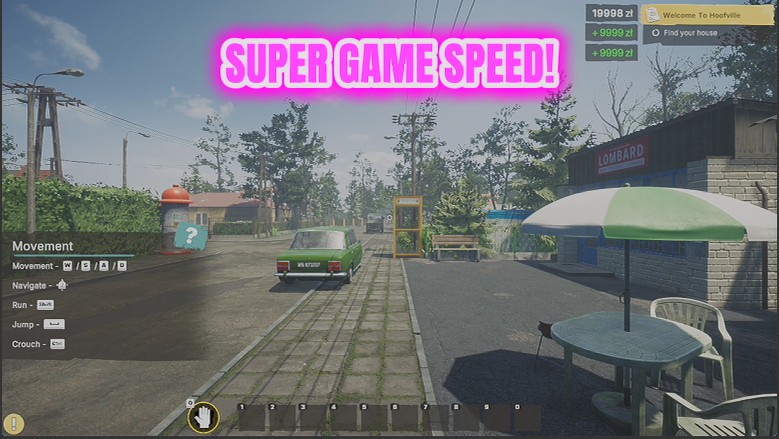
Overtime
A game-speed slider from a quarter speed up to eight times, so you set the pace of the shift.







