Want more mods for Low-Budget Repairs? Explore our entire collection!
Cash Advance
"Get paid before the job is finished."
How do I install Cash Advance?
Download the free ProjectMods desktop app, then install Cash Advance for Low-Budget Repairs in one click.
</>What does Cash Advance do?
Renovation jobs in Low-Budget Repairs live and die on cash flow. You need plaster before you can skim a wall, tiles before you can do a bathroom, and a run to the shop costs you money you have not earned yet. Cash Advance takes that squeeze away. Set an amount, press Give Cash, and the money is in your wallet immediately - ready to spend, so you can walk straight to the counter and buy what you need. Flip on Bottomless Wallet and the mod quietly keeps your balance topped up to your chosen figure, so you can decorate a whole block without ever checking the number again. Empty Wallet is there for the opposite mood. Zero yourself out and see whether you can claw a profit back out of one grubby flat. Pairs nicely with Trade Secrets if you want the whole shop open and the funds to raid it.
</>What is Cash Advance?
Cash Advance hands you money on demand in Low-Budget Repairs. Set an amount, press Give Cash, and it turns up in your wallet right away, ready to spend at the shop counter. Bottomless Wallet keeps you topped up to that figure, and Empty Wallet takes you to zero if you fancy starting from nothing.
</>Common questions about Cash Advance
What does Cash Advance do in Low-Budget Repairs?
Cash Advance puts money in your wallet on demand in Low-Budget Repairs. Set an Amount, press Give Cash, and that sum turns up in your wallet straight away, so you can walk to the counter and buy plaster or tiles immediately with no reload. It also shows you your balance before and after, so you can see exactly what landed. There is also Empty Wallet, which takes you to zero, and Bottomless Wallet, which keeps your balance topped up while you play.
What is the difference between Give Cash and Bottomless Wallet?
Give Cash is a one-off: press it, and your chosen Amount is added to your balance right then. Bottomless Wallet is a standing arrangement. While it is on, Cash Advance watches your balance in Low-Budget Repairs and tops it back up to your Amount whenever it falls below. Use Give Cash when you just need a shop run funded, and Bottomless Wallet when you want to decorate an entire block without glancing at the number again. Both draw on the same Amount setting.
Can I spend the money straight away, or do I need to reload?
Straight away. The money lands in the wallet you actually spend from in Low-Budget Repairs, so the moment it arrives you can buy at the shop till or take on a bigger job. No save, no reload, no restarting the job. It also shows your balance before and after, so you are never left guessing whether the press worked. Press Give Cash at the counter and the item is affordable by the time you finish reading.
How does the Amount setting on Cash Advance work?
Amount does two jobs. It is the sum each press of Give Cash hands you, and it is also the level Bottomless Wallet tops you back up to whenever your balance drops below it. So if you set a comfortable working figure, one press funds a shop run and the toggle holds you at that figure indefinitely. Set it low for a tight, scraping-by run through Low-Budget Repairs, or high if you would rather never think about money again. Change it any time.
Why would I use Empty Wallet in Low-Budget Repairs?
Empty Wallet is the opposite mood. It clears whatever you are carrying and drops you straight to zero, which is oddly good fun if you want to see whether one grubby flat in Low-Budget Repairs can be turned into a profit from nothing. It is also useful for resetting after experimenting, so you can go back to playing the economy properly. Pair Cash Advance with Trade Secrets if you want the other direction entirely: the whole catalogue open, and the funds to raid it.
What options does Cash Advance include?
Give Cash
Press to drop your chosen amount into your wallet right now.
Empty Wallet
Press to take your balance back down to zero for a fresh start.
Amount
How much money each press hands you, and the level Bottomless Wallet tops you back up to.
Bottomless Wallet
Keeps your balance topped up to the amount above so you never run short mid-job.
Cash Advance, a ProjectMods mod for Low-Budget Repairs, drops a chosen amount of money straight into your wallet on demand, can keep your balance topped up while you play, and can zero you out for a fresh start.
System Requirements
What features does Cash Advance include?
- Drops your chosen amount into your wallet on a single press, ready to spend at the counter
- Keeps a minimum balance held with Bottomless Wallet so you never stall halfway through a renovation
- Shows your balance before and after each top-up, so you always know exactly what landed
- Zeroes you out with Empty Wallet when you fancy starting a block from nothing again
Best For
- Buying every material for a flat up front instead of doing the job in the stages you can afford
- Decorators who want the fittings they actually like rather than the ones the balance allows
- Setting yourself a challenge: empty the wallet and see if one grubby flat can turn a profit
- Recovering from a botched contract that ate your savings and left you short of plaster
More Mods for Low-Budget Repairs
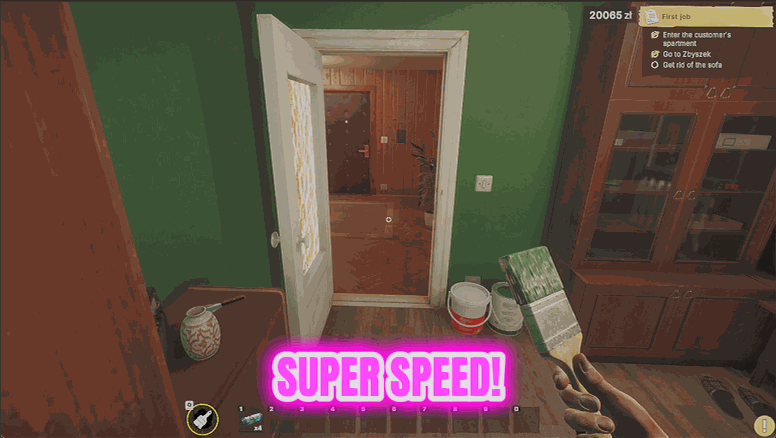
Site Sprinter
Dials up your walking speed, your jump and how heavy you feel, so crossing a job site stops eating your session.
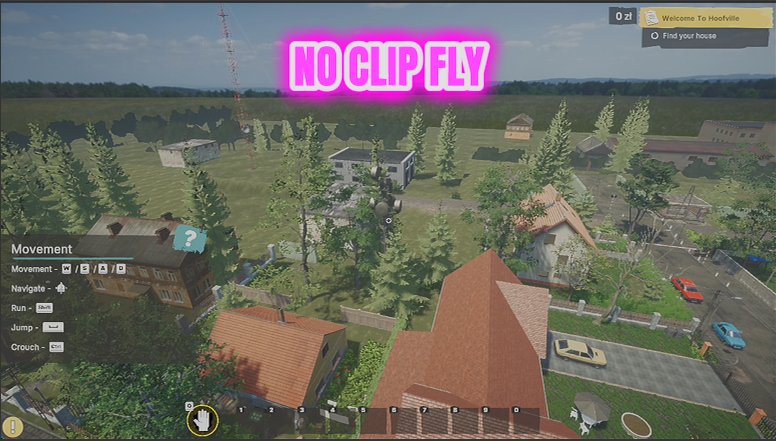
Site Ghost
Lets you fly around a job site and pass straight through walls, floors and half-built rooms.
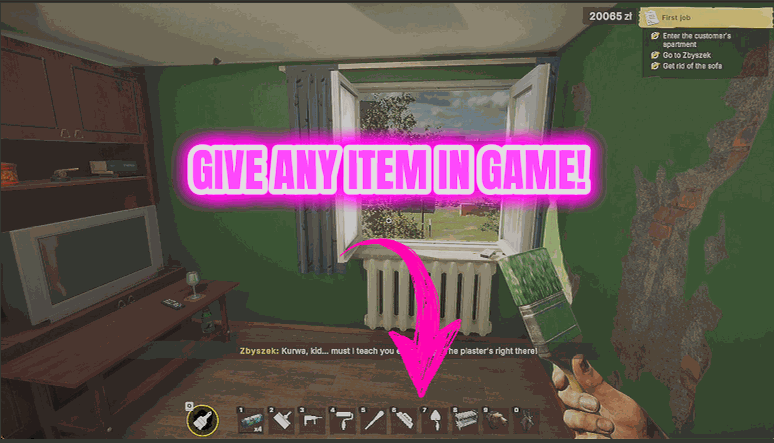
Supply Run
Hands you any item in the game directly, so you never have to drive back for one missing thing.







