Want more mods for Low-Budget Repairs? Explore our entire collection!
Overtime
"Fast forward the boring bit, slow down the good bit."
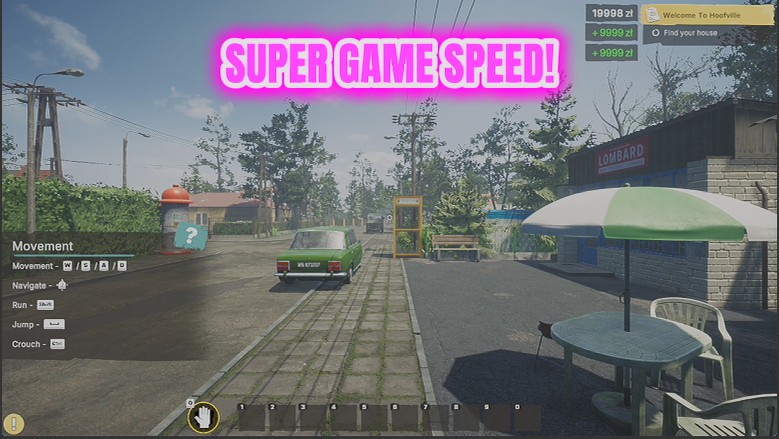
How do I install Overtime?
Download the free ProjectMods desktop app, then install Overtime for Low-Budget Repairs in one click.
</>What does Overtime do?
Some parts of a renovation are satisfying and some are just time passing. Overtime hands you the dial. Push it up and the whole game runs faster - the walking, the waiting, the long stretches of repetitive work all compress down. Pull it below one and everything slows, which is genuinely useful for lining up a tricky placement, getting a clean shot of a finished room, or just enjoying a job you are proud of. The slider runs from 0.25x to 8x, and your normal speed is put straight back when you switch the mod off. Start around 2x if you are not sure - it takes the edge off the long jobs without making things hard to control.
</>What is Overtime?
A renovation job is part craft and part waiting around. Overtime hands you the dial in Low-Budget Repairs: push it up and the walking, waiting and repeated work compress down, pull it under 1 and everything slows for a tricky placement or a clean shot of a finished room. Normal speed returns when you switch it off.
</>Common questions about Overtime
What does Overtime do in Low-Budget Repairs?
Overtime puts the pace of Low-Budget Repairs on a slider, anywhere from a quarter speed up to eight times normal. Push the dial up and the walking, waiting and repetitive stretches compress right down. Pull it below 1 and everything slows, which is genuinely useful for lining up a tricky placement or getting a clean shot of a room you are proud of. Switch the mod off at any point and the game goes straight back to its normal speed, exactly as it ran before.
What does setting the Game Speed below 1 do?
Anything under 1 slows the entire game down, with 0.25 being the slowest setting. That sounds counterproductive in a game about getting jobs done, but it is the setting people reach for when precision matters: seating a fitting exactly where you want it, catching a physics moment, or filming a finished Low-Budget Repairs room without the camera drifting. Think of the dial as having two useful directions rather than one, fast for the boring bits, slow for the good ones.
Does Overtime speed up everything, or just my character?
Everything. Overtime scales the whole game clock in Low-Budget Repairs, so your movement, the work animations, the waiting and anything else on a timer all move together. That is what makes it feel coherent rather than like your character has been sped up inside a normal world. It also means high settings affect your ability to control things precisely, which is why the top of the range is best saved for stretches where nothing delicate is happening.
What speed should I start at?
Around 2x is the recommended starting point. It takes the edge off the long stretches of a Low-Budget Repairs job without making anything hard to control, and 2 to 3 is a comfortable band for general play. Higher settings, up towards 8, are best kept for pure travel or waiting. There is an Enabled toggle alongside the slider, so you can leave your preferred speed configured and simply switch it in and out as the job demands.
Why would I slow the game down instead of speeding it up?
Mostly for capture and precision. Content creators use the low end of Overtime to film a finished Low-Budget Repairs flat cleanly, hold on a physics moment, or get a steady pass across a room without rushing. Players use it when placing something awkward, where a fraction of a second of overshoot means doing it again. It is the same dial in both directions, which is rather the point: one control for the parts you have done a hundred times and the parts you want to see.
What options does Overtime include?
Enabled
Turns the game-speed slider on.
Game Speed
How fast the game runs. 1 is normal, below 1 slows everything down, 8 is a blur.
Overtime is a ProjectMods mod that scales how fast the whole of Low-Budget Repairs runs, from a quarter speed for careful placement up to eight times normal for the repetitive stretches.
System Requirements
What features does Overtime include?
- Sets the pace with a slider from 0.25x to 8x, from quarter speed up to a blur
- Compresses the long repetitive stretches - the walking, the waiting, the fourth identical wall
- Drops below 1x for careful placement, tidy screenshots or simply enjoying a room you are proud of
- Puts your normal speed straight back when you switch it off; start around 2x if you are unsure
Best For
- Fast-forwarding the dull middle of a contract to reach the decorating you came for
- Dropping to quarter speed to nudge a wardrobe into exactly the right spot against the wall
- Creators who need an unhurried, steady shot of a finished flat for a video
- Getting through the small low-paying jobs quickly so the bigger blocks come around sooner
More Mods for Low-Budget Repairs
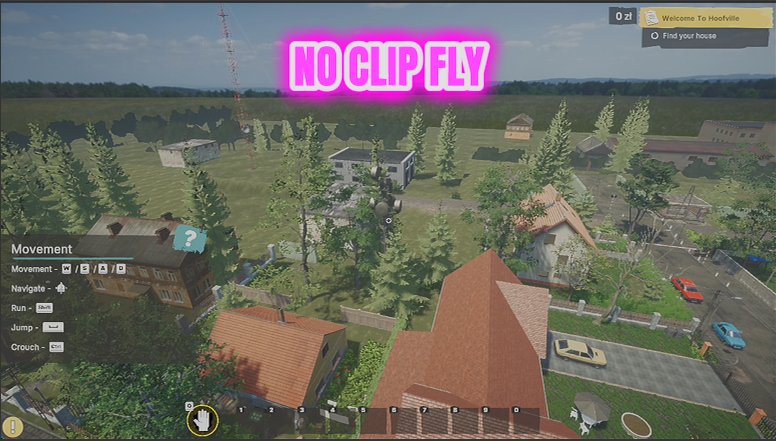
Site Ghost
Lets you fly around a job site and pass straight through walls, floors and half-built rooms.
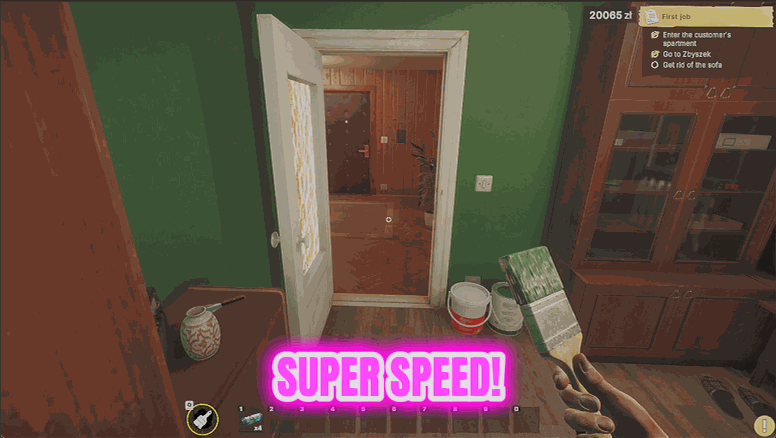
Site Sprinter
Dials up your walking speed, your jump and how heavy you feel, so crossing a job site stops eating your session.
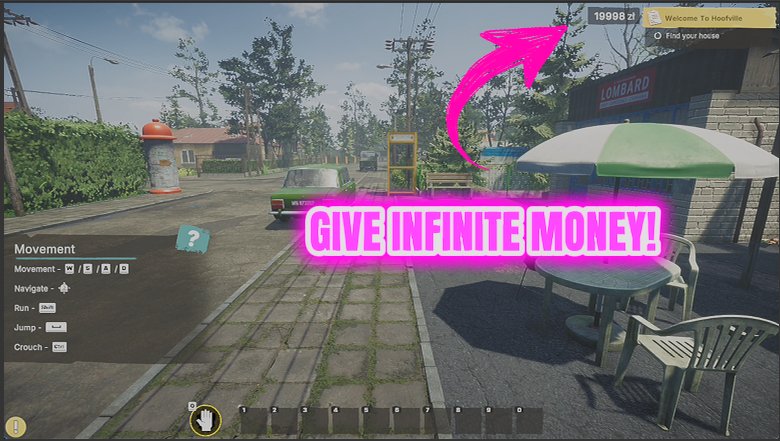
Cash Advance
Drops money straight into your wallet whenever you want it, and can keep topping you up so you never stall halfway through a renovation.







