Want more mods for Luma Island? Explore our entire collection!
Time Bender
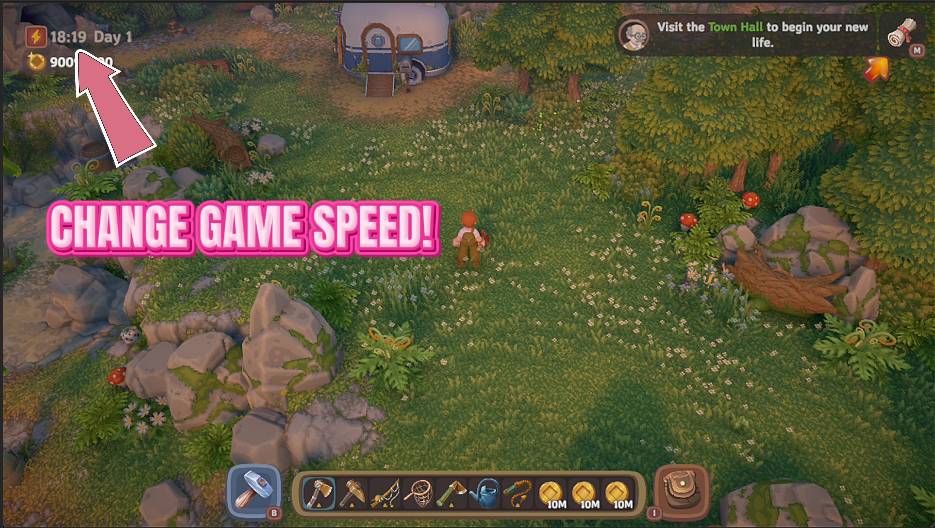
"Freeze the afternoon or fast-forward to sunset. The day runs on your clock now."
How do I install Time Bender?
Download the free ProjectMods desktop app, then install Time Bender for Luma Island in one click.
</>What does Time Bender do?
Luma Island's days can feel a little rushed when you're mid-project. Time Bender hands you one simple speed dial for the whole day. Slide it down to stretch out a golden afternoon, or push it up to race through the boring stretches. Set it to zero and the clock stops dead, which is perfect for lining up the ideal screenshot, finishing a big build before the sun goes down, or just catching your breath. Bump it to 5x when you want night to arrive in a hurry. Flip the master switch off any time to hand the day right back to normal. Works in single-player and when you're the one hosting online co-op.
</>What is Time Bender?
Time Bender hands you one simple speed dial for Luma Island's whole day. Slide it down to stretch out a golden afternoon, push it up to race through the boring stretches, or set it to zero and the clock stops dead, perfect for lining up a screenshot or finishing a build before sundown. A free-tier mod from ProjectMods, the community-first PC mod manager.
</>Common questions about Time Bender
What does Time Bender do in Luma Island?
Time Bender puts Luma Island's day-night clock under your control with one simple speed dial. The game's days can feel rushed when you are mid-project, so this mod lets you slide the whole day slower or faster to suit what you are doing. Stretch out a golden afternoon for the perfect light, race through the boring stretches when you just want night to arrive, or set the dial to zero and the clock stops dead where it stands. Flip the master switch off any time to hand the day straight back to normal. It works in single-player and when you host online co-op.
How does the Day Speed slider work in Time Bender?
The Day Speed slider is the heart of Time Bender, and it controls how fast Luma Island's day rolls by. Leave it at 1 for the normal pace, crank it toward 5 for a blink-and-it's-night sprint through the dull hours, or slide it all the way down to 0 to freeze the clock exactly where it stands. Everything in between gives you a smoothly slower or faster day, so you can settle on precisely the pace you want. Because it is one dial for the entire day rather than a set of fixed presets, you are always free to nudge it as your plans change through a session.
What happens when I freeze the clock at zero in Time Bender?
Setting Time Bender's Day Speed to 0 stops Luma Island's day-night clock dead, holding the time of day right where it is. The sun stays put, so the light and the hour no longer advance while you play. That is ideal for lining up the perfect screenshot in a golden moment, finishing a big build before the sun would normally go down, or simply catching your breath without the day running out on you. When you are ready for time to move again, slide the dial back up, since even a small nudge restarts the clock and pushing toward 5 makes the remaining hours fly by.
Can I turn Time Bender off and get the normal day back?
Yes. Time Bender has an Enable Time Control master switch, and flipping it off hands Luma Island's day straight back to normal time, whatever you had the Day Speed slider set to. That means you can experiment freely, freezing the clock, sprinting through a night, or stretching an afternoon, and then return to the normal day-night cycle in one click whenever you want the natural rhythm back. The slider only takes effect while the master switch is on, so there is no lingering change once you turn it off. Both the switch and the slider work in single-player and when you host online co-op.
Why would I use Time Bender in Luma Island?
Time Bender is for those moments when Luma Island's clock does not suit what you are trying to do. Slide the day slower to hold onto a golden afternoon while you build or explore, so you are not plunged into darkness mid-task. Freeze it entirely to line up a screenshot, finish a project before sundown, or just pause the pressure of a ticking day. Or speed it up to 5x when you want to skip past a stretch you do not care about and get night, or the next morning, in a hurry. It works solo and when you host online co-op, so a shared island runs on your clock too.
What options does Time Bender include?
Day Speed
How fast the day rolls by. Leave it at 1 for normal, crank it toward 5 for a blink-and-it's-night sprint, or slide all the way to 0 to freeze the clock right where it stands. Works in single-player and when you host online co-op.
Enable Time Control
Master switch for the clock. Turn it off to hand the day straight back to normal time.
Time Bender is a free-tier Luma Island mod from ProjectMods that lets you freeze, slow, or fast-forward the day-night clock with one simple speed slider.
System Requirements
What features does Time Bender include?
- One Day Speed slider runs the whole clock, from a frozen moment at 0 to a blink-and-it's-night sprint at 5
- Slide down to stretch out a golden afternoon, or push up to race through the boring stretches of the day
- Set it to zero and the clock stops dead, holding the light exactly where it stands
- Enable Time Control is a master switch, so flipping it off hands the day straight back to normal
- Runs in single-player and when you're the one hosting online co-op, so the shared day bends with you
Best For
- Screenshot hunters who want to freeze the perfect light and line up the ideal shot
- Builders racing to finish a big project before dark who want to stop the sun right where it is
- Players who love a particular time of day and want to hold that golden afternoon as long as they like
- Anyone bored of a slow night who wants to fast-forward straight to the next morning
- Creators who need consistent lighting across a whole filming session instead of a clock that keeps moving
More Mods for Luma Island
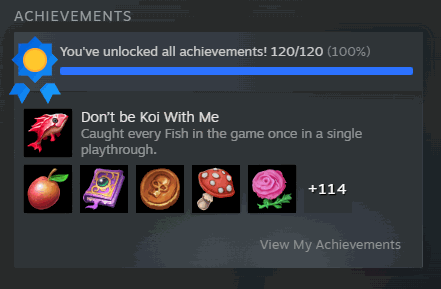
Trophy Case
Unlock any Luma Island achievement from a live list, finish the whole set in one click, or reset them all. Your in-game trophies and Steam profile update together.
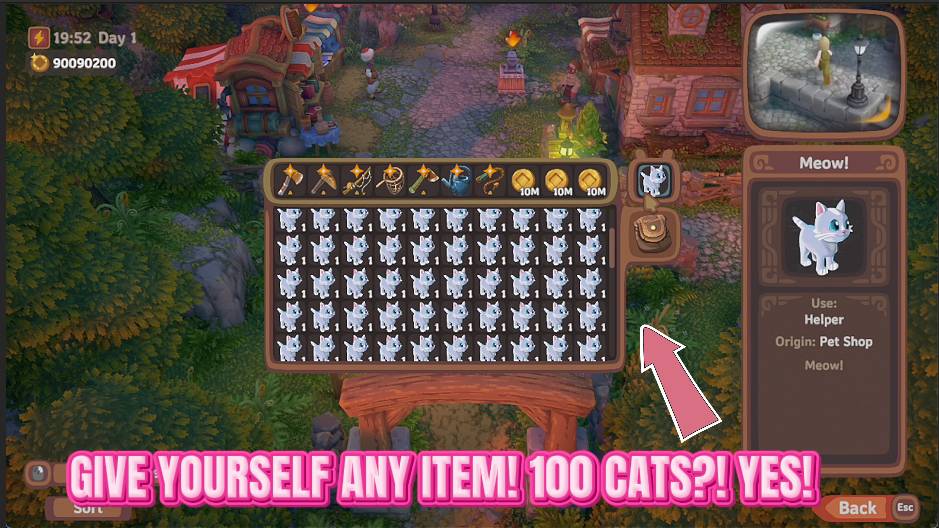
Item Conjurer
Summon any Luma Island item straight into your bag. Search a tidy list grouped by type, pick how many you want, and press Give Item.
/LumaIslandSuperLumas1.jpg)
Super Lumas (Bigger Helper Range)
Supercharge your Luma buddies so their helpful abilities reach much further - lighting torches, gathering plants, catching critters and chasing off trouble across a far wider area around you.



























































































































































































