Want more mods for Megastore: Tidy Up Together? Explore our entire collection!
Grand Opening
"All three stores, open on day one."
How do I install Grand Opening?
Download the free ProjectMods desktop app, then install Grand Opening for Megastore: Tidy Up Together in one click.
</>What does Grand Opening do?
Normally the bigger stores stay locked until you've shelved your way through the smaller ones. Grand Opening cuts the ribbon on all three at once — Toy Store, Supermarket and the mighty two-storey Megastore, all open from your very first session. Switch on Open All Stores and every store on the level select becomes playable. Perfect for jumping straight to the store you're most excited about, or letting a co-op crew pick their favourite together. Turn it off and the level select shows your true progress again.
</>What is Grand Opening?
Skip the slow unlock route: Grand Opening opens every store in Megastore: Tidy Up Together on day one, perfect for jumping straight to the two-storey Megastore or letting a co-op crew pick their favourite. One switch shows all stores; turn it off to see your true progress. A premium mod, installed in one click through the ProjectMods desktop app.
</>Common questions about Grand Opening
What does Grand Opening do in Megastore: Tidy Up Together?
Grand Opening unlocks every store in Megastore: Tidy Up Together from your very first session. Normally the Supermarket and the two-storey Megastore stay locked until you've tidied your way through the smaller stores; with the Open All Stores switch on, the Toy Store, Supermarket and Megastore are all selectable on the level select immediately. It's a premium ProjectMods mod made for players who want to choose their own route through the game — or jump straight to the biggest store on night one.
Which stores does Grand Opening unlock?
All three: the Toy Store, the Supermarket, and the mighty two-storey Megastore — the full lineup in Megastore: Tidy Up Together. With the Open All Stores switch on, every one of them is selectable on the level select from your first session, no shelving milestones required. The Supermarket gives you a bigger single floor to master, while the Megastore doubles the challenge with two storeys of departments. Pick whichever mood strikes — cosy toy tidying or full big-box chaos, in any order.
Does Grand Opening wipe or change my real progress?
No. Grand Opening only changes what's selectable on the level select in Megastore: Tidy Up Together — it doesn't rewrite the progress you've genuinely earned. Turn the Open All Stores switch off and the menu shows your true unlock state again, exactly as it was. Anything you accomplish inside a store while the mod is on still counts as normal play, so you can preview the Megastore today and keep working toward unlocking it properly whenever you like. Toggling is instant and repeatable.
What does the Open All Stores switch do exactly?
It's the mod's single master switch. While Open All Stores is on, every store in Megastore: Tidy Up Together becomes selectable on the level select — locked ones included. While it's off, the level select goes back to showing your real progression, with only genuinely unlocked stores available. There are no other settings to manage: Grand Opening is deliberately a one-flick mod, so you can hop between show-me-everything and show-my-progress views whenever the mood changes, with no restart required.
Why use Grand Opening in co-op?
Because store night goes better when the whole crew picks the venue. In co-op, Grand Opening lets a group jump straight into whichever store everyone's most excited about in Megastore: Tidy Up Together — usually the two-storey Megastore — instead of replaying smaller stores someone has already finished. It's ideal when friends are at different points in the game: nobody has to grind to catch up before the session starts. Cut the ribbon, pick your floor, and get shelving together.
What options does Grand Opening include?
Open All Stores
Master switch. While on, every store is selectable on the level select. Turn off to show your real progress.
Grand Opening is a premium ProjectMods mod that opens all three stores in Megastore: Tidy Up Together — Toy Store, Supermarket and the two-storey Megastore — so you can play them in any order from your very first session.
System Requirements
What features does Grand Opening include?
- Opens the Supermarket and the two-storey Megastore alongside the starter Toy Store from day one
- Makes every store selectable on the level select with one master switch
- Shows your true progress again the moment you switch it off
- Lets a co-op crew pick tonight's store together instead of settling for what's unlocked
Best For
- New players who bought the game for the giant Megastore and don't want to earn their way there first
- Co-op groups at different progress levels who just want to agree on a store and play
- Returning players on a fresh save skipping the re-unlock march they've already done once
- Streamers planning a series who need a specific store ready for tonight's episode
More Mods for Megastore: Tidy Up Together
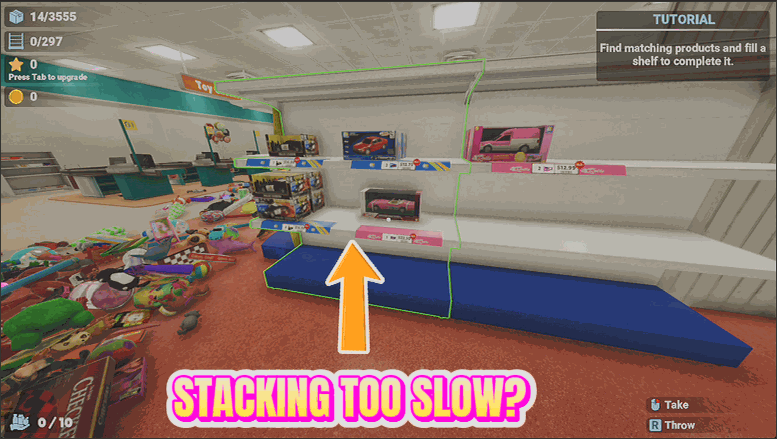
Shelf Help
Aim at any shelf and fill it in one press. Empty spot with nothing assigned yet? It figures out what belongs there and stocks it too.
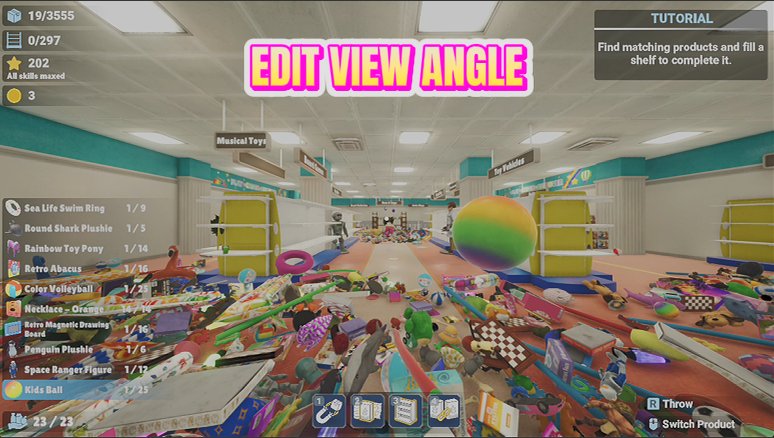
Comfort Cam
Fine-tune your field of view and look sensitivity beyond the standard settings, for a view that feels just right.
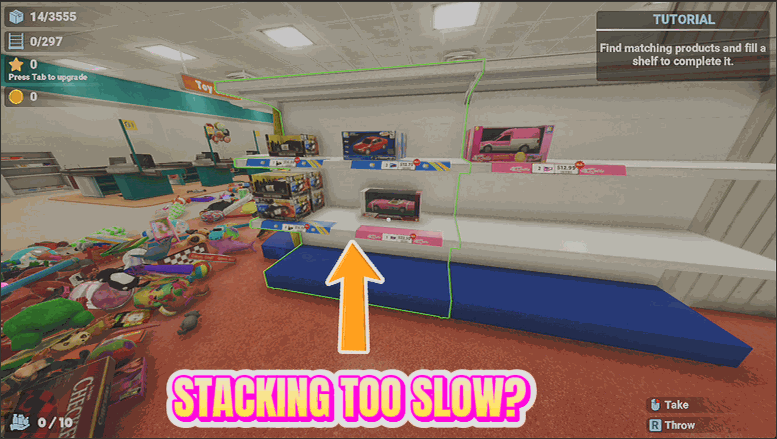
Tidy Wave
Send every loose item near you flying onto its correct shelf in one satisfying wave.







