Want more mods for Megastore: Tidy Up Together? Explore our entire collection!
Master Stocker
"The whole skill tree, maxed before your first coffee break."
How do I install Master Stocker?
Download the free ProjectMods desktop app, then install Master Stocker for Megastore: Tidy Up Together in one click.
</>What does Master Stocker do?
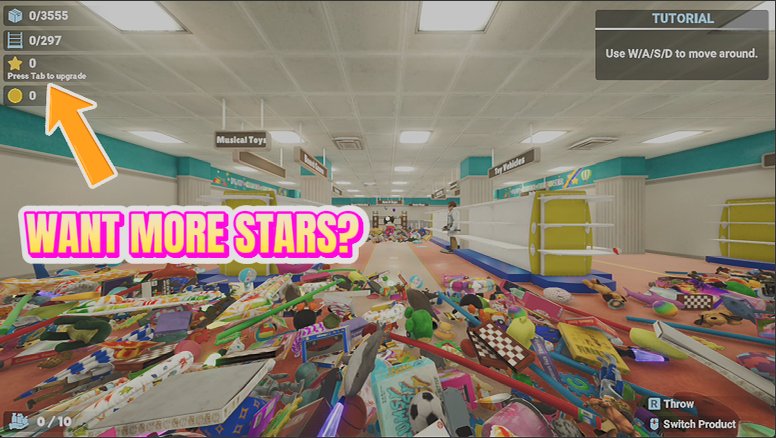
The skill tree is where this game gets really fun: magnet pull, extra hands, long arms, spring shoes, auto-collect and more. Earning it all takes many, many shelves. Master Stocker hands you the finished tree in one press. Hit Max All Skills and every skill unlocks and levels to the top, saved and synced just like normal progress. There's a separate button for the arcade perks too. In co-op, skills are managed by the session host, so press it on the host's machine and the whole crew feels the difference.
</>What is Master Stocker?
The skill tree is where Megastore: Tidy Up Together gets really fun, and Master Stocker hands it to you finished: every skill unlocked and maxed in one press, arcade perks on their own button, all saved like normal progress. A premium mod from ProjectMods, the community-first PC mod manager with 1,600+ mods across 400+ games.
</>Common questions about Master Stocker
What does Master Stocker do in Megastore: Tidy Up Together?
Master Stocker unlocks and fully levels every skill in the Megastore: Tidy Up Together skill tree in one press — magnet pull, extra hands, long arms, spring shoes, auto-collect and the rest. Instead of earning skill points shelf by shelf, you hit Max All Skills and the finished tree is yours, saved and synced like normal progress. A second button unlocks the arcade perk skills too. It's a premium mod from ProjectMods for players who want the game's full toolkit from the start.
Which skills does Max All Skills cover?
Everything on the main tree in Megastore: Tidy Up Together: magnet pull for yanking items to you, extra hands for carrying more, long arms for far-away shelves, spring shoes, auto-collect, and every other node in between. Each one is both unlocked and leveled to its maximum rank, so you're not just dabbling in every skill — you're running the strongest version of each. Arcade perk skills are handled by their own separate button, so the main tree and the arcade extras never get tangled together.
What does the Unlock Arcade Perks button do?
It unlocks the arcade perk skills — a separate set from the main skill tree in Megastore: Tidy Up Together. Master Stocker keeps the two on different buttons deliberately: Max All Skills handles the core tree, and Unlock Arcade Perks opens up the arcade extras, so you decide how far to take things. Want the full stocking toolkit but prefer to earn the arcade perks the fun way? Press one button and skip the other. Complete collectors press both and walk away with everything.
Does maxed progress save like normal, or reset next session?
It saves. When Master Stocker maxes your tree in Megastore: Tidy Up Together, the unlocks are written into your progress and synced exactly like skills you'd leveled by hand — close the game, come back tomorrow, and everything is still unlocked at full rank. There's nothing to re-apply each session and no special save file involved. That also means the mod is a one-and-done for most players: press it once, then leave it installed or not, as you please.
How do I use Master Stocker in co-op?
Press it on the host's machine. In Megastore: Tidy Up Together co-op, skills are managed by the session host, so running Max All Skills there is what makes the whole crew feel the difference — everyone benefits from the maxed magnet pull, extra hands and friends. Pressing it on a guest's machine won't upgrade the session. It pairs brilliantly with No Sweat, which removes skill cooldowns, turning a fully-stacked co-op shift into an all-out power-stocking party.
What options does Master Stocker include?
Max All Skills
Unlock and fully level every skill in the tree.
Unlock Arcade Perks
Unlock the arcade perk skills as well.
Master Stocker instantly unlocks and fully levels every skill in Megastore: Tidy Up Together, from magnet pull to auto-collect, with a separate button for arcade perks — a premium mod from the ProjectMods catalog.
System Requirements
What features does Master Stocker include?
- Unlocks and fully levels every skill in the tree with one press — magnet pull, extra hands, long arms, spring shoes, auto-collect and more
- Includes a separate button for the arcade perk skills when you want those too
- Saves and syncs like normal progress, so your finished tree sticks between sessions
- Applies to the whole crew when pressed on the co-op host's machine
Best For
- Players who want the fully-kitted stocker fantasy — magnet pull and auto-collect — from their very first shift
- Second-save veterans who earned the whole tree once and have no interest in doing it again
- Co-op hosts powering up the session so weekend-only friends aren't stuck under-skilled
- Curious players who'd rather try every skill today than discover them slowly over many shifts
More Mods for Megastore: Tidy Up Together
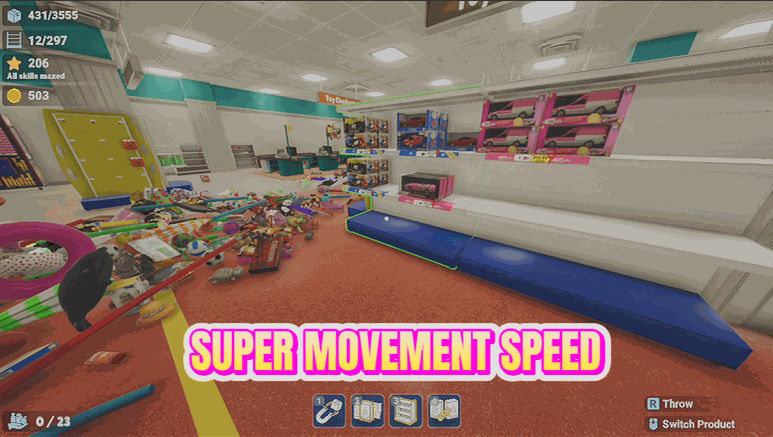
Turbo Trolley
Speed up your walk, run and jump with easy sliders, so crossing a giant store stops eating your evening.
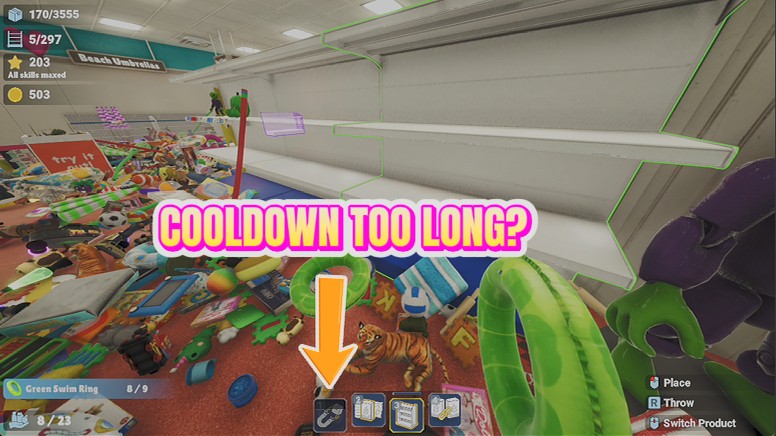
No Sweat
Skill cooldowns vanish, so magnet pull and your other active skills are ready every single time you reach for them.
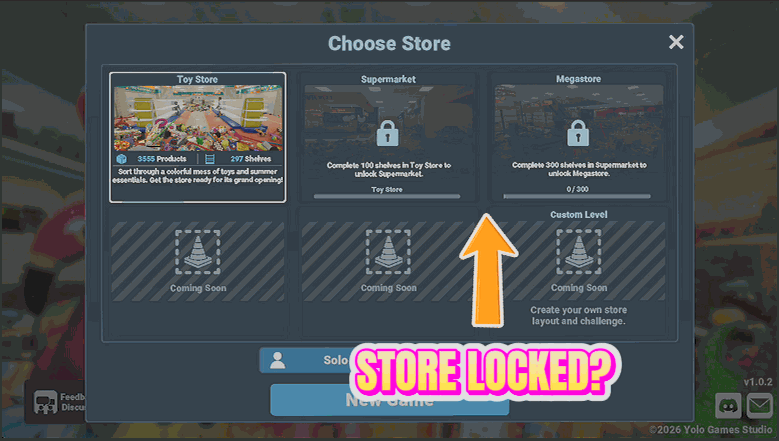
Grand Opening
Unlock the Supermarket and the Megastore from the start, so you can play any store in any order.







