Want more mods for Military Base Tidy Up? Explore our entire collection!
Achievement Unlocker
"All 36 achievements, or none at all."
How do I install Achievement Unlocker?
Download the free ProjectMods desktop app, then install Achievement Unlocker for Military Base Tidy Up in one click.
</>What does Achievement Unlocker do?
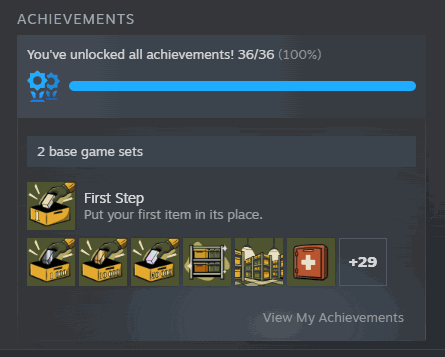
Thirty-six achievements is a long list to work through by tidying alone. Achievement Unlocker hands you the whole list. Once the game is running, Select Achievement fills with all 36 by their in-game names, from First Step onward. Pick one and press Unlock Specified Achievement: it unlocks in the game and on Steam, and the game shows its own achievement pop-up. Unlock All Achievements unlocks all 36 at once, without pop-ups. Lock All Achievements is the way back. It locks every achievement in the game and on Steam so you can earn them again, once Steam has loaded your achievements. Achievements your progress already meets come back: inside a save within a second, with the reply counting them, or from the main menu once you load a save that meets them. Steam must be running for every button.
</>What is Achievement Unlocker?
Achievement Unlocker works on Military Base Tidy Up's Achievements list and your Steam account together. Choose one in Select Achievement and press Unlock Specified Achievement, press Unlock All Achievements for all 36, or press Lock All Achievements to start over. It never touches your save or the game's progress counters, needs Steam running, and can't keep locked an achievement your progress already earns.
</>Common questions about Achievement Unlocker
What does Achievement Unlocker do in Military Base Tidy Up?
It unlocks the game's achievements for you, one at a time or all 36, both in the game's Achievements list and on Steam. It can also lock every one of them again so you can go after them a second time.
Why did some achievements unlock again right after Lock All?
Your progress already meets their goals. The game keeps its own lifetime counters, such as items placed, and checks goals like rank, sectors and the Skill Tree against the loaded save, so anything already earned there comes back within a second. Lock All can't keep those locked. Goals checked against the save stay locked in a save that hasn't reached them yet, while goals on the lifetime counters return whichever save you load.
Why does Lock All Achievements tell me to press it again?
Steam hadn't loaded your achievements yet. Until it has, the button changes nothing and the reply tells you so; give the game a moment after it starts and press it again. The list in Select Achievement also only appears once the game has started.
Can I use it from the main menu?
Yes, every button works there once the game is running. The difference is the count after Lock All Achievements: from the main menu the reply can't say how many will come back, because most goals are checked against a loaded save. They unlock when you load a save that meets them.
Does it change my save game?
No. It changes the game's achievement record and your Steam achievements, and leaves your save and the game's progress counters as they were. Whatever the buttons last did stays in place after the mod is off, since there is no switch to put back.
What options does Achievement Unlocker include?
Unlock Specified Achievement
Unlocks the achievement chosen in Select Achievement, in the game and on Steam.
Select Achievement
Which achievement Unlock Specified Achievement unlocks. The list fills with every achievement in the game once it is running. Picking one here changes nothing until you press the button.
Lock All Achievements
Locks every achievement again, in the game and on Steam, so you can earn them again. Achievements whose goals your progress already meets unlock again as soon as a save is loaded.
Unlock All Achievements
Unlocks all 36 achievements at once, in the game and on Steam.
Achievement Unlocker is a ProjectMods mod for Military Base Tidy Up that unlocks one or all 36 achievements in the game and on Steam, or locks them again; achievements your progress already meets come back after a lock.
System Requirements
What features does Achievement Unlocker include?
- Select Achievement lists all 36 achievements by the names the game shows.
- Unlock Specified Achievement unlocks one in the game and on Steam, with the game's own pop-up.
- Unlock All Achievements unlocks the full set in one press, quietly.
- Lock All Achievements locks every one again, and inside a save the reply says how many your progress earns straight back.
- Every player can use it in co-op, since achievements belong to each player's own Steam account.
Best For
- You want one particular achievement on your Steam profile without replaying for it, so pick it in Select Achievement and press Unlock Specified Achievement.
- You are starting the game over and want to earn every achievement again, so press Lock All Achievements from the main menu before you load a new save.
- You want to see each pop-up as it unlocks, so go through them with Unlock Specified Achievement rather than Unlock All Achievements, which shows none.
- You are a guest in a friend's game, so run the mod on your own machine; your achievements are yours to change whoever is hosting.
More Mods for Military Base Tidy Up
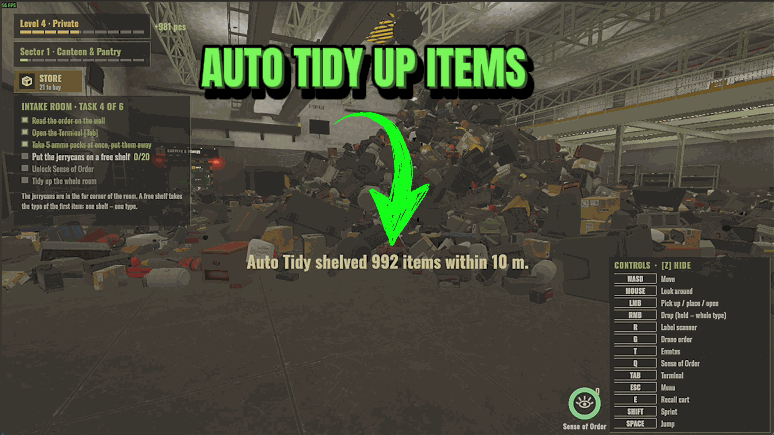
Auto Tidy
Four buttons that shelve items for you, from what you hold up to the whole unlocked base, on racks the game allows, with the same XP and supply vouchers as by hand. Host or solo play only.
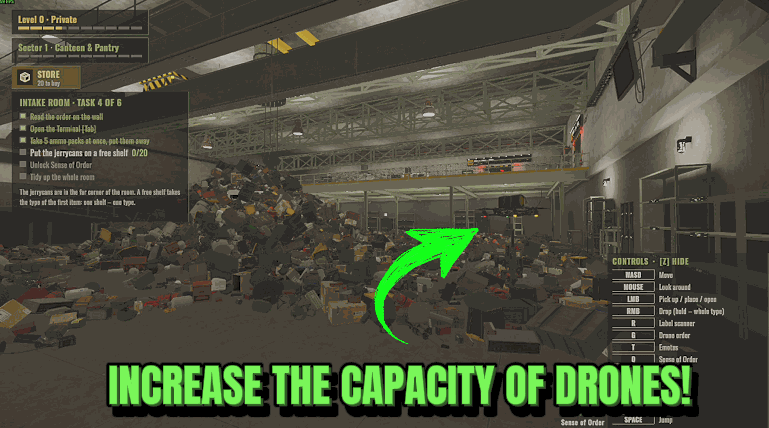
Better Drones
Multiplies your drones' Cargo Hold, Engines speed and Radar range: up to 5x the items per trip and 3x the speed and spotting distance. Works when you host or play solo.
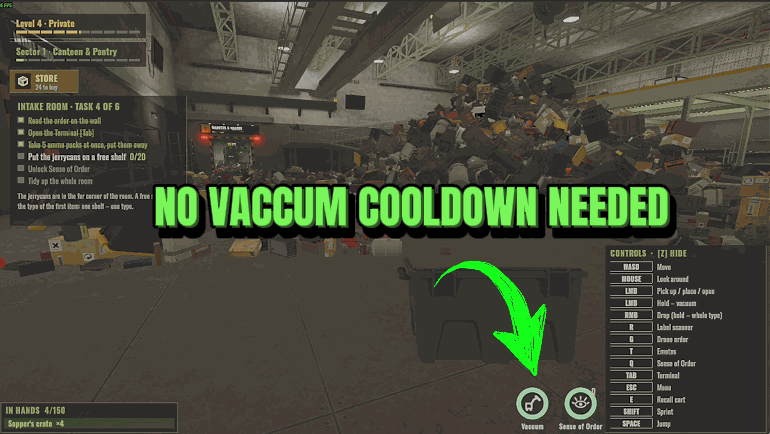
No Cooldowns & Stronger Vacuum
Use the Vacuum and Sense of Order back to back with no wait, and make each Vacuum pull take up to 5x the items from up to 3x the range. You need both bought in the shop first.







