Want more mods for Military Base Tidy Up? Explore our entire collection!
Auto Tidy
"Press a button and watch the racks fill up."
How do I install Auto Tidy?
Download the free ProjectMods desktop app, then install Auto Tidy for Military Base Tidy Up in one click.
</>What does Auto Tidy do?
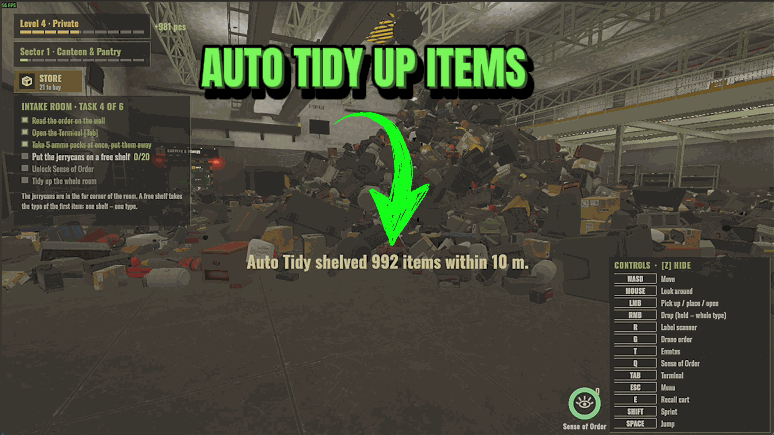
Late in a base, the job turns into hundreds of walks between a pile and the right rack. Auto Tidy hands you four buttons for that walking. Shelve What I Am Holding puts everything in your hands on a rack that takes it. Shelve Items Near Me clears the loose items within Tidy Radius of you (2 to 40 metres, default 10). Shelve This Sector does the sector you stand in, and Shelve Everything works through the unlocked parts of the base kind by kind, which takes a few seconds on a big base. Every item follows the game's rules: one kind per shelf, its own sector's racks first, then the hall racks. You earn what shelving by hand pays, so 5 SV for each item shelved for the first time. Anything with no free place stays where it is. It runs for the host or in solo play, and there is nothing to switch off: every press is a one-time tidy-up, and shelved items stay on their racks as if you had put them there.
</>What is Auto Tidy?
Auto Tidy adds four launcher buttons to Military Base Tidy Up: Shelve What I Am Holding, Shelve Items Near Me (its reach set by Tidy Radius), Shelve This Sector and Shelve Everything. Items go to their own sector's racks, then the hall racks, and pay the XP and supply vouchers they would by hand. It never breaks the game's shelving rules, never opens locked sectors and does not run for guests online. Items with no free rack stay put.
</>Common questions about Auto Tidy
What does Auto Tidy do in Military Base Tidy Up?
It puts loose items on racks for you, only where the game would let you put them yourself. The four buttons cover four reaches: your hands, a circle around you, the sector you stand in and the whole unlocked base. Each item tries its own sector's racks first and the hall racks after that.
Can guests use Auto Tidy in an online game?
No, it works for the host or in solo play. When the host presses a button, guests see the items fly onto the racks. A guest who presses one gets a reply saying Auto Tidy works for the host or in solo play, and nothing moves.
Why did some items stay on the floor after Shelve Everything?
Those items had no legal free place: their racks were full, or the only room was behind a locked sector door, and racks behind locked doors are never used. Items still moving or falling, items in carts, items carried by drones and items held by other players are skipped too. Make room on the right racks or open the next sector, then press it again. If the game refuses an item with an error, Auto Tidy carries on with the rest and the reply names it.
Do items shelved by Auto Tidy count toward the placing achievements?
In solo play, items shelved from your hands count toward the game's placing achievements just as if you placed them by hand. Items shelved from the floor do not count. In an online game the game counts no placings toward those achievements at all, by hand or with this mod.
Does Auto Tidy pick up cartons, baskets and loose bits?
Cartons and baskets are never picked up from the floor, though a carton you are holding is shelved by Shelve What I Am Holding like any other item. Small loose bits are not packed into cartons either, so those piles still need collecting by hand. Last Item Finder's Show Loose Bits marks every pile that still has pieces left.
What happens if I switch the mod off while Shelve Everything is running?
The run stops where it is. Everything it already shelved stays on the racks with the XP and supply vouchers it earned, and is saved exactly as if you had shelved it by hand. The rest stays where it lay until you press the button again.
What options does Auto Tidy include?
Shelve Everything
Puts every loose item in the unlocked parts of the base onto a rack where it belongs, kind by kind, filling shelves that already hold a kind before starting new ones. A big base takes a few seconds.
Shelve Items Near Me
Puts every loose item within Tidy Radius of you onto a rack where it belongs. Items in carts, in drones, in other players' hands or behind locked doors are left alone.
Shelve What I Am Holding
Puts every item in your hands onto a rack where it belongs: its own sector's racks first, then the hall racks. Items with no free place stay in your hands.
Tidy Radius
How far around you Shelve Items Near Me reaches, in metres. From 2 to 40, default 10.
Shelve This Sector
Puts every loose item lying in the sector you are standing in onto a rack where it belongs. Stand inside a sector first: the hall is not a sector.
Auto Tidy is a ProjectMods mod for Military Base Tidy Up that shelves items for you, from your hands up to the whole base, on racks the game allows, paying normal XP and SV. Host or solo only; full racks leave items behind.
System Requirements
What features does Auto Tidy include?
- Shelve What I Am Holding empties your hands onto racks, a carton you are carrying included, and keeps only what has nowhere to go.
- Tidy Radius sets how far Shelve Items Near Me reaches, anywhere from 2 to 40 metres.
- Shelve This Sector clears only the sector you stand in, so you can finish one area at a time.
- Shelve Everything goes through every unlocked part of the base kind by kind.
- After each press a reply names up to 3 kinds of item that found no free place, with how many of each.
Best For
- Your arms are stacked with a mixed haul from the hall, so press Shelve What I Am Holding and only the items with no free rack stay in your hands.
- One corner of a storeroom is buried in loose items, so set Tidy Radius to about 5 and press Shelve Items Near Me to clear just that corner.
- You want one sector done before you open the next door, so stand inside it, press Shelve This Sector and deal with whatever the reply lists.
- New sectors have just opened and their floors are full, so press Shelve Everything and give it a few seconds on a big base.
More Mods for Military Base Tidy Up
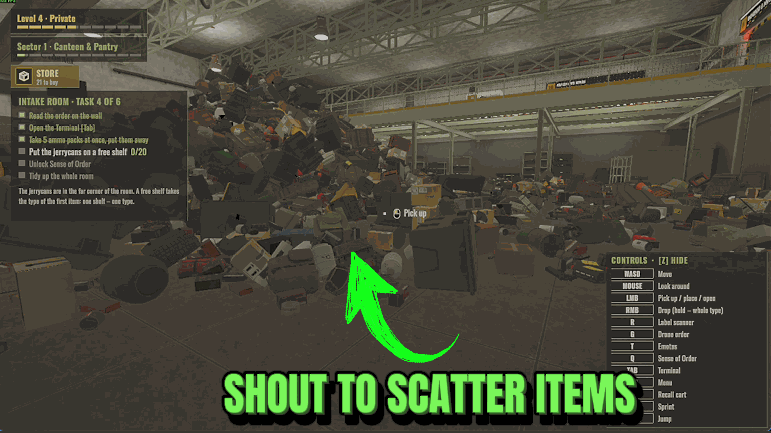
Shout To Scatter Items
Turns on the Sergeant's Shout: press K to blast loose items within 6.5 m out of your way, or press Shout Now in the launcher. 20 seconds of rest between shouts.
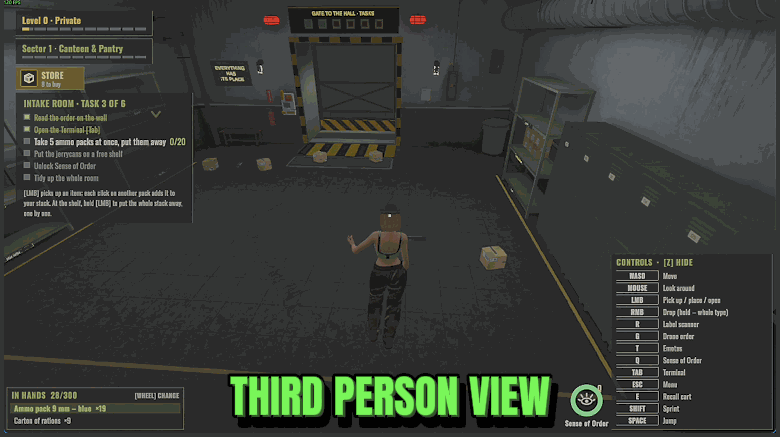
Third Person Camera
Swap the first-person view for a camera 2 to 8 m behind your survivor, with walls pulling it in. You still aim and pick up from your own eyes, and it only changes what you see.
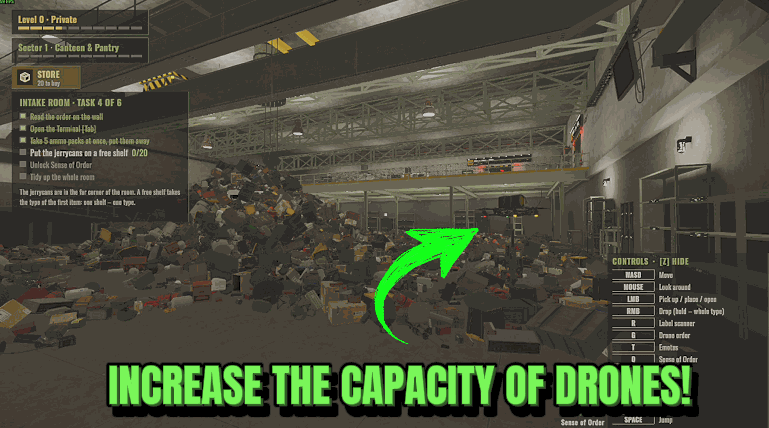
Better Drones
Multiplies your drones' Cargo Hold, Engines speed and Radar range: up to 5x the items per trip and 3x the speed and spotting distance. Works when you host or play solo.







