Want more mods for Military Base Tidy Up? Explore our entire collection!
Third Person Camera
"Step back and see your survivor at work."
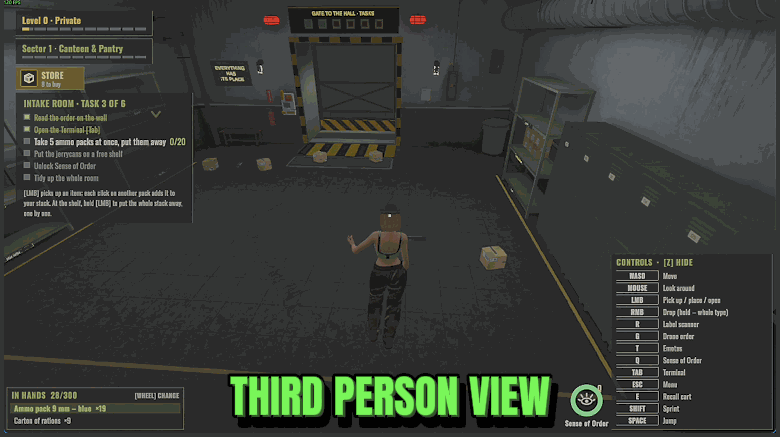
How do I install Third Person Camera?
Download the free ProjectMods desktop app, then install Third Person Camera for Military Base Tidy Up in one click.
</>What does Third Person Camera do?
In first person you never see your own survivor, only the shelves in front of you. Third Person Camera gives you a view from behind. Switch on Third Person View and the camera follows your survivor, who is shown on screen walking and crouching. Camera Distance sets how far back it sits, from 2 to 8 m (3 by default), and a wall behind you pulls it closer. You still aim and pick up from your own eyes, so the crosshair picks what is in front of your survivor, seen from a few metres back. During an emote the game's own emote camera takes over, then the view behind you returns. Switching Third Person View off brings back the normal first-person camera and removes the shown character. It changes only your own screen, in solo or co-op.
</>What is Third Person Camera?
Third Person Camera lets you play Military Base Tidy Up from behind your survivor. Third Person View moves the camera back and shows your character walking and crouching, and Camera Distance picks the gap between 2 and 8 m. Aiming and pickups still come from your eyes. There is no free orbit camera and no zoom or shoulder-swap key, and other players see you exactly as before.
</>Common questions about Third Person Camera
What does Third Person Camera do in Military Base Tidy Up?
It moves your camera out of your survivor's head and behind them, so you see your character in the room. Your controls, pickups and progress work as before, and nothing goes into your save. It works in any loaded level, on the base or in Sector Zero, while menus and loading screens keep the game's own camera. Any player can run it, host or guest, without the others needing it.
Where does the crosshair aim in third person?
Still from your survivor's eyes, not from the camera. What you pick up is what your survivor faces, seen from a few metres back, so line the crosshair up on the item itself rather than on whatever the camera shows beside you. A shorter Camera Distance brings the two views closer together.
What happens to the camera during an emote?
The game's own emote camera takes over for as long as the emote plays. When it ends, the view goes back behind your survivor at your Camera Distance, so you don't need to touch Third Person View again. Emotes from the wheel work as usual.
Do other players see anything different?
No. The camera and the shown character exist only on your own screen, so friends in co-op see you just as they did, and they keep their own first-person view unless they run the mod too. Switching it off removes the shown character and returns your first-person camera.
What options does Third Person Camera include?
Camera Distance
How far behind you the camera sits, in metres, from 2 to 8. 3 by default. A wall behind you pulls it closer.
Third Person View
Shows your survivor from behind, with the camera following you as you walk, carry and look around. You still aim and pick things up from your own eyes. Off: back to the normal first-person view.
Third Person Camera is a ProjectMods mod for Military Base Tidy Up that puts the camera 2 to 8 m behind your survivor and shows them moving; you still aim from your own eyes, and other players' views don't change.
System Requirements
What features does Third Person Camera include?
- Third Person View puts your survivor on screen, moving as you walk and crouch.
- Camera Distance runs from 2 to 8 m and starts at 3.
- A wall behind you draws the camera in closer.
- Emotes still use the game's own emote camera, and the view behind you comes back afterwards.
Best For
- You'd like to watch your survivor at work while you sort shelves, so switch on Third Person View and keep Camera Distance at 3.
- You're taking screenshots of a finished room, so set Camera Distance to 8 for more of it in the frame.
- Tight storerooms keep the camera pressed against the wall, so drop Camera Distance to 2 and it sits close behind you.
More Mods for Military Base Tidy Up
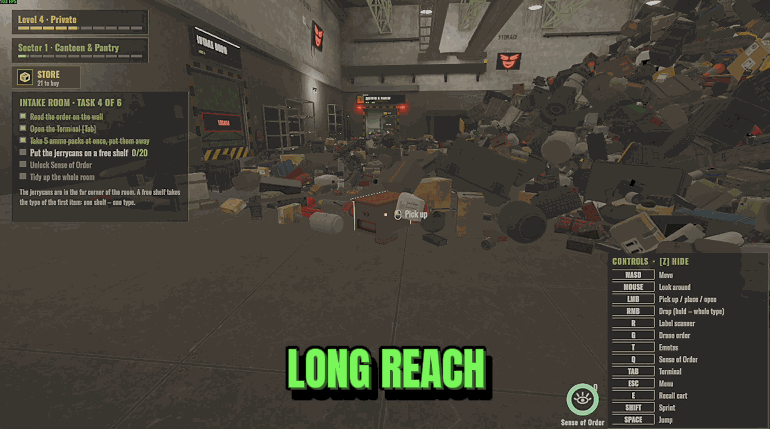
Faster Placing & Longer Reach
Hold the button to place and pick up items at up to 5x your normal pace, as fast as one item every 0.02 seconds, and reach items and shelves up to 4x farther. Each half has its own switch.
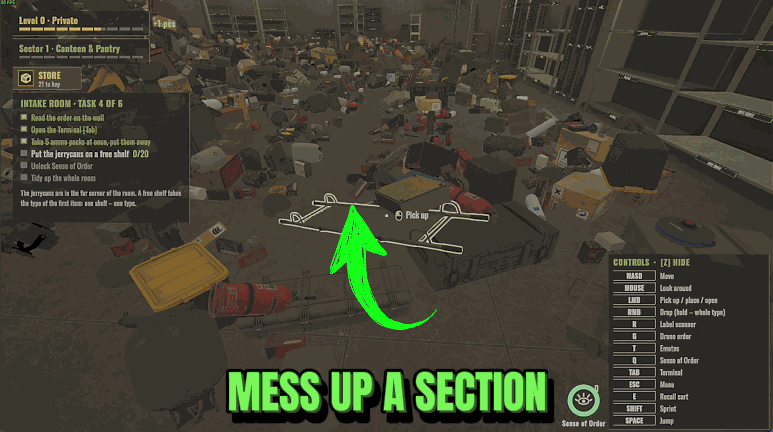
Mess Up A Sector
Pick a finished sector and Mess It Up puts its items back where they lay at the start, so you can sort it again. Solo games only; its SV bonus is held back until you finish it again.
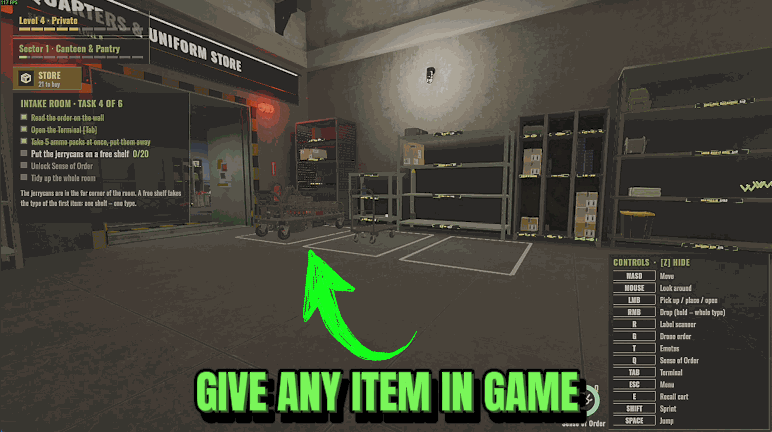
Give Shop Item
Pick any Quartermaster's Store item by its in-game name and order 1 to 3 of it without spending Supply Vouchers. It arrives as a normal order would. Solo, or host before anyone joins.







