Want more mods for Military Base Tidy Up? Explore our entire collection!
Mess Up A Sector
"Put the mess back. Sort it again."
How do I install Mess Up A Sector?
Download the free ProjectMods desktop app, then install Mess Up A Sector for Military Base Tidy Up in one click.
</>What does Mess Up A Sector do?
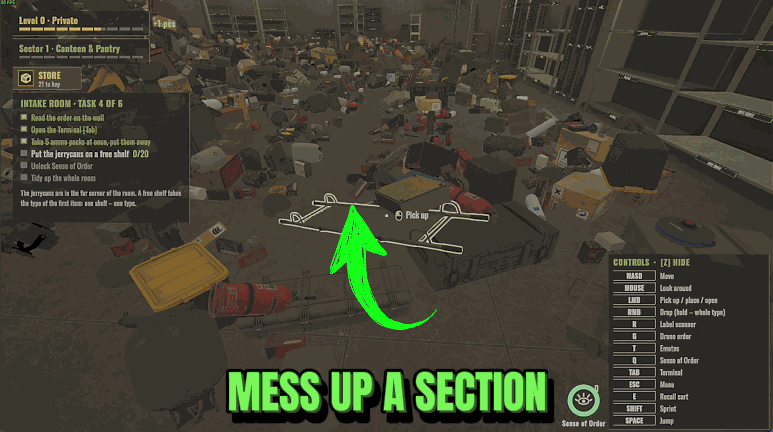
A sorted sector stays sorted, and the satisfying part is over. Mess Up A Sector hands you a second go at it. Load a save, open Sector and choose one of your finished sectors: the list shows the map you are playing (the base or Sector Zero), named like the sector panel, for example "Sector 3 · Ammo Depot". Press Mess It Up and that sector's own items come off every rack, hall racks included, and go back to where they lay at the start of the game. The sector now reads as unfinished. Shelve it full again and the game's own "sorted!" moment plays once more, with its sound, chat line and summary. While it is unfinished, its finished bonus of 200 SV (400 with Sector Bonus) is held back, and it comes back the moment you finish. Other sectors, your open doors and your level are left exactly as they were.
</>What is Mess Up A Sector?
Mess Up A Sector lets you replay a finished sector in Military Base Tidy Up. Choose it in the Sector list and press Mess It Up: its own items leave every rack and return to their starting spots, and the sector counts as unfinished until you shelve it full again. It works in solo games only, pays no XP or supply vouchers a second time, never locks doors again or lowers your level, and leaves the other sectors alone.
</>Common questions about Mess Up A Sector
What does Mess Up A Sector do in Military Base Tidy Up?
It undoes one finished sector. The sector's own items leave their racks and return to where they lay at the start of the game, and the sector reads as not done until every item is back. The rest of the base, your doors and your level are untouched.
Why did my SV balance drop after Mess It Up?
The sector's finished bonus is held back while it is unfinished: 200 SV, 400 with the Sector Bonus skill, and x1.5 in Sector Zero with the Night Bonus skill. With Full Set Bonus, each rack the mess empties also holds back its 10 SV until it is full again. The reply and the in-game message say how much. If you had already spent it, your balance shows 0, never below, and new SV pays that part back before your balance rises. Shop purchases wait until then, or until you finish the sector again.
Do I get XP and supply vouchers again for re-sorting?
No. The game pays each item once, so shelving the messed-up items again gives no XP and no SV a second time, and finishing the sector gives no achievement a second time either. If you had already finished the whole game, the ending does not play again.
Why is a sector missing from the Sector list?
The list holds only finished sectors, and only once a save is loaded; before that it reads "Load a save to list your finished sectors". A sector leaves the list as soon as you mess it up and comes back when you finish it again. Unfinished and locked sectors never appear.
Why did a few of the sector's items stay on their shelves?
An item stacked under another sector's item on a shared shelf stays put, and the reply counts how many did. Small bits packed in cartons, and the cartons themselves, also stay where they are. If the game refuses an item with an error, the others are still moved and the reply counts that one too.
What does my save keep after a mess-up?
The messed-up items stay where they lie, and the save records the sector as unfinished, with its SV bonus still held back, until it is full again. Your XP and level never drop. Mess It Up is a one-time button, so switching the mod off leaves the items where they are for you to shelve yourself.
What options does Mess Up A Sector include?
Sector
Which finished sector Mess It Up empties. The list fills with the finished sectors of the map you are playing once a save is loaded.
Mess It Up
Takes the chosen sector's own items off the racks and puts them back where they lay at the start, so you can sort the sector again. Solo games only.
Mess Up A Sector is a ProjectMods mod for Military Base Tidy Up that returns a finished sector's items to their starting spots so you can sort it again, in solo games only, with no second XP or SV for re-sorting.
System Requirements
What features does Mess Up A Sector include?
- The Sector list holds only your finished sectors on the map you are playing, named the way the sector panel names them.
- Mess It Up moves the chosen sector's own items wherever they are shelved, hall racks included.
- Works on both maps: the 12 sectors of the base and the 10 of Sector Zero.
- Finishing the sector again replays the game's own sorted sound, chat line and summary.
- The held-back SV comes back when the sector is finished again, so nothing is taken away for good.
Best For
- You want another go at the Ammo Depot, so choose "Sector 3 · Ammo Depot" in Sector and press Mess It Up.
- You'd like to try a different route through Sector Zero's Chemistry Lab, so load that save, pick it in Sector and mess it up again.
- You want a fresh sorting job without starting a new save, so mess up one finished sector and keep the rest of your base as it is.
- After a mess-up the stragglers are hard to spot, so pair it with Last Item Finder and switch on Show Last Items with Show When Items Left Or Fewer at 25.
More Mods for Military Base Tidy Up
Fly & Noclip
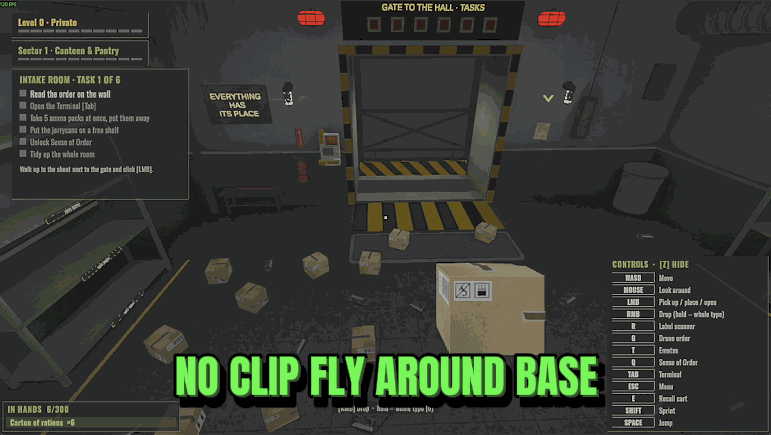
Fly where you look at 1 to 100 m/s (up to 300 while holding Sprint), and switch on Noclip to drift through walls, floors and the ground. Works in any loaded level, host or guest.

More Players
Raises the player limit of games you host from 4 to as many as 8, you included. Only the host needs it; friends join with your game code as usual.
Unlock All Areas
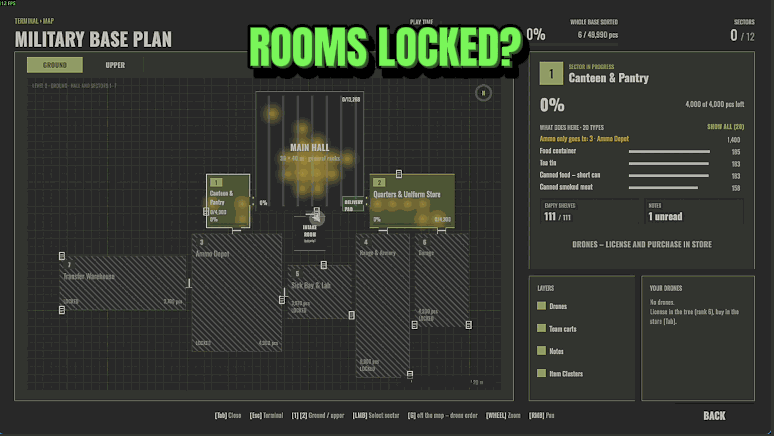
Opens every sector door whatever your level so you can tidy anywhere, and unlocks Sector Zero (GAME PLUS) on the main menu without finishing the Base. The doors aren't saved; Sector Zero stays unlocked.







