Want more mods for Military Base Tidy Up? Explore our entire collection!
Give Shop Item
"Order the gear. Skip the bill."
How do I install Give Shop Item?
Download the free ProjectMods desktop app, then install Give Shop Item for Military Base Tidy Up in one click.
</>What does Give Shop Item do?
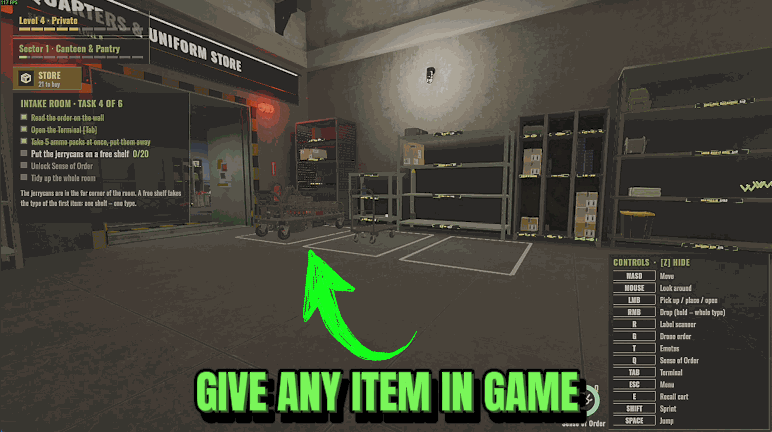
Saving up for one more store item between sectors slows the whole tidy down. Give Shop Item hands you any Quartermaster's Store item with the price refunded. Once you are in a level, Item fills with the store's own item names (the flashlight and lighting items show only on a dark map). Set Amount from 1 to 3 (default 1) and press Give Item. The order lands on the delivery pad like one you paid for, and your Supply Vouchers balance stays exactly where it was. Open the package on the pad to start using the item; a cart lands ready by itself. The game's own rules still decide what can be ordered. Items that need a license from the Skill Tree or another item first, a cluttered delivery pad, one cart per player and upgrades already at their top level all stop an order, and the reply gives the game's reason. Orders stay, like any purchase. It works in a solo game, or for the host before anyone else joins.
</>What is Give Shop Item?
Give Shop Item orders store gear in Military Base Tidy Up without touching your Supply Vouchers. Choose a store item in Item, set Amount from 1 to 3 and press Give Item; the package comes down on the pad, where you open it as usual. It never skips licenses or required items, never orders tidy-up clutter or drone paints, and doesn't run with other players in an online game.
</>Common questions about Give Shop Item
What does Give Shop Item do in Military Base Tidy Up?
It places a store order for you and refunds the price. Choose the item, choose how many, press Give Item, and the package comes down on the delivery pad for you to open. Nothing appears in your hands: it arrives the same way a paid order does.
Why does Amount stop at 3?
The delivery pad has room for 3 deliveries, so 3 is the most one press can order. When the pad is cluttered, the game turns the order down and the reply says why; clear the delivery area, then press Give Item again.
Can I order items that need a Skill Tree license?
Not until you own the license. Give Shop Item keeps every store rule, so an item behind a gear license, or one that needs another item bought first, stays unavailable until you have it. Carts are still one per player, and an upgrade already at its top level can't be ordered again. When an order can't go through, the reply gives the game's own reason. Unlock All Skills opens every gear license on the current map if you want more of the list orderable.
Why does Give Item refuse once friends join my game?
With other players in the game it won't run, because their SV would go out of step with yours, and the button tells you so. It works in a solo game, or for the host before anyone else joins. A guest who presses it gets a reply that only the host can.
What happens to the items after I turn the mod off?
They stay. Each order is saved like a normal purchase, along with any store level it raised, and your SV balance is untouched. There is nothing to switch back, and drone paints and the clutter you tidy were never in the list to begin with.
What options does Give Shop Item include?
Item
Which store item Give Item orders. The list fills with the Quartermaster's Store items, by their in-game names, once you are in a level (the flashlight and lighting items only on a dark map).
Give Item
Orders the chosen store item without spending Supply Vouchers. It arrives on the delivery pad like any order: open the package there to use it. Works in a solo game, or for the host before anyone else joins.
Amount
How many of the item Give Item orders at once, from 1 to 3 (the delivery pad holds 3 deliveries). Default 1.
Give Shop Item is a ProjectMods mod for Military Base Tidy Up that orders any Quartermaster's Store item, 1 to 3 per press, with the SV refunded; licenses and store rules still apply, solo or host before others join.
System Requirements
What features does Give Shop Item include?
- Item lists every Quartermaster's Store item by its in-game name once you are in a level, from the Tactical Backpack and Label Scanner to the Small Item Cart and Drone.
- Amount orders 1 to 3 per press, one for each spot on the delivery pad.
- Give Item refunds the price, so your SV balance reads the same before and after the order.
- Upgrades stop at their top level, so Vacuum Range never goes past its 3 levels.
Best For
- You want a spare Battery pack before a long sector and the vouchers aren't there yet, so pick Battery pack in Item, leave Amount at 1 and press Give Item.
- A Large Vacuum would speed up the next sector, so pick Large Vacuum, press Give Item and open the package when it lands.
- You are curious whether the Label Scanner earns its price, so order one with Give Item and keep your vouchers for something else.
- You want every store upgrade at once rather than one item at a time, so press Max Gear Upgrades instead and keep Give Shop Item for single orders like a Drone.
More Mods for Military Base Tidy Up
Teleport
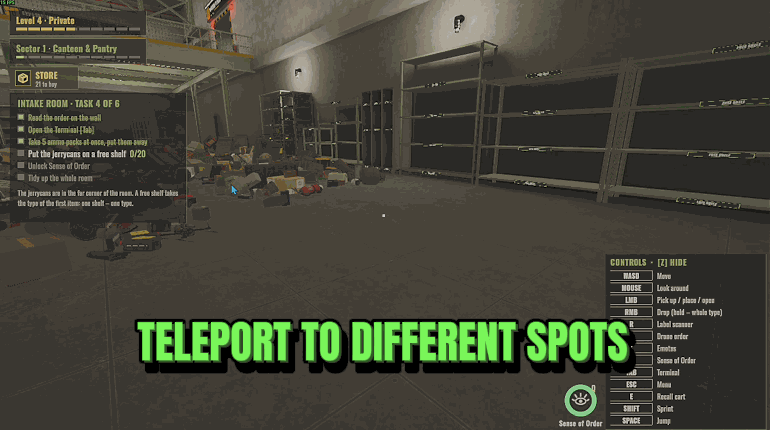
Save one spot per map and return to it, or jump straight to the delivery pad or the Main Hall chute outlet, each with a launcher button. Moves only you, plus the items in your hands.

More Players
Raises the player limit of games you host from 4 to as many as 8, you included. Only the host needs it; friends join with your game code as usual.
Mess Up A Sector
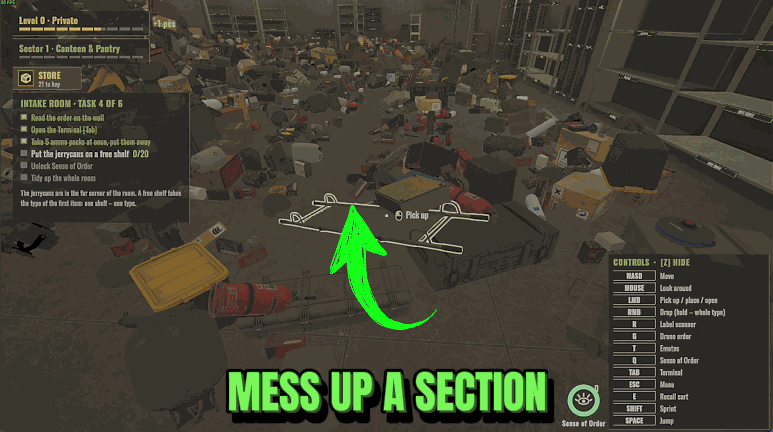
Pick a finished sector and Mess It Up puts its items back where they lay at the start, so you can sort it again. Solo games only; its SV bonus is held back until you finish it again.







