Want more mods for Military Base Tidy Up? Explore our entire collection!
Teleport
"Mark a spot. Be back in one click."
How do I install Teleport?
Download the free ProjectMods desktop app, then install Teleport for Military Base Tidy Up in one click.
</>What does Teleport do?
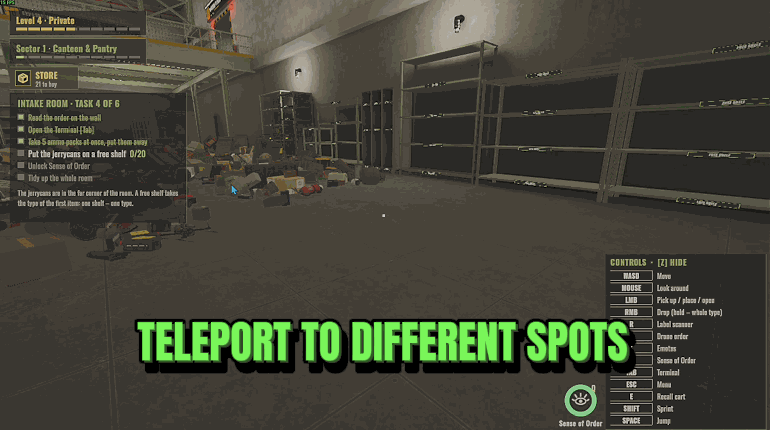
Shop orders land on the delivery pad, chute items land in the Main Hall, and the room you're tidying is always at the other end of the map. Teleport gives you four buttons in the launcher. Save Spot remembers where you stand and which way you face, and Go To Saved Spot takes you back there facing the same way. You get one spot on the base and one in Sector Zero, and saving again replaces it. Go To Delivery Pad and Go To Hall Chute put you on clear floor next to the pad or the chute outlet, never on top of packages or items. If everything within 3.6 m is crowded, the mod tells you and you stay put. Items in your hands travel with you, and other players see them arrive. A cart you're pushing stays behind, so let go of it first. Saved spots stay in the mod's own file for next time.
</>What is Teleport?
Teleport adds four launcher buttons to Military Base Tidy Up. Save Spot and Go To Saved Spot keep one return point on the base and one in Sector Zero, while Go To Delivery Pad and Go To Hall Chute land you on clear floor beside where orders and chute items arrive. It moves only your own character and what you hold, never other players or a pushed cart, and it has no hotkeys.
</>Common questions about Teleport
What does Teleport do in Military Base Tidy Up?
It moves you across the map in one press, to a spot you saved yourself or to the two places where deliveries arrive. Every player, host or guest, can use it for their own character. Nothing of the mod's goes into the game save; the game simply saves where you stand, as it would after walking there.
Why did Go To Delivery Pad say there was no room?
Packages or items covered every spot within 3.6 m of the pad, and the mod won't put you on top of them or push them aside. Carry a few away or shelve them, then press the button again. Go To Hall Chute works the same way at the chute outlet, and a map with no pad or outlet tells you so.
Can I teleport while pushing a cart?
No, let go of the cart first: the buttons refuse while you push one, and the cart wouldn't come along anyway. They also wait while a window or an emote has the controls. Items held in your hands are different. They travel with you, and other players see them with you at the new spot.
Do my saved spots survive closing the game?
Yes. They're kept in the mod's own file, so the spot you saved on the base or in Sector Zero is still there next session. Each map holds one, and pressing Save Spot again on that map overwrites it with where you stand now.
What options does Teleport include?
Go To Saved Spot
Takes you back to the spot you saved on this map, facing the way you faced.
Save Spot
Remembers where you stand and which way you face, for Go To Saved Spot. One spot per map (the base and Sector Zero); saving again replaces it.
Go To Hall Chute
Takes you to the chute outlet in the main hall, where items dropped into the sector chutes land, onto clear floor. If items crowd every spot nearby, it tells you and you stay where you are.
Go To Delivery Pad
Takes you to the delivery pad, where your shop orders land, onto clear floor. If packages crowd every spot nearby, it tells you and you stay where you are.
Teleport is a ProjectMods mod for Military Base Tidy Up that saves one spot per map and takes you back to it, or to the delivery pad or Main Hall chute outlet, with launcher buttons; it won't move you while you push a cart.
System Requirements
What features does Teleport include?
- Save Spot records your position and facing, one per map, and a new save replaces the old one.
- Go To Saved Spot puts you back looking the same way you were.
- Go To Delivery Pad and Go To Hall Chute look for clear floor up to 3.6 m around the spot, so you never land on a pile of packages.
- Whatever is in your hands comes along, for host and guests alike.
Best For
- A big shop order has just landed, so press Go To Delivery Pad, grab a stack and use Go To Saved Spot to get straight back to the room you were sorting.
- You've been dropping items into the sector chutes, so press Go To Hall Chute to meet them in the Main Hall and carry them on to their shelves.
- You switch between the base and Sector Zero, so press Save Spot on each map: the two spots are kept apart and both wait for you next session.
More Mods for Military Base Tidy Up

More Players
Raises the player limit of games you host from 4 to as many as 8, you included. Only the host needs it; friends join with your game code as usual.
Unlock All Areas
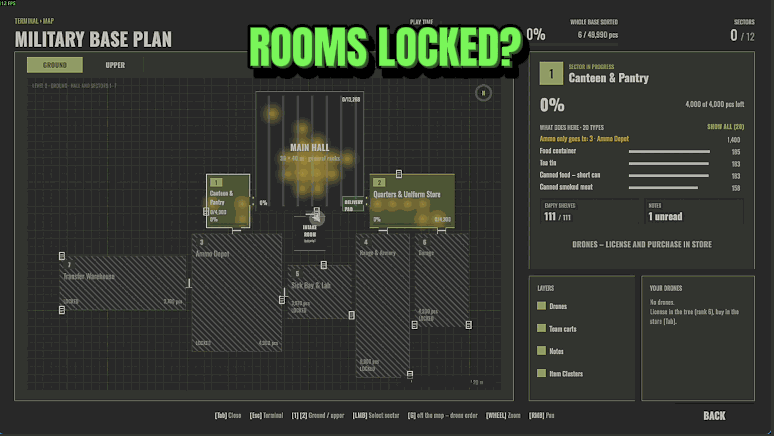
Opens every sector door whatever your level so you can tidy anywhere, and unlocks Sector Zero (GAME PLUS) on the main menu without finishing the Base. The doors aren't saved; Sector Zero stays unlocked.
Instant Deliveries
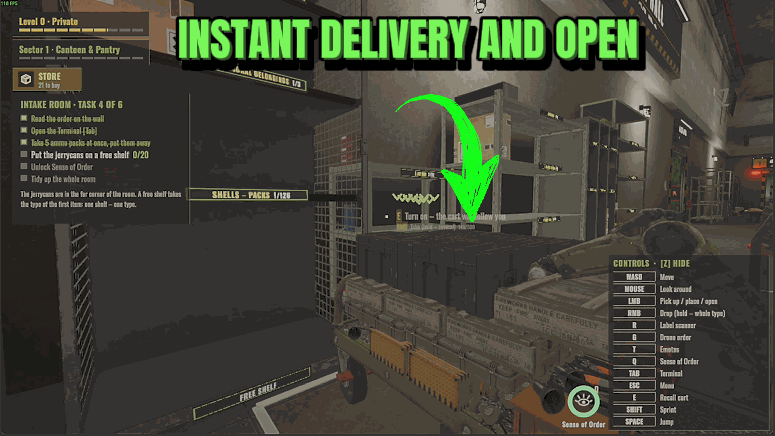
Packages on the delivery pad open by themselves a second after landing, and the drone that brings your store orders flies at 2x speed, as with the Express Delivery skill. Each has its own switch.







