Want more mods for Minecraft Dungeons II? Explore our entire collection!
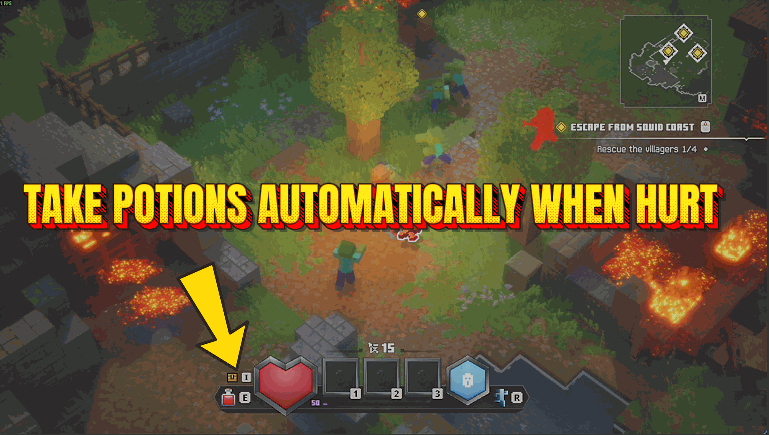
Auto Potion
"Health dips. The potion button presses itself."
How do I install Auto Potion?
Download the free ProjectMods desktop app, then install Auto Potion for Minecraft Dungeons II in one click.
</>What does Auto Potion do?
When a fight gets busy, your eyes are on the enemies, not on your health. Auto Potion keeps an eye on it and drinks for you. Switch on Auto Potion, then set Drink Below Health Percent to the point where a drink should happen, anywhere from 10 to 90 percent of your maximum health in steps of 5. It starts at 40. Once your health is under that line, your own health potion is used, spending the charge and starting the cooldown just as a press would. It never hands out extra potions or healing of its own. Auto Potion works for offline heroes, on your own or with couch co-op partners on this PC. An online hero's game runs and saves on the game's servers, so Auto Potion stays out of it. Switching it off puts nothing back because it never changed anything: you're simply back to pressing the button yourself.
</>What is Auto Potion?
Switch on Auto Potion and move Drink Below Health Percent to where you want a drink, 40 by default. Ten times a second it compares each hero's health with that line and uses the hero's own health potion when it's under. It never adds charges, never skips the cooldown and never heals without a potion, and it only works with offline heroes, leaving online heroes untouched.
</>Common questions about Auto Potion
What does Auto Potion do in Minecraft Dungeons II?
It uses your health potion whenever your health is under the line set by Drink Below Health Percent. The potion, its charge and its cooldown are the game's own, so it can never heal you more often than pressing the button yourself could.
Why didn't Auto Potion drink when my health was low?
Because it needs what the button needs: a potion charge and a finished cooldown. A new hero has one charge and a 20 second recharge, so after one drink there's a wait before the next. Auto Potion keeps checking through that wait and drinks again once the potion is ready, as long as you're still under the line.
How do I make Auto Potion drink more often?
Raise Drink Below Health Percent so it drinks earlier. For more drinks, pair it with the potion switches from two other ProjectMods mods: Unlimited Potions in Unlimited Arrows, Souls & Potions gives your charge back after every drink, and No Potion Cooldown in No Cooldowns cuts the recharge to 1% of normal.
Does each couch co-op hero get their own Drink Below Health Percent?
No, one setting covers everyone, but each hero is measured against their own health and drinks their own potion. With the line at 40, a partner who drops to 30% drinks while you carry on at 80%, and your charge is never spent for them.
What options does Auto Potion include?
Auto Potion
Drinks your health potion by itself when your health falls below the level you set, just like pressing the potion button. It still needs a potion charge and waits out the potion cooldown. Works for every couch co-op hero. Off by default.
Drink Below Health Percent
The health level that makes Auto Potion drink, in percent of your maximum health. 10 to 90, default 40.
Auto Potion is a ProjectMods mod for Minecraft Dungeons II that drinks an offline hero's potion once health falls below a level you pick, 10 to 90 percent, whenever a charge and the cooldown allow.
System Requirements
What features does Auto Potion include?
- Your health is checked 10 times a second against the line you set.
- After a drink it waits 1.5 seconds before trying again, and half a second after a try the game turned down.
- It never drinks for a hero who's downed or already at full health.
Best For
- Crowded fights keep pulling your eyes off your health, so switch on Auto Potion at the default 40 and the drink happens without a button press.
- You'd rather keep your one charge for emergencies, so set Drink Below Health Percent to 20 and it waits until you're close to going down.
- You're playing couch co-op with someone still learning the controls, so switch on Auto Potion with the line at 60 and a drink comes at 60% health with no button press from them.
More Mods for Minecraft Dungeons II
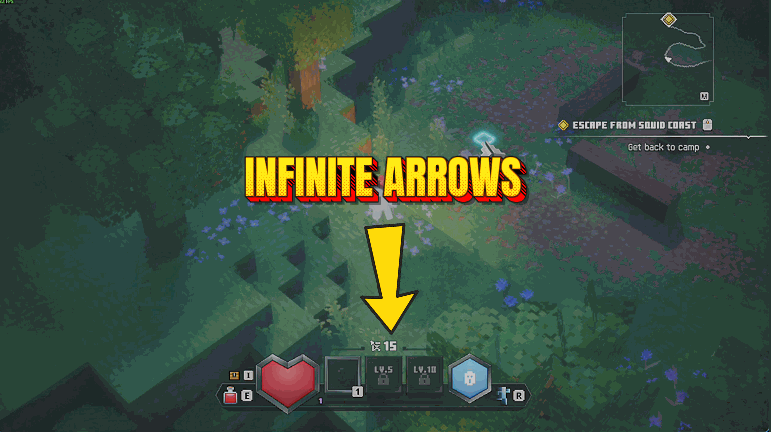
Unlimited Arrows, Souls & Potions
Three separate switches put your arrows, Souls and health potion charges back to the caps your hero already has (15, 100 and 1 on a new hero), while the potion's own cooldown still runs.
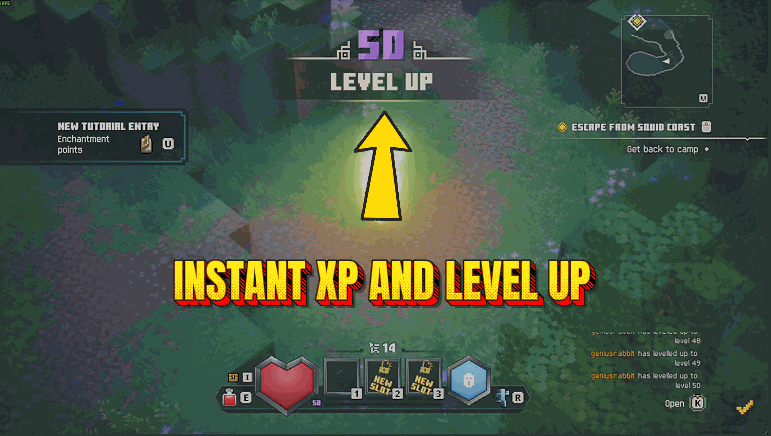
XP, Levels & Enchantment Points
Scales the XP your offline heroes earn from 0% to 1000%, takes your hero up to any level from 2 to 100 through the game's own level-ups, and adds up to 99 Enchantment Points a press.
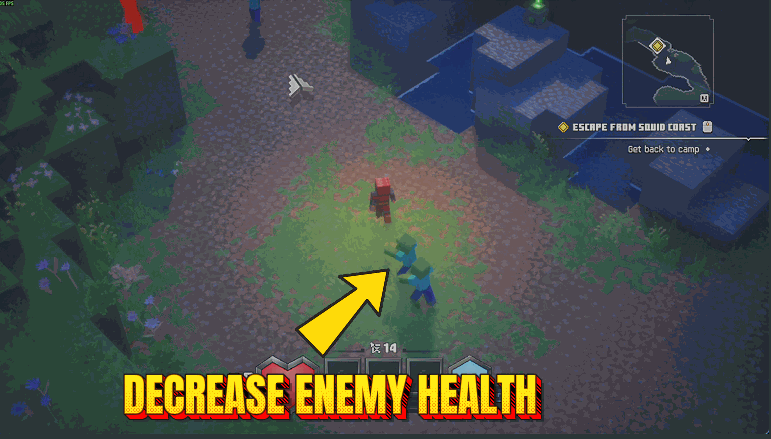
Enemy Health & Damage
Scale enemy health and enemy damage anywhere between 10 and 500 percent of normal, and switch on Mobs Ignore You to take your hero's aggro down to zero.







