Want more mods for Minecraft Dungeons II? Explore our entire collection!
Enemy Health & Damage
"Turn enemies into tanks. Or pushovers."
How do I install Enemy Health & Damage?
Download the free ProjectMods desktop app, then install Enemy Health & Damage for Minecraft Dungeons II in one click.
</>What does Enemy Health & Damage do?
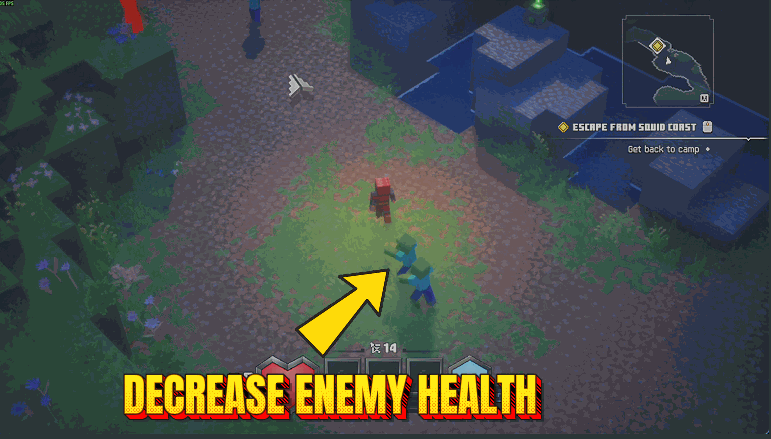
Fights come at whatever strength the game picks, and that isn't always the one you're after. Enemy Health & Damage hands you two sliders and a switch. Enemy Health Percent sets each enemy's maximum health anywhere from 10 to 500 percent of what the game gave it, in steps of 5, starting at 100. Enemy Damage Percent works the same way on how hard enemies hit, so at 50 they hit half as hard and at 200 twice as hard. Mobs Ignore You (off by default) brings your hero's aggro down to zero. Move a slider back to 100 or switch the mod off and enemies return to the game's own health and damage, keeping their share of health, while switching Mobs Ignore You off puts your aggro back to normal.
</>What is Enemy Health & Damage?
Enemy Health & Damage changes the enemies of Minecraft Dungeons II rather than your hero. Enemy Health Percent and Enemy Damage Percent each span from a tenth of the game's value to five times it, and Mobs Ignore You takes every couch hero's aggro to zero. It leaves the game's own difficulty setting as it is, saves nothing, and does nothing with an online hero.
</>Common questions about Enemy Health & Damage
What does Enemy Health & Damage do in Minecraft Dungeons II?
It works on the enemies instead of your hero: how much health they carry, how hard they hit, and with Mobs Ignore You, your hero's aggro. Changes reach the enemies around you within half a second, and new ones as they appear, however many there are.
What happens to an enemy that's already hurt when I move Enemy Health Percent?
It keeps the same share of its health. An enemy at half health stays at half, just of a bigger or smaller total. Enemies already at zero health are left alone, so raising the slider never brings a beaten one back.
Does it change the game's own difficulty?
No, the game's own difficulty stays as it is. Both sliders start from the health and damage the game has already given each enemy and apply the percent on top, and if the game later resets an enemy's maximum health, the mod applies the percent again.
What exactly does Mobs Ignore You change?
Only your hero's aggro, which it takes from the normal level down to zero while the switch is on. It doesn't make you invisible or protect you from damage. Switch it off and your aggro goes straight back to the game's normal value.
In couch co-op, which heroes and enemies does it reach?
Everyone in your local session. The sliders change the enemies you're all facing, and Mobs Ignore You covers each hero on the couch; if one of them leaves, their aggro goes back to normal straight away. The mod only works with offline heroes. An online hero lives on the game's servers, where that game runs and saves, so the mod changes nothing for one, and switching to an online hero puts the game's own values back.
How is this different from Damage Boost & One-Hit Kills?
Damage Boost & One-Hit Kills works on your hero's side of a fight, making your own hits land harder and faster or finish enemies in one blow. Enemy Health & Damage works on the enemies' side instead: how much health they start with and how hard they hit you back.
What options does Enemy Health & Damage include?
Mobs Ignore You
Mobs stop choosing you as their target, so you can explore in peace. Works for every local player. Off by default.
Enemy Health Percent
Enemy health as a percent of normal. 100 leaves enemies as the game makes them, 200 doubles their health, 50 halves it. Enemies keep their current share of health when you change it. Range 10 to 500, default 100.
Enemy Damage Percent
How hard enemies hit, as a percent of normal. 100 is normal, 50 halves their damage, 200 doubles it. Range 10 to 500, default 100.
Enemy Health & Damage is a ProjectMods mod for Minecraft Dungeons II that sets enemy health and damage from 10% to 500% of normal and can zero your hero's aggro, for offline heroes.
System Requirements
What features does Enemy Health & Damage include?
- Enemy Health Percent gives each enemy anywhere between a tenth and five times the health the game gave it.
- Enemy Damage Percent scales the hits enemies land over that same range, in steps of 5.
- Only enemies change: anything that isn't hostile to you is left exactly as the game made it.
Best For
- Fights are over almost before they start, so set Enemy Health Percent to 200 and each enemy comes in with double its usual health.
- A hard area keeps wearing you down, so drop Enemy Damage Percent to 50 and enemy hits land at half strength.
- You want a proper challenge, so raise both sliders to 300 and enemies carry three times the health and hit three times as hard.
- You've come back to an easy area and just want to move through it, so set Enemy Health Percent to 25 and each enemy has a quarter of its usual health.
More Mods for Minecraft Dungeons II
No Cooldowns
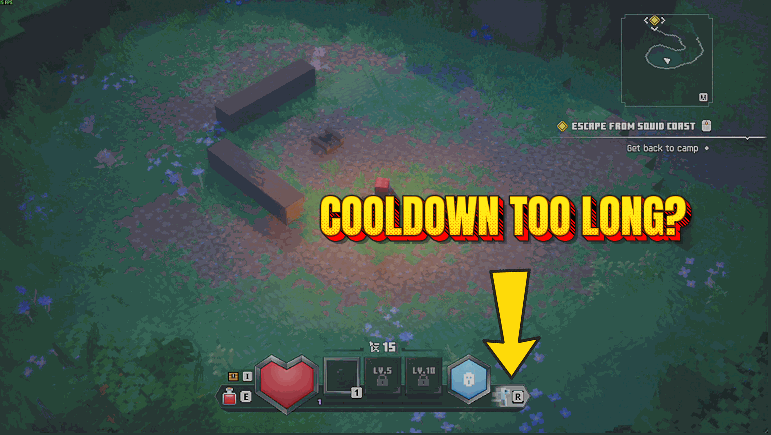
Three switches take the waiting out of your roll, artifacts and health potion: roll charges refill at once, and artifact and potion cooldowns drop to 1% of their normal length.
Smooth Cutscenes & Graphics Tweaks
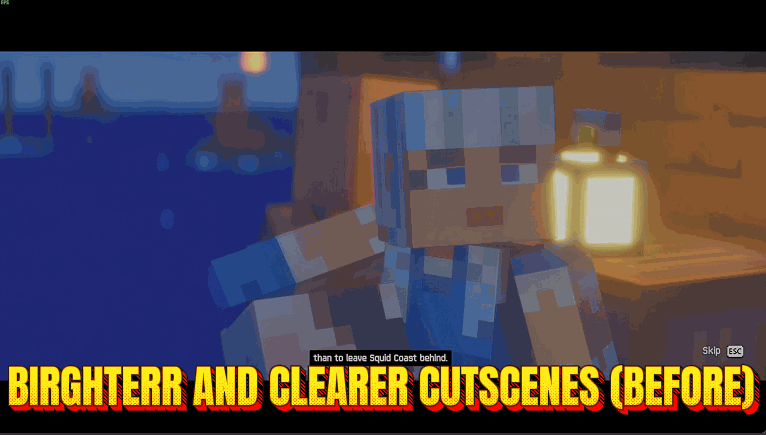
Lets locked story cutscenes play at your own frame rate instead of their film-style one, and adds two picture settings the game's menu lacks: Sharpening from 0 to 100 and No Vignette to clear the dark screen edges.

Custom Skin & Hide Armor
Puts a 64 x 64 skin picture from your own PC on player 1's hero, as crisp as the game's own skins, and can hide the armor's look while the armor keeps protecting you.







