Want more mods for Minecraft Dungeons II? Explore our entire collection!
Custom Skin & Hide Armor
"Wear your own skin. Keep the armor, lose the look."
</>What does Custom Skin & Hide Armor do?
Got a Minecraft skin of your own? Custom Skin & Hide Armor puts it on your hero. Set Skin File to the full path of a 64 x 64 PNG on this PC, such as C:\Users\You\Pictures\my-skin.png, then switch on Custom Skin and player 1's hero wears your picture. Both switches start off and Skin File starts empty. Change the picture, save it, and the hero shows the edit in about a second. Hide Armor takes the armor's look off your hero so your skin shows. Switch Custom Skin off and the skin you chose in the game is back at once; switch Hide Armor off and the armor shows again. Nothing the mod does is saved, so your hero's own look is never changed for good.
How do I install Custom Skin & Hide Armor?
Download the free ProjectMods desktop app, then install Custom Skin & Hide Armor for Minecraft Dungeons II in one click.
</>What is Custom Skin & Hide Armor?
Custom Skin & Hide Armor dresses your Minecraft Dungeons II hero in a skin picture of your own. Point Skin File at a 64 x 64 PNG on this PC, switch on Custom Skin, and switch on Hide Armor to keep your armor out of sight. It covers player 1's offline hero only, shows only on this PC, keeps the menu previews on your in-game skin, and never uses any skin but the file you choose.
</>Common questions about Custom Skin & Hide Armor
What does Custom Skin & Hide Armor do in Minecraft Dungeons II?
It dresses player 1's hero in a skin picture you supply from this PC and, if you like, hides the armor your hero wears so the picture shows. It never downloads skins or offers a skin library: the only skin it can show is the file you point Skin File at.
Why isn't my skin showing up on my hero?
Check the picture first: Skin File only reads 64 x 64 PNGs of up to 8 MB, so a classic 64 x 32 skin is skipped. The path has to be the full one, drive letter included, and Custom Skin has to be switched on while an offline hero is in the world.
Where does my in-game skin still show?
Where your hero shines or glows, since your picture only replaces the colours of the skin you wear in the game, and in the hero previews in the game's menus. A skin from the game with no colour picture of its own is left exactly as it is, so if your picture never appears, switch to another of your in-game skins.
Can other players see my skin, and does it work with an online hero?
Your skin shows only on this PC, on player 1's offline hero. An online hero is played and saved on the game's servers, not on this PC, so with one loaded the mod does nothing and your hero keeps its in-game skin and armor. Offline, solo or in couch co-op on one PC, the skin is yours to wear.
Why do my skin's pixels look soft?
An interlaced PNG still loads, but its pixels come out with softer edges. Save over the same file with interlacing switched off, at 8-bit or 16-bit as you like, and your hero picks up the sharp version without you touching Skin File.
What options does Custom Skin & Hide Armor include?
Custom Skin
Puts your own Minecraft skin on your hero, as crisp as the game's own skins. Set Skin File to your skin picture first. The skin you picked in the game still decides where your hero shines or glows, and it comes back as soon as you switch this off. Off by default.
Hide Armor
Hides the armor your hero wears so your skin shows. Your armor still protects you as before; only its look is hidden. Switch it off and the armor shows again. Off by default.
Skin File
The full path to your skin picture on this PC, for example C:\Users\You\Pictures\my-skin.png. It must be a 64 x 64 PNG, the standard Minecraft skin size; older 64 x 32 skins are not read. Edit the file and your hero updates in about a second. Empty by default.
Custom Skin & Hide Armor is a ProjectMods mod for Minecraft Dungeons II that puts a 64 x 64 skin picture from your PC on player 1's offline hero and can hide the armor's look without changing how the armor protects you.
System Requirements
What features does Custom Skin & Hide Armor include?
- A 64 x 64 skin is drawn at 512 x 512, each pixel an 8 x 8 block, so its edges stay as sharp as the game's own skins.
- Skin File takes a path pasted with quotes around it, and folder shortcuts such as %USERPROFILE% work too.
- Hide Armor hides the look of the armor pieces your hero wears, and their protection doesn't change.
- Only player 1's hero takes the custom skin, so in couch co-op the other heroes keep their own look.
Best For
- You're still tweaking a skin you made, so point Skin File at it, switch on Custom Skin and keep your art program open beside the game.
- Your armor covers the skin you made, so switch on Hide Armor and keep wearing the armor that protects you.
- Playing couch co-op on one PC, so take player 1's spot for your custom skin while the others keep their in-game skins.
More Mods for Minecraft Dungeons II
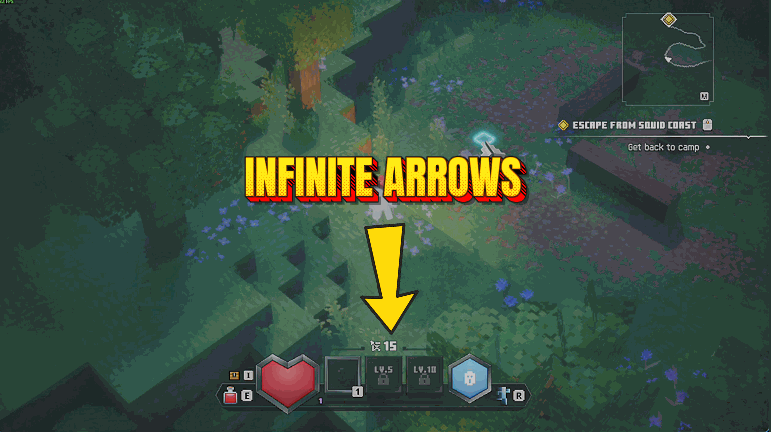
Unlimited Arrows, Souls & Potions
Three separate switches put your arrows, Souls and health potion charges back to the caps your hero already has (15, 100 and 1 on a new hero), while the potion's own cooldown still runs.
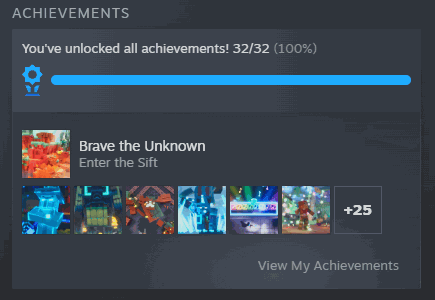
Achievement Unlocker
Unlocks any one of the game's 32 Steam achievements, or all of them, and can lock every one again, on Steam and in your offline hero's own record, with three collection achievements changing on Steam only.
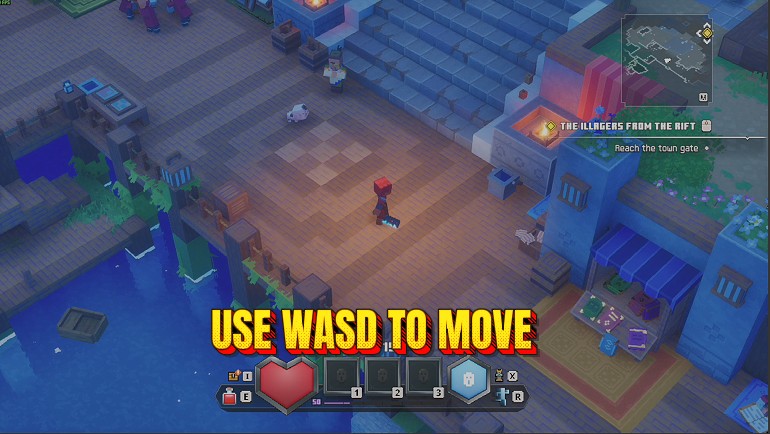
WASD Movement
Puts walking on the WASD keys for player 1 with an offline hero, relative to the screen, while the mouse stays on aiming and attacking, and adds two switches that repeat a roll or a jump for as long as you hold the key.







