Want more mods for Minecraft Dungeons II? Explore our entire collection!
Smooth Cutscenes & Graphics Tweaks
"Story scenes at your frame rate. No dark corners."
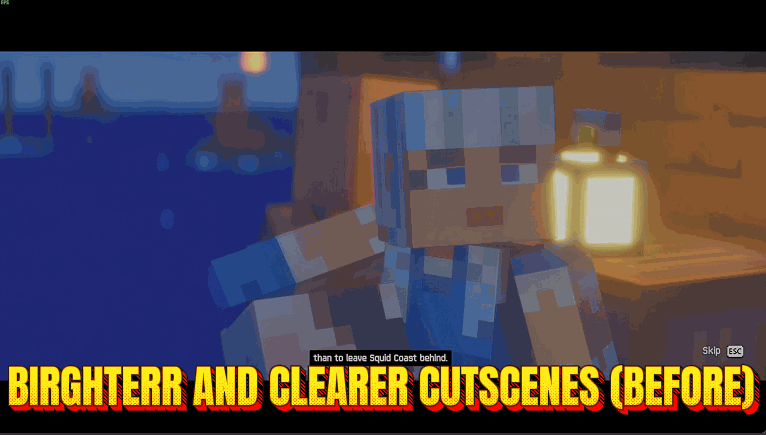
How do I install Smooth Cutscenes & Graphics Tweaks?
Download the free ProjectMods desktop app, then install Smooth Cutscenes & Graphics Tweaks for Minecraft Dungeons II in one click.
</>What does Smooth Cutscenes & Graphics Tweaks do?
A story cutscene that's locked to a film-style frame rate can look choppy next to gameplay at your full frame rate. Smooth Cutscenes & Graphics Tweaks hands you three picture settings. Switch on Smooth Cutscenes and, from the next cutscene on, a locked scene runs at your frame rate instead, with smooth movement. Sharpening adds crispness to the whole picture, from 0, the default, to 100, in steps of 5. No Vignette clears the dark shading the game puts around the edges of the screen. Neither of those two is in the game's own menu. Switch Smooth Cutscenes off and cutscenes go back to the game's own timing; put Sharpening back to 0 and switch No Vignette off for the game's own picture, or switch the mod off to undo all three at once.
</>What is Smooth Cutscenes & Graphics Tweaks?
Smooth Cutscenes & Graphics Tweaks lets locked story cutscenes in Minecraft Dungeons II keep up with your frame rate, and adds two picture settings. Switch on Smooth Cutscenes, which takes effect from the next cutscene, set Sharpening between 0 and 100, and switch on No Vignette to clear the dark edges. It never skips a cutscene or raises your frame rate outside them, and an online hero gets the game's own picture.
</>Common questions about Smooth Cutscenes & Graphics Tweaks
What does Smooth Cutscenes & Graphics Tweaks do in Minecraft Dungeons II?
It changes how the game looks in three ways: locked story cutscenes at your frame rate, adjustable sharpening, and no dark edges around the screen. None of it is saved, so nothing from the mod stays with your heroes or in the game's settings once you switch it off.
Why did one cutscene still play at the locked frame rate?
Two kinds can keep it: cutscenes on the main menu, before a hero has loaded, and a cutscene that was already playing when the mod or Smooth Cutscenes came on. That one keeps its locked rate until it ends, and the next one that starts with your hero in the world plays at your frame rate.
Can it turn off film grain, chromatic aberration or motion blur?
The game uses no film grain and no chromatic aberration, so there's nothing of either to turn off. Motion blur already has its own setting in the game's menu, and this mod leaves it there. If the picture still looks soft with motion blur off, Sharpening is the setting that adds crispness.
Does it work in couch co-op, or with an online hero?
Couch co-op on one PC, yes: every change covers this PC's whole screen, so all the local players see it. With an online hero, everything runs and saves on the game's servers instead of this PC, so the mod does nothing and the game's own picture and cutscene timing come straight back. Load an offline hero, solo or co-op, and your settings apply again.
What options does Smooth Cutscenes & Graphics Tweaks include?
No Vignette
Removes the dark shading the game puts around the edges of the screen, so the corners stay as bright as the middle. Switch it off and the shading returns. Off by default.
Sharpening
Adds crisp sharpening to the whole picture, from 0 (none, the game's own look) to 100 (the strongest). Default 0.
Smooth Cutscenes
Lets story cutscenes play at your full frame rate, with smooth movement, instead of a locked film-style frame rate. Your own frame-rate limit still applies. It works from the next cutscene that starts after you switch it on. Switch it off and the cutscenes play the game's way again. Off by default.
Smooth Cutscenes & Graphics Tweaks is a ProjectMods mod for Minecraft Dungeons II that plays locked story cutscenes at your own frame rate and adds Sharpening and No Vignette, with any offline hero, solo or couch co-op.
System Requirements
What features does Smooth Cutscenes & Graphics Tweaks include?
- Smooth Cutscenes keeps your own frame-rate limit in place, so a cap you've set still holds while a cutscene plays.
- The game applies no sharpening of its own, so Sharpening at 0 is exactly the stock picture and every step above it is the mod's.
- No Vignette takes the edge shading away completely rather than softening it.
Best For
- Your monitor runs at a high refresh rate and story scenes feel stiff next to the fights, so switch on Smooth Cutscenes before the next one and it plays at your frame rate.
- The picture looks soft on a big screen, so set Sharpening to 50 for half the full strength, or 100 for all of it.
- Dark corners make the edges of a busy fight harder to read, so switch on No Vignette and the whole screen keeps one brightness.
More Mods for Minecraft Dungeons II
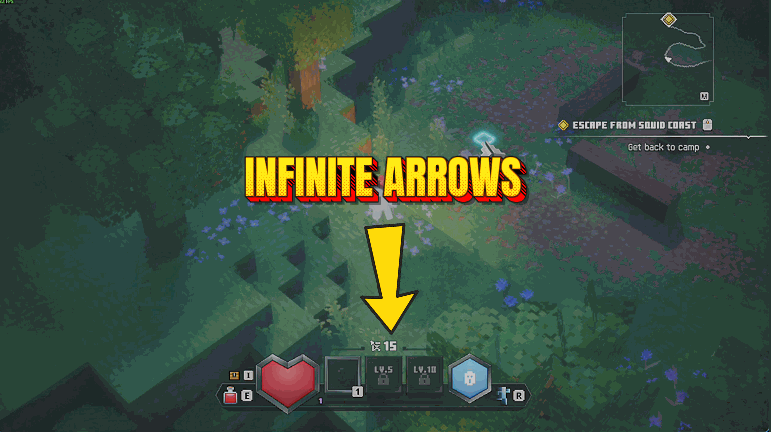
Unlimited Arrows, Souls & Potions
Three separate switches put your arrows, Souls and health potion charges back to the caps your hero already has (15, 100 and 1 on a new hero), while the potion's own cooldown still runs.
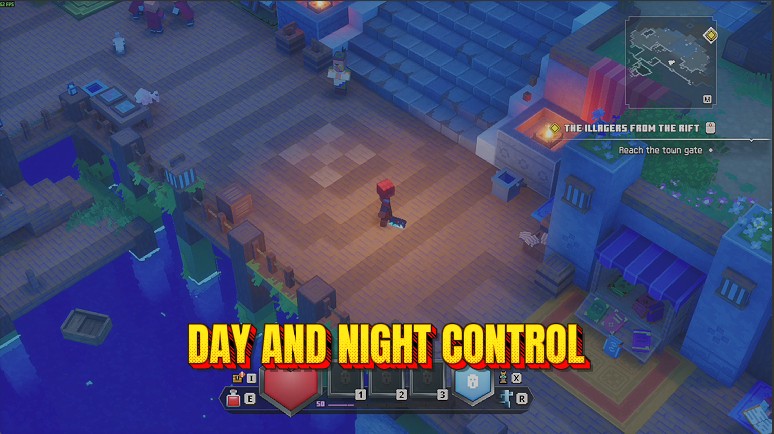
Day & Night Control
Set Time Of Day to Day or Night and the clock holds there, stop it at any hour with Freeze Time, or run each full cycle from 10 to 1000 percent of its normal length.
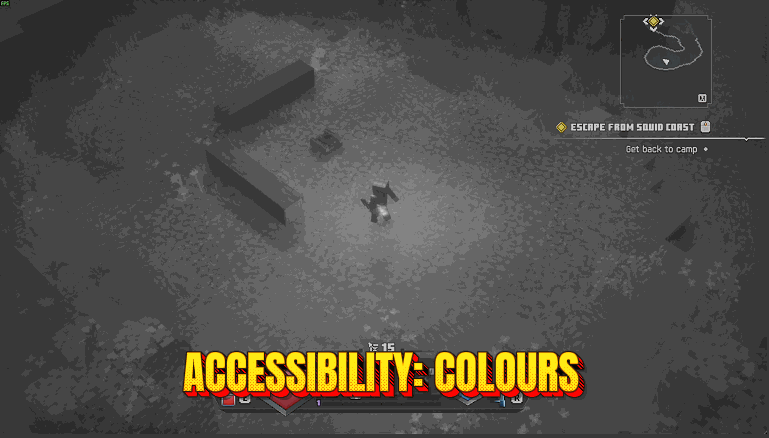
Accessibility
Colour filters for red-green and blue-yellow colour vision and a greyscale picture, each with a strength from 10 to 100, plus a switch that keeps the camera from shaking.







