Want more mods for Minecraft Dungeons II? Explore our entire collection!
Camera Zoom & Angle
"Twice as far back. Almost straight down."
How do I install Camera Zoom & Angle?
Download the free ProjectMods desktop app, then install Camera Zoom & Angle for Minecraft Dungeons II in one click.
</>What does Camera Zoom & Angle do?
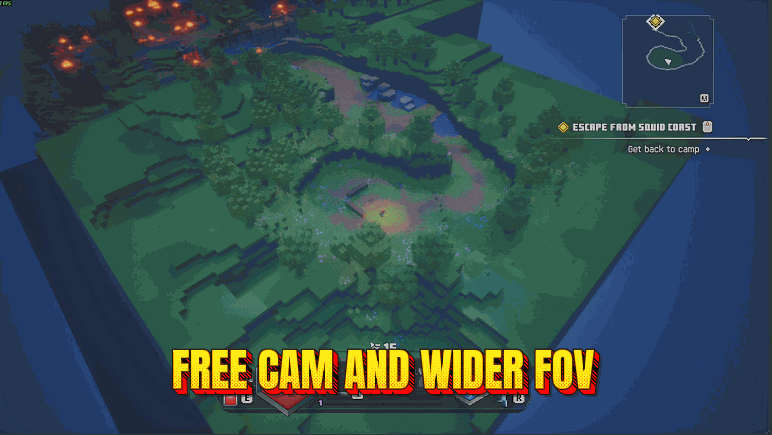
Sometimes you want to see more of the fight, and sometimes you want to be right in it. Camera Zoom & Angle hands you three settings for the game's camera. Camera Zoom Percent moves it from 50 (half as far from your hero) to 200 (twice as far) in steps of 5. Camera Tilt changes how steeply it looks down by anything from -25 to +40 degrees, so the view runs from low toward the horizon to almost straight down. Field Of View Percent narrows or widens the shot from 50 to 200, also in steps of 5. Each setting works by itself, and at its default (Camera Zoom Percent 100, Camera Tilt 0, Field Of View Percent 100) it leaves that part of the game's camera exactly as it was. Put a setting back to its default to restore it, or turn the mod off to restore all three. None of it goes into your save.
</>What is Camera Zoom & Angle?
Camera Zoom & Angle changes the game's camera for offline heroes. Camera Zoom Percent sets the distance from 50 to 200 percent, Camera Tilt adds -25 to +40 degrees to the downward angle, and Field Of View Percent widens or narrows the view from 50 to 200 percent. It never rotates the camera around your hero, never gives a first-person view, leaves cutscenes alone and does nothing online.
</>Common questions about Camera Zoom & Angle
What does Camera Zoom & Angle do in Minecraft Dungeons II?
It changes three things about the camera: its distance from your hero, its downward angle and how wide it sees. It does nothing at the main menu or on loading screens, and the camera keeps your settings while your hero is down or briefly out of play.
Can I turn the camera around my hero or play in first person?
No. The camera keeps facing the same direction the game always uses, so Camera Tilt changes the steepness of the view, never which way it points. There's no first-person or over-the-shoulder view, and cutscene cameras stay exactly as the game made them.
Why does the zoom take a moment to change?
The camera glides to its new distance over about a second instead of jumping straight there, so a big change, say from 100 to 200, eases out rather than cutting. You set the distance in the launcher with Camera Zoom Percent; the mod adds no zoom key and no mouse-wheel zoom.
Whose camera does it change on the couch?
The shared camera everyone plays under; in solo play it's simply your camera. It works for offline heroes only, alone or on the couch. Online heroes play on the game's servers, which run and save their game, and the camera settings do nothing for them.
What happens in areas where the game moves the camera itself?
Your settings adapt to the game's own choices. If an area or event sets its own distance, angle or view, the mod treats that as the new normal and applies your percent or tilt on top. With Camera Zoom Percent at 150, the camera sits one and a half times as far back as whatever distance the game has chosen, and a Camera Tilt of +10 looks 10 degrees steeper than the game's own angle.
What options does Camera Zoom & Angle include?
Field Of View Percent
Widens or narrows how much the camera shows, from 50% (a narrow, close-up look) to 200% (twice as wide). 100% is the game's own view. Default 100.
Camera Tilt
Tilts the camera, in degrees, from -25 (a lower view toward the horizon) to +40 (looking almost straight down). 0 keeps the game's own angle. Default 0.
Camera Zoom Percent
Moves the camera closer to your hero or further away, from 50% (half the normal distance) to 200% (twice as far, to see more of the fight). 100% is the game's own distance. Default 100.
Camera Zoom & Angle is a ProjectMods mod for Minecraft Dungeons II that zooms the camera between half and twice its usual distance, tilts it and widens or narrows the view for offline heroes.
System Requirements
What features does Camera Zoom & Angle include?
- At 200% zoom the camera sits about 74 m from your hero instead of the usual 37 m, and at 50% it closes in to about 18.5 m.
- Camera Tilt +40 points the camera down at 85 degrees, while -25 lowers it to a shallow 20 degrees.
- Field Of View Percent turns the game's 45-degree view into anything from a narrow 22.5 degrees to a wide 90.
Best For
- A big fight keeps spilling past the edges of the screen, so set Camera Zoom Percent to 150 and the camera sits half as far again from your hero.
- You want to look down on the ground around your hero, so set Camera Tilt to +40 for a near top-down view.
- You're lining up a low, close screenshot of your hero, so drop Camera Tilt to -25 and Camera Zoom Percent to 60.
- You want a tighter frame in close-quarters fights, so lower Field Of View Percent to 75.
More Mods for Minecraft Dungeons II
Movement Speed & Jump
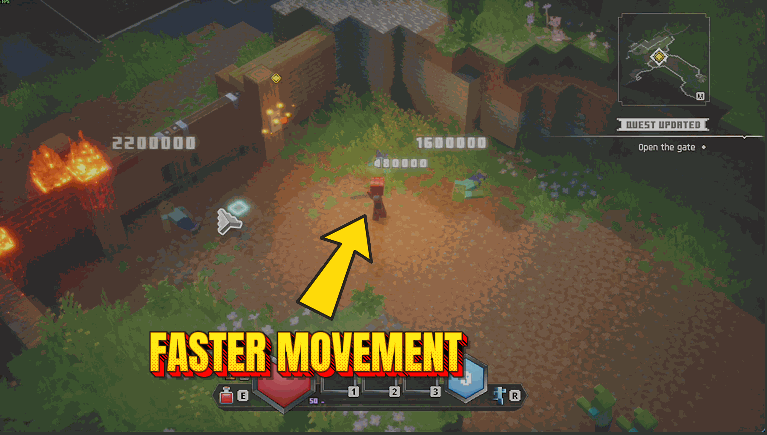
Set your hero's movement speed from 50 to 400 percent and jump strength from 50 to 300 percent, or switch on Low Gravity, which drops the pull on your hero to 40 percent of normal.
Achievement Unlocker
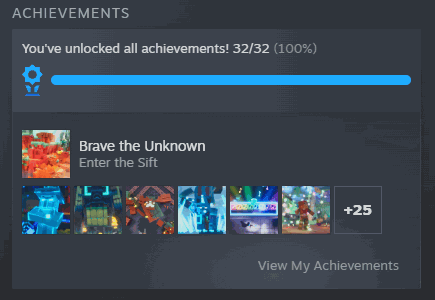
Unlocks any one of the game's 32 Steam achievements, or all of them, and can lock every one again, on Steam and in your offline hero's own record, with three collection achievements changing on Steam only.
Smooth Cutscenes & Graphics Tweaks
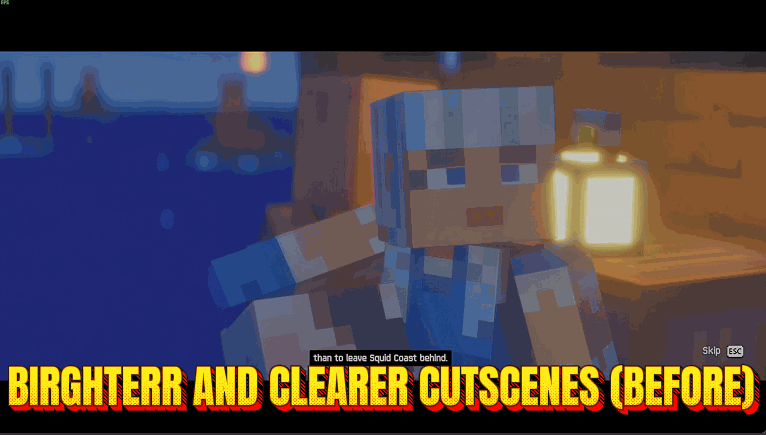
Lets locked story cutscenes play at your own frame rate instead of their film-style one, and adds two picture settings the game's menu lacks: Sharpening from 0 to 100 and No Vignette to clear the dark screen edges.







