Want more mods for Muse Dash? Explore our entire collection!
Full Roster
"Everyone shows up for this gig."
How do I install Full Roster?
Download the free ProjectMods desktop app, then install Full Roster for Muse Dash in one click.
</>What does Full Roster do?
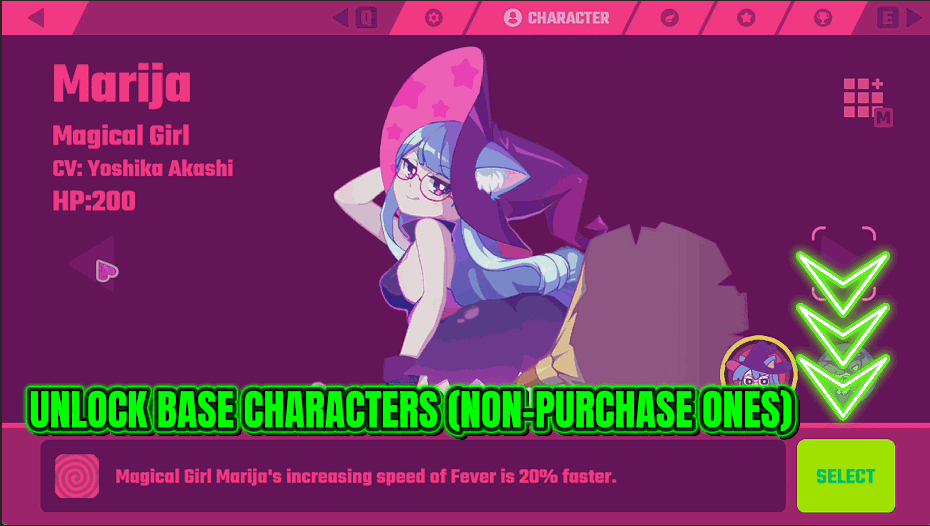
Characters and elfin companions are the personality of a Muse Dash run, and most of them sit behind a slow chip grind. Full Roster sweeps the lot and grants them to you. That means you get to pick the character you actually like the look of, pair them with whichever elfin suits how you play, and stop treating the roster as a reward schedule. It also covers the loading art and welcome extras, so the whole presentation side opens up at once. This is the base game's roster, so anything that comes with paid DLC still needs that DLC. Each entry is granted separately, so a single item that will not unlock cannot stop the rest of the sweep, and the mod reports how much it actually handed over rather than just claiming it worked. Back out to the character screen afterwards to see them.
</>What is Full Roster?
Most of Muse Dash's characters and elfin companions sit behind a long chip grind, so the ones you actually want tend to arrive last. Full Roster grants the base game's characters, elfins, loading art and welcome extras in one press, so you play as whoever you like from the start. Part of the ProjectMods Muse Dash catalog, 1,600+ mods across 400+ games.
</>Common questions about Full Roster
What does Full Roster do in Muse Dash?
Full Roster is a one-press unlock for Muse Dash's collection side. It grants the playable characters, the elfin companions that follow you through a run, the loading art and the welcome extras that are otherwise earned slowly through the chip grind. Press Unlock Roster once and the sweep runs through the whole list; back out to the character screen afterwards and they are there to pick. It is not a toggle you leave running, it is a single action that changes what you own, so you can play as the character you actually like the look of instead of the one you happened to unlock.
What exactly does the Unlock Roster button cover?
Unlock Roster covers the collectible presentation side of Muse Dash: the playable characters, the elfin companions you pair with them, the loading artwork and the welcome extras. It covers the base game's roster, so characters that come with paid DLC still need that DLC. Each entry is granted on its own rather than as one big all-or-nothing sweep, so a single stubborn item cannot stop everything behind it from unlocking. When the pass finishes it reports how many entries were actually granted, rather than flashing a success message and leaving you to guess. It does not touch the song list, which is Full Setlist's job, and it does not change your scores, your level or anything you play with during a chart.
Why do the new characters not appear until I back out to the character screen?
Because Muse Dash only fills in the character screen when you walk into it, and you were already standing in it when the unlock happened. Full Roster grants the entries quietly, so leaving the screen and coming back is what makes them show up. Back out to the main menu, go into the character screen, and everyone will be waiting. This is not a failure and you do not need to press Unlock Roster twice, because the count it reported is what was actually granted. If something genuinely did not unlock, that count is the honest number to go by.
Does Full Roster unlock anything I would rather have earned myself?
It unlocks the whole collection side in one go, so if you are enjoying the drip of new characters, run it later rather than on a fresh save. There is one button and no partial mode: Unlock Roster grants the characters, elfins, loading art and welcome extras together. It earns its keep when you have already worked through this once and do not fancy doing it again, or when you want a specific character now rather than in three weeks. If you only want the songs opened up instead, Full Setlist is the mod for that and leaves the roster alone.
Why would I use Full Roster on a reinstall?
Because you have already done the chip grind once. Coming back to Muse Dash after a break usually means the soundtrack is familiar but the roster is empty again, and re-earning characters you unlocked years ago is the least interesting part of a return. Full Roster hands the collection back in one press so the first session is you picking a character and an elfin you like and playing songs, rather than working through a reward schedule. It pairs neatly with Full Setlist, which opens the base track list, if you want a returning save that looks the way you left it.
What options does Full Roster include?
Unlock Roster
Unlocks characters, elfin companions and cosmetic extras. Back out to the character screen afterwards.
Full Roster is a ProjectMods mod for Muse Dash that unlocks the base game's playable characters, elfin companions, loading art and welcome extras in one press, instead of earning each one through the chip grind.
System Requirements
What features does Full Roster include?
- Unlocks the playable characters and elfin companions in one press instead of a long chip grind
- Opens the presentation side too, including loading art and the welcome extras
- Grants each entry on its own, so one stubborn item cannot stop the rest of the sweep
- Tells you how many entries actually went through rather than just claiming it worked
- Back out to the character screen afterwards and pick whoever you like the look of
Best For
- Picking a character because you like the art, not because it is the only one you own
- Pairing an elfin that suits how you play instead of using whatever the grind handed you
- Reinstalling after a wipe and refusing to re-earn a roster you already sat through once
- Creators who need a specific character on screen for a thumbnail without grinding to reach them
- Trying every elfin back to back to work out which one you actually want to main