Want more mods for Muse Dash? Explore our entire collection!
Trophy Wall
"The whole list, in one press."
How do I install Trophy Wall?
Download the free ProjectMods desktop app, then install Trophy Wall for Muse Dash in one click.
</>What does Trophy Wall do?
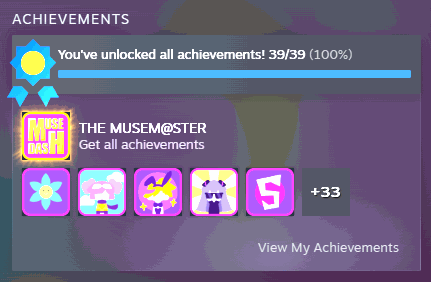
Muse Dash has a long award list, and a good chunk of it asks for the kind of repetition that stops being fun long before it stops being required. Trophy Wall goes through the list and claims what it can. Every claim goes through the game's own award list, and each award is attempted on its own, so one that will not budge cannot stop the rest. When the pass finishes it tells you how many entries it actually submitted, which is the honest answer rather than a blanket promise that everything landed. This is for players who have already enjoyed the game at their own pace and would rather see a finished shelf than grind the last stubborn few. Give it a moment to work through the list before you go looking.
</>What is Trophy Wall?
Muse Dash keeps a long award list, and a good chunk of it asks for repetition that stopped being fun ages ago. Trophy Wall walks the list in one press, claims what it can through the game's own award system, and tells you how many entries it submitted. One-click install through the ProjectMods desktop app.
</>Common questions about Trophy Wall
What does Trophy Wall do in Muse Dash?
Trophy Wall works through Muse Dash's award list in one press and claims what it can. Every claim goes through the game's own award list, and each award is attempted separately, which means one that will not budge cannot stop the rest of the pass. When it finishes it reports how many entries were submitted rather than just declaring success, so you know exactly what the run did. Give it a moment to work through the full list before you go looking, because it is a list, not a single flip.
Why does Trophy Wall report a count instead of just saying it worked?
Because a blanket success message would be a lie whenever an award did not go through. Trophy Wall attempts each Muse Dash award on its own and then tells you how many entries it actually submitted, so you get a real number rather than a green tick. If some awards on your account depend on conditions the pass cannot satisfy, the count is what tells you. It also means a single stubborn entry cannot take the rest of the run down with it, because the pass keeps going and finishes the list. If the number looks low, run it once more after a restart.
Why does Trophy Wall take a moment to finish?
Because it is walking the whole Muse Dash award list one entry at a time rather than flipping a single switch. That takes a few seconds, and during it the game may feel briefly busy. Pressing Claim Awards again while the first pass is still working does not speed anything up, so wait for the count to appear and treat that number as your answer. The count is the honest record of what went through on that run, which is why it is worth waiting for rather than guessing. If you go looking straight away and see nothing, give it the moment it asked for first.
What does the Claim Awards button actually do?
Claim Awards is the only control in Trophy Wall and it runs the whole pass. Press it once and the mod goes through the Muse Dash award list, attempts each entry through the game's own award system, and reports how many it submitted when it is done. There is no partial mode and no per-award picker, because it is a single sweep by design: the thing it solves is the tail of repetitive entries rather than any one award. You can press it again later if you have played more in the meantime and new entries have become claimable.
Who is Trophy Wall actually for?
Players who have already enjoyed Muse Dash at their own pace and would rather see a finished shelf than grind the last stubborn few. A good chunk of any award list asks for repetition that stopped being fun long before it stopped being required, and Trophy Wall is the answer to exactly that tail. It is also handy on a return visit, where the few you never got round to are the only entries left and re-grinding them is not the reason you reinstalled. If you are still working through the list for the first time and enjoying it, leave this one for later.
What options does Trophy Wall include?
Claim Awards
Runs through the award list and claims what it can, then reports the count.
Trophy Wall is a Muse Dash mod from ProjectMods that runs through the game's award list in one press, claims what it can through the game's own award system, and reports how many entries it submitted.
System Requirements
What features does Trophy Wall include?
- Works through the game's award list in one press and claims everything it can
- Puts every claim through the game's own award list, so whatever lands is recorded the normal way
- Attempts each award on its own, so one that will not budge cannot halt the rest
- Reports how many entries it actually submitted rather than claiming blanket success
- Give it a moment to get through the full list before you go looking at the shelf
Best For
- Completionists staring at a handful of awards that only ask for tedious repetition
- Players who have already enjoyed the game at their own pace and want to see a finished shelf
- Coming back after a long break with a handful of entries you never got round to
- Creators who need a completed award page on camera without a hundred hours of setup
- Closing off a game you are done with rather than leaving three stubborn entries hanging
More Mods for Muse Dash
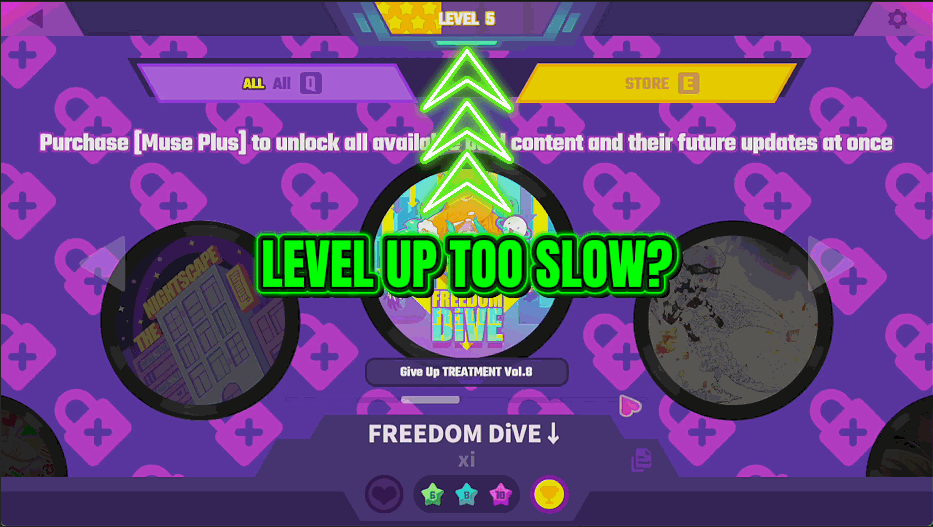
Level Rush
Sets your player level to whatever you choose.
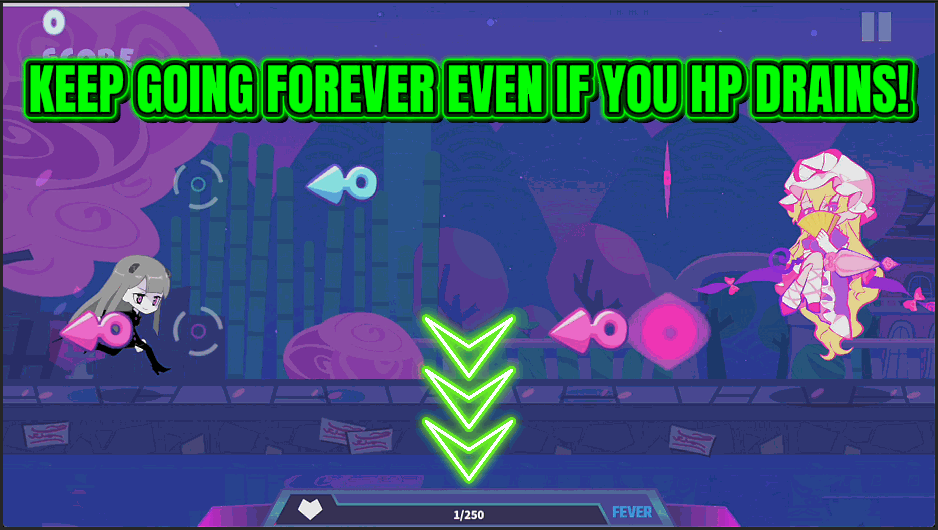
Encore Mode
Keeps you alive through any chart so a run always reaches the final note.
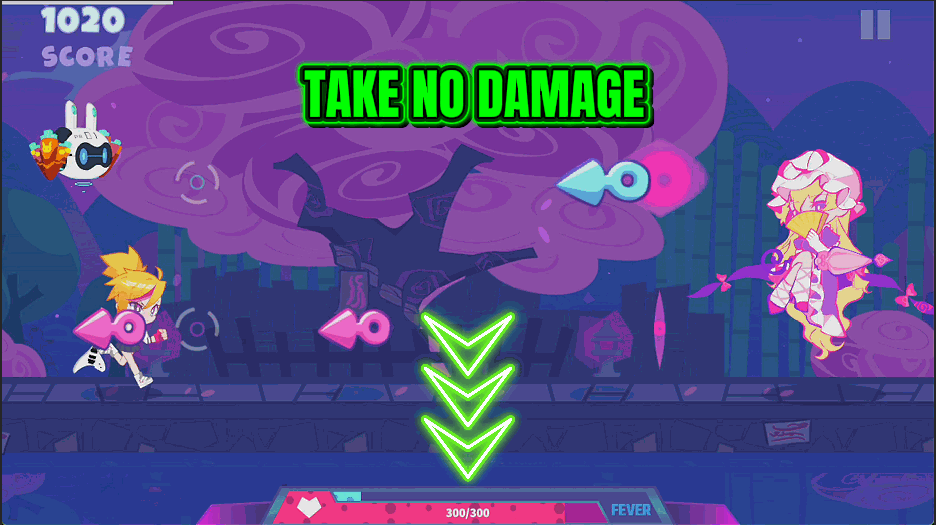
Iron Beat
Softens every hit so a mistake barely dents your health. A slider sets how much of each hit's damage you shrug off.



























































































































































































