Want more mods for My Time at Portia? Explore our entire collection!
Workshop Warehouse
"Every item in Portia, delivered to your doorstep."
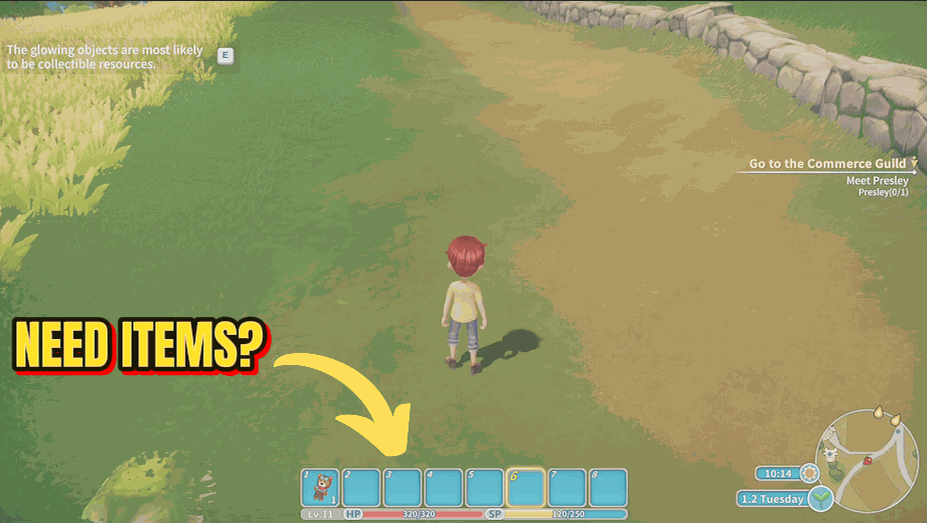
How do I install Workshop Warehouse?
Download the free ProjectMods desktop app, then install Workshop Warehouse for My Time at Portia in one click.
</>What does Workshop Warehouse do?
Workshop Warehouse puts every item in My Time at Portia into one searchable dropdown. Pick what you need, set the quantity, and press Give Item, it lands in your bag instantly. Perfect for crafting without the gathering grind, testing workshop builds, or stocking up on rare materials. The list stays matched to your version of the game, so what you see is what you can grab. Internal placeholder entries are kept out of the way so the list stays clean and easy to scroll.
</>What is Workshop Warehouse?
Workshop Warehouse from ProjectMods puts every My Time at Portia item into one searchable dropdown. Pick what you need, set the quantity, and it lands in your bag instantly. Perfect for crafting without gathering, testing workshop builds, and stocking rare materials. The list stays matched to your version of the game, so what you see is what you can grab. Free via the ProjectMods desktop app.
</>Common questions about Workshop Warehouse
What does Workshop Warehouse do in My Time at Portia?
Workshop Warehouse lets you drop any item in My Time at Portia straight into your inventory using a searchable dropdown. Every item in the game shows up in one list; you pick what you want, set the quantity, and press Give Item to drop it in your bag instantly. It is built for crafting without the gathering grind, testing workshop builds quickly, and stocking up on rare or hard-to-find materials. The list stays matched to your version of the game, so it is always accurate. Workshop Warehouse is a free mod from ProjectMods, the community-first game modding platform and desktop app for PC gamers.
What do the Refresh Item List and Give Item buttons do?
Workshop Warehouse has two buttons in My Time at Portia. Refresh Item List loads the full item list into the dropdown, which is what you press if the list looks empty when you first load in or after a game update changes what is available. Give Item takes whatever you have selected plus the quantity you set and drops that stack into your bag right away. Together they are the whole routine: refresh to fill the list, pick your item and amount, then give. It is a simple two-step flow that gets any item you want into your bag in seconds.
Why is the item dropdown empty when I first load in?
If the Workshop Warehouse dropdown looks empty when you first load into My Time at Portia, press Refresh Item List to fill it. The list loads once you are actually in your save, so a quick refresh is all it takes to populate it. After you hit Refresh Item List, every item appears in the searchable dropdown and you can start grabbing whatever you need. This is the one quirk worth knowing: an empty list is not a bug, it just means the list has not loaded yet. One press of Refresh sorts it out.
Why are some items missing from the Workshop Warehouse list?
Workshop Warehouse keeps internal placeholder entries out of your dropdown in My Time at Portia, so they do not clutter the list. Those are leftover test entries the game does not actually use, so hiding them keeps the dropdown focused on real, usable items you would actually want to grab. Everything else in the game stays available. If you ever feel a real item is missing, try Refresh Item List first to make sure the dropdown has fully loaded. The cleanup is on purpose and keeps the searchable list tidy rather than padded with placeholders you cannot use anyway.
Why would I use Workshop Warehouse in My Time at Portia?
You would use Workshop Warehouse to skip the gathering grind in My Time at Portia and get straight to building. Instead of mining, chopping, and farming for hours to collect crafting materials, you grab exactly what a blueprint needs and start building. It is great for testing workshop layouts, experimenting with recipes, and stocking rare materials you would otherwise hunt for. It pairs well with Bag of Holding so you have room for everything you grab. Workshop Warehouse is free from ProjectMods, the community-first modding platform and desktop app with one-click install across 400+ PC games.
What options does Workshop Warehouse include?
Refresh Item List
Scan the game database and populate the item dropdown
Item to Give
Select an item to add to your inventory
Give Item
Add the selected item to your inventory
Quantity
Number of items to give
Workshop Warehouse is a My Time at Portia mod from ProjectMods that drops any item in the game straight into your inventory using a searchable dropdown.
System Requirements
What features does Workshop Warehouse include?
- Browse every item in the game from a single searchable dropdown
- Pick an item, set the quantity, and it lands in your bag right away
- Stays matched to your version of the game, so the list is always accurate
- Keeps internal placeholder entries out of the way so the list stays clean
- Stock up on rare materials without ever leaving to gather them
Best For
- Builders who want to craft a project right now instead of grinding for every material first
- Players testing a workshop layout or assembly setup who need parts on hand to experiment
- Collectors hunting one rare material that's been refusing to drop, grabbing it directly
- Content creators staging a build for a video who need specific items ready without the setup grind
More Mods for My Time at Portia
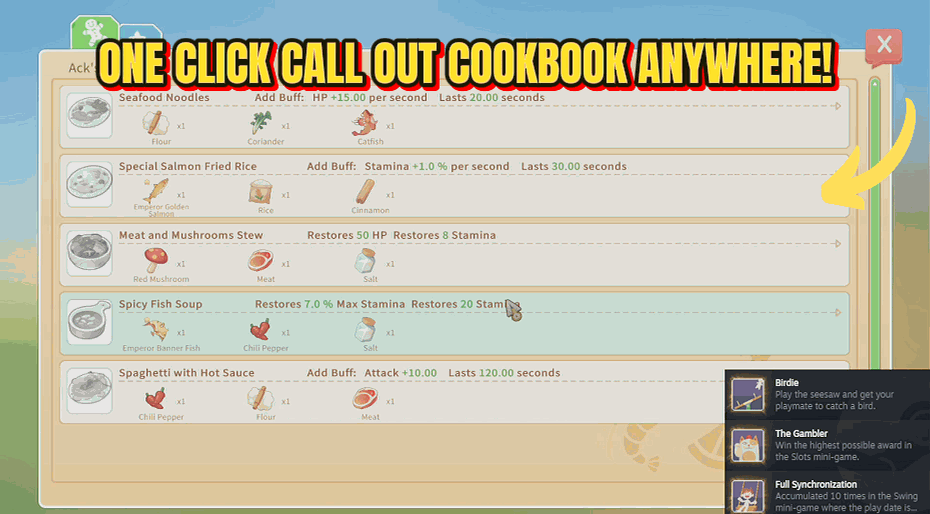
Chef's Menu
Pull up the cookbook from anywhere with a single button press.
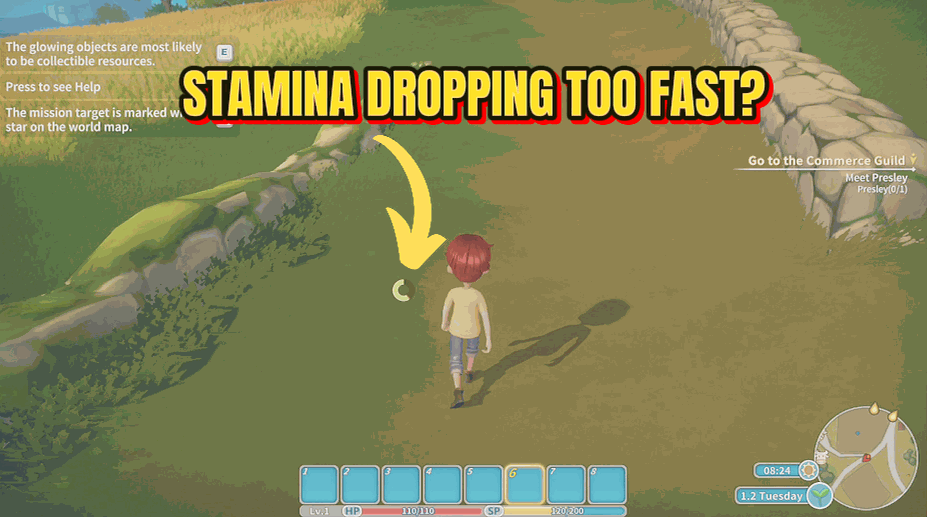
Iron Stamina
Keep your endurance bar permanently full so you never get exhausted.
/PortiaBuilderOfTheYear1.png)
Builder of the Year (Unlock All Achievements)
Unlock every Steam achievement in My Time at Portia with one button press — no multi-year grind through commissions, friendships, and collectibles.







