Want more mods for One Million Coins? Explore our entire collection!
Give Coins
"Skip the digging. Bank coins straight from the pile."

How do I install Give Coins?
Download the free ProjectMods desktop app, then install Give Coins for One Million Coins in one click.
</>What does Give Coins do?
A million coins is a lot of digging. Give Coins hands you a shortcut to the bank: pick a Money Amount from 1 to 999,999 (it starts at 10,000) and press Give Money. That many coins leave the pile and land in your bank, and the pile drops evenly, the way the wall chutes drain it. They count toward your banked total, Proficiencies points and achievements like any others. A press can't reach past what the vault holds, which is 999,999 ordinary coins plus the final coin, and the final coin is never part of it. The game brings that one out once every other coin is banked, and it's yours to bring in. It's a button, so switching the mod off has nothing to put back, and the coins it banked stay banked.
</>What is Give Coins?
Give Coins turns digging into a button press. Choose a Money Amount (default 10,000) and press Give Money: real coins leave the pile evenly and earn Proficiencies points like any other banking. Each press is one deposit, with nothing running in the background. It never banks the final coin, never adds coins the vault doesn't hold, and can't take coins back, since banked coins never return to the pile.
</>Common questions about Give Coins
What does Give Coins do in One Million Coins?
Give Coins banks coins from your vault whenever you press Give Money, as many as Money Amount says. It works in any loaded vault run that isn't complete yet; a finished vault refuses the press. You pick the size of every deposit, from a single coin up to everything left in the pile.
Can I spend the coins it banks?
No. Coins can't be spent in this version of One Million Coins, however they reach your bank. Banking them pushes your vault toward its million and earns Proficiencies points, and coins from Give Money do both the same as coins you dug out and carried to a hopper yourself.
What happens if I ask for more coins than the vault has left?
Give Money banks what the pile has and stops when it runs out of ordinary coins. The reply gives the count it banked and your new banked total, then says where the rest of your coins are (in your bag, on their way into it, spilled, or in a Vacuum Grenade) and what the final coin needs next. Coins already flying into your bag when you press it stay headed for your bag. Very large amounts go in as a short burst rather than all at once, so the reply arrives when the last of them is in.
Does Give Coins take my run off the leaderboards?
Yes, from the first press that banks anything. That run leaves the game's Fastest runs and Top hoarders leaderboards for good, and a note on screen tells you when it happens; switching the mod off afterwards doesn't bring it back. It can no longer earn Time Is Money, the achievement for clearing the vault in under an hour, through play. Saving and loading the run work as normal.
Can I undo a press or take coins back out?
No. Banked coins can't go back into the pile, so there's no reset and no take-back button. At your next save the vault stores the new banked total with a smaller pile to match, and the save loads as normal. Switch the mod off while a big press is still banking and it stops where it is, keeping whatever already landed.
Why did Give Money stop and refuse to bank any more?
Give Money stops at once if the vault's pile ever doesn't respond the way it should, and its message tells you that's what happened. From then on it takes nothing more until you switch the mod off and on again. Every coin it banked before the stop stays in your bank.
What options does Give Coins include?
Money Amount
How many coins Give Money pulls out of the vault's pile and banks each time you press it: 1 to 999,999, default 10,000. The vault holds 999,999 ordinary coins; the final coin is always left for you.
Give Money
Banks Money Amount coins straight out of the vault's pile, the way the wall chutes do: the pile drops evenly, and your banked total, Proficiencies points and achievements count them like any banking. Stops early if the pile runs out of ordinary coins, and then tells you where the rest of your coins are. The first time it changes this run, the run leaves the Fastest runs and Top hoarders leaderboards.
Give Coins is a ProjectMods mod for One Million Coins that banks the number of coins you choose, 1 to 999,999 per press, straight out of the vault's pile, and never touches the vault's final coin.
System Requirements
What features does Give Coins include?
- Money Amount sets each press anywhere from 1 to 999,999 coins, starting at 10,000.
- Every coin is a real one from the vault, and the pile shrinks evenly as it's banked.
- Coins from a press count exactly like a hopper deposit, for your total, your Proficiencies points and your achievements.
- Once the pile runs dry, the reply tells you where the rest of your coins have got to.
Best For
- Most of the vault is banked and you want to reach the final coin tonight, so set Money Amount to 999,999 and press Give Money once: the pile empties into your bank and the reply shows what still stands between you and the final coin.
- Your next skill is a few Proficiencies points away, so press Give Money at the default 10,000 until the points add up.
- You'd like a nudge rather than a skip, so drop Money Amount to 1,000 and bank a little at a time between digs.
- Some of your coins spilled where you can't walk, so switch to Stuck Coin Rescue near the end of the vault: it brings spilled gold back, which Give Coins leaves where it lies.
More Mods for One Million Coins
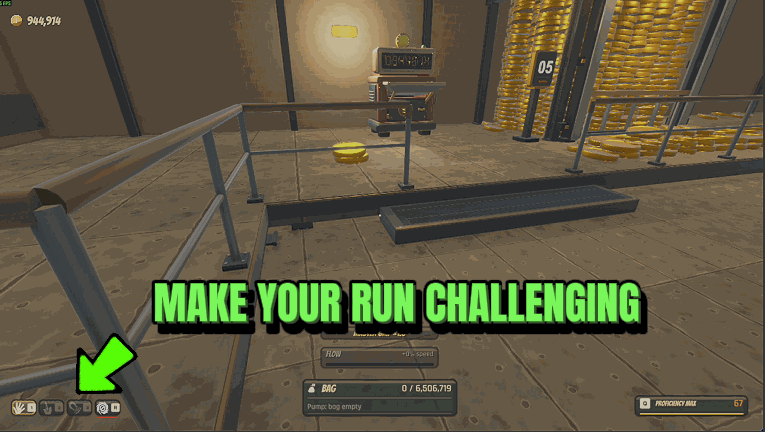
Challenge Runs
Five switches that make a run harder, one at a time: HANDS only, no Wall chutes, no Bag pump, the Atlas cargo lift parked, and a cap of 0 to 50 proficiencies.
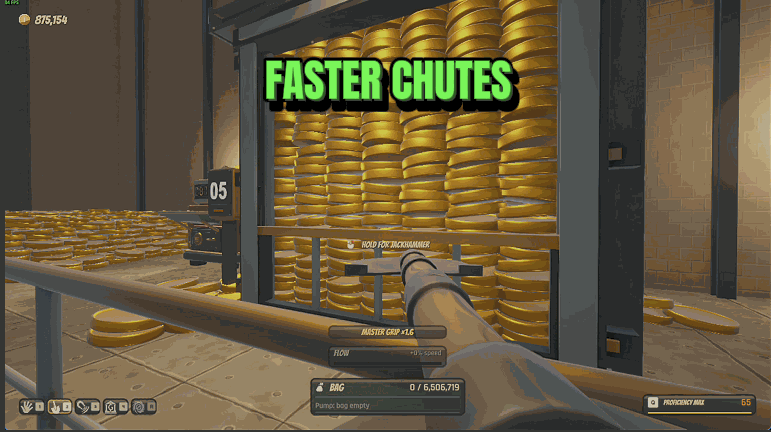
Faster Chutes & Bag Pump
Speeds up skills you already have: wall chutes and the bag pump run at up to ten times their normal rate, and chute overdrive is ready again the moment you use it.
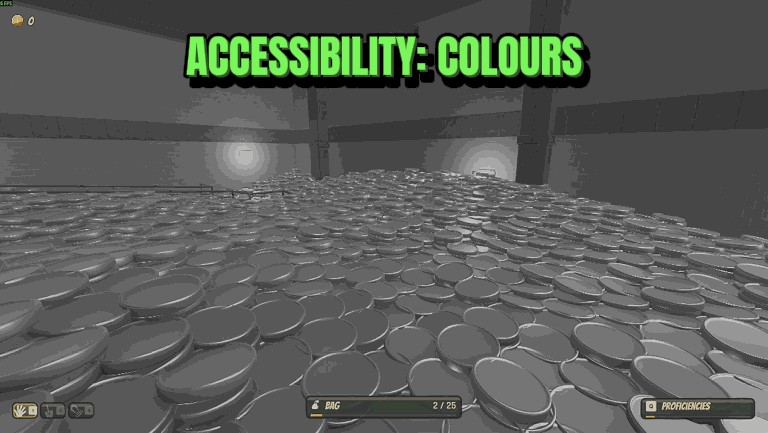
Accessibility
Colour filters for red-green and blue-yellow colour vision, greyscale, extra contrast and brightness, no camera shake or dark screen edges, and click-once collecting and depositing, with the menus and HUD left in their own colours.







