Want more mods for Overcooked? Explore our entire collection!
Head Chef Pass
"The whole map, every chef, three stars across the board."
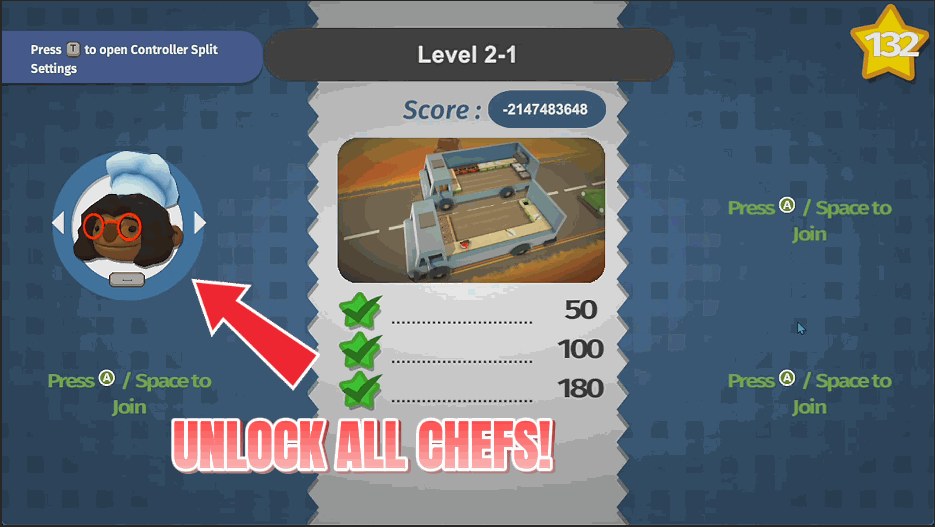
How do I install Head Chef Pass?
Download the free ProjectMods desktop app, then install Head Chef Pass for Overcooked in one click.
</>What does Head Chef Pass do?
Overcooked gates a lot behind stars. Later kitchens want a running total you have not earned yet, and most of the fun chefs stay locked away until you grind out ratings on levels you did not enjoy the first time. Head Chef Pass opens it all up, and splits it into three separate buttons so you only take what you actually want. Open every level to reveal and unlock the whole map while keeping your real ratings intact. Hit the three star button to mark every kitchen as perfected. Or just unlock the chefs and leave your progress alone. Anything already unlocked stays unlocked, so the chef roster grows rather than getting replaced. Each button tells you exactly how much it changed, and your unlocks stay put, so everything is still there next time you play.
</>What is Head Chef Pass?
Overcooked gates its best chefs and its later kitchens behind star totals you have not earned yet. Head Chef Pass splits the fix into three separate buttons: open every level on the map, mark every kitchen three star, or just add the whole chef roster to character select. Take only the part you want. From ProjectMods, the community-first PC mod manager for 400+ games.
</>Common questions about Head Chef Pass
What does Head Chef Pass do in Overcooked?
Head Chef Pass opens up the parts of Overcooked that are locked behind star totals, and it splits the job into three separate buttons so you only take what you want. One reveals and unlocks every kitchen on the map while leaving your real star ratings completely untouched. Another marks every kitchen as completed with a full three star rating. The third adds the entire chef roster to the character select screen. Anything already unlocked stays unlocked, each button tells you exactly how much it changed, and your unlocks stay put, so everything is still there next time you play.
What do the three Head Chef Pass buttons actually do?
Open Every Level reveals and unlocks all the Overcooked kitchens on the world map without touching your ratings, so the map opens up but your stars stay honest. Three Star Every Level goes further and marks every kitchen as completed with a perfect rating, which is what you want if something later in the game is gated on a running star total. Unlock Every Chef only touches character select, adding the full roster of cooks without changing your progress at all. They are deliberately separate, so press them in any order and press only the ones you actually need.
Will Head Chef Pass overwrite chefs or ratings I already earned?
No. Head Chef Pass adds rather than replaces. Chefs you have already unlocked in Overcooked stay unlocked and the roster simply grows, so you never lose a cook you earned the long way. Open Every Level is specifically built to leave your existing star ratings alone, opening the map without pretending you played anything. The only button that rewrites ratings is Three Star Every Level, and that one is opt-in for exactly that reason. If you want the map open but your real record intact, use Open Every Level on its own and your genuine three star kitchens stay genuinely yours.
How do I know what each button changed?
Each Head Chef Pass button reports back with exactly how much it changed. Press Unlock Every Chef and it tells you how many cooks it added. Press Open Every Level and it tells you how many Overcooked kitchens it opened. That is more useful than it sounds, because a count of zero is a clear signal that everything was already unlocked and nothing needed doing. The unlocks stick between play sessions rather than lasting only until you quit the game. You do not need to press anything again the next time you start the game.
Should I use Open Every Level or Three Star Every Level?
It depends what is blocking you. Use Open Every Level if you simply want access to the whole Overcooked map and still care about earning your ratings. The kitchens all become playable, but your stars remain whatever you actually scored. Use Three Star Every Level if the thing standing in your way is a running star total, since later content and chef unlocks are often gated on a cumulative number rather than on any single level. Plenty of players run Open Every Level first, play the kitchens they enjoy, then only reach for the three star button if progression stalls again.
What options does Head Chef Pass include?
Three Star Every Level
Marks every kitchen as completed with a full three star rating.
Unlock Every Chef
Adds the whole chef roster to the character select screen.
Open Every Level
Reveals and unlocks every kitchen on the map without touching your star ratings.
Head Chef Pass opens every Overcooked kitchen on the map, marks them all three star, and adds the entire chef roster to character select, each as its own separate button. From ProjectMods.
System Requirements
What features does Head Chef Pass include?
- Reveal and open every kitchen on the map in one press, leaving your real ratings untouched
- Separate button marks every level as completed with a full three star rating
- Add the entire chef roster to the character select screen in one go
- Anything already unlocked stays unlocked, so your roster grows instead of getting replaced
- Each button reports exactly what it changed, and your unlocks stay put between sessions
Best For
- Starting over on a wiped save and not fancying the whole climb back through the map
- Wanting to play the late kitchens with friends tonight rather than grinding stars first
- Picking the chef you actually like instead of the two you were handed at the start
- Content creators who need a specific late level on screen in the next five minutes
More Mods for Overcooked
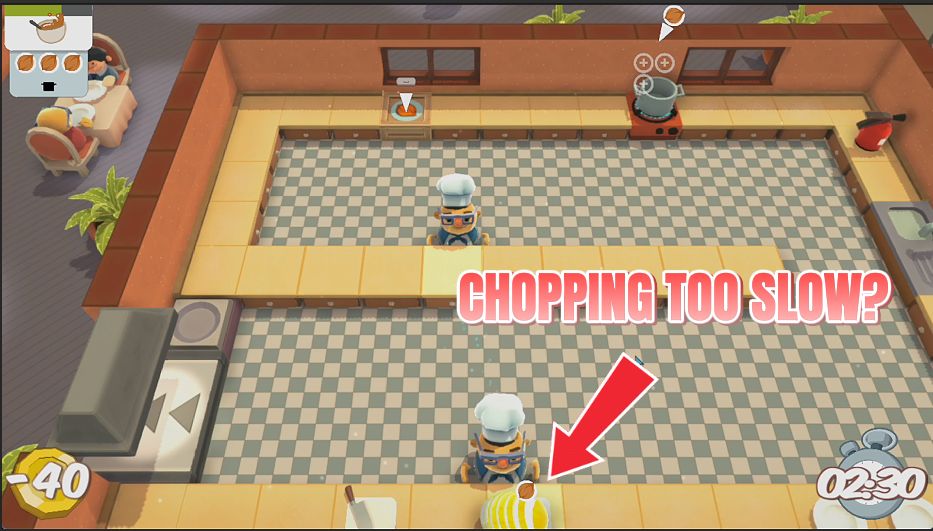
Knife Skills
Finish any ingredient in a single chop. No more standing at the board while the orders stack up behind you.
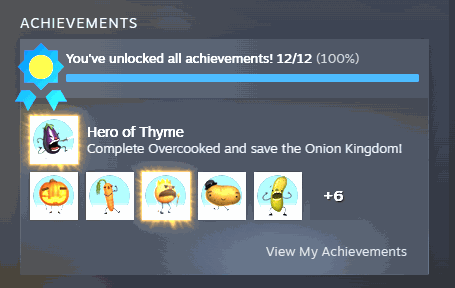
Wall of Fame
Fill out your Overcooked trophy shelf whenever you like. Pick the one you're missing and claim it, or light up the entire set in one go.
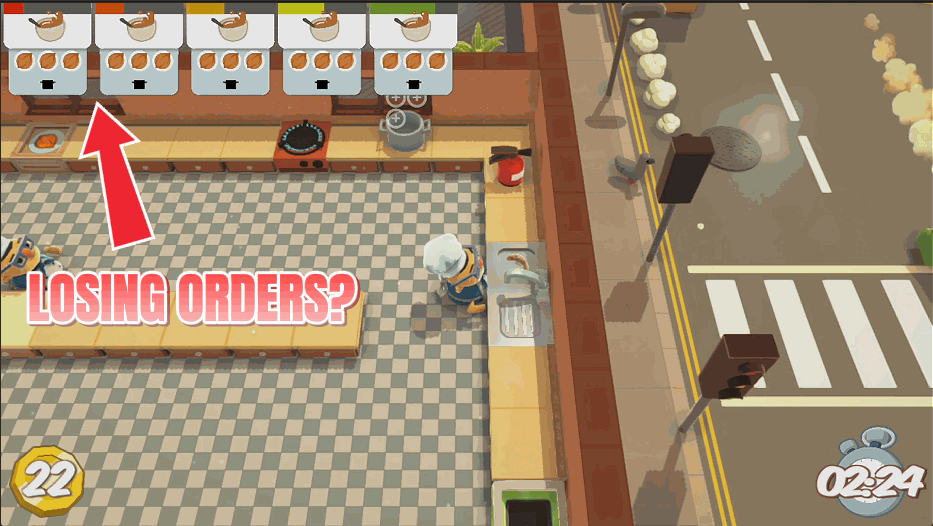
Zen Diners
Give every order a much longer fuse so tickets stop expiring while the soup is still simmering.



























































































































































































