Want more mods for Paint the Town Red? Explore our entire collection!
Enemy Controller
"Freeze, pacify, ignite, or defeat every enemy in the level."
How do I install Enemy Controller?
Download the free ProjectMods desktop app, then install Enemy Controller for Paint the Town Red in one click.
</>What does Enemy Controller do?
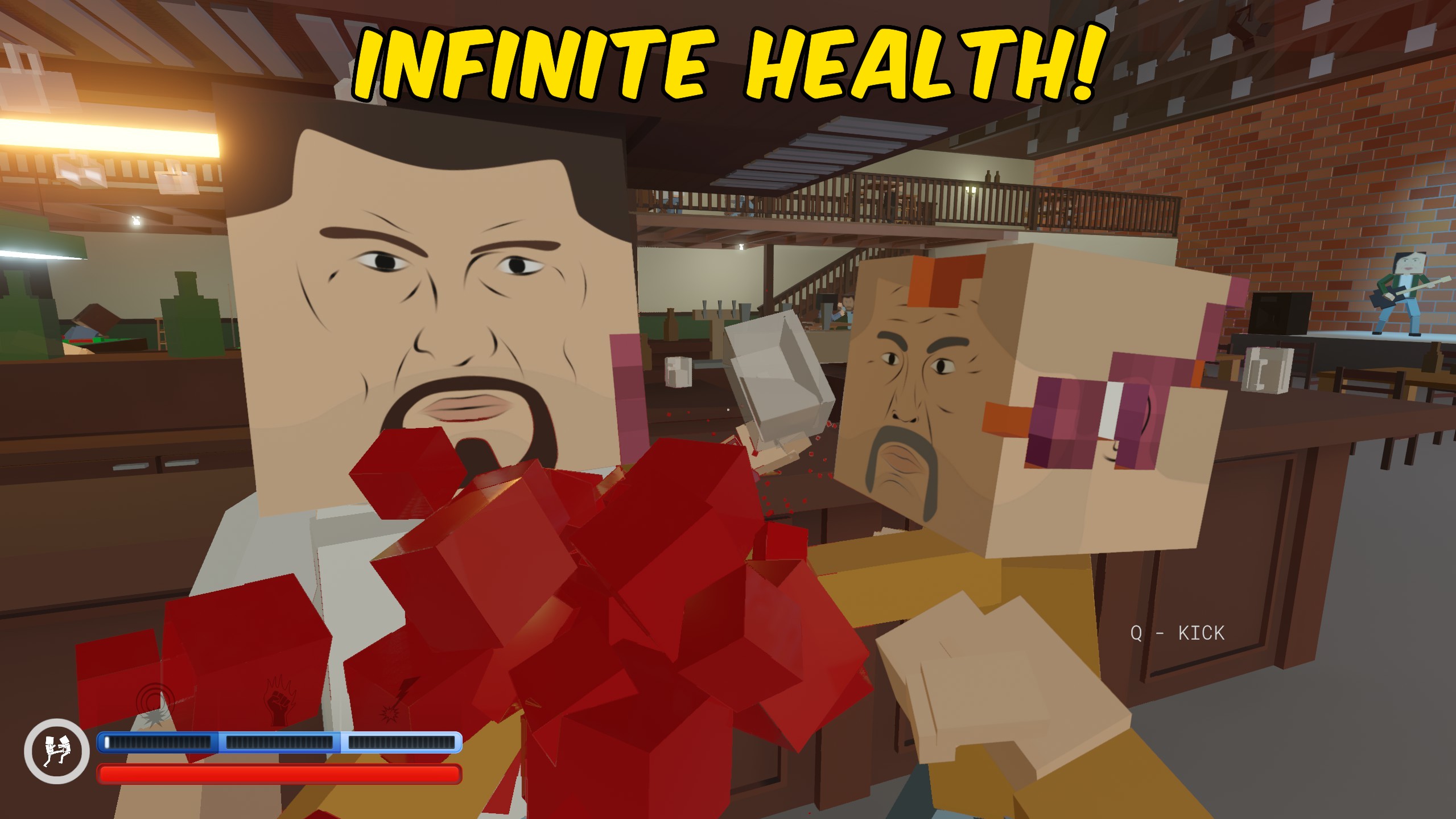
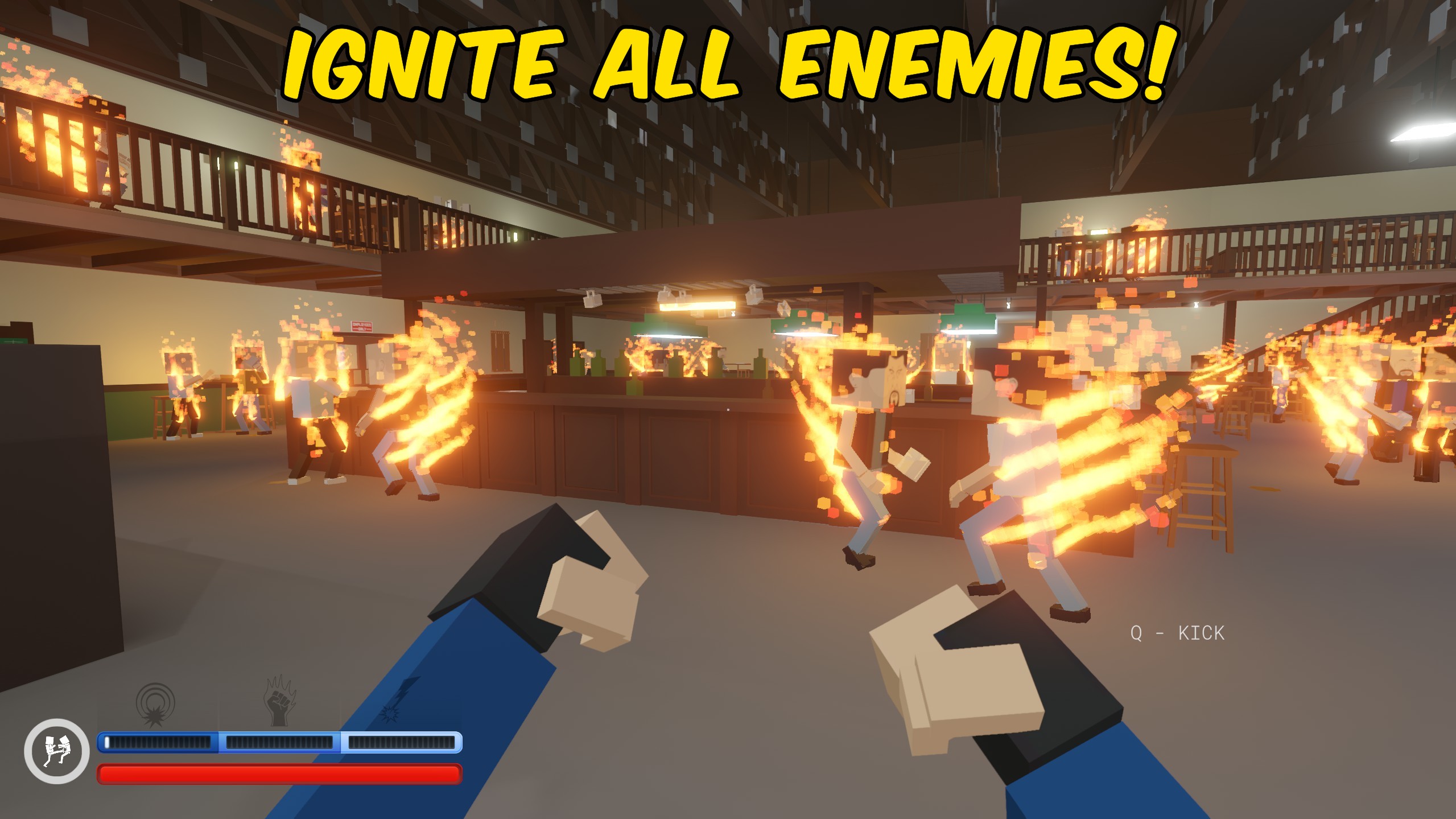
Enemy Controller gives you quick control over every active enemy in the current Paint the Town Red level. Freeze Enemies stops enemies in place, while Make Enemies Ignore Player lets you move through hostile areas without immediately starting another fight. Ignite All Enemies sets every active enemy on fire at once, creating instant chaos across the level. Kill All Enemies provides a direct way to clear the remaining opposition when you want to finish a battle, test a level, or move past a crowded encounter. Freeze and ignore behaviour can be turned off whenever you want normal enemy activity back. In multiplayer, controls that change the whole enemy population are reserved for the host so every player stays in the same fight state.
</>What is Enemy Controller?
Enemy Controller is a Paint the Town Red enemy control mod for managing large fights and crowded levels. Use sustained toggles to freeze enemies or stop them targeting the player, then restore normal behaviour whenever you are ready to fight again. Separate actions ignite every active enemy or defeat the full enemy group immediately. Shared enemy controls are host-only during multiplayer sessions to keep the level consistent for everyone.
</>Common questions about Enemy Controller
Does Freeze Enemies affect newly active enemies?
Yes. The mod continues freezing enemies while the option remains enabled.
Can enemies start attacking again after they ignore me?
Yes. Turn off Make Enemies Ignore Player to restore normal targeting.
What happens when I use Ignite All Enemies?
Every active enemy in the current level is set on fire.
Who can use the enemy controls in multiplayer?
The host can use controls that change the shared enemy population.
What options does Enemy Controller include?
Freeze Enemies
Stops active enemies from moving or attacking. Turn it off to let them continue fighting.
Make Enemies Ignore Player
Stops enemies from targeting you. Turn it off to restore normal enemy behaviour.
Ignite All Enemies
Sets every active enemy on fire. In multiplayer, only the host can use this action.
Kill All Enemies
Defeats every active enemy in the current level. In multiplayer, only the host can use this action.
Enemy Controller can freeze all active enemies, make them ignore the player, ignite them, or defeat them in one action.
System Requirements
What features does Enemy Controller include?
- Freeze all active enemies and automatically catch newly active enemies.
- Make enemies ignore the player until the option is disabled.
- Ignite every active enemy with a single action.
- Defeat all remaining enemies immediately.
Best For
- Pause a crowded fight while exploring the level or preparing your next move.
- Clear remaining enemies quickly after a battle or create a level-wide fire fight.