Want more mods for Paint the Town Red? Explore our entire collection!
Player Survival Manager
"Stay healthy, energised, and ready for every fight."
How do I install Player Survival Manager?
Download the free ProjectMods desktop app, then install Player Survival Manager for Paint the Town Red in one click.
</>What does Player Survival Manager do?
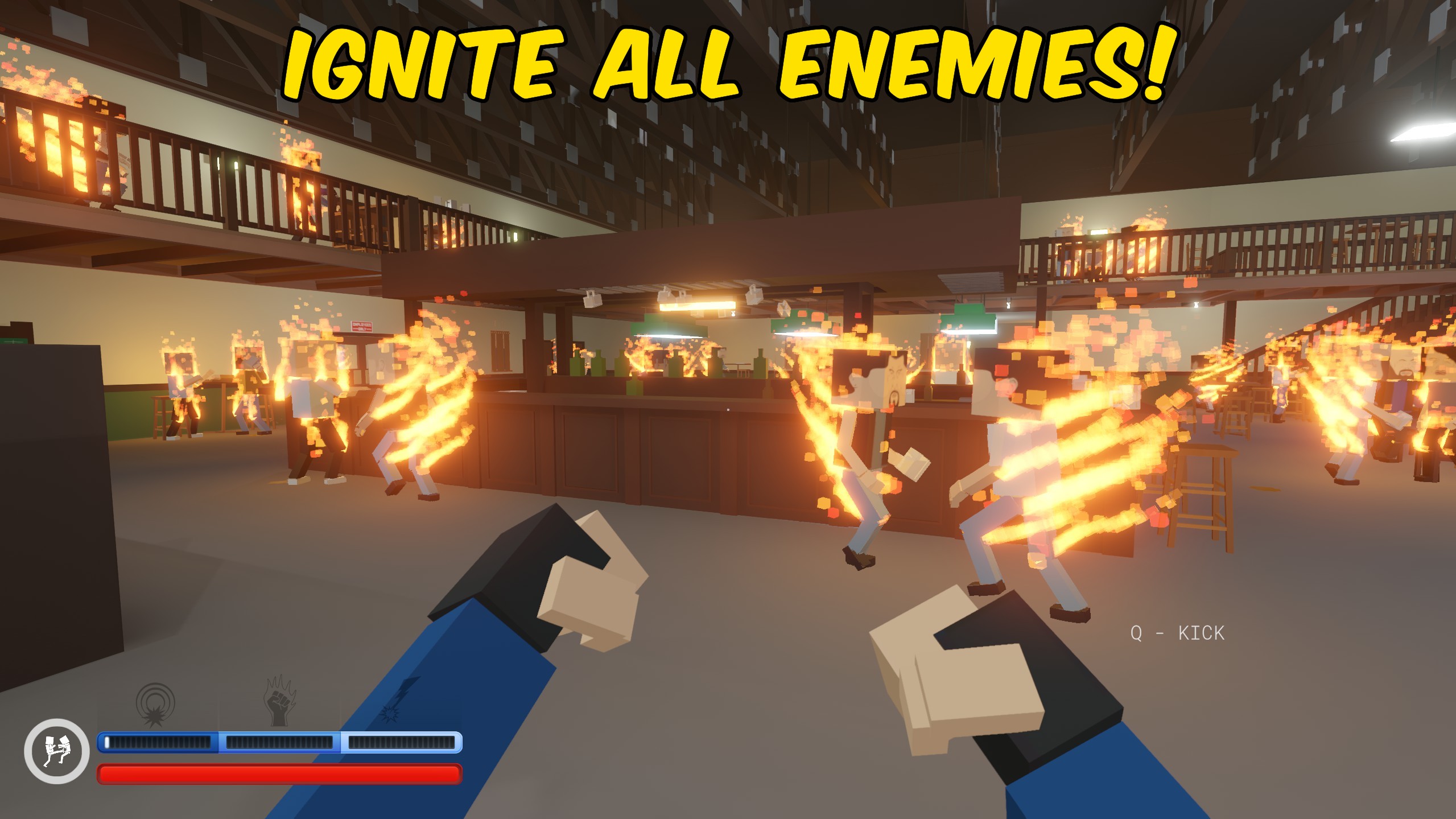
Player Survival Manager gives you separate controls for the resources that keep your fighter standing. Infinite Health prevents incoming damage from ending the fight, Infinite Stamina keeps running and kicking available, and Infinite Power keeps your special abilities charged. No Fall Damage lets you jump or drop from high places without losing health when you land. Each continuous effect has its own toggle, so you can use only the protection you want instead of changing every part of combat at once. The Heal Player button restores your health immediately without leaving the current level. Use it for a quick recovery after a difficult brawl, keep one or more infinite options active for a relaxed run, or turn everything off to return to normal survival rules.
</>What is Player Survival Manager?
Player Survival Manager is a Paint the Town Red survival mod for players who want longer fights and fewer interruptions. It can keep health, stamina, or special power full independently, prevent damage from long falls, and restore health instantly during a level. The individual toggles make it suitable for anything from a small stamina boost to full protection during large brawls, Arena battles, or Beneath runs.
</>Common questions about Player Survival Manager
Can I enable infinite stamina without infinite health?
Yes. Health, stamina, power, and fall-damage protection are controlled separately.
What does Infinite Power affect?
It keeps your special ability power full and prevents power use from draining it.
Can I heal without leaving the level?
Yes. Press Heal Player to restore your health immediately.
Can I return to normal damage and resource use?
Yes. Turn off the active toggles to return those systems to their normal behaviour.
What options does Player Survival Manager include?
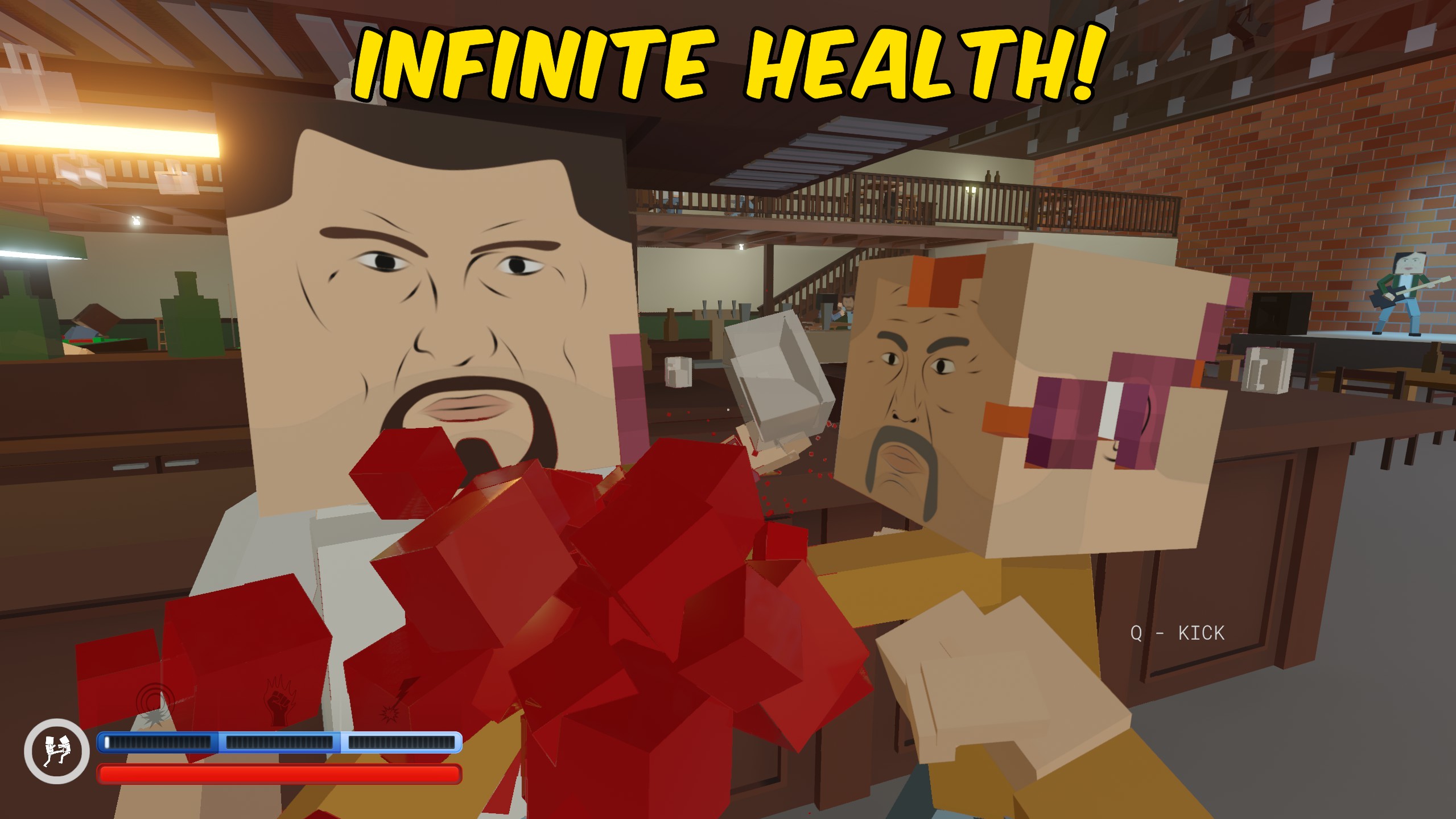
Infinite Health
Keeps your health full and prevents incoming damage from defeating you. Turn it off to restore normal damage.
No Fall Damage
Prevents hard landings from damaging you. Turn it off to restore normal fall damage.
Heal Player
Restores your health immediately. You must be inside a level.
Infinite Power
Keeps your special ability power full. Turn it off to restore normal power use.
Infinite Stamina
Keeps your stamina full while running, kicking, and fighting. Turn it off to restore normal stamina use.
Player Survival Manager provides separate infinite health, stamina, and power toggles, removes fall damage, and includes an instant heal button.
System Requirements
What features does Player Survival Manager include?
- Keep health full and prevent enemies from defeating your player.
- Maintain full stamina for continuous running, kicking, and movement.
- Keep special power charged for repeated ability use.
- Prevent fall damage or restore health instantly with separate controls.
Best For
- Survive crowded fights without being forced to restart the level.
- Explore vertical areas and practise combat abilities without resource limits.