Want more mods for PEAK? Explore our entire collection!
Fly
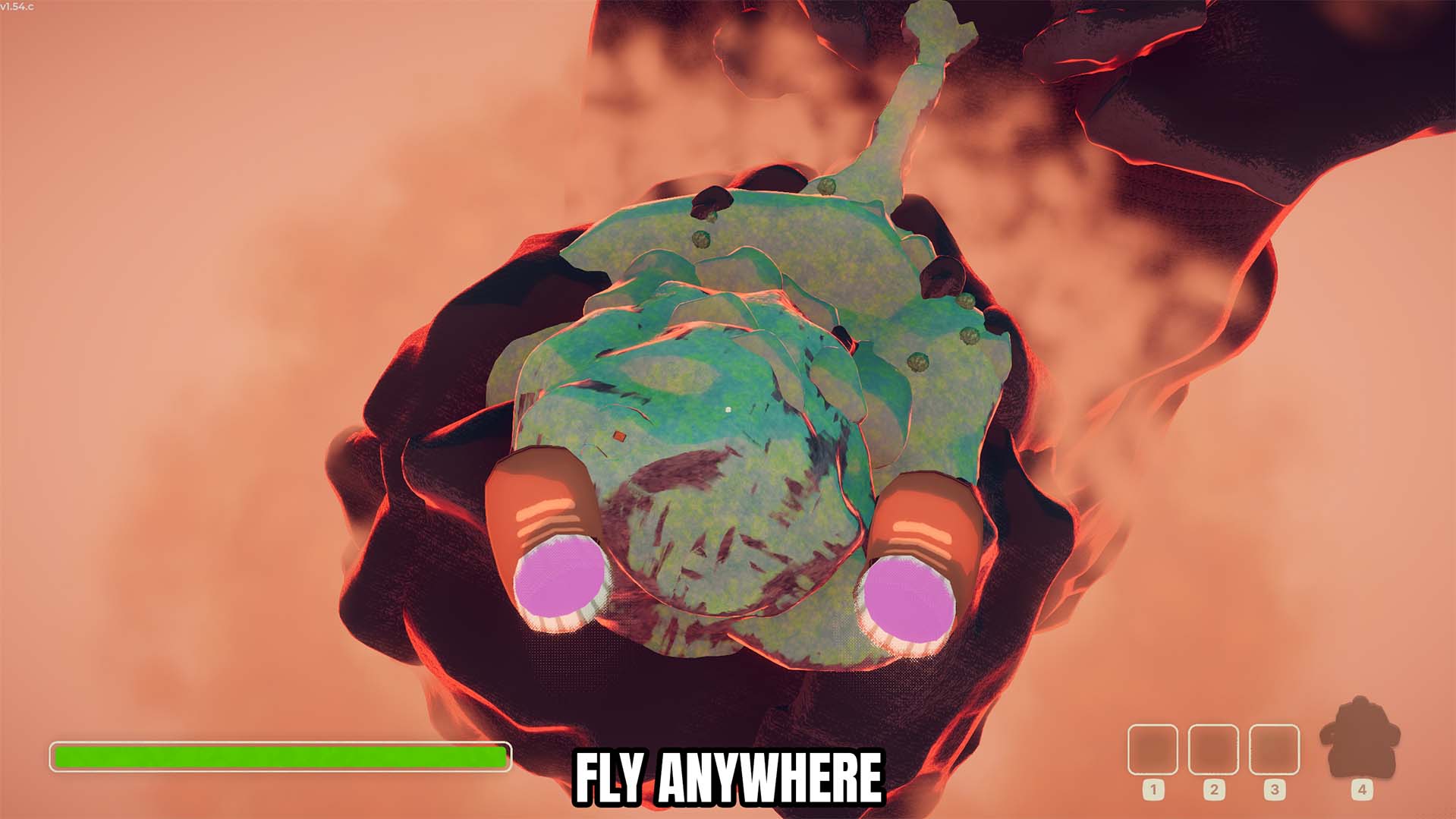
"Fly around the mountain with adjustable speed controls."
How do I install Fly?
Download the free ProjectMods desktop app, then install Fly for PEAK in one click.
</>What does Fly do?
Lets you fly around PEAK with adjustable Fly Speed and Shift Speed. Use the mod when you want this specific change during a PEAK expedition. Its controls are kept separate from unrelated systems so you can enable or use them only when needed. Check the mod options for its available controls and turn off any sustained option when you want PEAK's normal behaviour back.
</>What is Fly?
Looking for a PEAK Fly mod? Lets you fly around the mountain with adjustable Fly Speed and boost speed. It supports free movement, route testing, and exploring difficult terrain, making it useful during demanding climbs, exploration, and expedition recovery without changing unrelated gameplay.
</>Common questions about Fly
How do I use Fly?
Enable Fly, set your Fly Speed, and use Shift Speed for a faster boost.
What controls does it include?
Includes adjustable Fly Speed and Shift Speed, and restores normal movement when Fly is disabled.
Can I undo or disable the effect?
Use the listed toggle or action controls to return to normal behaviour where applicable.
What does it leave unchanged?
It only applies the effect described by this mod.
What options does Fly include?
Shift Speed
Your boosted Fly Speed while holding Left Shift.
Fly Speed
Your normal Fly Speed.
Fly Enabled
Lets you fly around the map.
Enable Fly, set your Fly Speed, and use Shift Speed for a faster boost.
System Requirements
What features does Fly include?
- Includes adjustable Fly Speed and Shift Speed.
- Disables gravity while Fly is enabled.
- Prevents flight time from causing fall damage when Fly is disabled.
Best For
- Use it when you need free movement, route testing, and exploring difficult terrain.
- Keep an expedition moving instead of repeating an avoidable setback.
More Mods for PEAK
No Hunger
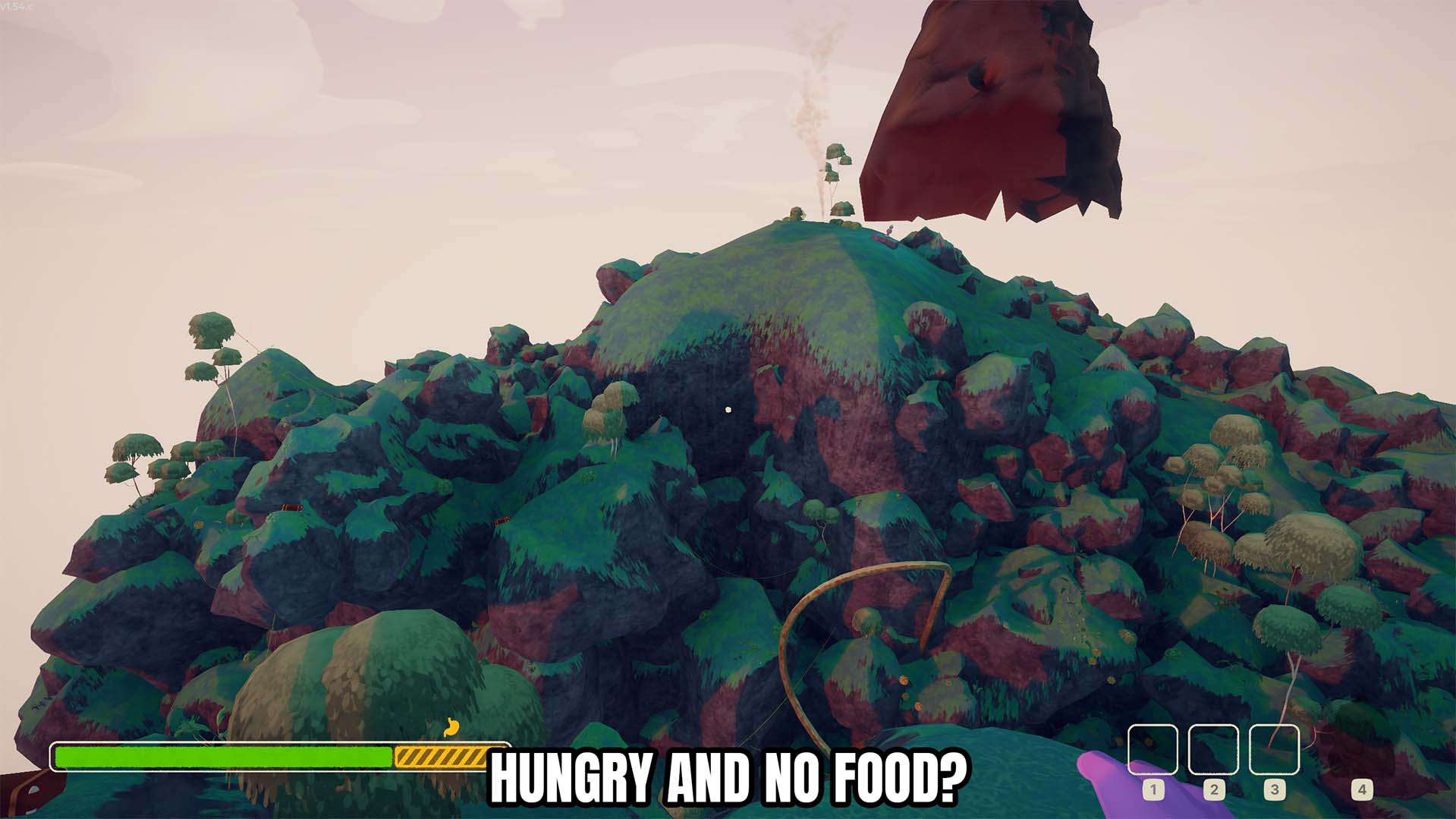
Stops hunger from increasing while the No Hunger toggle is enabled.
/PEAKFullExpedition1.jpg)
Full Expedition (Bigger Climbing Party)
Raises the four-climber limit so a bigger group can take on the mountain together.
Unlock All Sashes
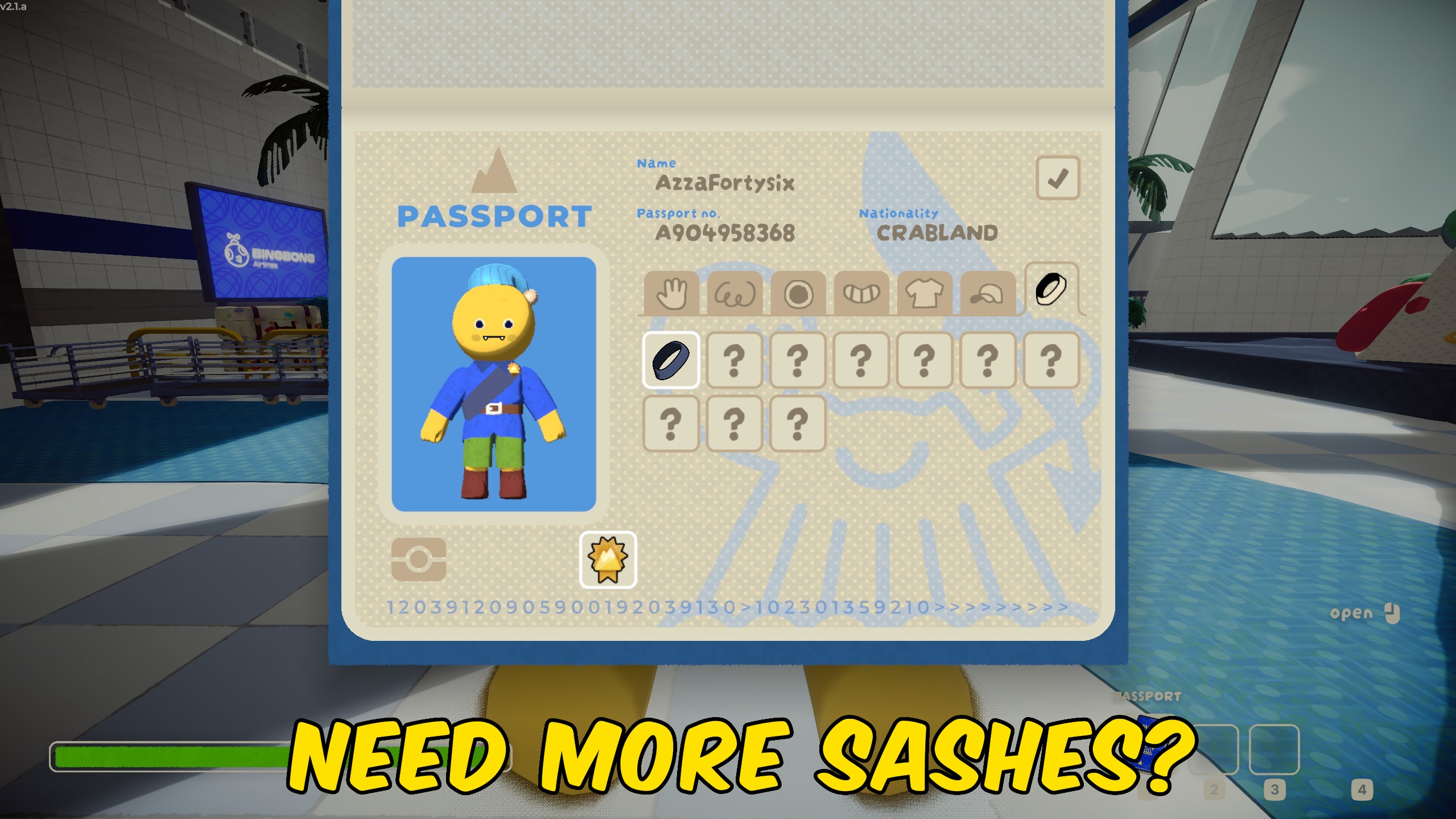
Unlocks every colored sash so you can wear any ascent color from your passport.







