Want more mods for PEAK? Explore our entire collection!
Full Expedition (Bigger Climbing Party)
"Four ropes up the mountain was never going to be enough."
/PEAKFullExpedition1.jpg)
How do I install Full Expedition (Bigger Climbing Party)?
Download the free ProjectMods desktop app, then install Full Expedition (Bigger Climbing Party) for PEAK in one click.
</>What does Full Expedition (Bigger Climbing Party) do?
PEAK puts four of you on the mountain. If your group is five, someone stays at base camp. If your group is eight, half of you are watching the other half fall off a cliff. Full Expedition lifts that limit. You pick your party size on a slider and the next climb you host holds that many, so nobody has to sit out. Only the host needs it. Whoever opens the lobby decides how big the expedition is, so your friends just join the way they always have, with nothing to install and nothing to configure. Set your party size before you open the lobby, because a climb that has already started keeps the size it began with. A bigger party changes the mountain completely. Four climbers move as a careful unit, sharing rope and passing food up the cliff. Eight is a crowd, and a crowd on a narrow ledge is a very different game - more hands for a boost, more people to catch you, and far more ways for the whole chain to come off the wall at once. One honest note: the summit report draws its climbing timeline for the first four climbers only, because the game builds that screen around four lines. Everyone climbs, everyone counts, and everyone appears in the run - but the timeline graphic itself tops out at four. Switch the mod off any time and the party goes straight back to the standard four.
</>What is Full Expedition (Bigger Climbing Party)?
Full Expedition lifts the four-player limit on PEAK's co-op so a bigger group can take on the mountain in one climb. You choose the party size on a slider and the next lobby you host holds that many, which means nobody in a group of five, six or eight has to sit the run out at base camp. Only the host needs it installed - whoever opens the lobby sets its size, so everyone else joins exactly as they normally would with nothing to download and nothing to configure, which matters when only one person in a friend group mods their games. Set your party size before you open the lobby, because a climb already in progress keeps the size it began with, and a built-in check reports the number of places the lobby actually opened with so you never have to guess whether it worked. There is one honest limitation worth knowing up front: PEAK's summit report draws its climbing timeline around four lines, so with a larger party that graphic covers the first four climbers. Everyone still climbs, everyone still counts toward the run, and turning the mod off restores the standard four-player limit immediately.
</>Common questions about Full Expedition (Bigger Climbing Party)
How many climbers can actually join?
You set the party size yourself on a slider and the next lobby you host holds that many, well beyond the four the game normally allows. The practical ceiling is whatever the game's online service accepts for a single climb, so rather than promise a number that might be refused, the mod reports back the places your lobby actually opened with. Host once, press the check, and you will see the real figure straight away. Most groups find somewhere around six to eight is the sweet spot - crowded enough that the mountain turns into proper chaos, small enough that you can still tell who just knocked you off the ledge.
Does everyone need to install it, or just the host?
Only the person hosting. Whoever opens the lobby is the one who decides how many places it has, so once you have the mod on and your party size chosen, everybody else joins exactly the way they always have - no download, no setup, no versions to keep in sync. This is the most useful thing about it in practice, because in most friend groups only one person is willing to mod their games. Just make sure the person hosting is the one with it enabled. If someone else opens the lobby instead, you will be back to the standard four climbers.
What happens to the summit report with a bigger party?
The run itself is completely normal for everyone - all climbers count, and the ascent plays out exactly as it should. The one limitation is the timeline graphic on the summit report, which PEAK builds around four climbing lines. With a larger party that graphic covers the first four climbers rather than everyone. We chose to limit the drawing rather than force extra lines into a screen that was never laid out for them, because the alternative risked breaking the report at the end of a long run - which is the worst possible moment to lose one. Everything else about the end screen works as usual.
When do I need to set the party size?
Before you open the lobby. The number of places is decided the moment the climb is created, so a run already in progress keeps the size it started with - moving the slider halfway up the mountain will not pull extra climbers into it. The habit is simple: turn the mod on, set your number, then host. If you are ever unsure whether it took, press the check built into the mod and it will report the places your lobby actually opened with, so you can confirm before your friends start trying to join.
Can I go back to the normal four-player game?
Yes, instantly. Switching the mod off restores the four-climber limit the game shipped with, and removes the changes it made while it was running. There is nothing to uninstall and nothing left behind, so you can move between a standard four-player climb and a bigger one as often as you like. The only thing to remember is the same as before: make the change before you open the lobby rather than during a run, because the size is fixed at the moment the climb is created.
What options does Full Expedition (Bigger Climbing Party) include?
Check Party Size
Press to see how many places your lobby actually opened with.
Full Expedition
Master switch. Lets more than four of you climb together.
Party Size
How many climbers your next lobby holds. Set it before you open the lobby.
Full Expedition raises PEAK's four-climber co-op limit so a bigger group can climb together, and only the person hosting needs it installed.
System Requirements
What features does Full Expedition (Bigger Climbing Party) include?
- Raises the climbing party past the standard four.
- Pick your party size on a slider before you host.
- Only the host needs it - friends join with nothing installed.
- A built-in check reports the places your lobby actually opened with.
- Switch it off and the normal four-player limit comes straight back.
Best For
- Climbing with a group of six or eight without anyone waiting at base camp.
- Running a big chaotic ascent where the ledges are crowded and everyone is in the way.
- Hosting for a community or stream where more than three people want to come along.
More Mods for PEAK
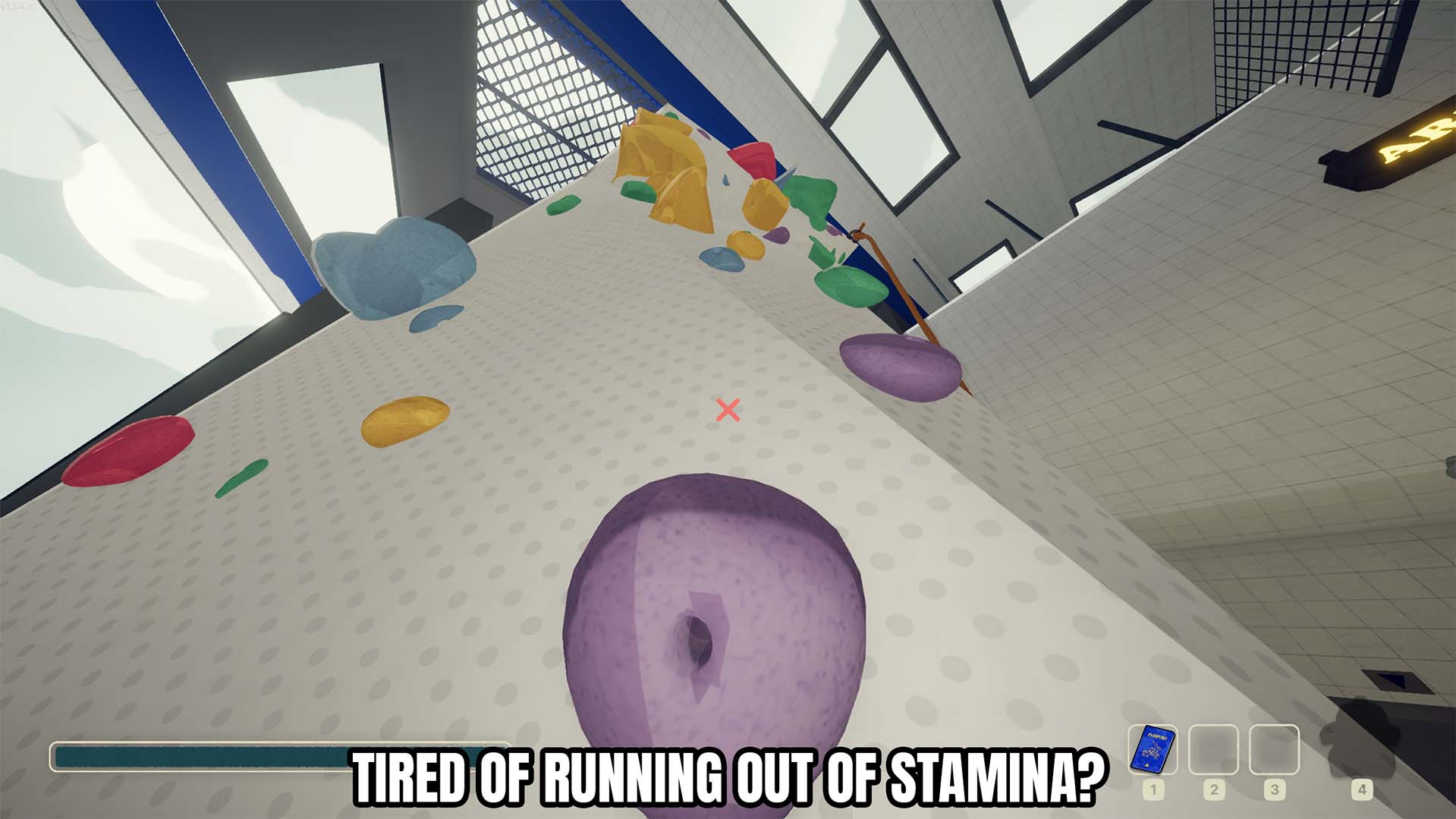
Infinite Stamina
Keeps your character stamina topped up while the toggle is enabled.
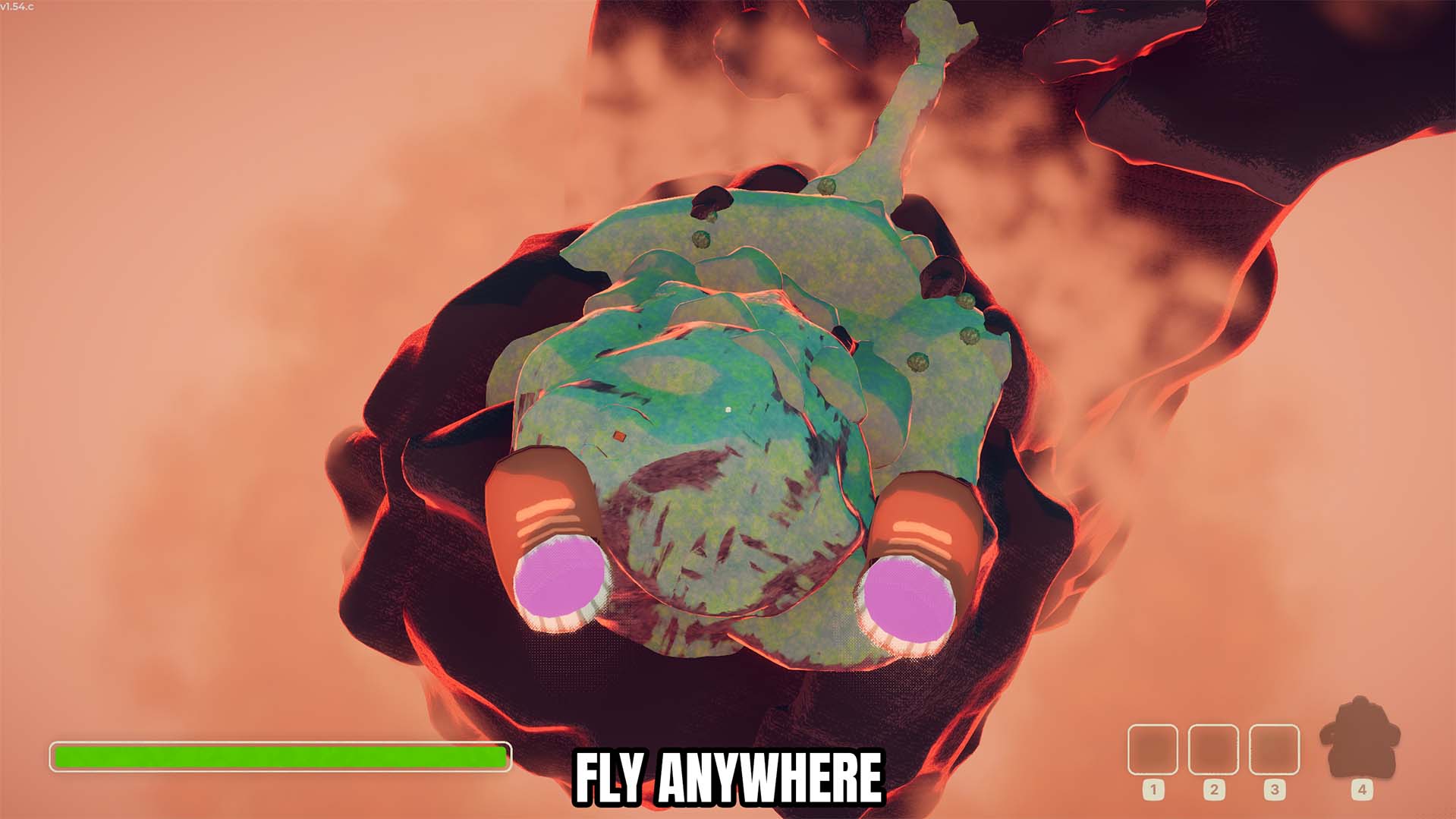
Fly
Lets you fly around PEAK with adjustable Fly Speed and a faster Shift Speed boost.
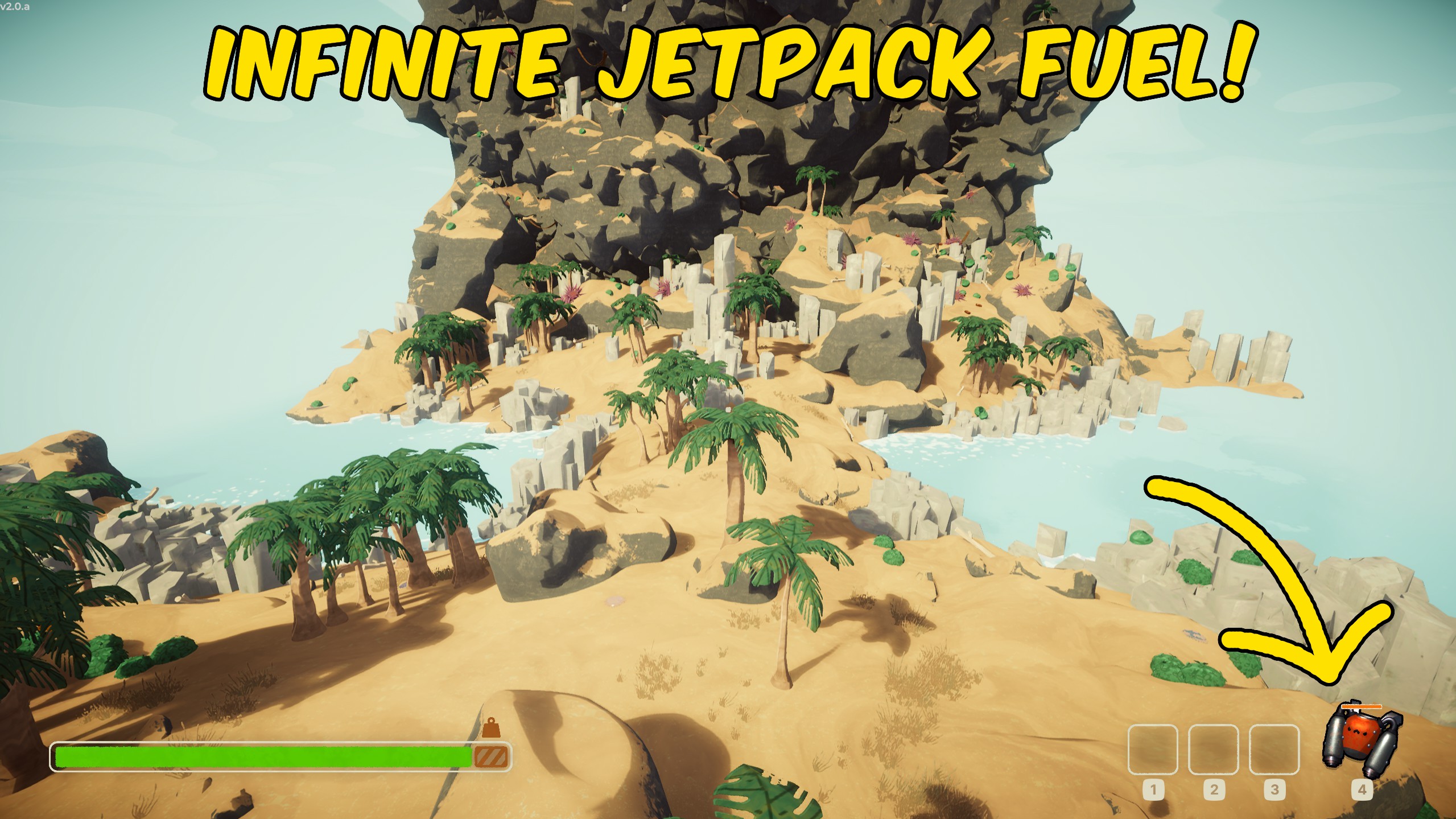
Infinite Jetpack Fuel
Stops the Jetpack from consuming fuel and keeps its fuel gauge full.



























































































































































































