Want more mods for PEAK? Explore our entire collection!
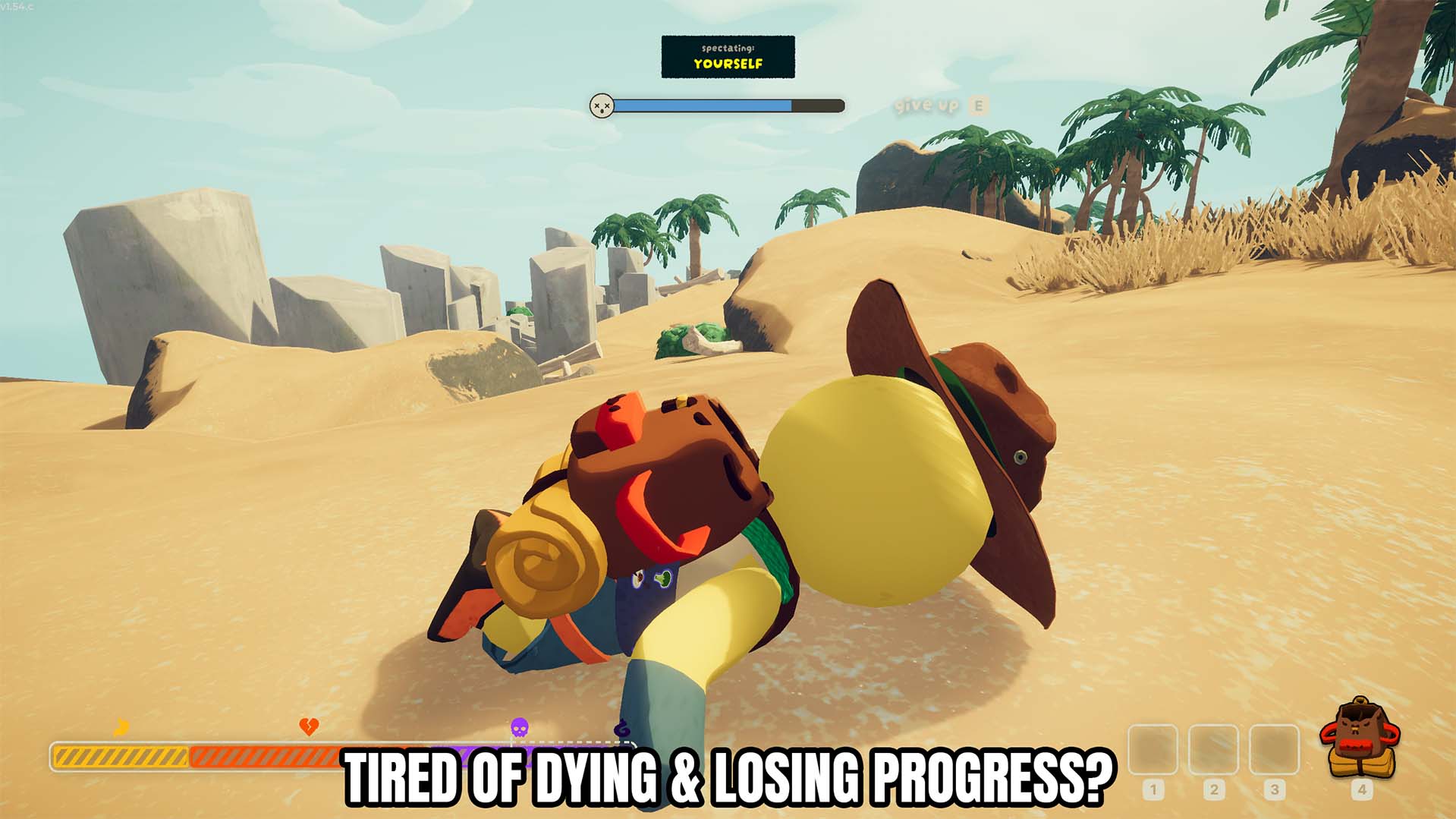
Revive Self
"Get back on your feet when an expedition goes wrong."
How do I install Revive Self?
Download the free ProjectMods desktop app, then install Revive Self for PEAK in one click.
</>What does Revive Self do?
Adds a Revive Self action that revives your character during an expedition. Use the mod when you want this specific change during a PEAK expedition. Its controls are kept separate from unrelated systems so you can enable or use them only when needed. Check the mod options for its available controls and turn off any sustained option when you want PEAK's normal behaviour back.
</>What is Revive Self?
Looking for a PEAK Revive Self mod? Adds an action to revive your character during an expedition. It supports quick recovery when you are downed, making it useful during demanding climbs, exploration, and expedition recovery without changing unrelated gameplay.
</>Common questions about Revive Self
How do I use Revive Self?
Use Revive Self to revive your character during an expedition.
What controls does it include?
Adds a one-click self-revive action. Lets you recover without waiting for another player. Only runs when you press Revive Self.
Can I undo or disable the effect?
Use the listed toggle or action controls to return to normal behaviour where applicable.
What does it leave unchanged?
It only applies the effect described by this mod.
What options does Revive Self include?
Revive Self
Revive your character.
Use Revive Self to revive your character during an expedition.
System Requirements
What features does Revive Self include?
- Adds a one-click self-revive action.
- Lets you recover without waiting for another player.
- Only runs when you press Revive Self.
Best For
- Use it when you need quick recovery when you are downed.
- Keep an expedition moving instead of repeating an avoidable setback.
More Mods for PEAK
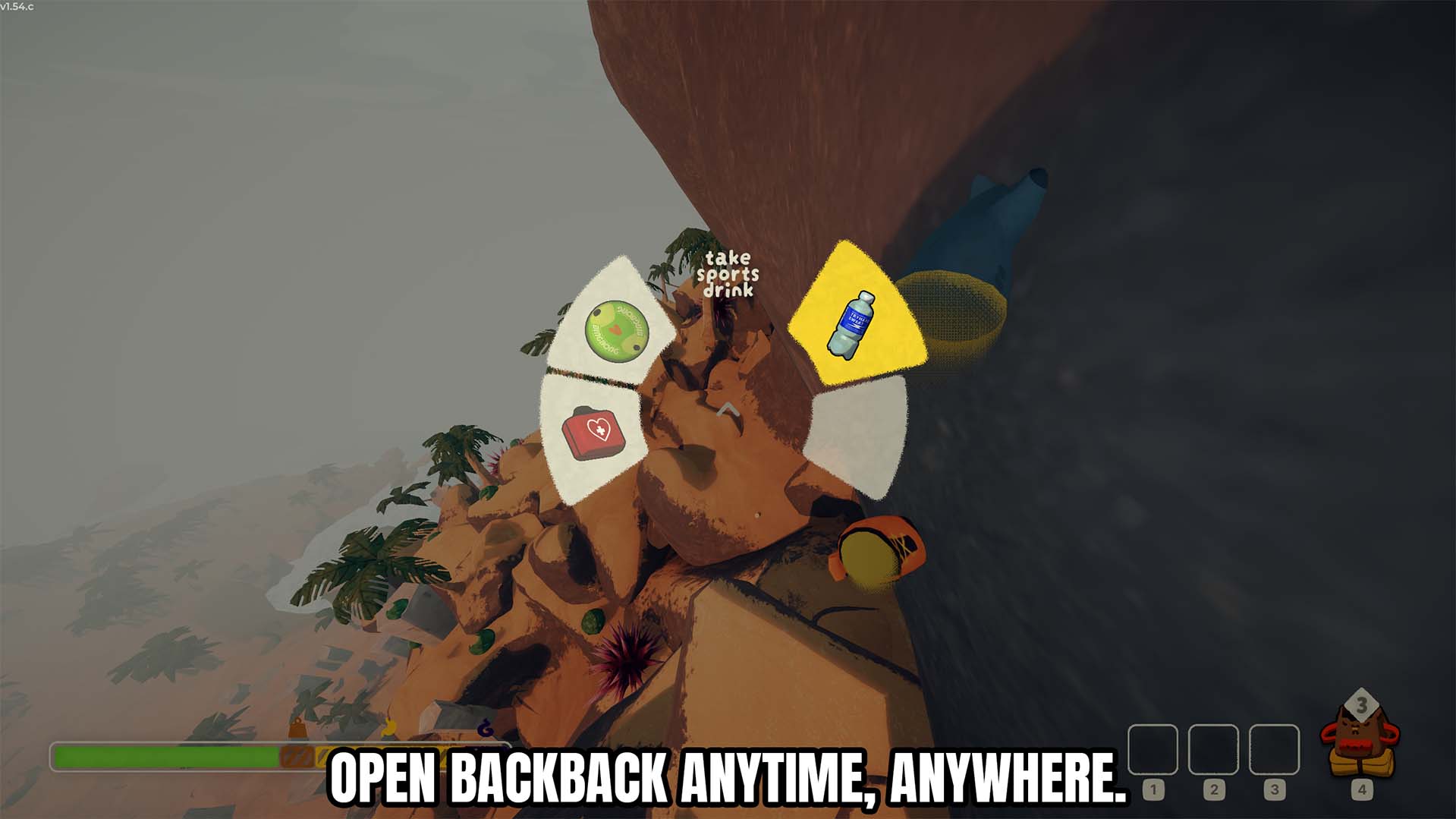
Use Backpack Anywhere
Open and use your backpack anytime without dropping it on the ground.
/PEAKFullExpedition1.jpg)
Full Expedition (Bigger Climbing Party)
Raises the four-climber limit so a bigger group can take on the mountain together.
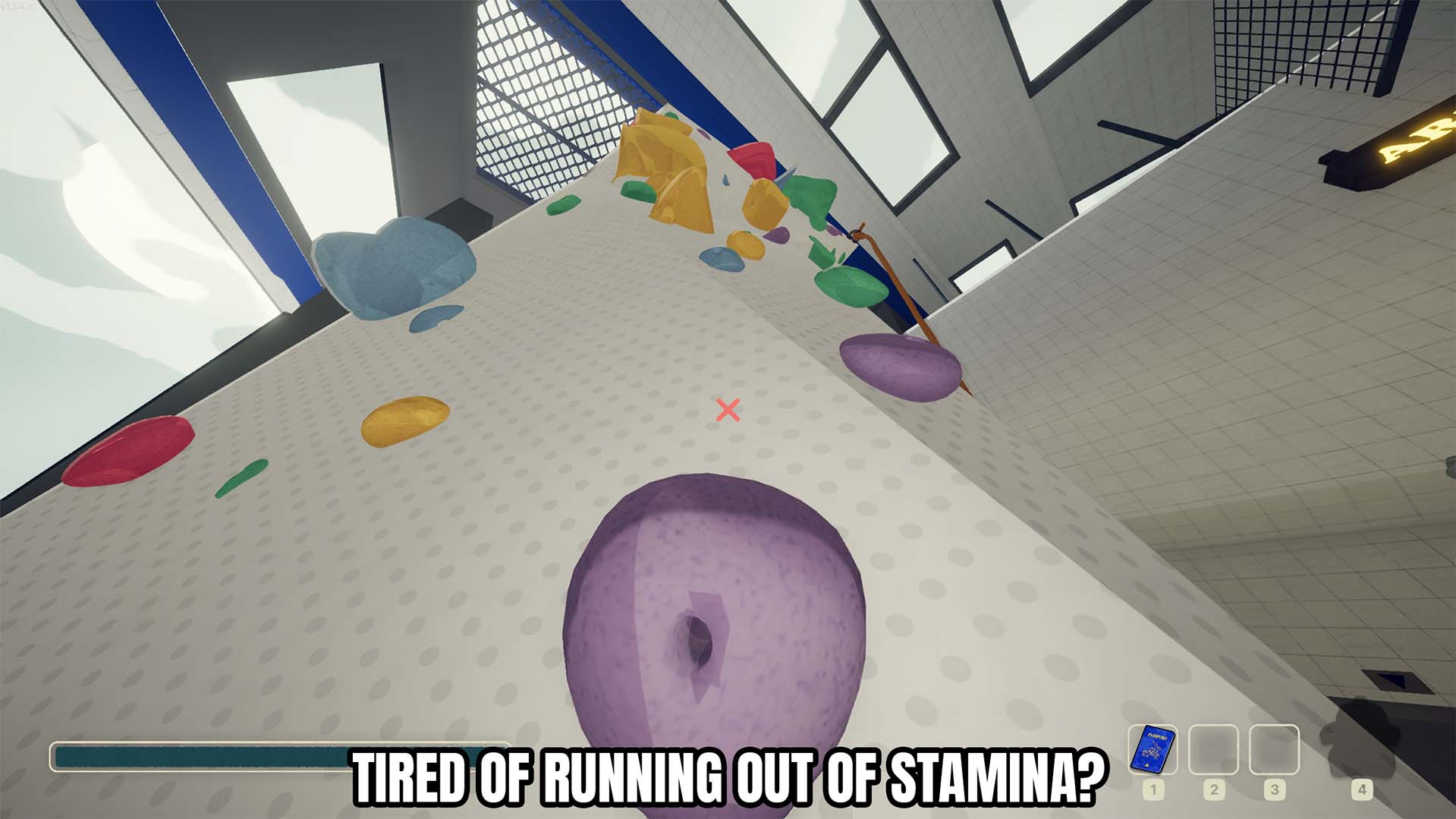
Infinite Stamina
Keeps your character stamina topped up while the toggle is enabled.







