Want more mods for Phasmophobia? Explore our entire collection!
Ghost Intel
"Know what you're hunting and where it's hiding."
</>What does Ghost Intel do?
Take the guesswork out of your paranormal investigations. Ghost Intel reveals which ghost you're hunting, where it's currently located and which room it favors, all with a single action. Open Ghost Intel during an active contract and select Reveal Ghosts to discover the ghost's identity and current room. If the ghost has wandered away from its favorite room, both locations can be displayed separately when available. Use this information to locate roaming ghosts, position your evidence-gathering equipment more effectively or confirm your suspicions before completing an investigation. Run the reveal action again whenever you need an updated reading. Ghost Intel is also a valuable learning tool for solo investigations. Practice identifying ghosts through their unique behaviors, compare your collected evidence against their actual identity and develop a better understanding of ghost roaming patterns across different maps.
How do I install Ghost Intel?
Download the free ProjectMods desktop app, then install Ghost Intel for Phasmophobia in one click.
</>What is Ghost Intel?
Ghost Intel is a ghost identification and room finder mod for Phasmophobia on PC. It reveals the active ghost type, current room and favorite room when available, helping players identify and locate ghosts during active contracts. Unlike relying exclusively on evidence collection or behavioral observations, players can reveal the ghost's identity immediately and use that information to verify their findings. The ability to distinguish between its current location and favorite room is particularly helpful when investigating roaming ghosts or searching larger maps. Ghost Intel also serves as a practical training tool for learning ghost identification, studying behavioral differences and practising investigations on reduced-evidence difficulties. Repeat the reveal action throughout a contract to check changes in the ghost's location.
</>Common questions about Ghost Intel
Can this mod reveal the ghost type in Phasmophobia?
Yes. Select Reveal Ghosts during an active contract to immediately discover the ghost's actual type.
Can Ghost Intel find the ghost room?
Yes. Ghost Intel displays the ghost's current room and its favorite room when that information is available.
What is the difference between the current room and the favorite room?
The current room is where the ghost is located when you run the reveal action. The favorite room is the room the ghost favors. These locations can differ when the ghost wanders around the map.
Does Ghost Intel track ghosts in real time?
Ghost Intel provides an updated reading each time you select Reveal Ghosts. Repeat the action whenever you want to check the ghost's latest location.
Do I need to collect evidence before revealing the ghost?
No. You can reveal the ghost's identity during an active contract without collecting evidence first.
Can I use Ghost Intel to learn ghost behaviors?
Yes. Revealing the ghost's actual type allows you to compare its behavior and evidence against its known identity, helping you develop stronger ghost identification skills.
Can I use Ghost Intel in solo investigations?
Yes. Ghost Intel can be used during solo contracts to identify ghosts, locate their rooms and practise paranormal investigation techniques.
What options does Ghost Intel include?
Reveal Ghosts
Show each active ghost and its current room. The favorite room appears separately when it differs.
Ghost Intel reveals the active ghost type and its current room in Phasmophobia, along with its favorite room when available. Refresh the results at any time during a contract to check its latest location.
System Requirements
What features does Ghost Intel include?
- Instantly reveal the active ghost type during an investigation.
- Identify the room currently occupied by the ghost when available.
- Discover the ghost's favorite room when available.
- Distinguish between the current room and favorite room when the ghost roams.
- Refresh ghost information throughout an active contract.
- Verify ghost identification against collected evidence and observed behaviors.
Best For
- Find the ghost room faster when investigating large or unfamiliar maps.
- Confirm your suspected ghost type before finishing a contract.
- Practice identifying ghosts through unique behaviors and evidence.
- Study how ghosts wander away from their favorite rooms.
- Position ghost-hunting equipment in more relevant investigation areas.
- Learn ghost identification techniques during solo investigations.
- Verify your deductions when playing on reduced-evidence difficulties.
More Mods for Phasmophobia
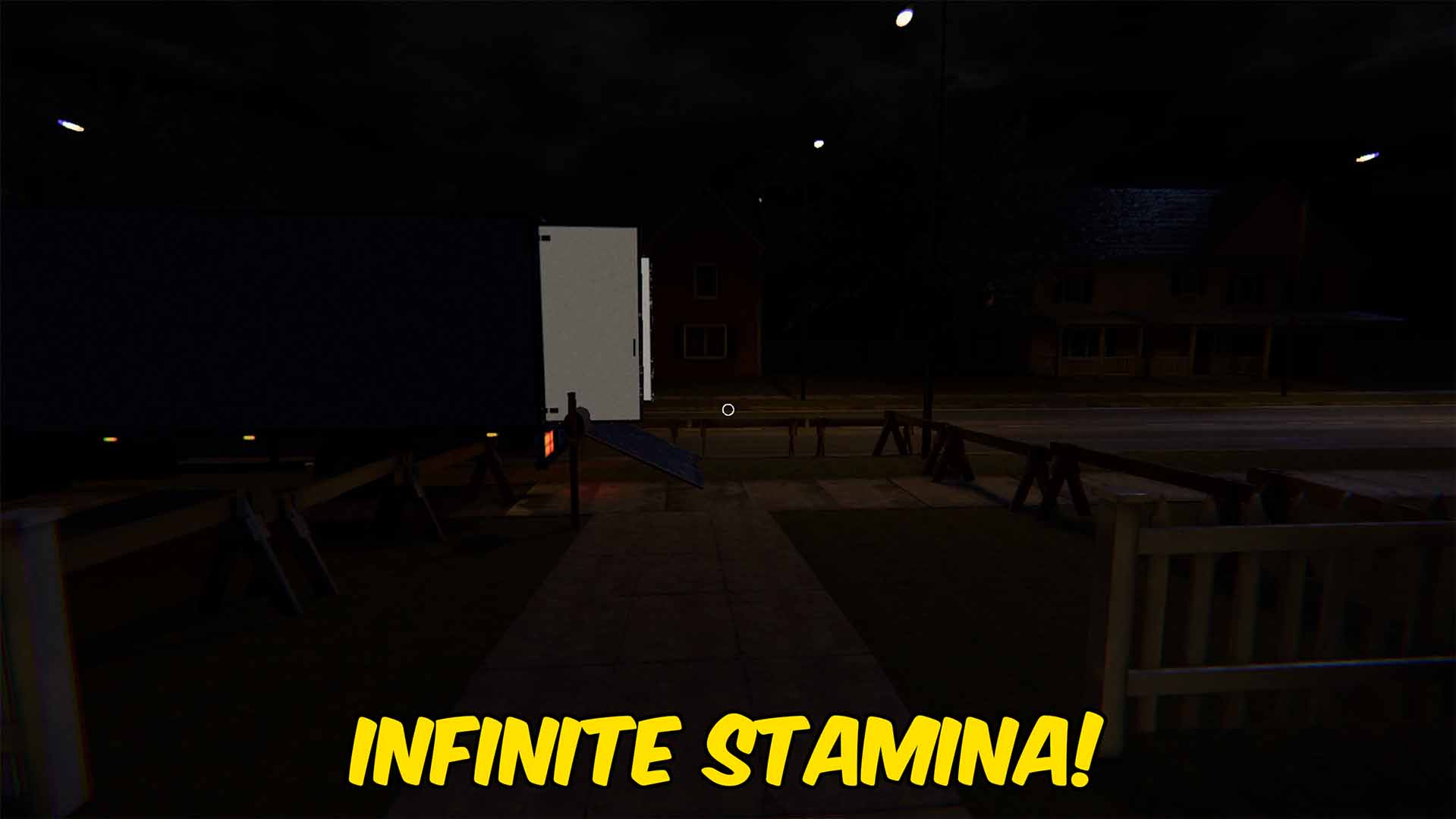
Infinite Stamina
Sprint endlessly through every Phasmophobia investigation without ever running out of stamina.
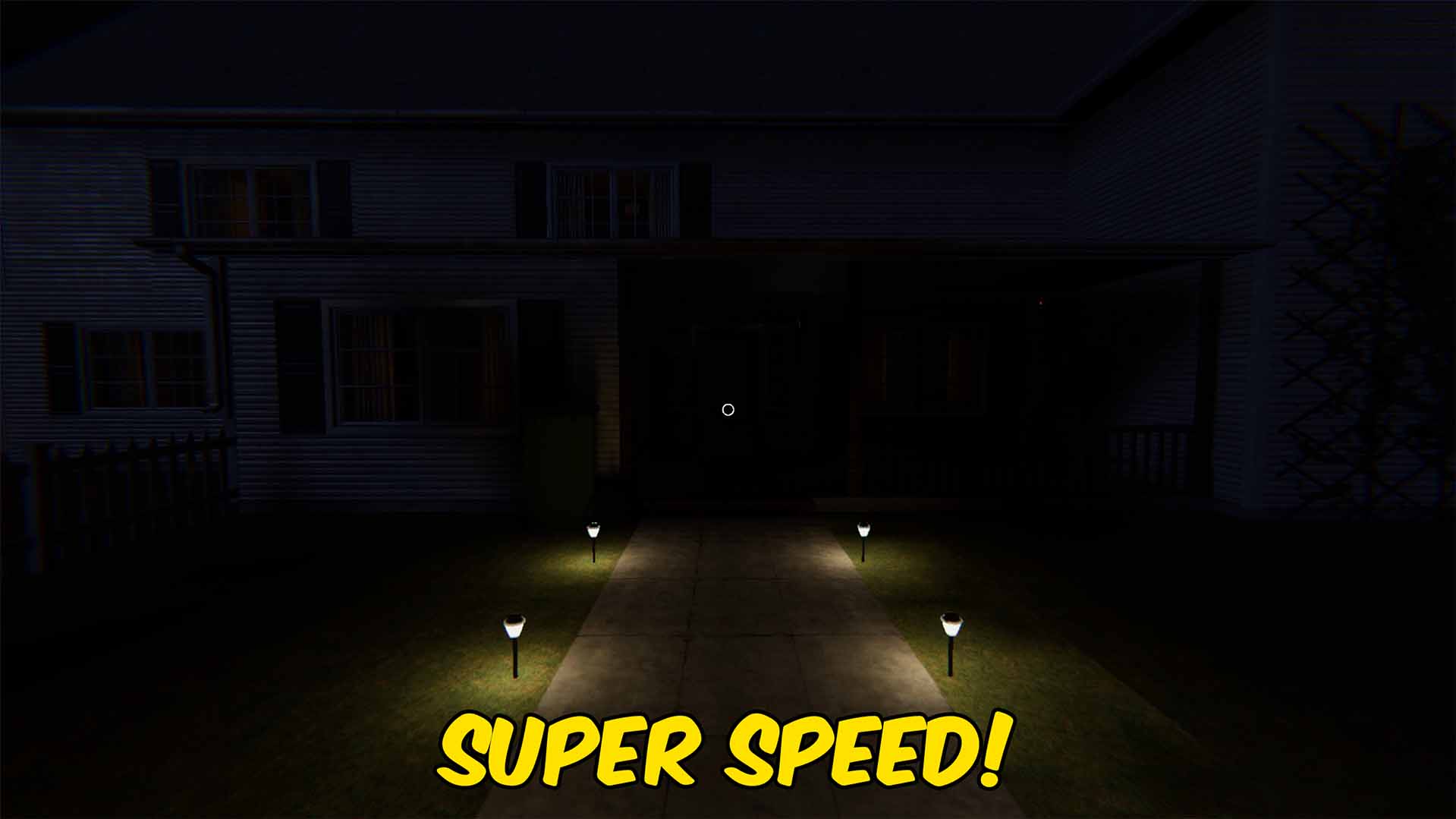
Super Speed
Adjust your movement speed from 1x to 10x in Phasmophobia for faster exploration, quicker escapes, and chaotic high speed hunts.
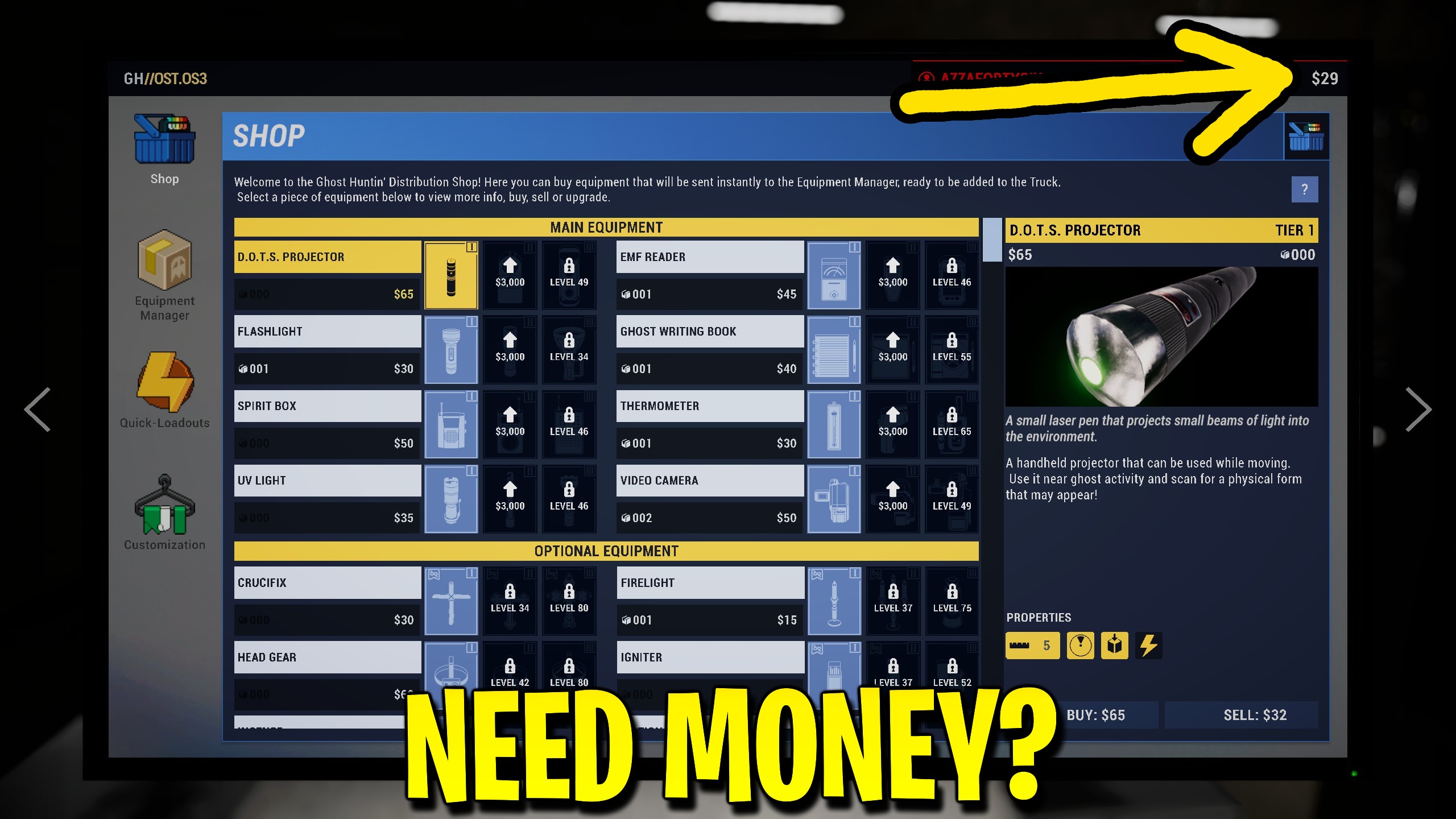
Give Money
Add money to your Phasmophobia shop balance instantly, or reset it to zero when you want a clean slate.







