Want more mods for Project: Doors Demo? Explore our entire collection!
Revive Players
"Down isn't out. Bring them back."
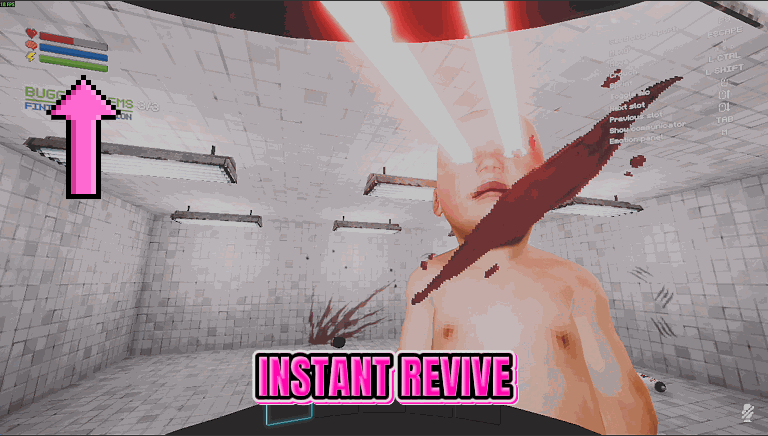
How do I install Revive Players?
Download the free ProjectMods desktop app, then install Revive Players for Project: Doors Demo in one click.
</>What does Revive Players do?
When someone dies in Project: Doors Demo, getting them back means placing their body on the bed in the medical tent, or paying for the cloning device. Revive Players hands you two buttons and a switch. Revive Me brings you back if you're dead. Revive Everyone brings back every dead player in the game. Either way the revived player appears at the level's starting point, not where they died, with 10% health, the same amount the cloning device gives. If the level has no starting point, they appear beside you. Their body is removed from the level, as it is when the game revives from a body. Free Cloning is the switch. While it's on, the cloning device's price is 0, so a clone goes through whoever presses the button and takes nothing from the team's money. It starts off, and switching it off brings the normal price back. Players already revived stay alive. All three work only when you host or play solo. The buttons wait until the level has started and everyone has spawned. Press Revive Me while you're alive and it answers "You're not down."
</>What is Revive Players?
Revive Players gives Project: Doors Demo two buttons and a switch. Revive Me and Revive Everyone return dead players to the level's starting point on 10% health, and Free Cloning sets the cloning device's price to 0. It only works for the host or in solo play. It never revives at full health or at the spot of death, and never stops anyone dying. Switching Free Cloning off brings back the normal price.
</>Common questions about Revive Players
What does Revive Players do in Project: Doors Demo?
It brings dead players back to life on demand. One button revives you, another revives everyone who's dead, and a switch removes the cloning device's price. It acts once a level is running, for the host or a solo player, and nothing it does is written to your save.
Why does the cloning device still show a price on my friend's screen?
Free Cloning changes the price in the host's game, and a teammate's own screen keeps showing the normal one. Their clone still goes through and costs 0. If the team's money is below the shown price, their screen may skip the device's animation, but the clone happens all the same.
What happens to the dead player's body?
It's removed from the level when the player is revived. If a teammate is carrying it, it's taken out of their inventory first. In the rare case the game can't do that, the body stays with the carrier and the reply tells you. Should the game refuse a revive altogether, nothing is changed and the reply says so.
Why did the button say the level is still starting up?
A press before everyone has spawned, or while the level is closing down, does nothing but give that reply. Try again once the level is running. The other reply you may see is "Nobody is down.", which means Revive Everyone found no dead player. Only players the game itself counts as dead are brought back.
Does Free Cloning cover the money taken when the whole team goes down?
No. Free Cloning only zeroes the cloning device's price. The money the game takes when the whole team is down is a separate charge and stays as it is. While you host with the switch on, a teammate's press on the cloning device costs nothing as well as your own.
What options does Revive Players include?
Free Cloning
The cloning device brings a teammate back for no money, in a solo game or a game you host. Off by default; switching it off brings back the normal price.
Revive Everyone
Brings every dead player back to life at the level's starting point with 10% health. Works in a solo game or a game you host.
Revive Me
Brings you back to life at the level's starting point with 10% health, the same as the cloning device gives. Works in a solo game or a game you host.
Revive Players is a ProjectMods mod for Project: Doors Demo that brings you or every dead player back to life at the level's starting point with one button, and can make the cloning device cost no money, when you host or play solo.
System Requirements
What features does Revive Players include?
- Revive Me brings your own character back to life when you're dead.
- Revive Everyone brings back every dead player in the game in one press.
- Revived players come back with the same health the cloning device gives.
- Free Cloning makes the cloning device cost 0 money, whoever presses its button.
Best For
- You're hosting and went down far from the squad, so press Revive Me and rejoin from the level's starting point without anyone hauling your body back.
- Half the team went down in one room. Press Revive Everyone once and they're all back at the starting point.
- The team's money is short and a teammate needs cloning, so switch on Free Cloning and use the cloning device as normal.
- A revived teammate comes back on low health and the next hit could finish them. Pair Revive Everyone with Protect Everyone In Lobby from God Mode.
More Mods for Project: Doors Demo
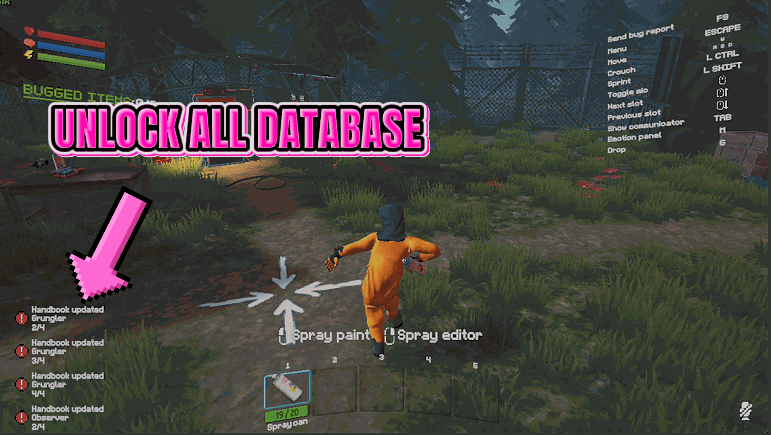
Unlock All Database Entries
One button opens every entry of every subject in your database and saves them to your profile. It's permanent, with no undo, and only your own database changes.
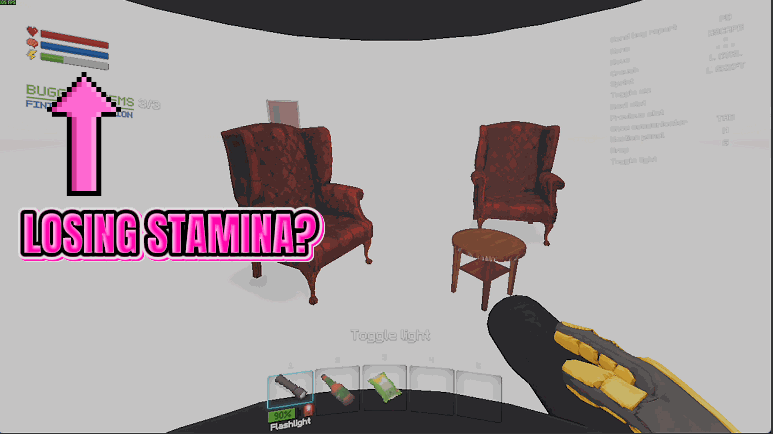
Infinite Stamina
Your stamina stays full, so you can run and jump for as long as you like and the tired state never starts. It changes your own character only.
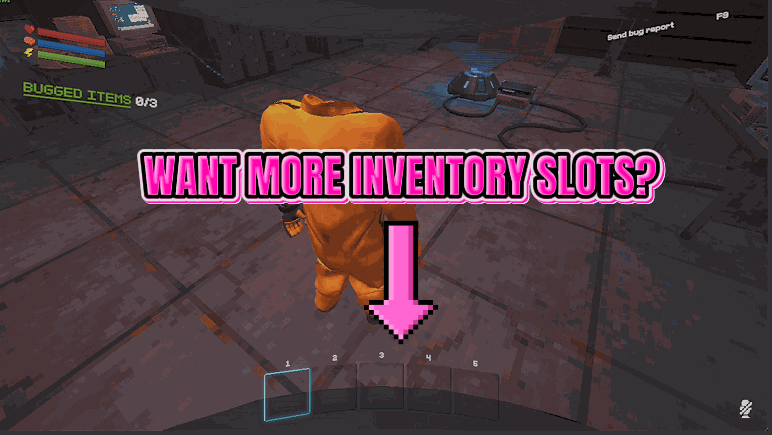
More Inventory Slots
For solo play only: adds inventory slots while you're the only player in the game, up to 9 slots in total. With anyone else in the game it does nothing.







