Want more mods for Project: Doors Demo? Explore our entire collection!
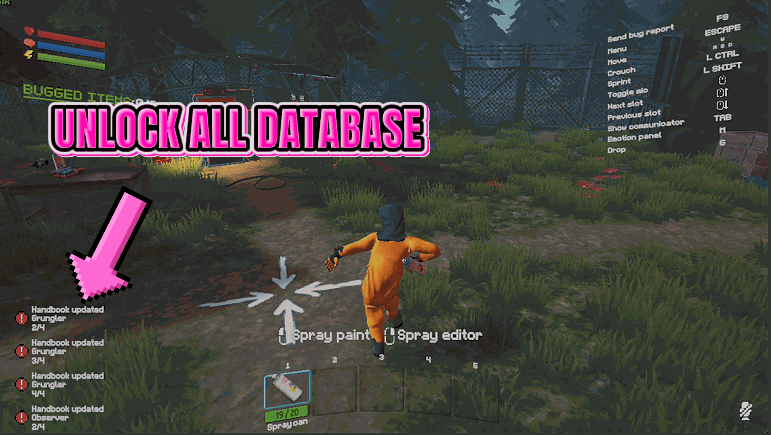
Unlock All Database Entries
"One press. Every database entry open."
How do I install Unlock All Database Entries?
Download the free ProjectMods desktop app, then install Unlock All Database Entries for Project: Doors Demo in one click.
</>What does Unlock All Database Entries do?
If you'd rather read the whole database in Project: Doors Demo than open it entry by entry, Unlock All Database Entries hands you one button for it. Press Unlock All Database Entries once you're loaded into a session, in the camp or during an expedition, and every entry of every subject opens, creatures and notes alike, without a stream of notifications. The mod then checks your saved database and replies with how many entries it opened and how many of the total are open now. The game saves as the entries open, so the first press may pause the game for a moment. Let it finish. On the main menu the button answers that the database isn't loaded yet, and nothing changes. There is no switch and no undo: opened entries are written to your profile at once and stay open after the mod is off. In co-op it works for every player, each on their own database, so a host who presses it doesn't fill anyone else's. It opens entries only. Reports, research and quests are left as they were.
</>What is Unlock All Database Entries?
Unlock All Database Entries opens the whole database in Project: Doors Demo at once. Press the Unlock All Database Entries button in the camp or during an expedition and each subject's entries are opened and saved to your profile. The game may pause for a moment on the first press. The change is permanent with no undo, and it reaches only your own database, never your crewmates'. It never completes research, reports or quests.
</>Common questions about Unlock All Database Entries
What does Unlock All Database Entries do in Project: Doors Demo?
It opens every entry of every subject in your database with one button press, then saves them to your profile. Subjects cover both creatures and notes. Once it has finished, a reply tells you how many entries it opened and how many of the total are now open, so you can see the result without paging through the database yourself.
Why did the game freeze for a second when I pressed the button?
That pause is the game saving your profile, and the more entries there are to open, the longer it lasts. It happens once: a second press finds everything already open and returns straight away. Wait for the reply, which tells you how many entries were opened and how many of the total are now open.
Can I lock the entries again afterwards?
No. There is no switch on this mod and no undo: every opened entry is written to your profile at once and stays open after you turn the mod off. To keep a profile's entries for discovering yourself, don't press the button on it.
If the host presses it, do crewmates get the entries too?
No, each player's database is their own. Nothing is sent to other players, and a host who pressed it doesn't fill crewmates' databases in later sessions either. Any player can use the button for themselves, whether they are hosting or joining.
Why does it say the database isn't loaded yet?
You pressed it on the main menu. The database is only there once you're loaded into a session, so head to the camp or start an expedition and press again. Nothing was changed by the early press. A different reply, with a confirmed count below the total, means the game refused some entries: it says how many and names any subjects it couldn't read. The reply only says all entries are open when every one of them was found in your saved database, so a full count is one you can rely on.
What options does Unlock All Database Entries include?
Unlock All Database Entries
Opens every entry of every subject in your database and saves them to your profile. Press it in the camp or during an expedition; the game may pause for a moment while it saves. The entries stay open for good, and only your own database changes.
Unlock All Database Entries is a ProjectMods mod for Project: Doors Demo that opens every entry of every subject in your own database with one button and saves them for good, with a possible brief pause on the first press.
System Requirements
What features does Unlock All Database Entries include?
- One press of Unlock All Database Entries opens every entry of every subject, creatures and notes.
- Entries open without notifications, and the reply tells you how many were opened and how many of the total are open.
- Each opened entry is written to your profile at once and stays open after the mod is off.
Best For
- You want to read up on what waits behind the doors before you go, so press Unlock All Database Entries in the camp and browse the database before the expedition starts.
- You've moved to a new profile and don't fancy filling the database a second time, so press the button once after loading into the camp and wait out the short pause.
- Your squad keeps asking what a note said, so open your own database with one press mid-expedition and read it out. Their databases stay as they were.
- You pressed it in an earlier session and want to be sure nothing was missed, so press it again and read the reply for the confirmed count of open entries.
More Mods for Project: Doors Demo
Accessibility
Comfort options for your own screen: a colour filter for anyone who mixes up certain colours, stronger contrast, HUD text and subtitles up to twice the size, and switches that hide the hurt and low sanity screen effects.
Trigger World Events
Start one of the game's random events on demand, a chosen one or a random one, for everyone in your game, and optionally stop the game starting them by itself. Host or solo, during an expedition.
Unlock All Outfits & Emotes
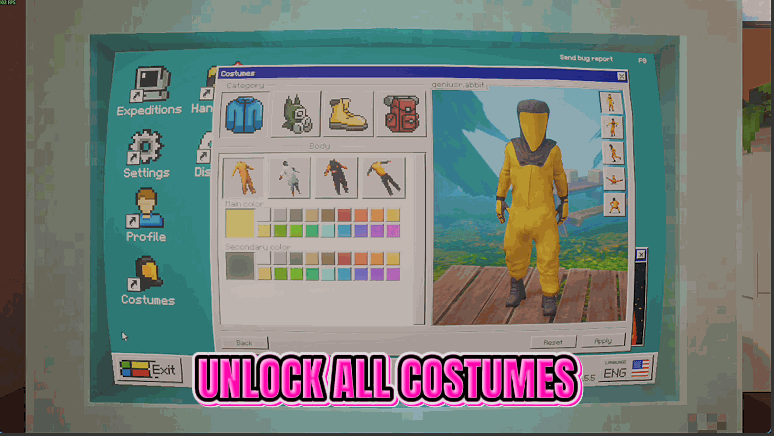
Unlocks the only two things Project: Doors Demo keeps locked: its fourth body, normally a level reward, and the one emote no demo level hands out. A button each, saved to your own profile for good.







