Want more mods for Project: Doors Demo? Explore our entire collection!
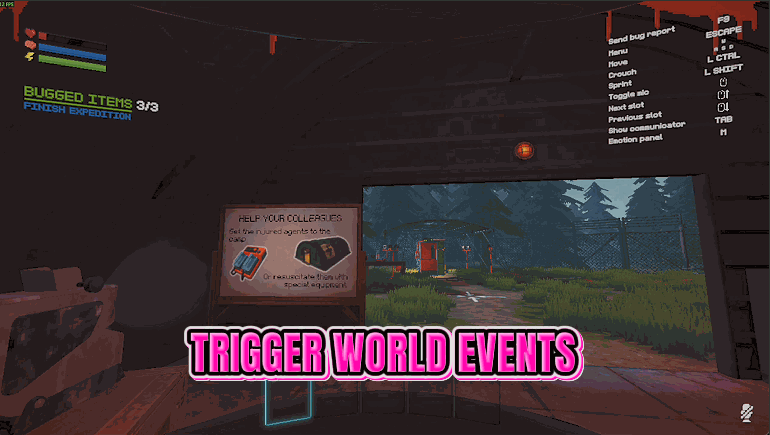
Trigger World Events
"Start the next event yourself. Or call them all off."
How do I install Trigger World Events?
Download the free ProjectMods desktop app, then install Trigger World Events for Project: Doors Demo in one click.
</>What does Trigger World Events do?
Random events in Project: Doors Demo arrive when the game decides, not when your squad is ready for one. Trigger World Events hands the timing to the host or a solo player. Pick an entry in Event (Earth Shake is selected by default) and press Trigger Selected Event to start it right away for everyone in the game. Trigger Random Event starts one of the events that fit the place you are in, each with an even chance. Both buttons work during an expedition, and a pressed event skips the game's usual wait and chance roll. No Random Events does the opposite job. It is off by default, and switching it on stops the game from starting events by itself while your buttons keep working. Switch it off and events happen on their own again. An event that has already started runs its course either way. The five entries in Event carry the mod's own labels, since the game shows no names for its events, and a place only gets the events its level includes.
</>What is Trigger World Events?
Trigger World Events puts the random events of Project: Doors Demo under the host's control. Choose an entry in Event and press Trigger Selected Event, or press Trigger Random Event for one that fits where you are. No Random Events stops the game starting any by itself. It works only when you host or play alone, and only on an expedition, starts an event only where the place has it, and never adds new events or a frequency setting.
</>Common questions about Trigger World Events
What does Trigger World Events do in Project: Doors Demo?
It lets you start the game's random events yourself and stop the game from starting them. Two buttons start an event, one you chose or one picked at random, and the No Random Events switch holds back the ones the game would start. All of it is for the host of a game or someone playing solo.
Why did the button reply that the event cannot happen here?
Because the place you are in does not have that event, or the game says it does not fit there right now. Which events a place has is set by its level, not by the mod, so an entry in Event can be unavailable in some places. Trigger Random Event avoids the problem by choosing only from events that fit.
Are all five entries in Event available in the demo?
Not necessarily. The Event list covers the five kinds of event the mod knows about, and each place only has the ones its level includes. If the chosen one is missing where you stand, the reply tells you and nothing starts.
Can I stop an event after I trigger it?
No. An event that has started runs to its end, whether you pressed for it or the game started it, and switching No Random Events on does not cut it short. One press starts one event at most. If the game cannot finish starting it, the reply says so and no other event is tried in its place.
Do the buttons work at the camp, or for players who joined my game?
No on both counts. The buttons only work during an expedition, and only for whoever hosts the game or plays alone. When the host presses, the event starts for every player. A joining player who presses gets a reply that it only works for the host, and their No Random Events switch is ignored.
What options does Trigger World Events include?
Trigger Selected Event
Starts the event picked in Event right away, for everyone in the game. It works for the host or a solo player during an expedition, when that event fits the place you are in.
Event
The event that Trigger Selected Event starts. Earth Shake is picked by default.
Trigger Random Event
Starts one of the events that fit the place you are in right away, for everyone in the game. It works for the host or a solo player during an expedition.
No Random Events
The game stops starting random events by itself while you host or play solo. Normally off. Switching it off lets random events happen again.
Trigger World Events is a ProjectMods mod for Project: Doors Demo that lets the host or a solo player start one of the game's random events on demand during an expedition, and switch off the events the game starts by itself.
System Requirements
What features does Trigger World Events include?
- Trigger Selected Event starts the event picked in Event at once, for every player in the game.
- Trigger Random Event picks evenly among the events that suit your current place and starts one.
- No Random Events stops the game from starting events by itself, and your two buttons keep working while it is on.
- Event lists five entries under the mod's own labels: Earth Shake, Eyes, Gravity, Sound and Rusting.
- A pressed event skips the game's cooldown, chance roll and per-event limit, then resets that event's cooldown.
Best For
- Your squad wants a calm expedition to learn the rooms, so switch on No Random Events before heading out and the game starts none by itself.
- You are filming and need an event to happen on cue. Choose it in Event, get the camera ready and press Trigger Selected Event.
- The run has gone quiet and the group wants a surprise, so press Trigger Random Event and let the mod choose from what the place allows.
- You want events only when everyone is ready for one. Keep No Random Events on and press Trigger Selected Event when the squad calls for it.
More Mods for Project: Doors Demo
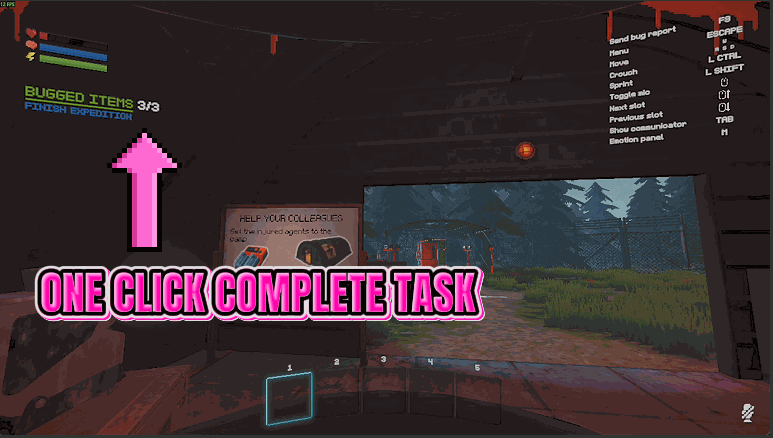
Easier Quota
Shrink the quota of expeditions you start to as little as a tenth of normal, or count the current quota as handed in with one press. Host or solo only.
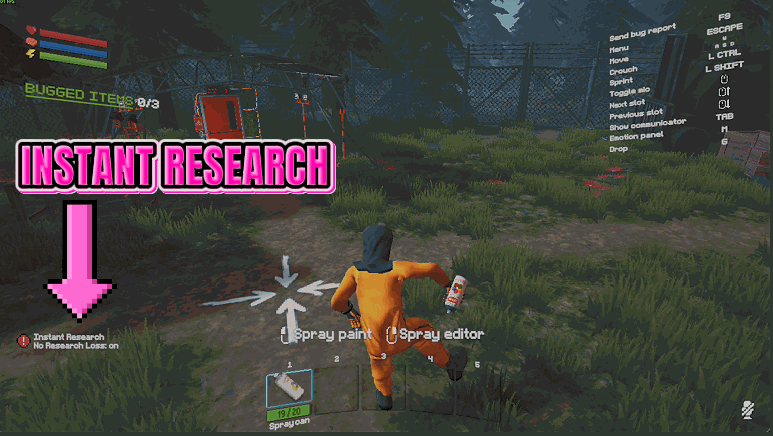
Instant Research
Research finishes a moment after you start a scan instead of filling up over time, and unfinished research can keep its progress. Host or solo only.
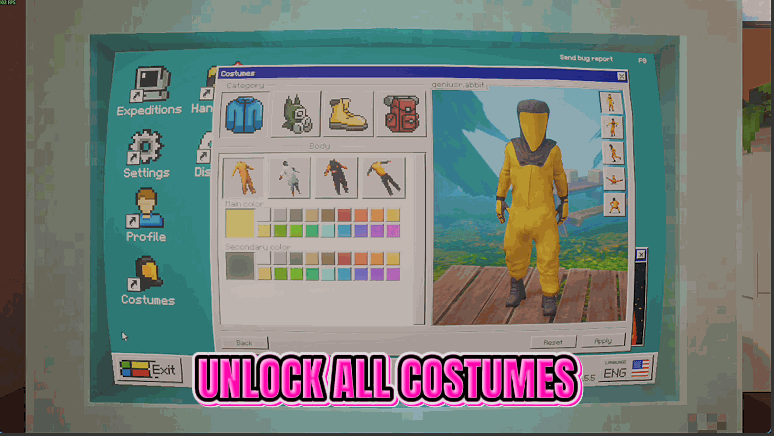
Unlock All Outfits & Emotes
Unlocks the only two things Project: Doors Demo keeps locked: its fourth body, normally a level reward, and the one emote no demo level hands out. A button each, saved to your own profile for good.







